

Young woman in festive red sequin dress taking mirror selfie indoors
Prompt
A young woman with long wavy red hair stands in a hallway taking a mirror selfie while wearing festive Christmas attire.

Subject: A fair-skinned woman with long wavy red hair and visible blue eyes peering over the top of her phone, holding a dark smartphone vertically to cover the lower half of her face.

Clothing: She wears a strapless red sequined mini dress designed to look like a wrapped gift, featuring a vertical white stripe down the center and a large green sequined bow at the waist, paired with a fluffy red Santa hat with a white trim and pom-pom.

Action: The woman holds her phone up for a mirror selfie while using her left hand to lift the hem of her dress slightly, displaying the texture of the fabric.

Environment: An indoor hallway setting with muted green walls on either side, dark wood flooring, and a glimpse of a bathroom area with patterned curtains in the background.

Camera: A vertical full-body shot taken from a mirror reflection, capturing the subject from head to mid-thigh with a standard smartphone lens perspective.

Lighting: Soft indoor ambient lighting that creates gentle highlights on the sequins without harsh shadows, maintaining an even exposure across the scene.

Style Details: High-resolution photography showcasing the sparkle of the red and green sequined textures against a neutral domestic background.
Description
This prompt is useful for creating holiday party invitations, seasonal retail lookbooks, and festive social media content featuring outfit details. The combination of 'soft indoor ambient lighting' with the highly reflective 'red sequined mini dress' ensures that the sparkle is visible without blowing out the highlights, while the specific framing from a 'mirror reflection' grounds the fantasy attire in a believable domestic setting.
Suggestions
- Change 'muted green walls' to 'deep navy blue walls' for a richer contrast.
- Swap 'dark smartphone' for 'gold-rimmed phone' to match the festive theme.
- Adjust 'standard smartphone lens perspective' to 'wide-angle lens' to capture more of the hallway.
Category
Tags
Fair SkinFemaleFull BodyIndoorsRealisticRed HairSelfie
Date added
July 12, 2026
Added by
PromptDexter Team
Related Prompts
More prompts with similar categories and tags.
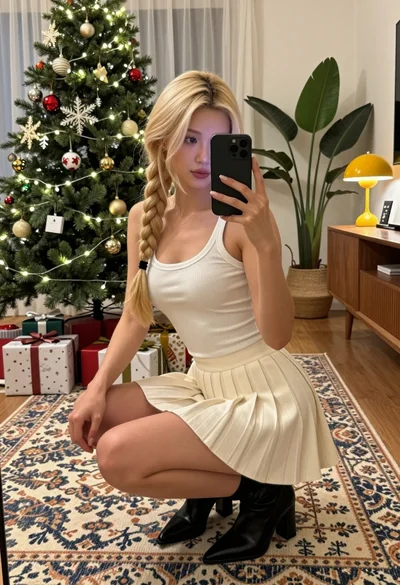
Blonde woman taking a mirror selfie in a decorated christmas living room

Fair skinned woman in spider man bodysuit taking mirror selfie indoors
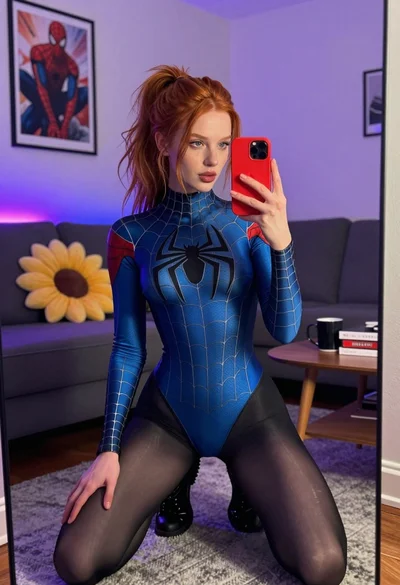
Red haired woman in spider man bodysuit taking a mirror selfie indoors

Blonde woman taking mirror selfie on beige carpet near anime display
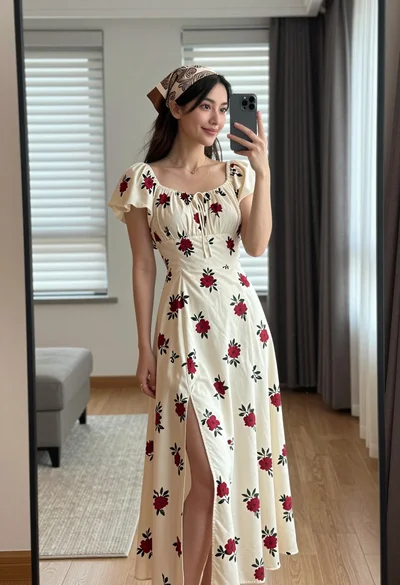
Young woman in floral dress taking mirror selfie indoors with natural light

Glamorous woman taking mirror selfie in sheer sequined top
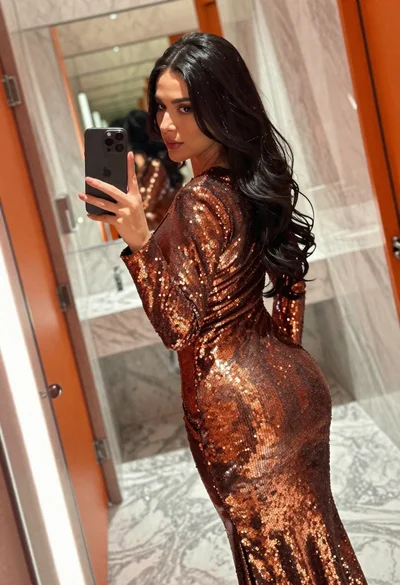
Woman in copper sequin dress taking a mirror selfie in luxurious bathroom

Blonde woman taking a mirror selfie in black dress indoors
Woman taking a mirror selfie in minimalist bright room

Woman taking mirror selfie in bathroom wearing marble patterned mini dress