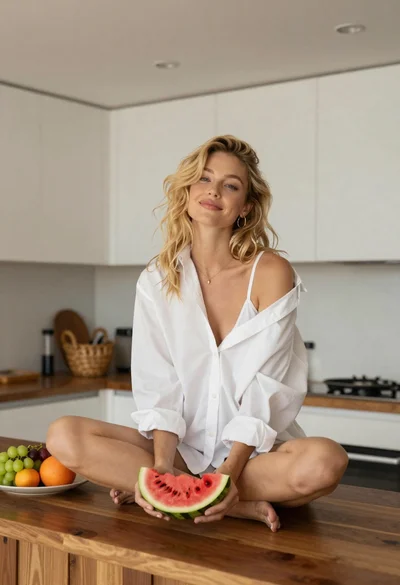
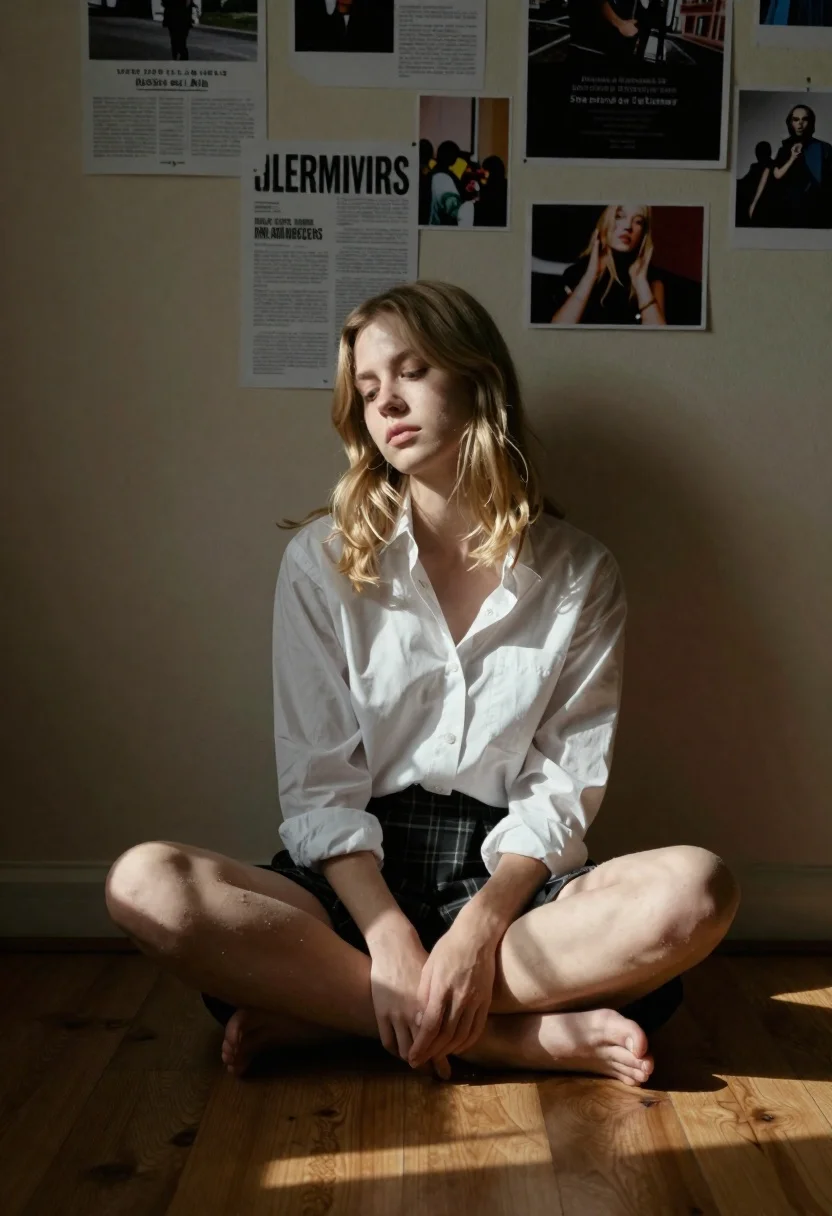
Fair skinned young woman in unbuttoned shirt sitting cross legged on wooden
Prompt
A young woman with shoulder-length blonde hair sits cross-legged on a wooden floor in a dimly lit room.

Subject: A fair-skinned young woman with soft features and a contemplative expression looking slightly downward.

Clothing: She wears an unbuttoned white button-down shirt over a dark top, paired with a plaid skirt.

Action: Sitting cross-legged with her knees bent and feet tucked to the side, leaning back against the wall.

Environment: A plain beige interior wall covered in scattered posters, flyers, and photographs taped at various heights.

Lighting: Strong directional sunlight streaming from the right side, casting sharp diagonal shadows across the floor and illuminating the woman's face and hair while leaving the left side in deep shadow.

Camera: Medium shot capturing the subject from the knees up, with a shallow depth of field that keeps the background slightly soft.

Style Details: Cinematic photography style with high contrast between light and dark areas, warm color temperature, and a moody, atmospheric aesthetic.
Description
This prompt is useful for creating cinematic character portraits, indie film stills, and mood pieces evoking nostalgia or introspection. The combination of 'strong directional sunlight streaming from the right side' casting 'sharp diagonal shadows' against the 'plain beige interior wall' establishes a high-contrast, moody atmosphere that grounds the subject in a specific, dramatic moment rather than a brightly lit catalog setting.
Suggestions
- Change 'unbuttoned white button-down shirt' to 'oversized silk blouse' for more drape.
- Swap 'plaid skirt' for 'dark denim jeans' for a more grounded feel.
- Adjust 'deep shadow' to 'soft ambient occlusion' to reduce harshness.
Category
Tags
BlondeCasual WearFair SkinFemaleIndoorsMedium ShotRealistic
Date added
June 26, 2026
Added by
PromptDexter Team
Related Prompts
More prompts with similar categories and tags.
Blonde woman at a bar counter in dimly lit pub

Blonde woman in red hat seated in studio overlooking city skyline
Blonde woman taking a mirror selfie in a hallway entryway
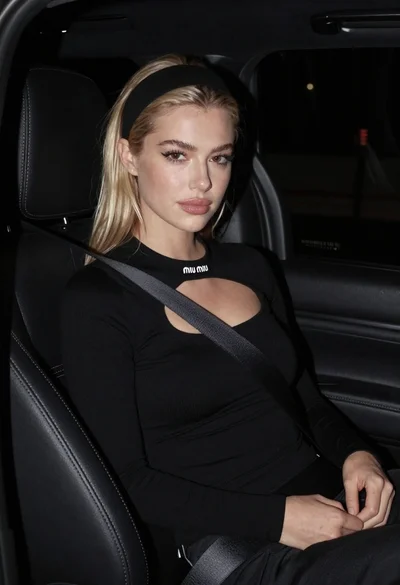
Close up portrait of blonde woman in black top inside luxury car
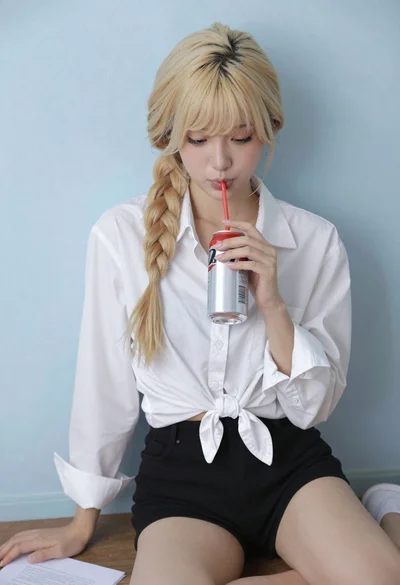
Blonde woman with side braid drinking from soda can indoors
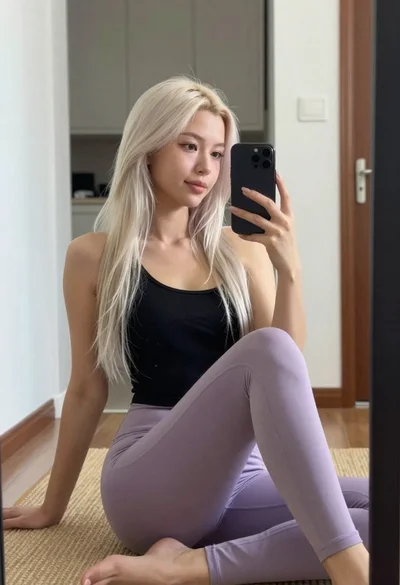
Young woman taking mirror selfie in black tank top and lavender leggings

Young blonde woman gathering hair indoors by large reflective city window
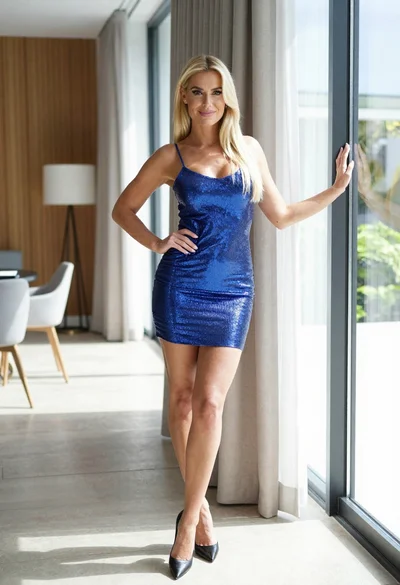
Blonde woman in blue mini dress standing indoors near glass windows