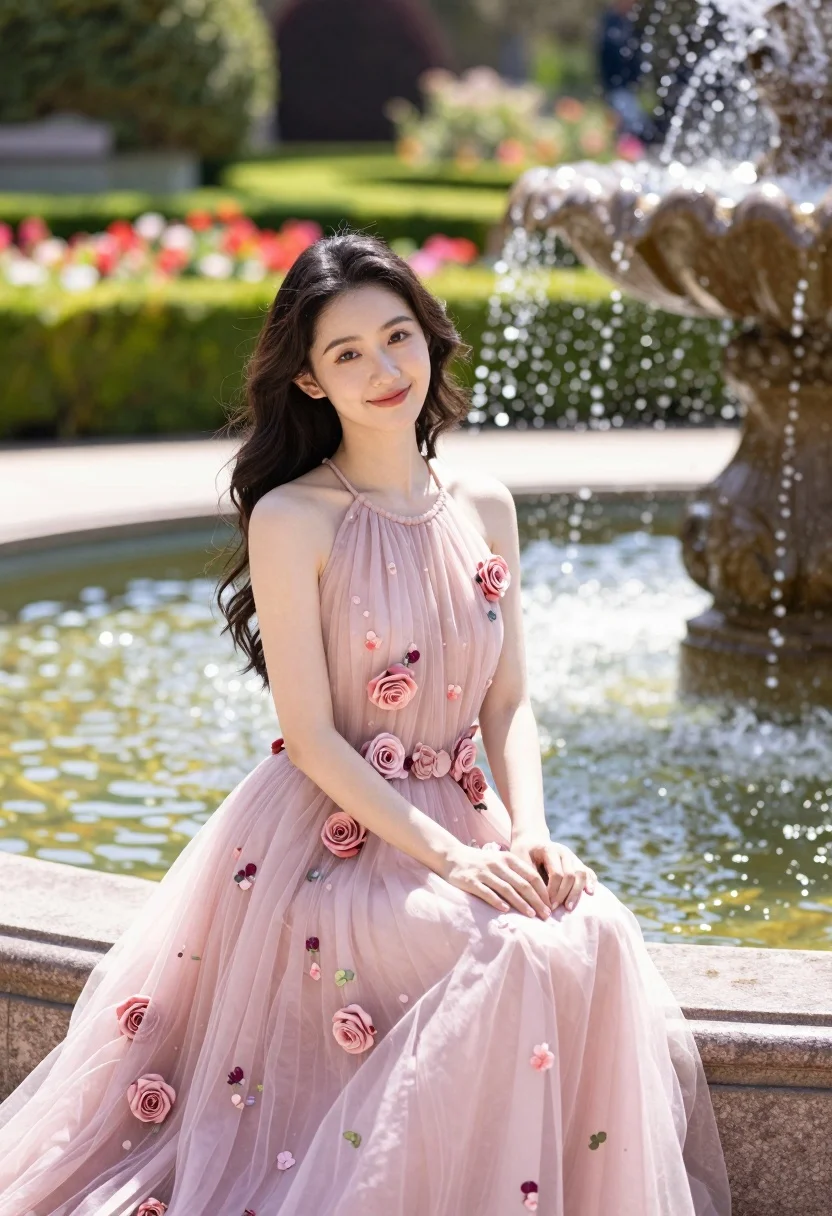
Fairskinned woman in pink floral gown seated by stone fountain in garden
Prompt
A young woman with dark wavy hair sits gracefully on the stone rim of a fountain in a lush garden.

Subject: A fair-skinned young woman with long, dark brown wavy hair and a gentle smile looking toward the camera.

Clothing: She wears an elegant, floor-length pink halter-neck gown made of sheer tulle fabric featuring a floral print and adorned with three-dimensional rose appliqués along the bodice and skirt.

Action: She is seated with her hands resting gently on her lap, her posture relaxed and poised.

Environment: The setting is a vibrant formal garden filled with manicured green hedges and colorful flowerbeds in the background, featuring a large stone fountain with water spraying upwards to the right.

Camera: Medium shot capturing the subject from the knees up, framed slightly from the side with soft depth of field blurring the garden background.

Lighting: Natural sunlight illuminates the scene from the left, casting soft highlights on her face and dress while creating a warm, romantic atmosphere.

Style Details: Photorealistic portrait photography with high detail, vibrant colors, and a dreamy aesthetic.
Description
This prompt is useful for creating editorial fashion spreads, bridal lookbooks, and romantic lifestyle portraits. The combination of 'sheer tulle fabric' and the 'natural sunlight illuminates the scene from the left' ensures that the delicate floral print remains visible while the soft highlights prevent harsh shadows, perfectly complementing the desired dreamy aesthetic.
Suggestions
- Change 'pink halter-neck gown' to 'ivory lace gown' for a bridal feel.
- Swap 'manicured green hedges' for 'wild overgrown foliage' for a more bohemian look.
- Adjust 'Medium shot capturing the subject from the knees up' to 'full body shot' to show the dress train.
Category
Tags
Fair SkinFemaleFormal WearFull BodyMedium ShotOutdoorsRealistic
Date added
August 5, 2026
Added by
PromptDexter Team
Related Prompts
More prompts with similar categories and tags.
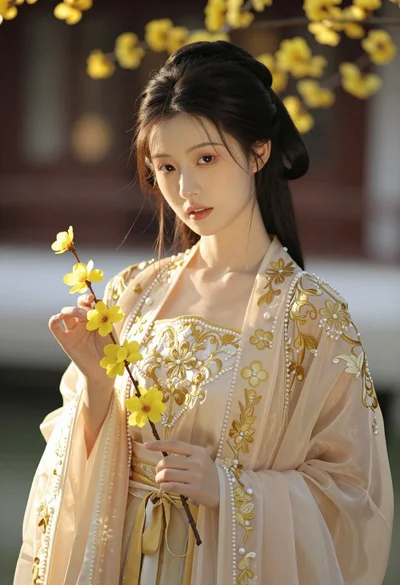
Portrait of young woman in embroidered chinese hanfu gown holding yellow flowers

Woman in rust gown posing on white step and repeat backdrop
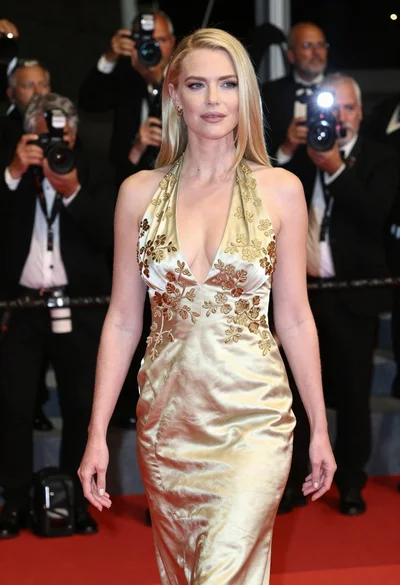
Blonde woman in gold satin gown walking at a red carpet event
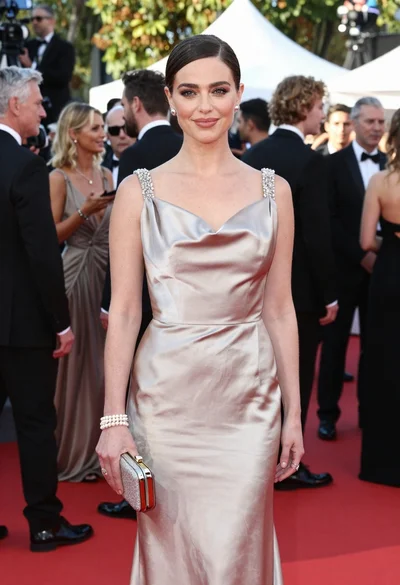
Glamorous woman in champagne gown posing at a bright outdoor event

Full length shot of woman in dusty pink lace gown at indoor
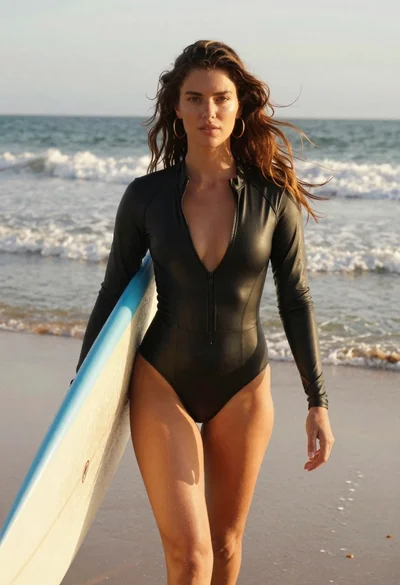
Woman walking on beach with surfboard at golden hour
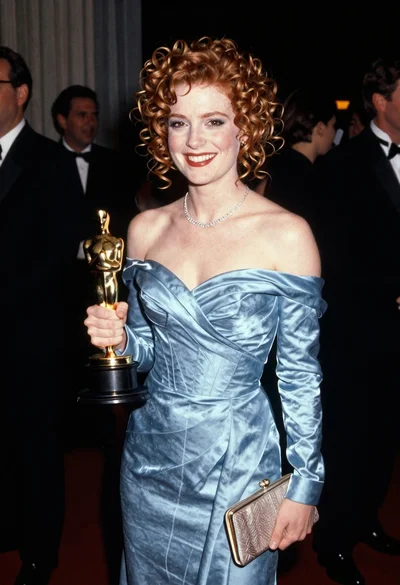
Smiling woman with red curly hair holding award statue at gala

Blonde woman in seafoam gown looking over shoulder at camera
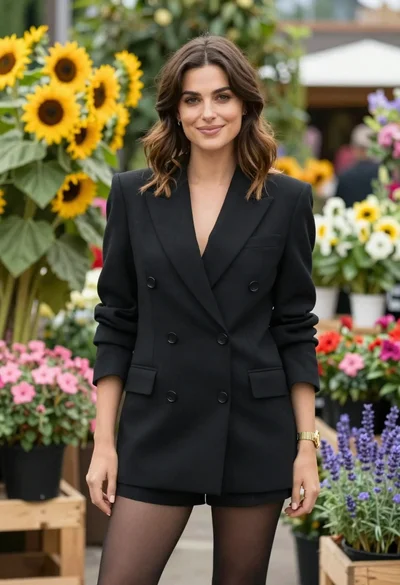
Poised woman in black blazer standing in a lush flower garden
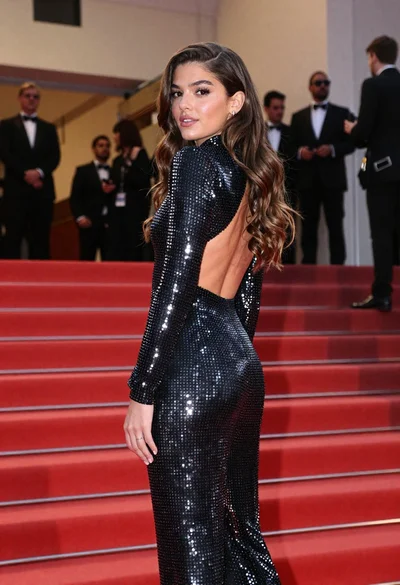
Young woman in silver polka dot jumpsuit on grand red carpet stairs