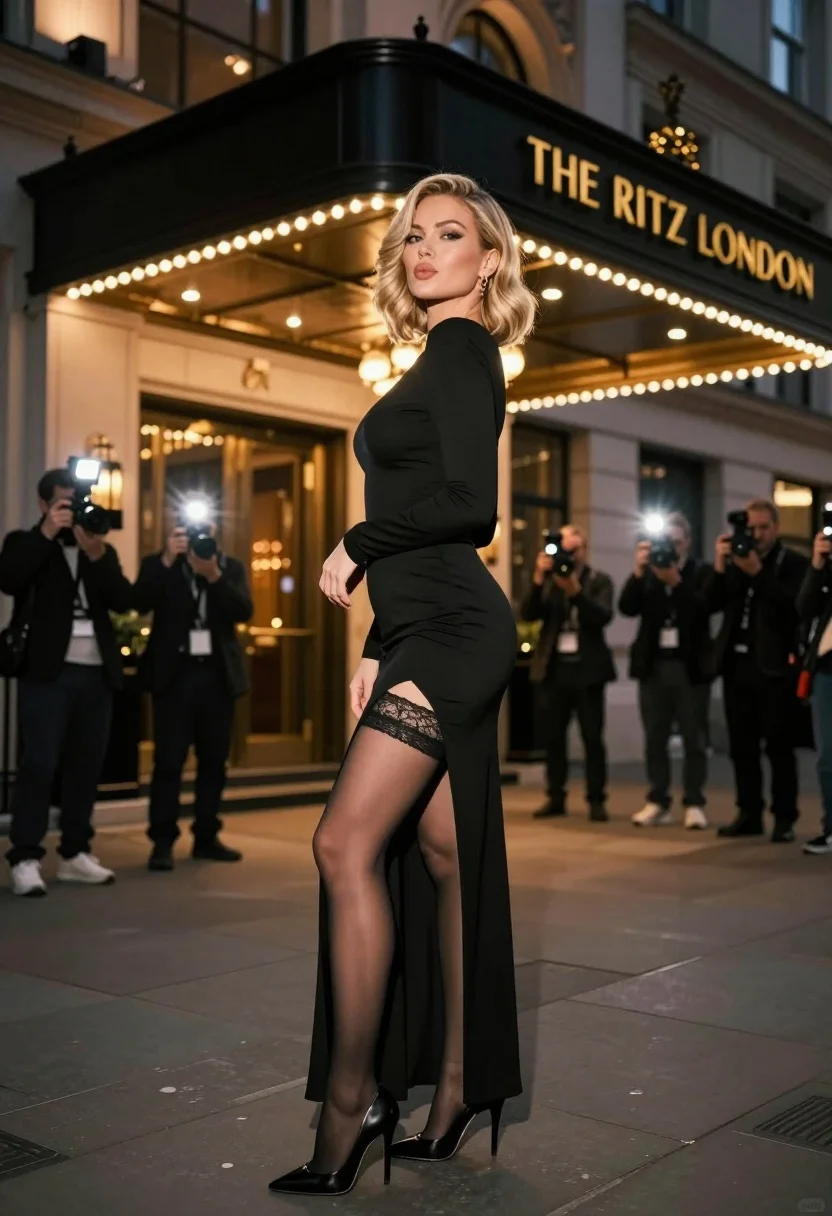
Blonde woman in black gown posing on city street near ritz london
Prompt
A glamorous woman posing confidently on a city street at night in front of an illuminated building entrance.

Subject: A blonde woman with styled hair, fair skin, and a confident expression looking over her shoulder while puckering her lips slightly.

Clothing: She wears a long-sleeved black evening gown with a high thigh slit revealing lace-trimmed stockings and black stiletto heels.

Action: The woman stands in a three-quarter pose with one hand near her waist, exuding elegance and poise.

Environment: An urban street scene at night featuring a grand building entrance with warm golden lighting and a prominent sign reading "THE RITZ LONDON".

Camera: Shot from a low angle to emphasize the subject's height and presence, with a shallow depth of field that blurs the background photographers.

Lighting: Dramatic nighttime lighting combining bright flash photography on the subject with warm ambient street lights creating soft shadows and highlights.

Subject: Several photographers holding cameras with active flashes are visible in the blurred background behind the main subject.

Objects: Professional camera equipment is held by the photographers, and a classic building sign hangs above the entrance.

Text/Graphics: The illuminated sign displays the text "THE RITZ LONDON" in gold lettering on a black background.

Style Details: High-fashion photography aesthetic with cinematic color grading, sharp focus on the subject against a bokeh-filled background, and a polished magazine-quality finish.
Description
This prompt is useful for creating high-fashion editorial spreads, dramatic movie poster concepts, and luxury brand campaign visuals. The combination of 'low angle' perspective with 'dramatic nighttime lighting' ensures the subject dominates the frame while the shallow depth of field keeps the background bokeh-filled enough to suggest an expensive location without distracting from the gown's details.
Suggestions
- Change 'black evening gown' to 'velvet black gown' for a richer texture.
- Swap 'warm golden lighting' for 'neon blue and gold lighting' for a different mood.
- Adjust 'puckering her lips slightly' to 'direct, intense gaze' for more power.
Category
Tags
Black HairBlondeCasual WearFair SkinFemaleFull BodyLow AnglePortrait ShotRealisticStreetUrban
Date added
July 3, 2026
Added by
PromptDexter Team
Related Prompts
More prompts with similar categories and tags.

Confident woman in black dress walks through elegant museum hallway adjusting sunglasses
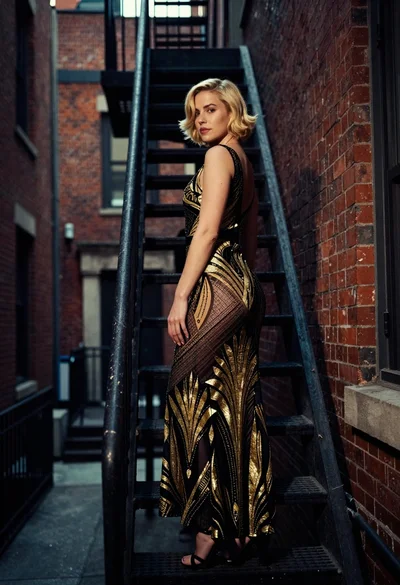
Woman in art deco gown on fire escape looking back over shoulder
Confident woman in red top standing on wet cobblestone city street
Young woman in black dress standing on stone steps before classical building
Fair skinned woman in white coat stands in snowy city street at
Young blonde woman in black slip dress leaning in luxurious bathroom doorway
Woman crawling on dusty hillside in black leather outfit low angle

Woman in brown corduroy sitting in golden dry grass at sunset
Glamorous woman in black gold outfit posing in concrete subway tunnel
Woman in red ballgown spinning in elegant museum hall