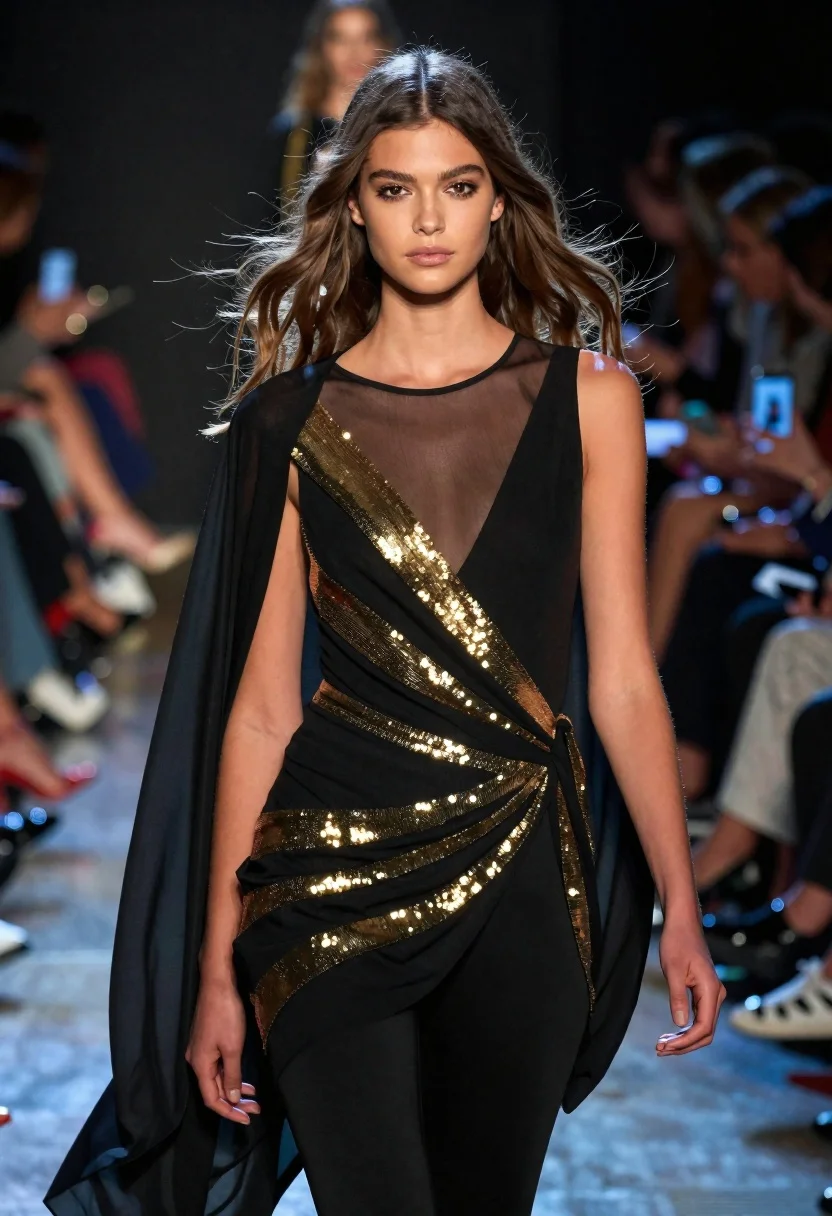
Fashion model walking on runway under dramatic spotlight
Prompt
Medium and Scene: A high-fashion runway shot of a confident female model walking toward the camera with dramatic lighting in an indoor fashion show setting.

Subject: Young woman with long, wavy brown hair that is blowing dynamically across her face; sharp features with defined eyebrows, neutral lips, and direct gaze at viewer.

Clothing: Sleeveless black dress with sheer mesh panels on chest, gold sequined diagonal stripes wrapping torso and hips, draped fabric gathered at waistline, flowing cape-like sleeves tied back behind arms, sleek leggings underneath.

Action: Model mid-stride walking forward head held high, hair swept to one side by motion wind effect, hands relaxed but expressive near body sides.

Environment: Blurry background crowd of spectators seated in tiered rows holding up phones and cameras capturing the moment; dark blurred stage lights behind her creating depth against spotlight on model.

Camera: Medium close-up framing focused tightly on upper torso upward emphasizing facial expression and outfit details with shallow bokeh isolating subject from busy backdrop.

Lighting: Dramatic spotlight hitting front of model highlighting skin texture, hair highlights and fabric shimmer while casting soft shadows defining curves; cool blue ambient glow reflecting off edges contrasting warm golden tones in dress.
Description
This prompt is useful for creating high-fashion editorial spreads, album art featuring dramatic portraiture, and virtual runway show promotional materials. The combination of 'dramatic spotlight hitting front' while using a 'cool blue ambient glow reflecting off edges contrasting warm golden tones in dress' ensures the model remains the focal point by providing intense contrast against the busy background crowd.
Suggestions
- Change 'sleeveless black dress' to 'velvet gown' for a richer texture.
- Swap 'dramatic spotlight hitting front' for 'rim lighting from above' to change the shadow play.
- Adjust 'Medium close-up framing' to 'full body shot' to better capture the cape.
Category
Tags
Brown HairFemaleFormal WearFull BodyIndoorsMedium ShotRealisticStudio
Date added
June 19, 2026
Added by
PromptDexter Team
Related Prompts
More prompts with similar categories and tags.
Glamorous woman in shimmering gold gown posing against warm textured wall
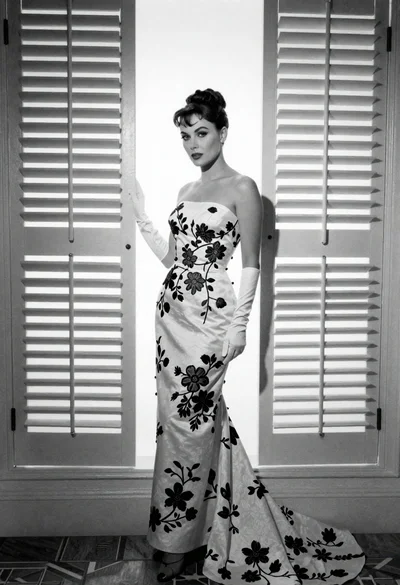
Full length portrait of woman in gown near tall window shutters

Woman in rose gold gown looking over shoulder by large floor mirror

Portrait of woman in elaborate red feathered gown against vivid blue background
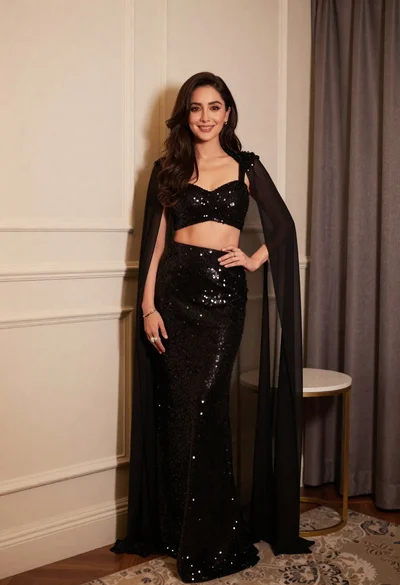
Poised woman in black sequined two piece outfit indoors
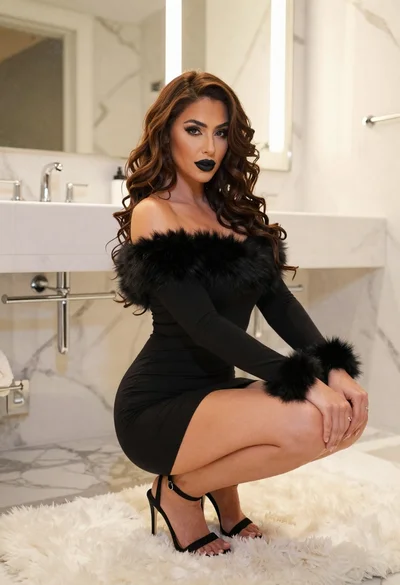
Woman in black mini dress squatting on white rug in modern bathroom
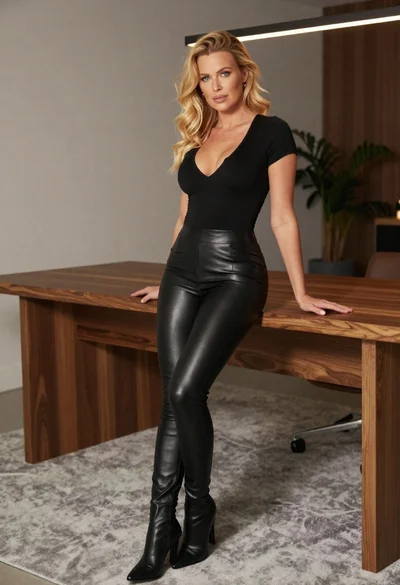
Stylish woman in black top and leather leggings indoors

Woman in rust gown posing on white step and repeat backdrop