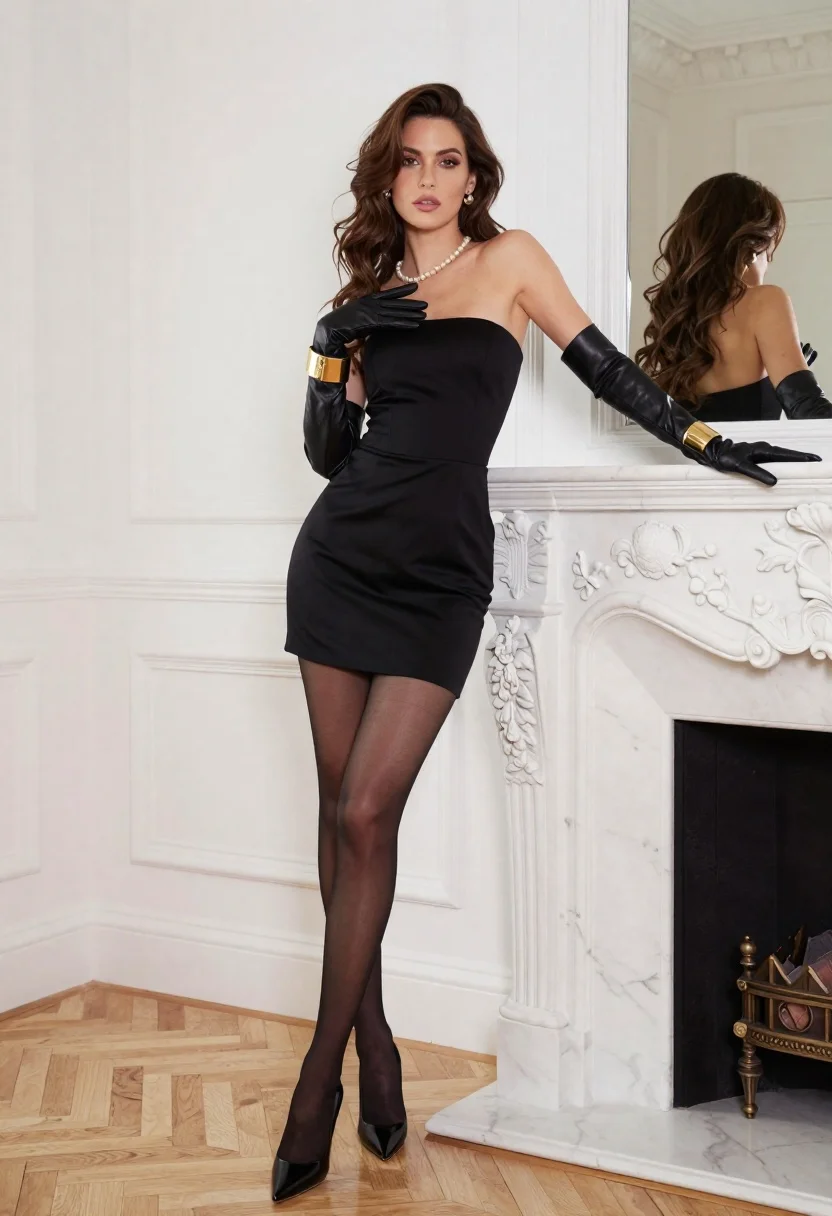
Woman in black strapless dress posing near white marble fireplace indoors
Prompt
A woman stands elegantly in a luxurious interior, leaning against an ornate white marble fireplace with one hand while the other rests near her chest.

Subject: A woman with long wavy brown hair and a poised expression wearing a structured black strapless mini dress that fits closely to her figure.

Clothing: She wears long black leather gloves reaching past her elbows, a pearl necklace, wide gold cuffs on both wrists, sheer black tights, and glossy black high-heeled pumps.

Action: She leans casually with one arm resting on the fireplace mantel while her other hand is raised near her chest in a poised gesture, looking directly at the camera.

Environment: The setting is a bright room with white paneled walls, a large mirror reflecting part of the scene, and light wood parquet flooring arranged in a herringbone pattern.

Camera: Shot from a medium-full length angle that captures the full figure against the architectural details, with soft depth of field blurring the background slightly.

Lighting: Soft natural light fills the room from the left side, creating gentle highlights on her skin and hair while casting subtle shadows that define her form.

Style Details: The image features a high-fashion editorial aesthetic with clean lines, sophisticated color palette, and polished composition reminiscent of luxury magazine photography.
Description
This prompt is useful for creating high-end fashion editorials, character concept art for period dramas, and luxury brand lookbooks featuring formal wear. The combination of 'structured black strapless mini dress' with 'long black leather gloves' against the 'white marble fireplace' establishes a dramatic contrast that prevents the subject from blending into the bright background, while the 'soft natural light' ensures highlights define her form without harsh shadows.
Suggestions
- Change 'black strapless mini dress' to 'velvet ballgown' for more drama.
- Swap 'pearl necklace' for 'diamond choker' to increase formality.
- Adjust 'medium-full length angle' to 'full body shot' to better capture the flooring.
Category
Tags
Brown HairFemaleFormal WearFull BodyIndoorsMedium ShotPortrait ShotRealistic
Date added
June 26, 2026
Added by
PromptDexter Team
Related Prompts
More prompts with similar categories and tags.
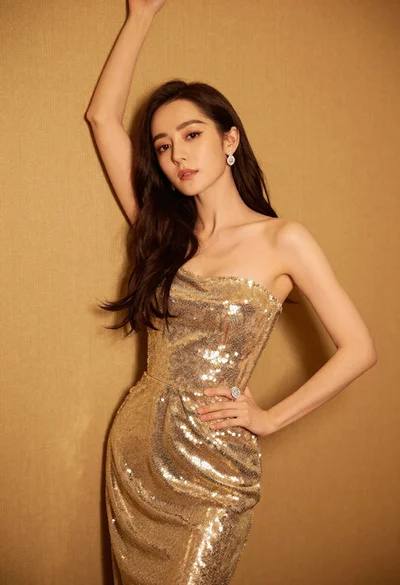
Glamorous woman in shimmering gold gown posing against warm textured wall
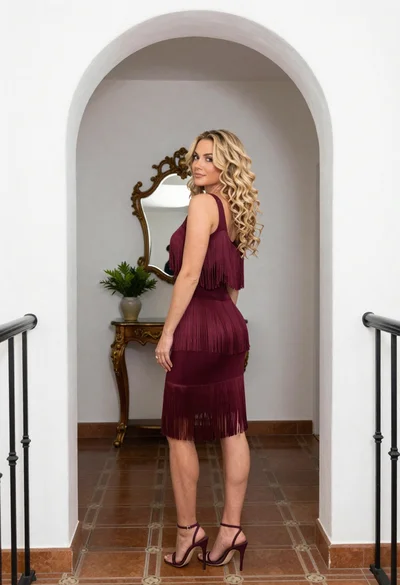
Blonde woman in maroon fringed dress standing in white arched hallway
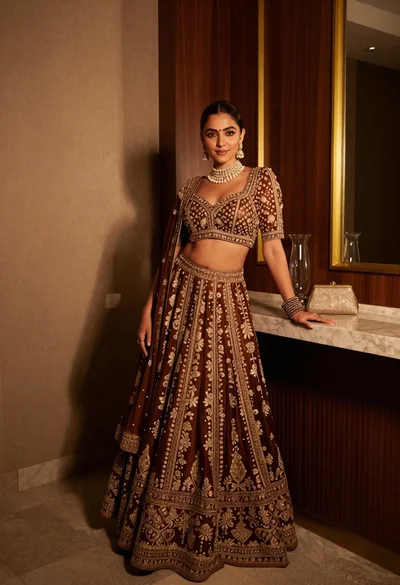
Poised woman in ornate lehenga choli against dark wood paneling interior

Woman in rose gold gown looking over shoulder by large floor mirror

Portrait of woman in elaborate red feathered gown against vivid blue background
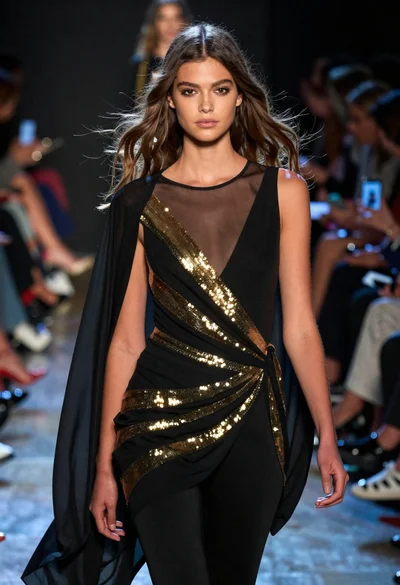
Fashion model walking on runway under dramatic spotlight
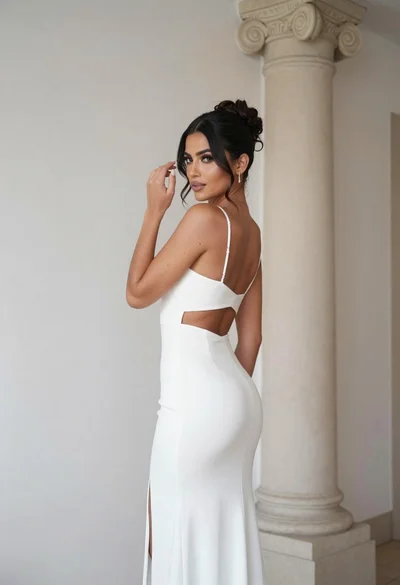
Woman in white gown posing near classical column interior setting

Woman sitting gracefully indoors wearing yellow skirt and top
