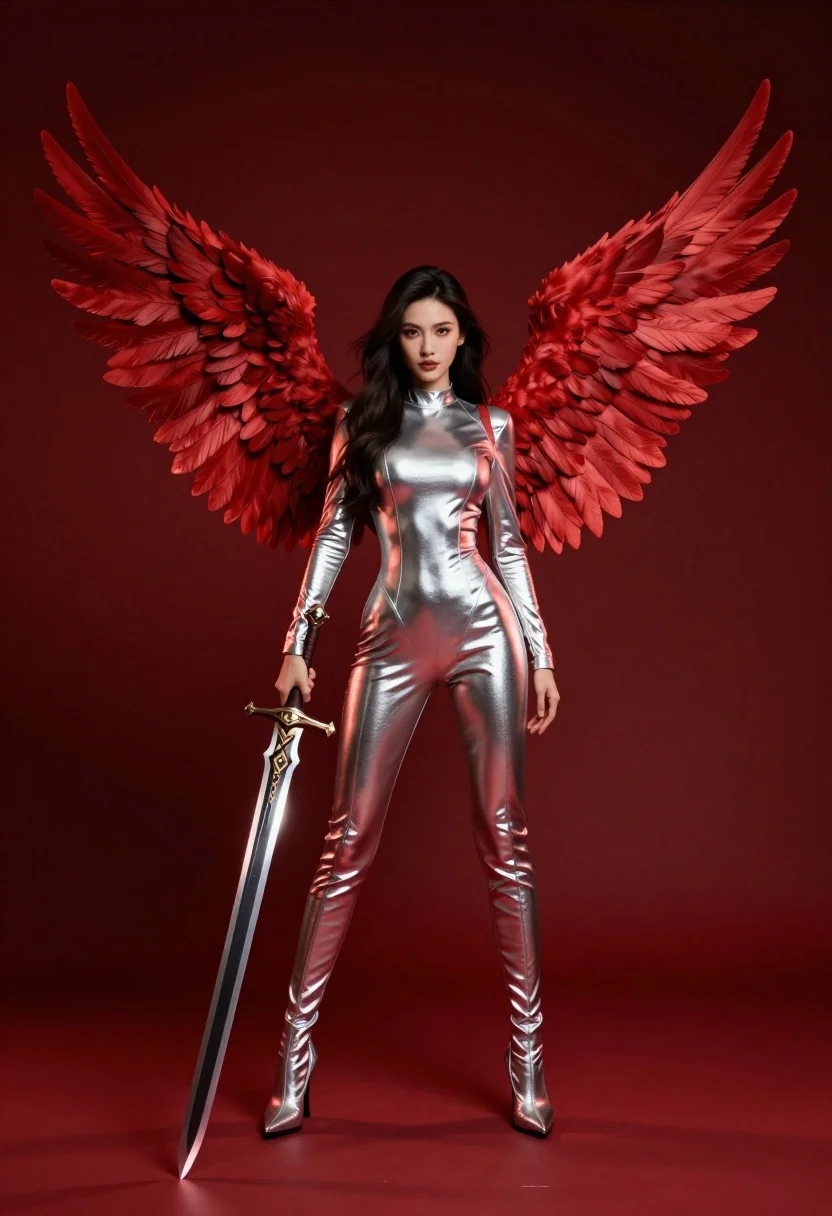
Female figure with red wings holding glowing sword against deep red background
Prompt
A striking female figure with large red wings stands holding a glowing sword against a deep red background.

Subject: A woman with long dark hair and a confident expression, featuring prominent red feathered wings attached to her back.

Clothing: She wears a tight, metallic silver bodysuit that reflects the ambient light, paired with matching high-heeled boots.

Action: The figure stands in a poised stance, holding a large sword vertically in her right hand with the blade pointing downwards.

Environment: A solid, deep red background that fills the entire frame, creating a monochromatic atmosphere.

Camera: Full-body shot with a straight-on angle and a medium telephoto lens feel to compress the wings slightly.

Lighting: Dramatic low-key lighting with strong rim lights highlighting the metallic texture of the suit and the edges of the wings.

Objects: A large sword with an ornate hilt held in the right hand, glowing faintly from within.

Style Details: Cinematic digital art style with high contrast, rich saturation, and a polished, hyper-realistic rendering quality.
Description
This prompt is useful for creating dramatic character concept art, sci-fi book covers, and album artwork needing intense visual focus. The combination of 'metallic silver bodysuit' and 'dramatic low-key lighting' ensures that the subject pops against the 'deep red background,' while the specified 'strong rim lights' prevent the wings from merging into the saturated backdrop.
Suggestions
- Change 'deep red background' to 'charcoal black void' for higher contrast.
- Swap 'metallic silver bodysuit' for 'black leather armor' to change the material feel.
- Adjust 'medium telephoto lens feel' to 'wide-angle shot' to make the figure seem more imposing.
Category
Tags
Digital ArtFemaleFull BodyLow AngleRealisticRed Hair
Date added
July 12, 2026
Added by
PromptDexter Team
Related Prompts
More prompts with similar categories and tags.
Muscular shirtless man surrounded by red energy tendrils against blue sky
Fierce female warrior in red robe holding golden fan against dark void
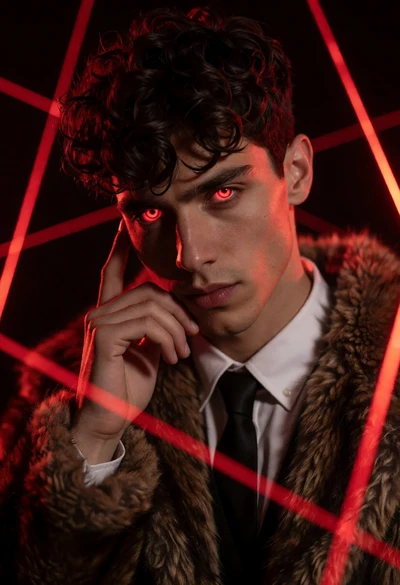
Young man with glowing red eyes in dark studio setting with lasers
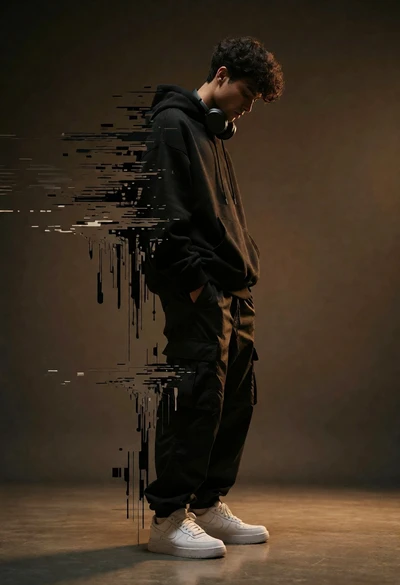
Young man dissolving into glitch artifacts against a brown studio backdrop
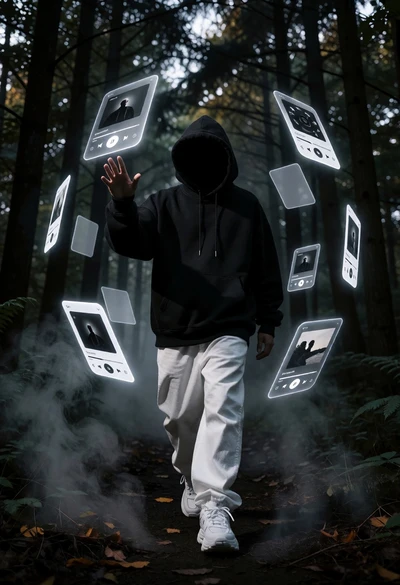
Hooded figure in misty forest interacting with floating holographic music cards
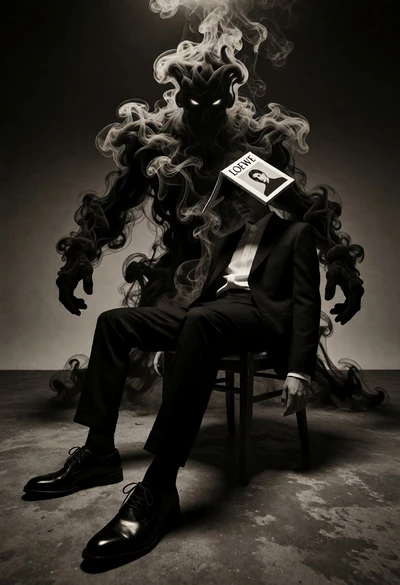
Surreal figure in suit seated on chair with smoke entity behind

Muscular man in combat stance on cliff edge with pixelated sword

Man in black bomber jacket standing confidently looking upward at rocket launch
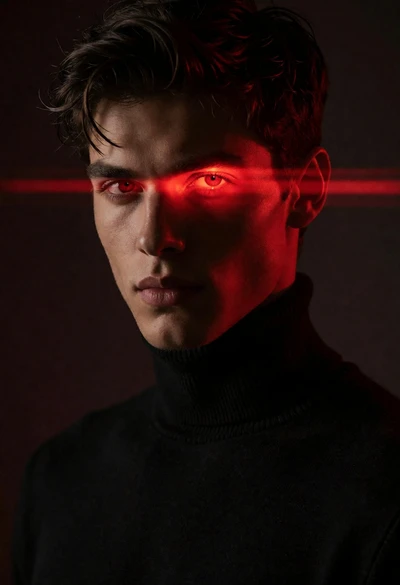
Close up portrait of young man with glowing red eyes and laser
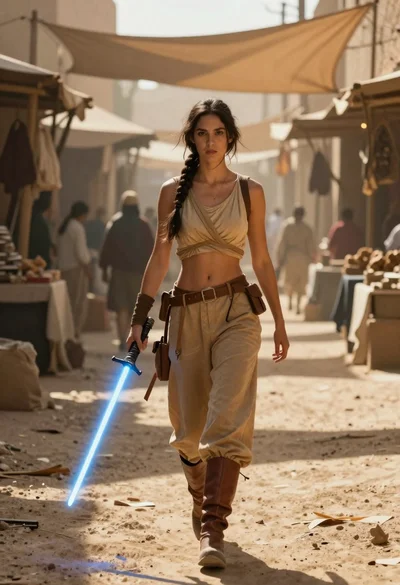
Woman with lightsaber in dusty marketplace alleyway