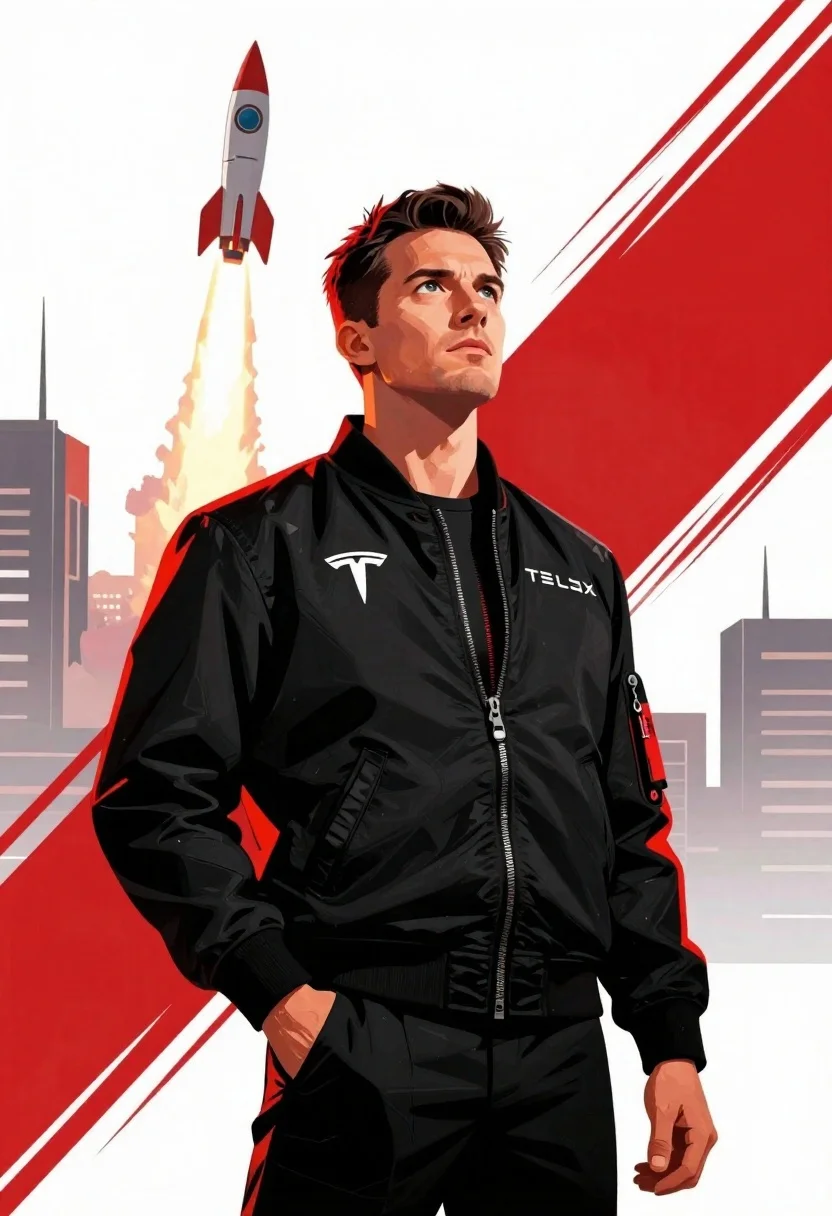
Man in black bomber jacket standing confidently looking upward at rocket launch
Prompt
A dynamic digital illustration of a man in a black bomber jacket standing confidently with one hand in his pocket, looking upward toward a stylized rocket launching into the sky.

Subject: A man with short dark hair and a serious expression, gazing upward with determination.

Clothing: A black zip-up bomber jacket featuring red accents on the collar and cuffs, a Tesla logo on the chest, SpaceX text across the torso, and a red tag reading DON'T PANIC on the sleeve.

Action: Standing upright with one hand in his pocket, head tilted slightly up, exuding confidence and focus.

Environment: A futuristic urban skyline in muted tones forms the background, with bold red brushstroke effects sweeping across the right side of the image to emphasize motion and energy.

Camera: Medium shot capturing the subject from waist up, angled slightly upward to align with the rocket’s trajectory, framed with graphic design elements on both sides.

Lighting: Dramatic directional lighting highlights the subject’s face and jacket folds, casting soft shadows that enhance depth and texture against a high-contrast white backdrop.

Style Details: Bold comic-book-inspired digital art style with sharp lines, vibrant red accents, dynamic brush strokes, clean typography, and a modern tech-aesthetic color palette dominated by black, white, and red.
Description
This prompt is useful for creating sci-fi movie posters, concept art for technological narratives, and promotional material for futuristic events. The combination of 'dramatic directional lighting' with the 'bold comic-book-inspired digital art style' ensures that the subject pops against the high-contrast backdrop, while the specific inclusion of 'red accents' guides the viewer's eye toward the action elements like the rocket and the jacket details.
Suggestions
- Change 'muted tones' in the environment to 'deep indigo and cyan' for a more alien feel.
- Swap 'Tesla logo' for 'NASA insignia' to ground it in established sci-fi lore.
- Adjust 'Medium shot capturing the subject from waist up' to 'full body shot' to better frame the rocket launch.
Category
Tags
Digital ArtFull BodyMaleMedium ShotUrban
Date added
June 23, 2026
Added by
PromptDexter Team
Related Prompts
More prompts with similar categories and tags.
Young man in grey sweater sitting on a grassy hillside looking up
Female figure in tactical gear with assault rifle
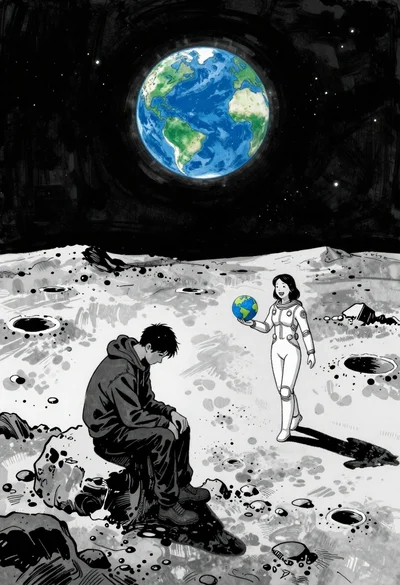
Man and woman on moonscape under starry sky
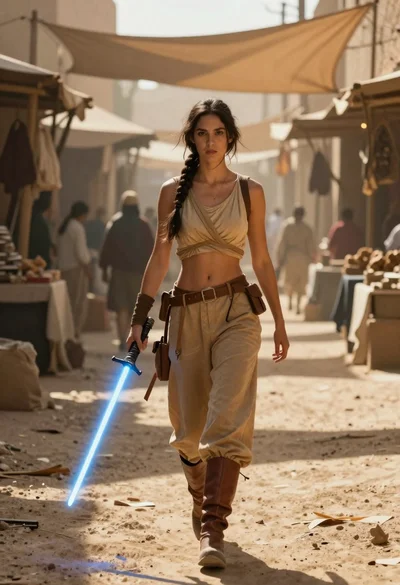
Woman with lightsaber in dusty marketplace alleyway
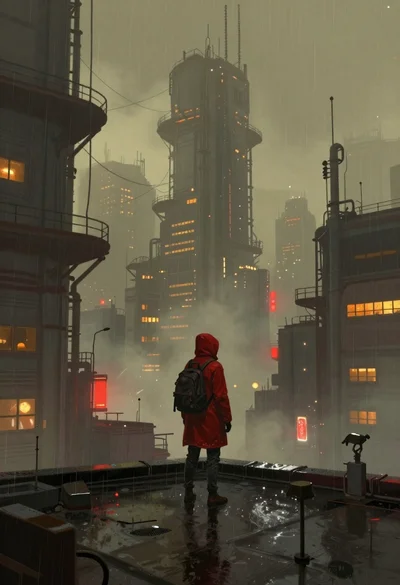
Lone figure on wet rooftop in cyberpunk cityscape
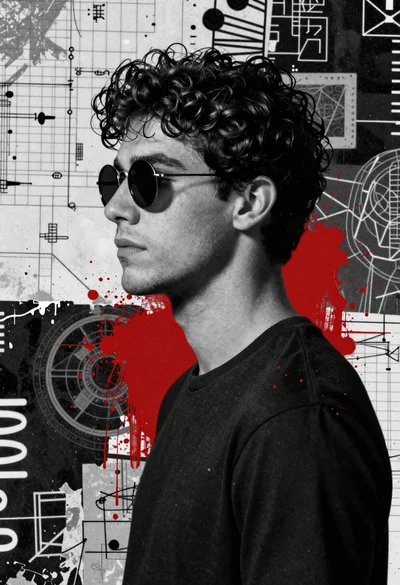
Profile portrait of young man in black tshirt against abstract grunge background
Young woman in red hoodie jeans against torn paper collage background

Young man in dark cloak holding glowing orb against snowy night
