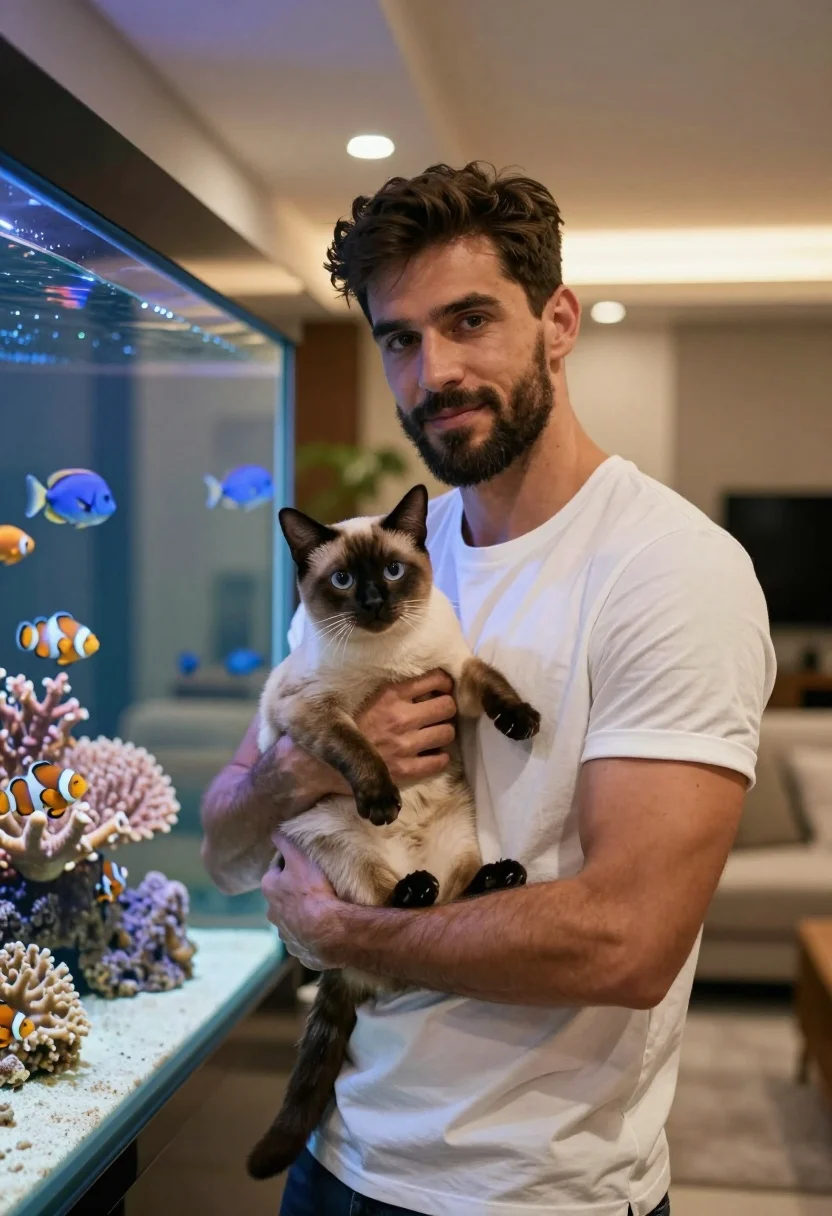
Fit man holding siamese cat near large aquarium with colorful fish
Prompt
A man holding a Siamese cat in front of a large aquarium filled with colorful fish and coral.

Subject: A fit man with dark hair and a short beard, looking directly at the camera with a slight smile.

Clothing: He wears a plain white crew-neck t-shirt that fits snugly.

Action: The man holds the cat securely against his chest with both hands, supporting its body and paws gently.

Environment: A modern indoor setting featuring a large glass aquarium on the left side of the frame, filled with vibrant coral and swimming fish including clownfish and blue tangs. In the background, there is a blurred living room area with warm ambient lighting from ceiling fixtures and a glimpse of a sofa.

Lighting: Soft, warm artificial lighting illuminates the scene evenly, creating a cozy atmosphere with gentle highlights on the man’s face and arms.

Style Details: High-resolution photography with shallow depth of field that keeps the subject sharp while softly blurring the background for a professional portrait look.
Description
This prompt is useful for creating pet feature articles, lifestyle magazine spreads featuring pets, and intimate family portraits. The combination of 'soft, warm artificial lighting' and 'shallow depth of field' ensures that the focus remains sharply on the man and cat while the vibrant aquarium elements provide rich color context without becoming distracting background noise.
Suggestions
- Change 'plain white crew-neck t-shirt' to 'light grey henley' for more visual interest.
- Specify 'macro details on the coral' in the environment description to enhance texture.
- Adjust 'soft, warm artificial lighting' to 'directional spotlighting' to create more drama.
Category
Tags
AnimalCasual WearMaleMedium ShotPortrait ShotRealistic
Date added
July 3, 2026
Added by
PromptDexter Team
Related Prompts
More prompts with similar categories and tags.
Young man in teal hoodie holding white puppy in snowy landscape

Monochrome portrait of woman with cat indoors
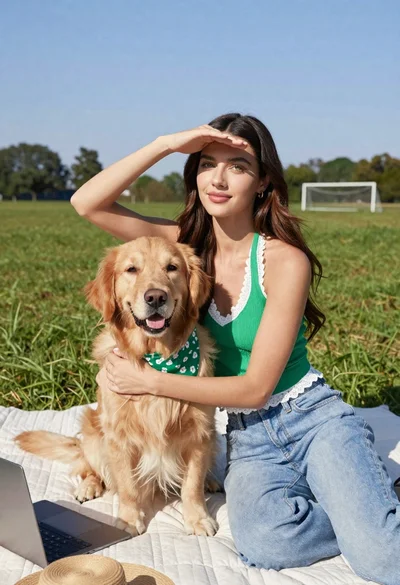
Young woman with brown hair holding golden retriever in sunny field
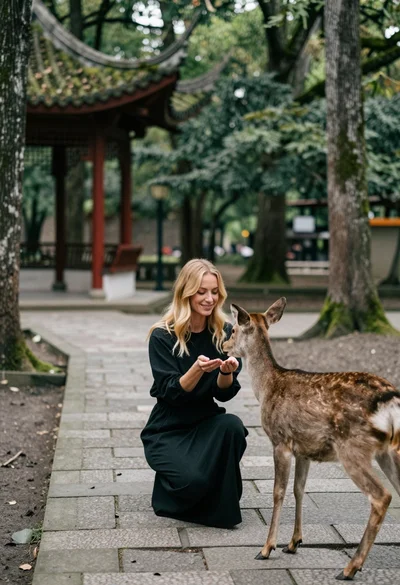
Woman feeding deer on stone path near asian pavilion in lush forest
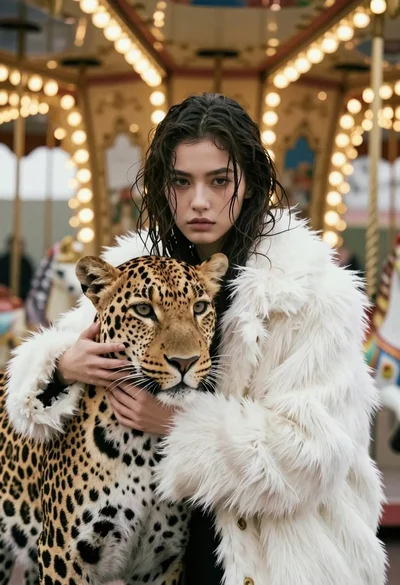
Cinematic portrait of woman holding leopard near glowing carousel lights
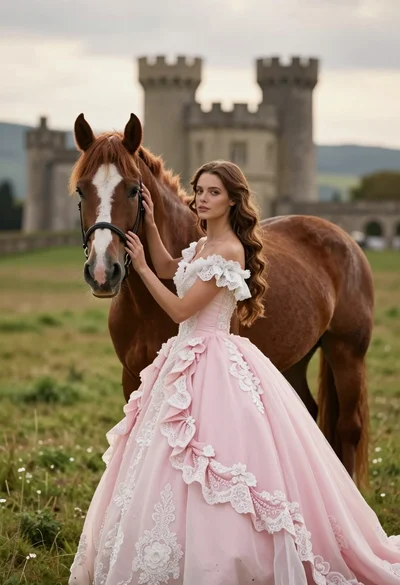
Woman in pink ballgown standing by brown horse near stone castle in
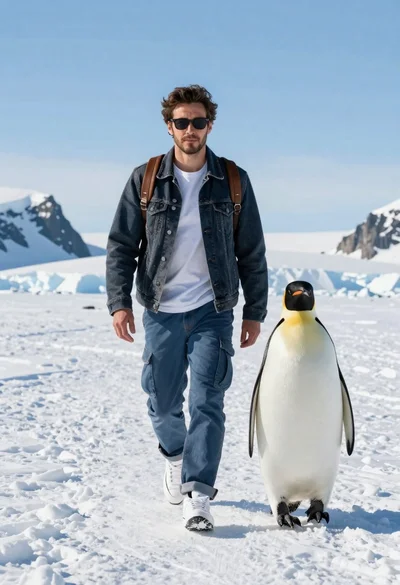
Man and emperor penguin walking together through snowy arctic landscape
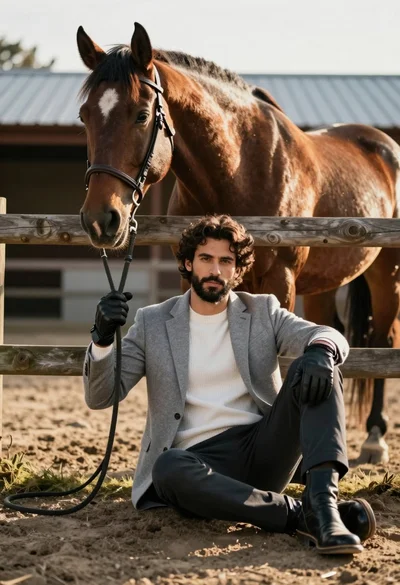
Handsome man with dark curly hair holding reins of large brown horse
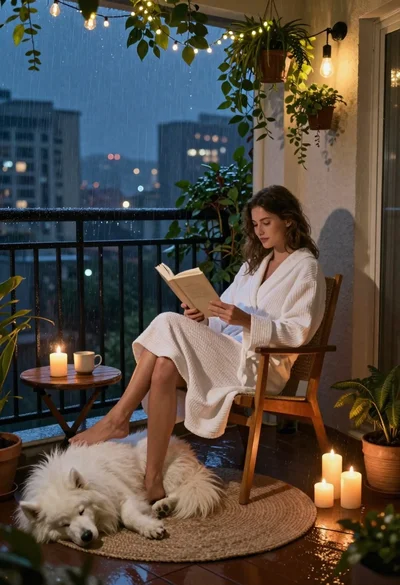
Woman reading to sleeping dog on rainy balcony at night
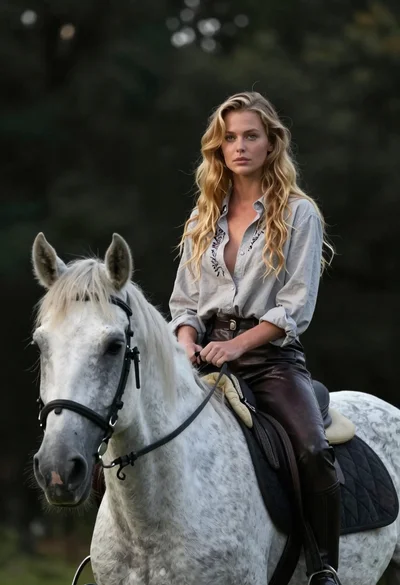
Woman riding horse in dark forest portrait