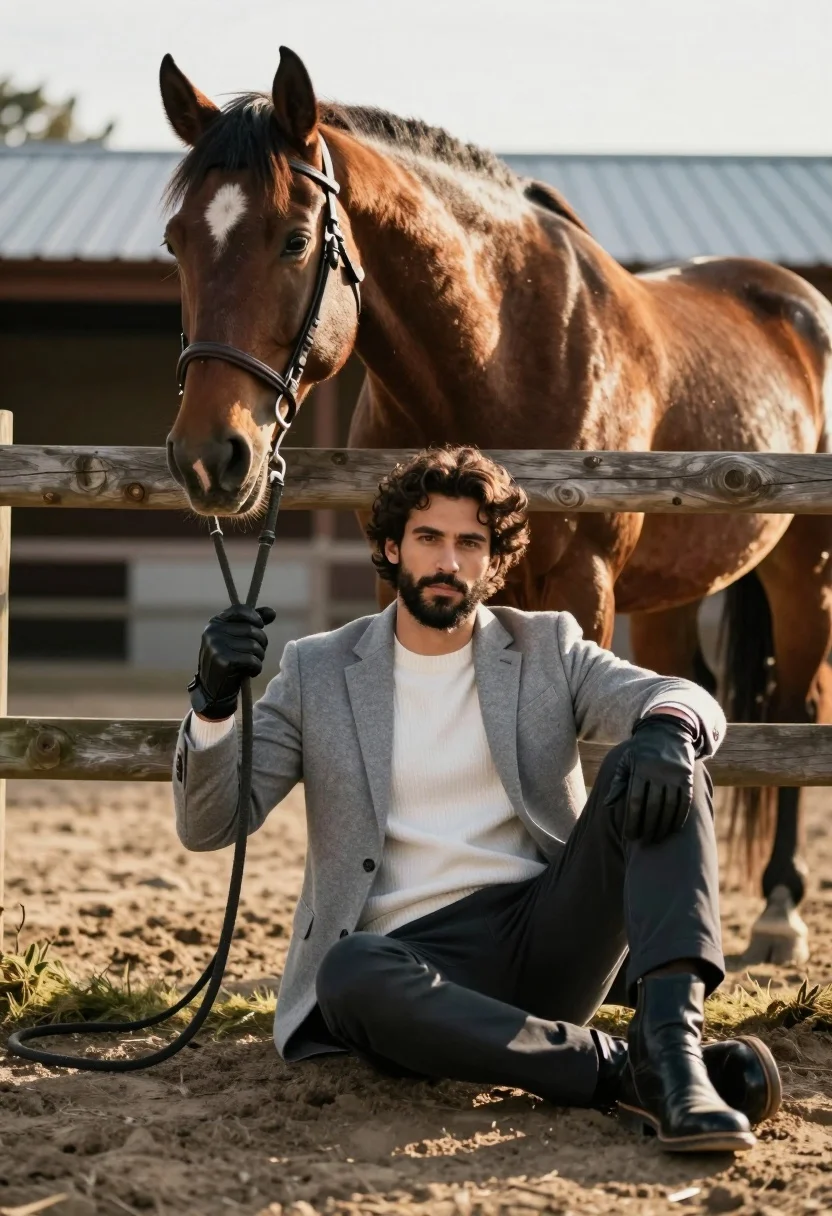
Handsome man with dark curly hair holding reins of large brown horse
Prompt
A handsome man with dark curly hair and a beard sits on the ground holding the reins of a large brown horse that stands behind him.

Subject: A well-groomed man with dark curly hair, a full beard, and a confident expression looking directly at the camera.

Clothing: He wears a light grey wool blazer over a white ribbed crew-neck sweater, dark trousers, black leather gloves, and polished black boots.

Action: The man is seated on the ground with one leg bent and the other extended, holding the horse's lead rope in his gloved hands while leaning back against a wooden fence.

Environment: An outdoor equestrian setting featuring a weathered wooden fence, a dirt paddock, and a stable structure with a metal roof in the background under a bright sky.

Lighting: Warm golden sunlight illuminates the scene from the side, casting soft shadows and highlighting the texture of the horse's coat and the man's clothing.

Camera: A medium shot framed at eye level with a shallow depth of field that keeps the subjects sharp while softly blurring the background elements.

Style Details: High-resolution photography with natural color grading, realistic textures, and a polished portrait aesthetic.
Description
This prompt is useful for creating editorial equestrian portraits, lifestyle branding imagery, and high-end catalog editorials featuring masculine subjects. The combination of 'warm golden sunlight' casting soft shadows against the 'weathered wooden fence' grounds the scene in a specific time and place, while the 'shallow depth of field' ensures that the focus remains sharply on the man and horse despite the detailed background elements.
Suggestions
- Change 'light grey wool blazer' to 'dark tweed jacket' for more autumnal tones.
- Add 'bokeh effect' to the camera details for a stronger separation from the background.
- Swap 'dirt paddock' for 'lush green grass' if you want a softer outdoor feel.
Category
Tags
AnimalCasual WearFull BodyMaleMedium ShotOutdoorsPortrait ShotRealistic
Date added
July 3, 2026
Added by
PromptDexter Team
Related Prompts
More prompts with similar categories and tags.
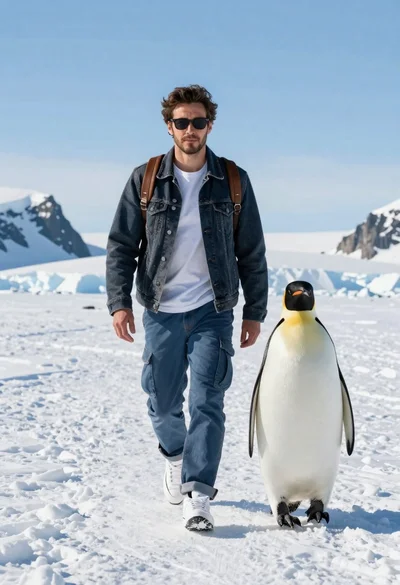
Man and emperor penguin walking together through snowy arctic landscape

Young woman with dog sitting on green grass in a garden setting
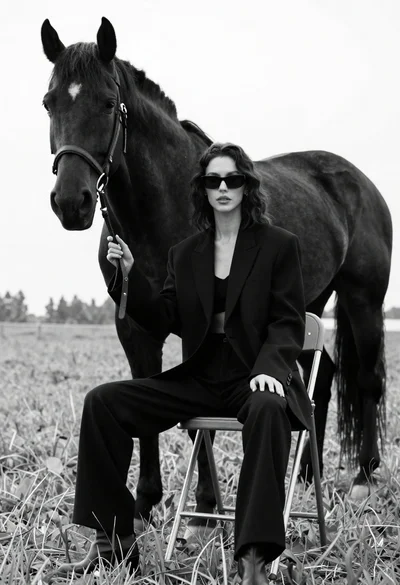
Woman in black outfit sitting on stool with large horse in field
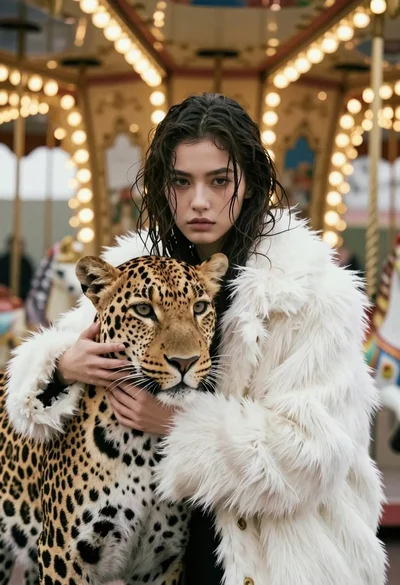
Cinematic portrait of woman holding leopard near glowing carousel lights
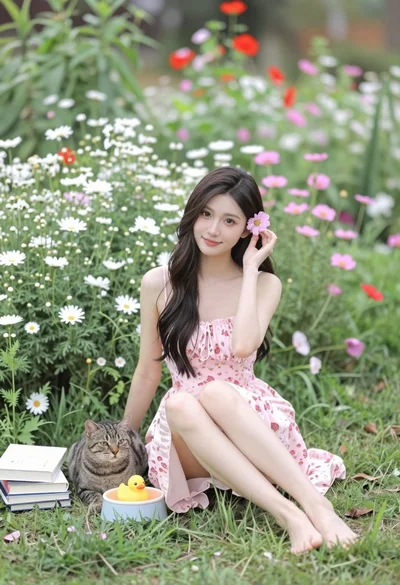
Young woman with dark hair sitting in lush garden among colorful wildflowers
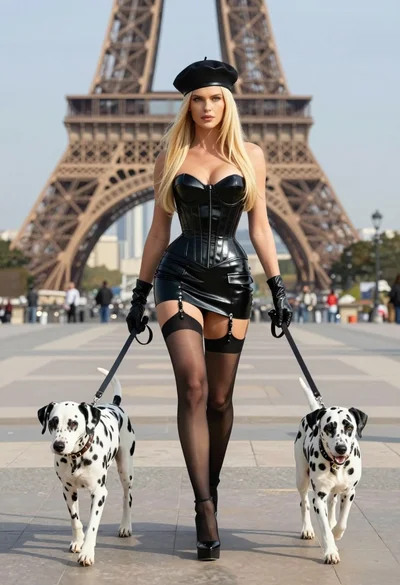
Blonde woman in black latex corset walking with two dalmatians near eiffel
Man crouching with golden retriever in autumn park at sunset
Woman between two large dogs in an urban alleyway
Young man in sweater standing by grey horse inside rustic wooden stable
Man in white coat standing with white lion studio portrait