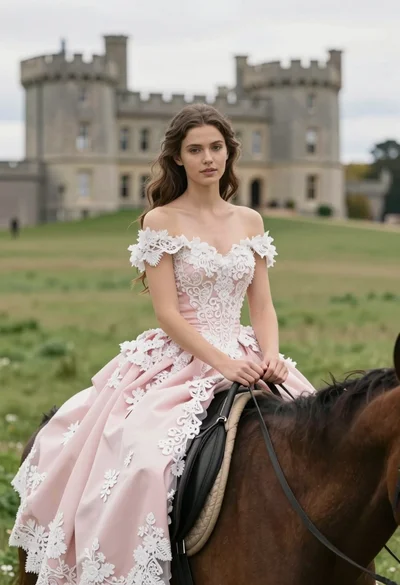
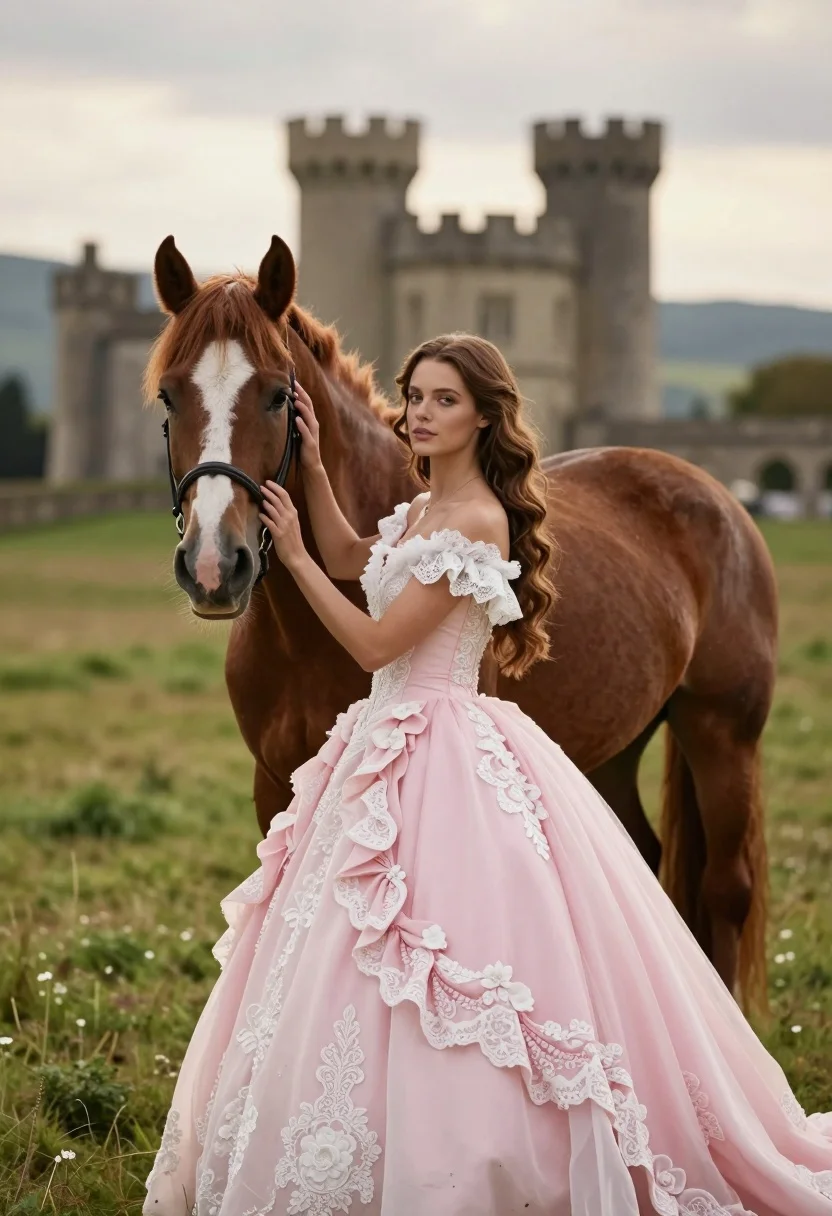
Woman in pink ballgown standing by brown horse near stone castle in
Prompt
A woman in a pink ballgown stands beside a brown horse in a grassy field with a castle in the background.

Subject: A young woman with long wavy brown hair and a fair complexion standing next to a chestnut horse with a white blaze on its forehead.

Clothing: An elaborate off-the-shoulder pink ballgown featuring intricate white lace detailing, ruffled sleeves, and floral appliqués on the skirt.

Action: The woman stands in profile facing left, gently resting her right hand on the horse's neck while looking directly at the camera with a calm expression.

Environment: A lush green meadow under an overcast sky with a large stone castle featuring two towers visible in the blurred background and distant hills.

Camera: Medium shot capturing both subjects from the knees up with a shallow depth of field that keeps the foreground sharp while softening the background.

Lighting: Soft diffused natural light creating gentle shadows and a romantic, slightly moody atmosphere typical of late afternoon or early evening.

Style Details: Photorealistic cinematic portrait with high detail on textures like lace and fur, warm color grading, and a dreamy bokeh effect.
Description
This prompt is useful for creating fairytale wedding album covers, romantic pre-wedding portraits, and historical fantasy concept art. The combination of 'soft diffused natural light' and the 'dreamy bokeh effect' ensures that while the foreground details like the lace and horse fur remain sharp, the distant castle elements recede softly, preventing a cluttered background from distracting from the central couple.
Suggestions
- Change 'pink ballgown' to 'ivory ballgown' for a more timeless wedding feel.
- Add 'golden hour backlight' to enhance the hair and gown edges.
- Swap 'grassy field' for 'wildflower meadow' to increase foreground visual interest.
Category
Tags
AnimalBrown HairCasual WearFair SkinFemaleMedium ShotNatureOutdoorsRealistic
Date added
August 5, 2026
Added by
PromptDexter Team
Related Prompts
More prompts with similar categories and tags.
Young woman with dark hair holding a small chipmunk under red flowers
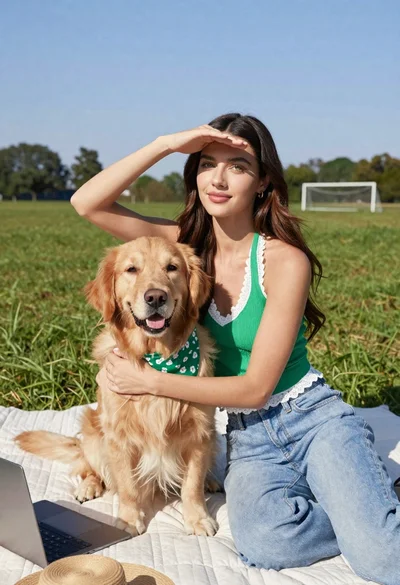
Young woman with brown hair holding golden retriever in sunny field
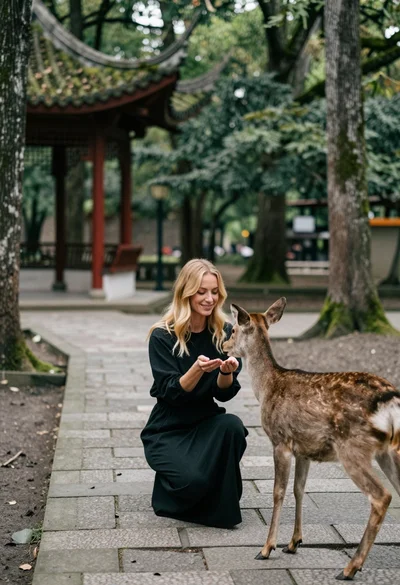
Woman feeding deer on stone path near asian pavilion in lush forest
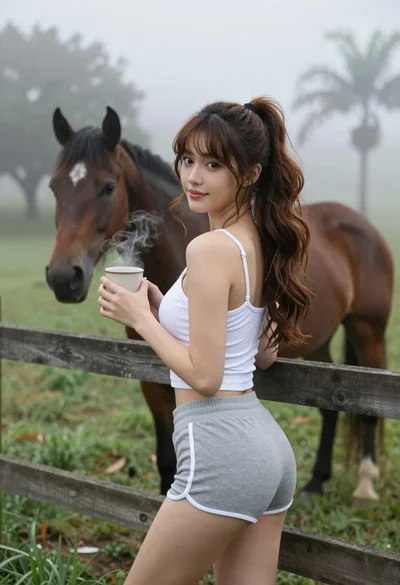
Young woman in tank top leaning on fence overlooking misty pasture with
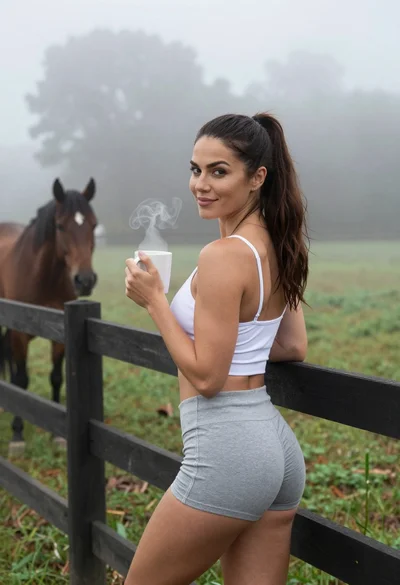
Fit woman leaning on fence in misty pasture with horse nearby
Woman in western attire posing intimately with chestnut horse inside wooden stable
Young woman in teal hoodie holding fluffy white puppy in snowy winter
Smiling young woman holding a fluffy cream cat against neutral background
Young woman in knit cardigan holding small rabbit near christmas tree
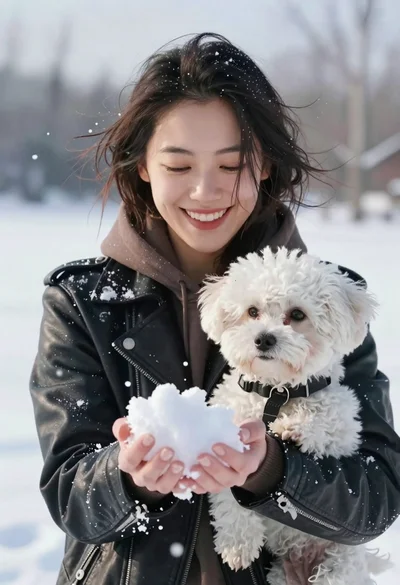
Smiling woman in leather jacket holding white dog and snow