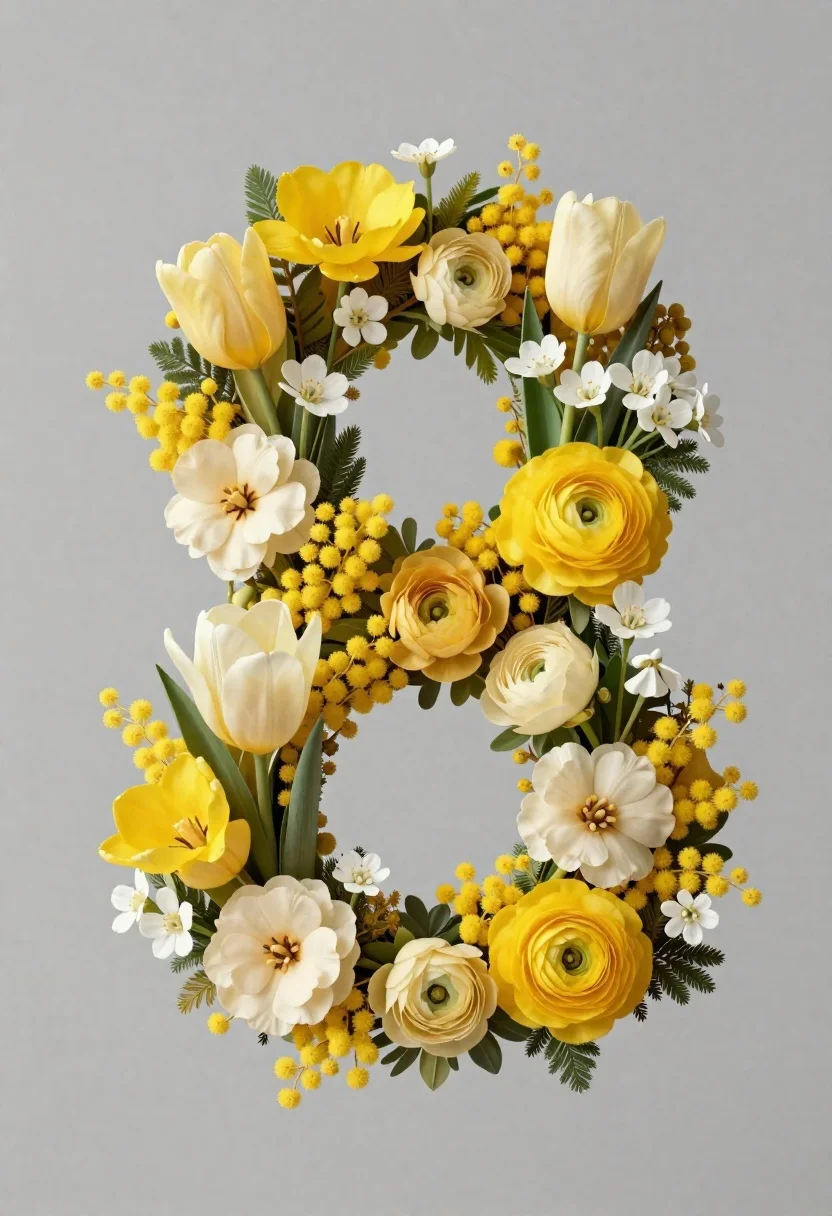
Floral number eight composition on muted grey background
Prompt
A high-resolution digital artwork of a floral number “8” composition against a soft muted grey background.

Subject: numeral 8 formed entirely from lush yellow and cream-colored flowers including tulips, mimosa blossoms, ranunculus blooms, white filler flowers, and green foliage accents.

Objects: natural floral elements such as stems and leaves forming the symmetrical arrangement.

Lighting: even studio illumination highlighting floral depth and texture without harsh shadows.

Camera: centered frontal composition emphasizing the symmetry of the floral design.

Style Details: realistic botanical textures combined with smooth digital rendering, elegant floral art aesthetic.
Description
This prompt is useful for creating sophisticated branding assets, high-end stationery designs, and decorative centerpiece mockups. The combination of 'even studio illumination' and 'realistic botanical textures' ensures that the intricate details of the yellow and cream flowers remain visible without harsh shadows, which is crucial for making the floral art aesthetic look polished on commercial materials.
Suggestions
- Change 'muted grey background' to 'pale blush pink background' for a warmer feel.
- Add 'shallow depth of field' to slightly blur the edges and focus attention.
- Swap 'tulips' for 'peonies' to increase the perceived luxury of the blooms.
Category
Tags
3dMacro ShotStudio
Date added
June 19, 2026
Added by
PromptDexter Team
Related Prompts
More prompts with similar categories and tags.
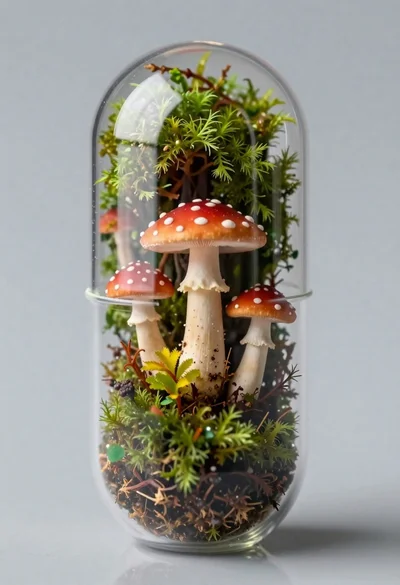
Macro shot of miniature forest inside a medical capsule
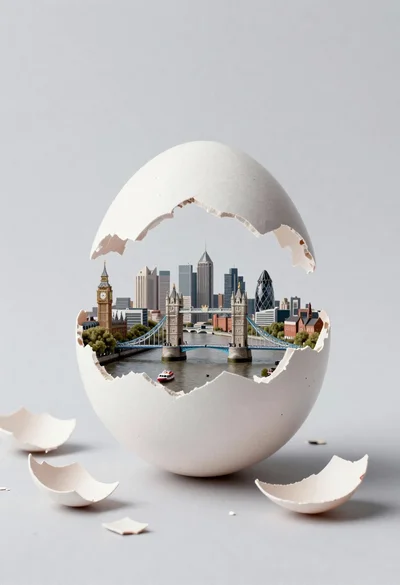
Miniature london cityscape inside cracked eggshell
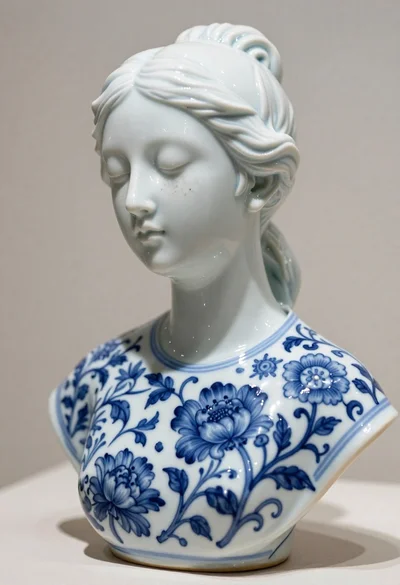
Porcelain bust sculpture of a woman with blue floral patterns

Macro photograph of miniature man seated in palm hand

Miniature blonde doll hugging kitkat bar held by giant thumb
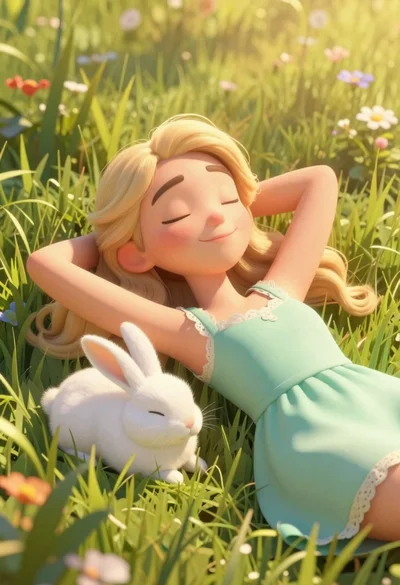
Woman resting in meadow with white rabbit at golden hour

Three disney characters on a tropical grassy rock
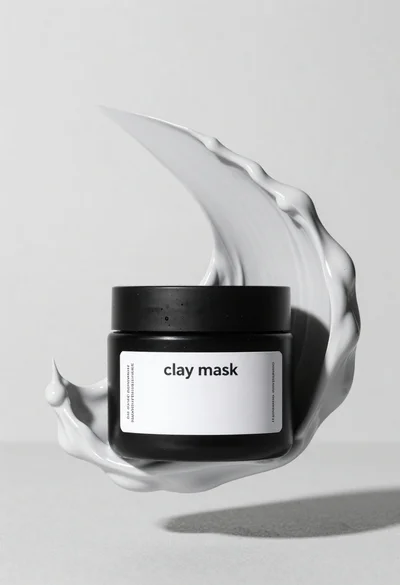
Black jar of clay mask with swirling white cream