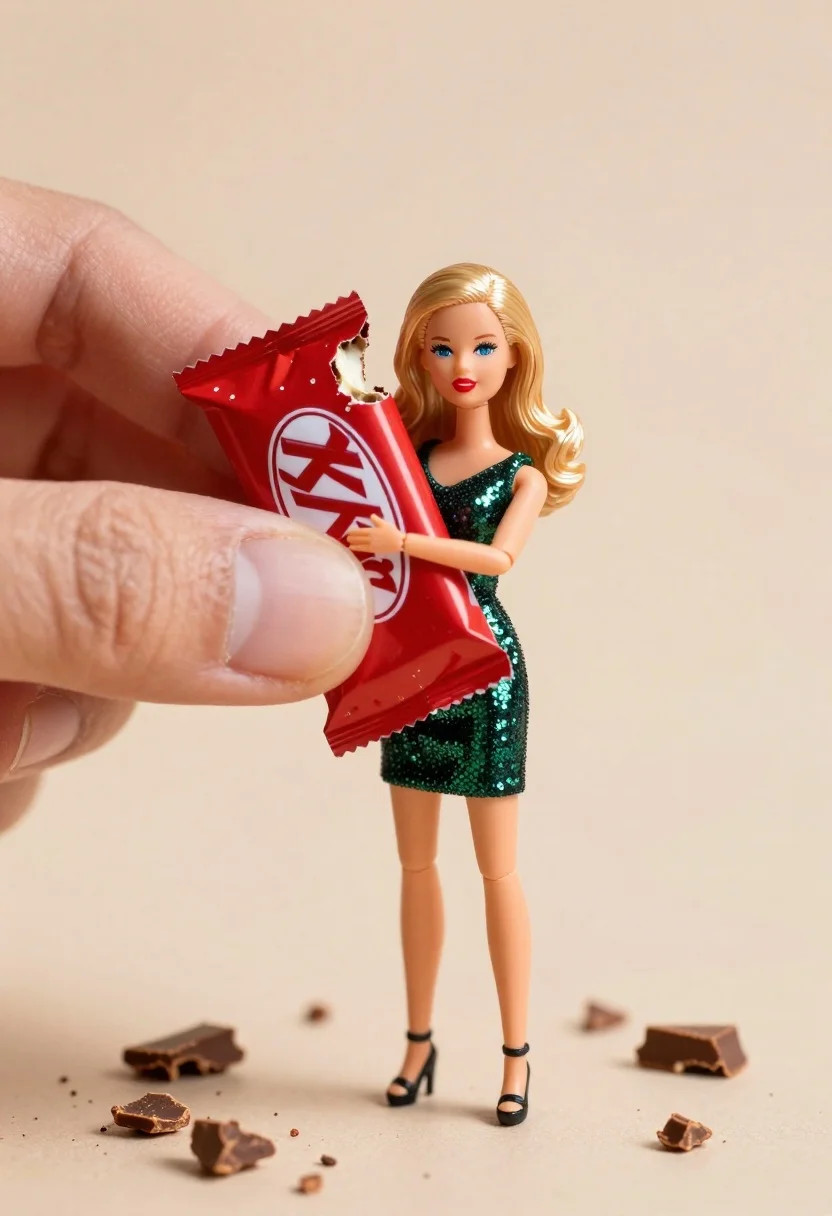
Miniature blonde doll hugging kitkat bar held by giant thumb
Prompt
A miniature doll of a blonde woman with blue eyes and red lipstick hugging a large KitKat chocolate bar while being held by a giant human thumb against a soft beige background.

Subject: A miniature doll figure resembling a young woman with shoulder-length wavy blonde hair, bright blue eyes, and bold red lipstick.

Clothing: The doll wears a sleeveless dark green sequined mini dress and black high-heeled sandals.

Action: The doll is hugging a large KitKat bar tightly against its chest while being held by a giant human thumb on the left side of the frame.

Environment: A soft beige surface with scattered chocolate crumbs and pieces around the base of the figure, set against a plain light beige background.

Camera: Close-up macro shot emphasizing the miniature scale, shallow depth of field blurring the background slightly to focus on the doll and thumb.

Lighting: Soft studio lighting from the front-right creating gentle highlights on the face and dress while casting subtle shadows under the chin and feet.

Objects: A large red-wrapped KitKat chocolate bar with visible bite marks and broken pieces, plus scattered crumbs on the ground.

Style Details: Hyper-realistic miniature photography style with high detail in textures like sequins and skin, clean composition, warm color grading, and a playful surreal aesthetic.
Description
This prompt is useful for creating whimsical product advertisements, surreal still life arrangements, and highly detailed collectible packaging mockups. The combination of 'hyper-realistic miniature photography style' with the specific focus on 'sequins and skin' textures ensures that the tiny details remain crisp despite the macro scale, while the 'soft beige background' prevents any visual competition for the main subject matter.
Suggestions
- Change 'dark green sequined mini dress' to 'gold sequined mini dress' for a warmer tone.
- Swap 'KitKat chocolate bar' for 'macaron tower' to change the product focus.
- Adjust 'soft studio lighting from the front-right' to 'dramatic side lighting' for more contrast.
Category
Tags
3dBlondeClose UpFemaleFull BodyMacro ShotOutdoorsStudio
Date added
June 26, 2026
Added by
PromptDexter Team
Related Prompts
More prompts with similar categories and tags.

Golden origami boat on clear blue water
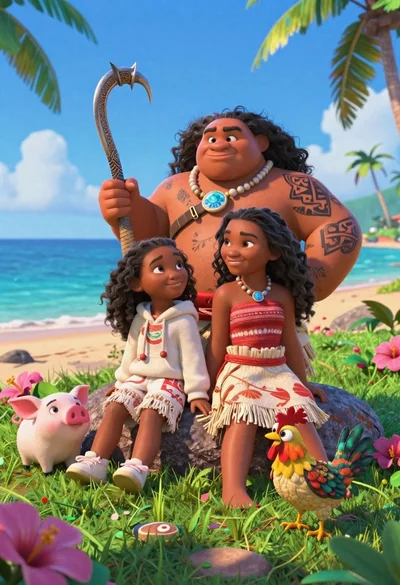
Three disney characters on a tropical grassy rock

Close up portrait of serene bust with gold kintsugi cracks

Astronaut portrait against pale blue sky background
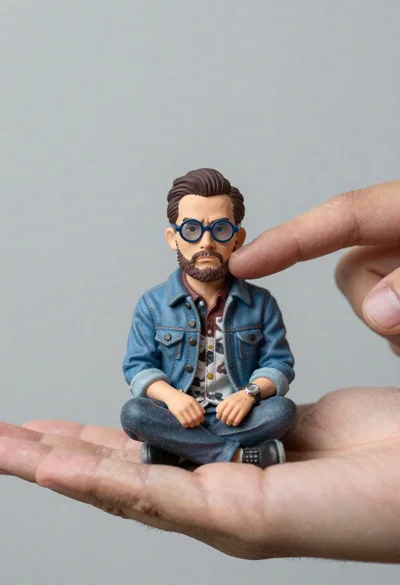
Macro photograph of miniature man seated in palm hand
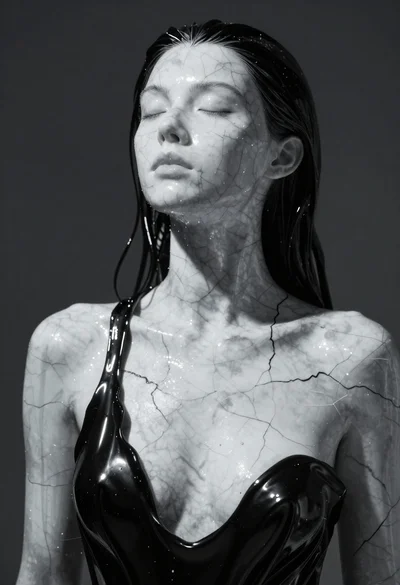
Closeup portrait of woman with white marble skin and glossy black liquid
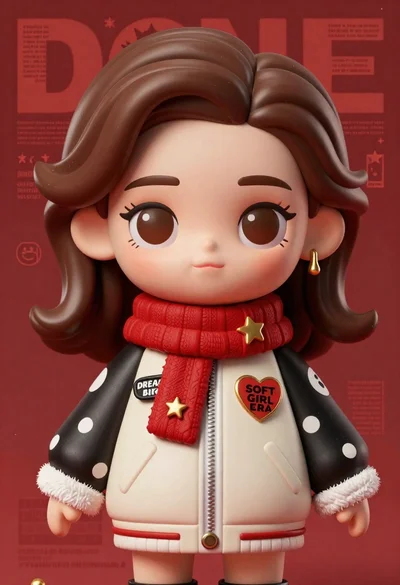
Closeup portrait of stylized female art doll figure with brown hair
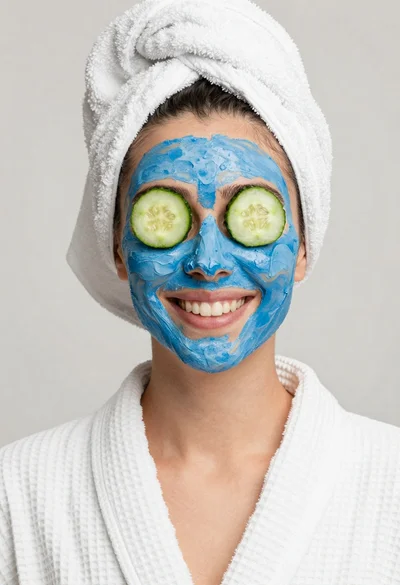
Smiling woman in white bathrobe with blue clay face mask and cucumber