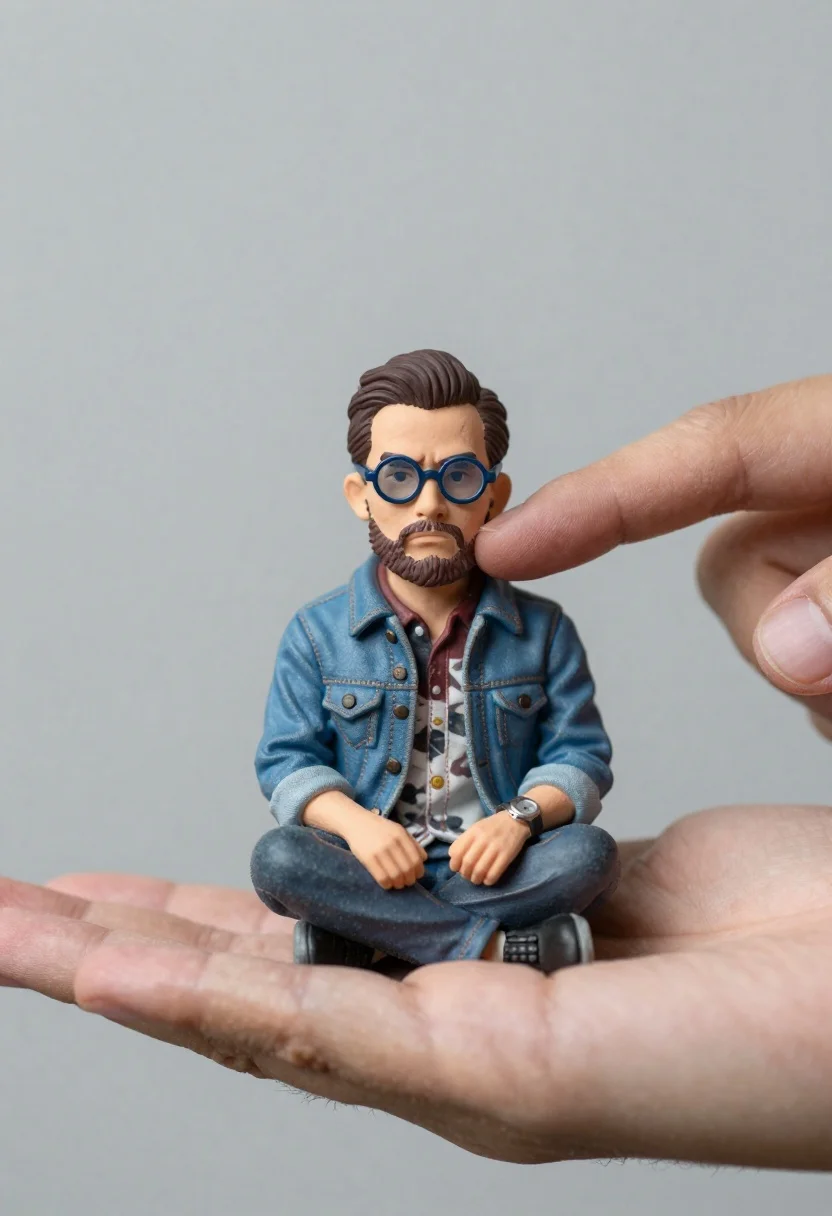
Macro photograph of miniature man seated in palm hand
Prompt
A miniature man with a serious expression sits in the palm of a large hand while another finger gently touches his cheek.

Subject: A small, hyper-realistic male figure with dark hair styled back, wearing round blue-tinted glasses and a full beard.

Clothing: He wears a denim jacket over a patterned shirt with rolled-up sleeves and a wristwatch on his left arm.

Action: The miniature man sits cross-legged in the palm of a hand, looking forward with a neutral to slightly annoyed expression as a finger from a second hand touches his face.

Environment: A plain, soft-focus grey background that isolates the hands and the miniature figure.

Camera: Close-up shot with shallow depth of field focusing on the miniature subject and the fingertips, emphasizing the scale difference.

Lighting: Soft studio lighting with even illumination to highlight skin textures and fabric details without harsh shadows.

Style Details: Photorealistic rendering with high detail in skin pores and hair, resembling a macro photography portrait.
Description
This prompt is useful for creating surreal conceptual art pieces, detailed character studies emphasizing scale, and hyper-realistic product mockups involving miniature elements. The combination of 'soft studio lighting' with the specified focus on 'skin pores and hair' ensures that even though the subject is small, the texture remains palpable, preventing the figure from looking like a smooth plastic toy against the plain background.
Suggestions
- Change 'denim jacket' to 'tweed blazer' for a more formal look.
- Add 'bokeh effect' to the camera section for increased separation.
- Swap 'neutral to slightly annoyed expression' for 'curious gaze' to alter the mood.
Category
Tags
3dClose UpFull BodyMacro ShotMaleRealisticStudio
Date added
June 19, 2026
Added by
PromptDexter Team
Related Prompts
More prompts with similar categories and tags.
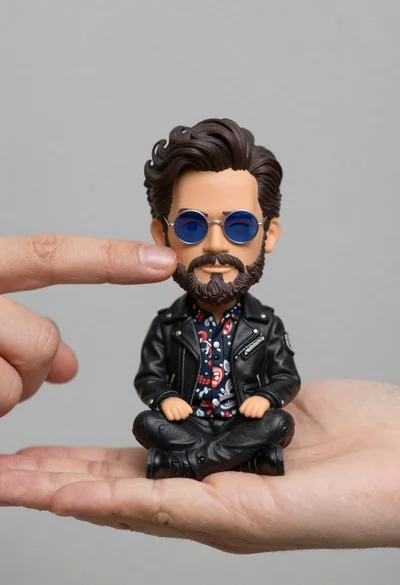
Hyperrealistic close up of bobblehead figure in an open hand
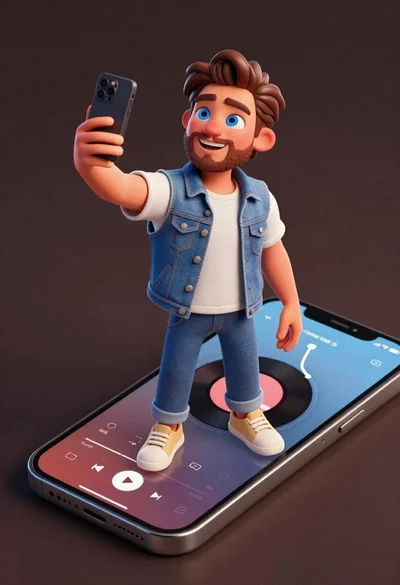
Cheerful young man taking selfie while standing on giant smartphone screen
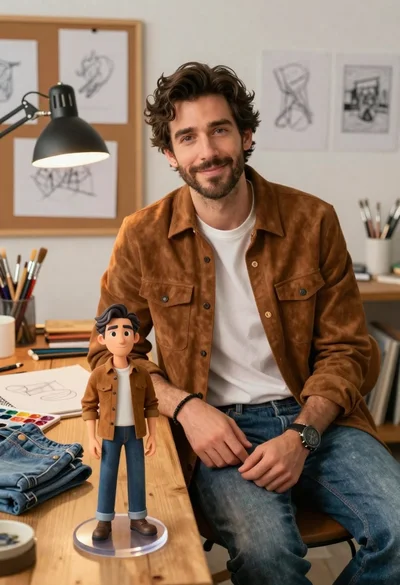
Handsome man in suede shirt sitting at desk in art studio
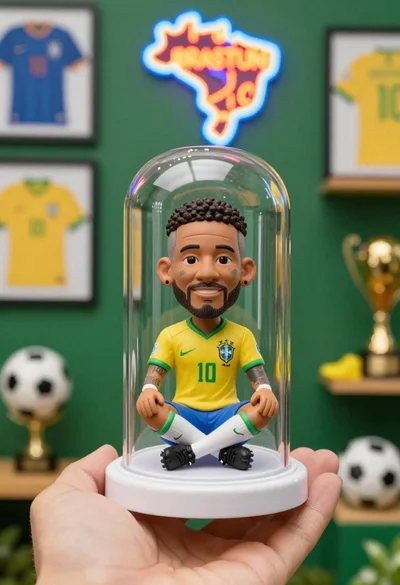
Hand holding clear capsule with miniature bobblehead soccer player
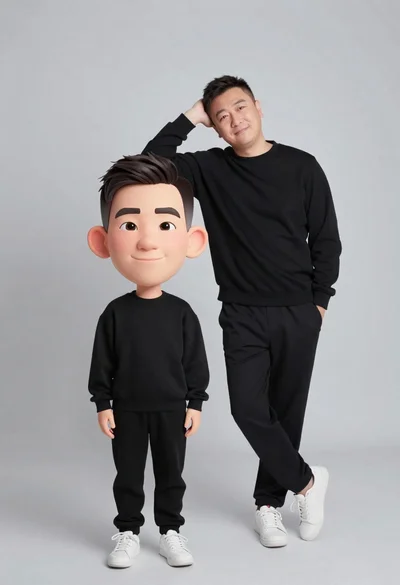
Large headed cartoon caricature standing in front of real life man in
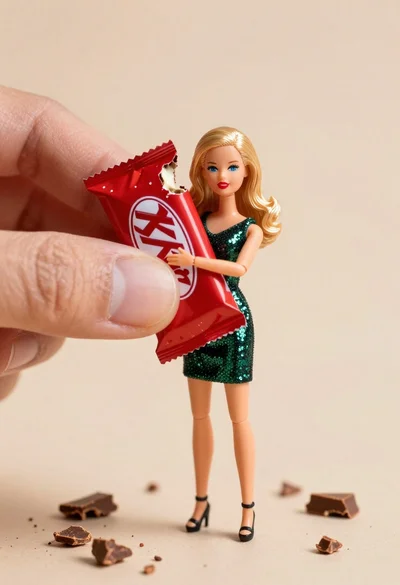
Miniature blonde doll hugging kitkat bar held by giant thumb
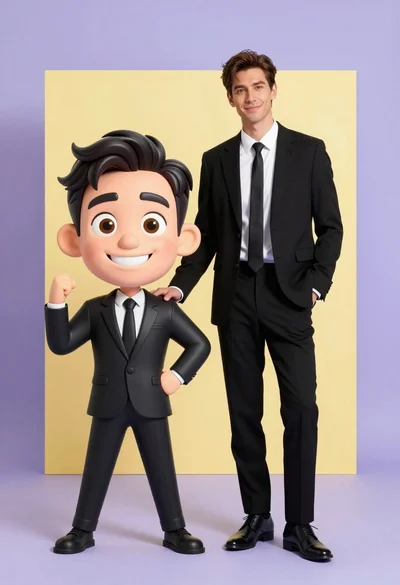
Photorealistic man next to large caricature in black suits studio setting
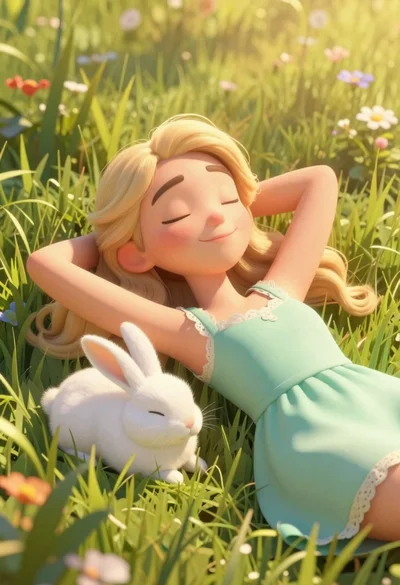
Woman resting in meadow with white rabbit at golden hour

Three disney characters on a tropical grassy rock

Futuristic soldier in heavy snowfall on an urban street