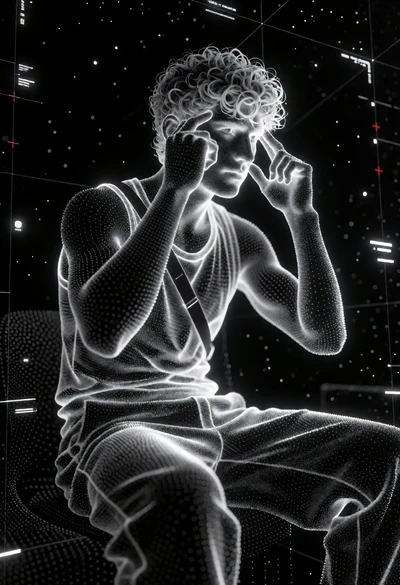
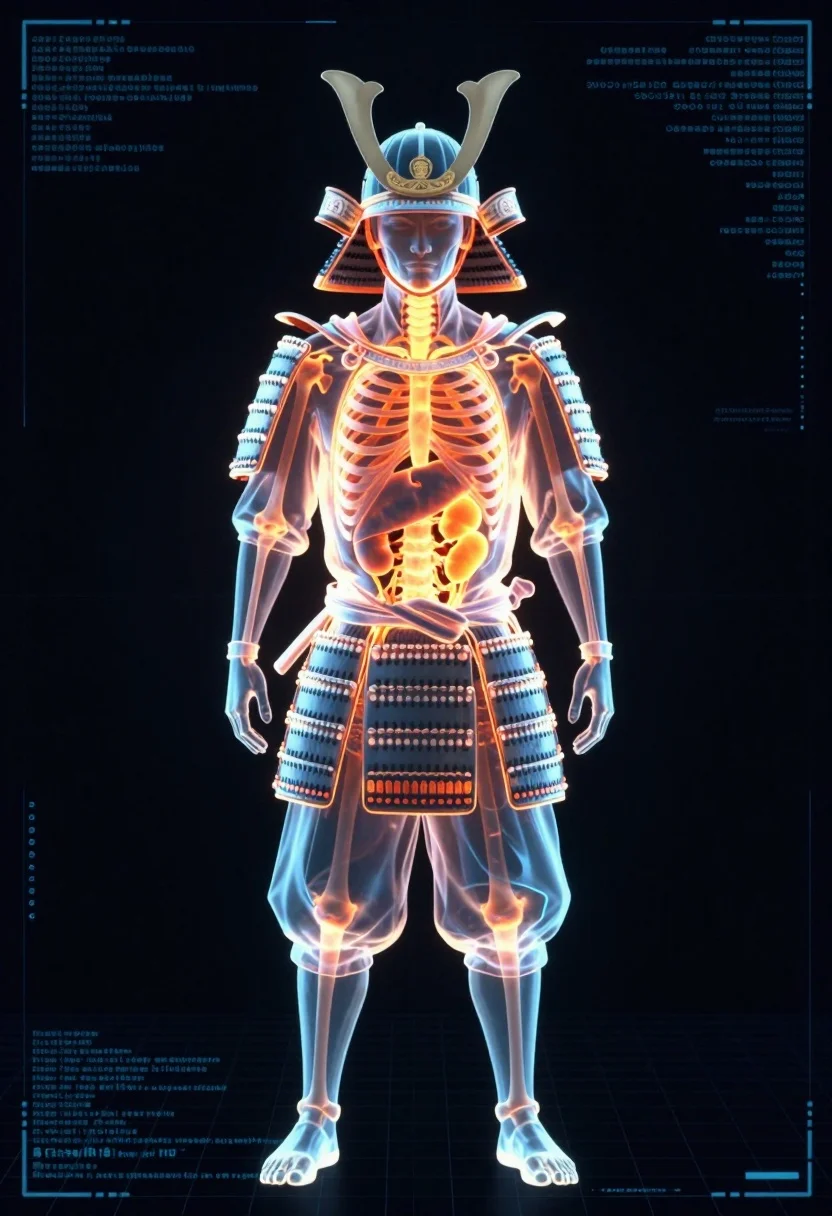
Full body digital xray scan of a samurai warrior against dark background
Prompt
A full-body digital x-ray scan of a samurai warrior standing in a neutral pose against a dark background.

Subject: A translucent, glowing figure of a samurai wearing traditional armor and a helmet with curved horns, revealing the internal anatomy including ribs, spine, kidneys, and organs in bright orange and yellow hues.

Clothing: The figure is encased in detailed samurai armor plates that appear semi-transparent, allowing the internal structure to be seen through the metal plating.

Action: The subject stands upright with arms hanging loosely at its sides, facing directly forward with a neutral expression visible through the helmet's face guard.

Environment: The background is a dark void overlaid with a faint blue digital grid and technical data readouts resembling a medical or scientific analysis screen.

Camera: A straight-on, full-body shot that captures the entire figure from head to toe, framed within the digital interface.

Lighting: The image features high-contrast bioluminescent lighting where the internal organs glow with intense orange heat and the armor edges are outlined in cool blue light.

Style Details: The visual style mimics a futuristic medical x-ray or holographic data visualization with a glowing neon aesthetic, blending traditional Japanese iconography with sci-fi technology.
Description
This prompt is useful for creating concept art for cyberpunk narratives, visualizing advanced bio-mechanical suits, and generating educational sci-fi diagrams. The combination of 'translucent' armor plates revealing internal anatomy against a 'dark void overlaid with a faint blue digital grid' establishes a high-tech diagnostic aesthetic that grounds the traditional samurai elements within a futuristic scientific context.
Suggestions
- Change 'bright orange and yellow hues' to 'electric cyan and magenta hues' for a more alien feel.
- Replace 'curved horns' with 'glowing optical sensors' to modernize the headpiece.
- Adjust 'bioluminescent lighting' to 'hard rim light' for sharper separation from the background.
Category
Tags
ArmorDigital ArtFull BodyMaleRobotStudio
Date added
July 12, 2026
Added by
PromptDexter Team
Related Prompts
More prompts with similar categories and tags.
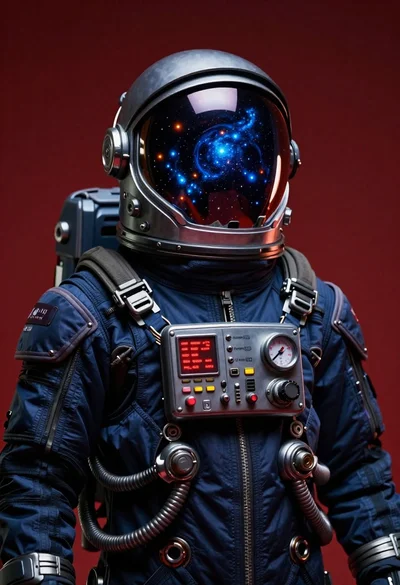
Futuristic astronaut portrait against deep red background

Cybernetic android portrait in red scifi setting

Stylized claymation samurai warrior in dynamic combat pose on white background
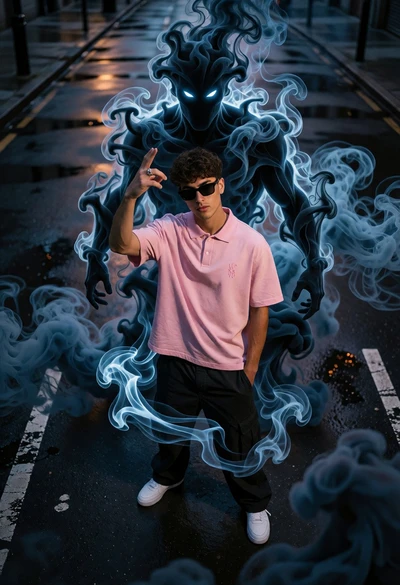
Young man on wet city street surrounded by blue spectral smoke entity

Warrior woman riding wolf through snowy mountains
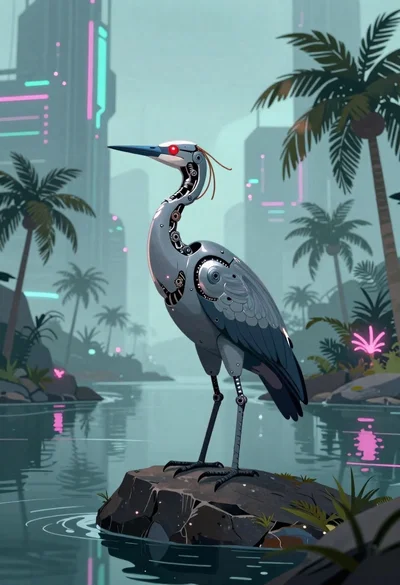
Biomechanical bird on rock near cyberpunk skyscrapers
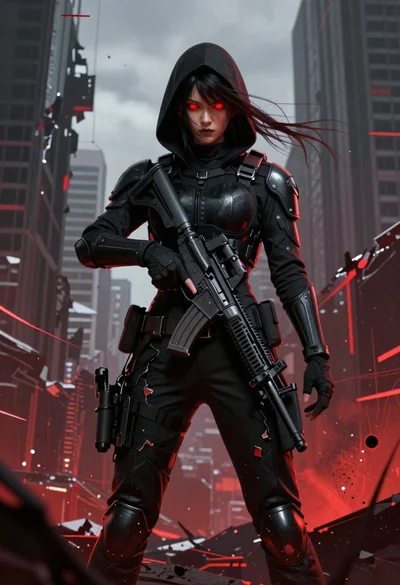
Female figure in tactical gear with assault rifle

Man and woman on moonscape under starry sky

Cybernetic robot in a misty forest setting

Young woman in futuristic bodysuit with mechanical armor