
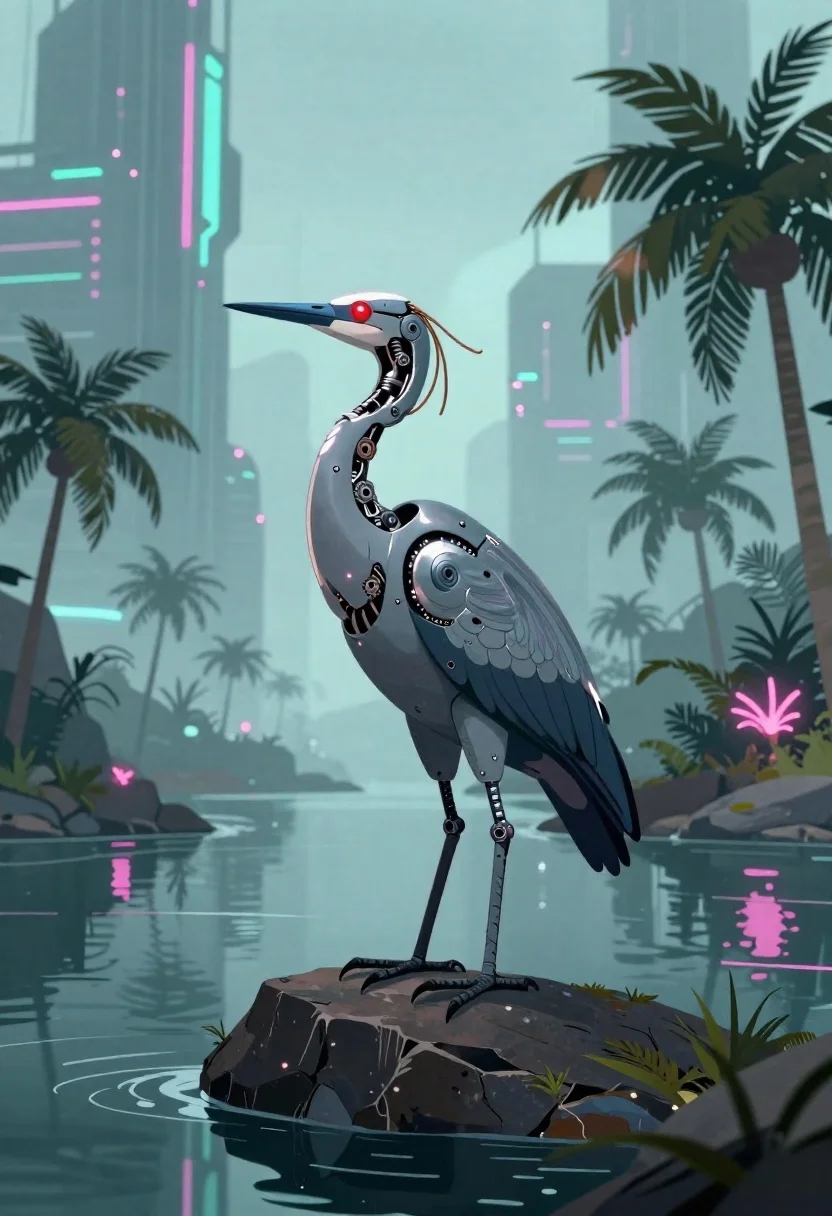
Biomechanical bird on rock near cyberpunk skyscrapers
Prompt
Digital illustration of a futuristic biomechanical bird standing on a dark rock in calm water with palm trees and towering cyberpunk skyscrapers rising into the misty sky

Subject: A sleek, metallic robotic heron-like creature with exposed gears, glowing red eyes, delicate copper wiring trailing from its head, and sharp mechanical talons gripping stone.

Clothing: No external clothing exposed internal machinery reveals layered plating in silver-blue tones around joints and neck.

Action: Standing upright and still on a rocky island; gaze directed slightly upward with calm but alert posture.

Environment: A serene tropical waterway lined with silhouetted palm trees, reflecting glowing pink tail feathers into the dark surface below, framed by massive sci-fi city towers in soft-focus haze.

Lighting: Soft ambient glow from neon vertical strips on distant buildings casts cool cyan and magenta reflections across the scene; subtle highlights trace metal edges of the bird's body.

Style Details: Clean lines with painterly brush textures blending anime-inspired character design into a cinematic cyberpunk landscape aesthetic.
Description
This prompt is useful for creating concept art for sci-fi video games, album covers depicting dystopian nature, and speculative world-building illustrations. The combination of 'glowing red eyes' against the cool cyan and magenta reflections ensures the mechanical subject remains the focal point, preventing it from being washed out by the surrounding 'soft-focus haze' of the cyberpunk city.
Suggestions
- Change 'copper wiring' to 'iridescent fiber optics' for a more advanced look.
- Swap 'dark rock' for 'obsidian basalt' to increase contrast with the water.
- Adjust 'glowing red eyes' to 'electric blue eyes' for a different emotional tone.
Category
Tags
AnimalsCreatureDigital ArtFull BodyNatureRobotWide Shot
Date added
June 19, 2026
Added by
PromptDexter Team
Related Prompts
More prompts with similar categories and tags.
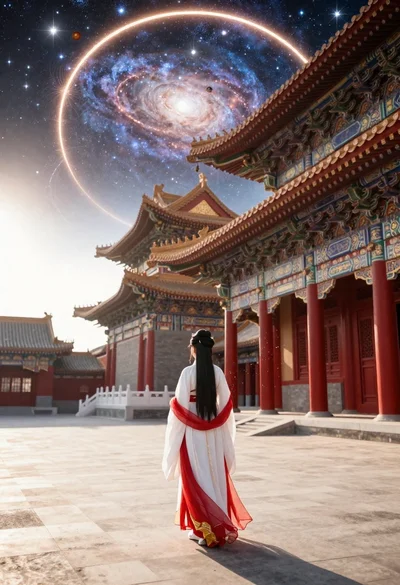
Figure in hanfu dress before cosmic portal in courtyard
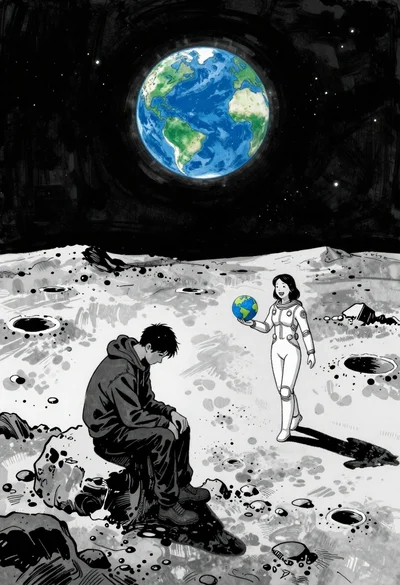
Man and woman on moonscape under starry sky
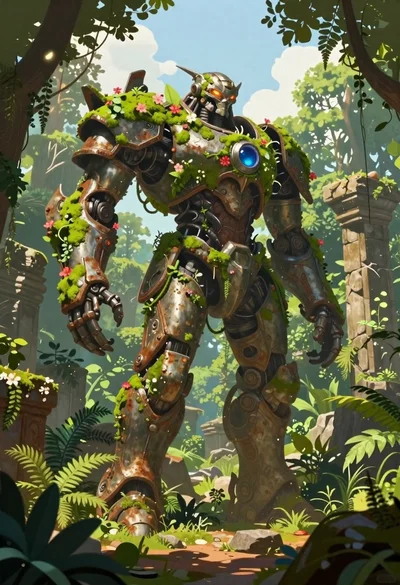
Biomechanical guardian in overgrown ancient ruins
Astronaut walking through a surreal glowing jungle path
Astronaut surrounded by vibrant red and pink roses

Cybernetic android portrait in red scifi setting
Lone figure on wet rooftop in cyberpunk cityscape

Obsidian humanoid in neon cube holding glowing heart
