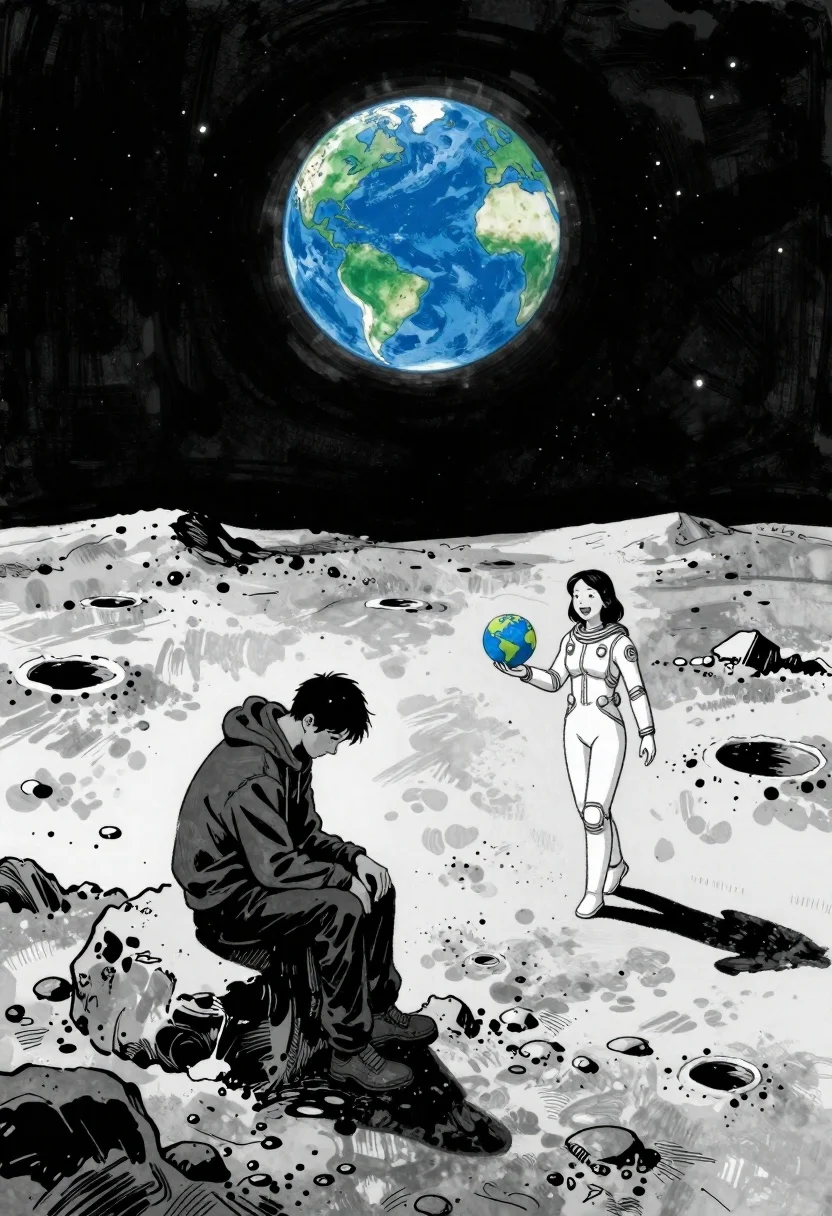
Man and woman on moonscape under starry sky
Prompt
Ink-wash comic book illustration of a desolate lunar landscape under the vast black starry sky with Earth hanging above in blue and green detail

Subject: A man sits slumped on a large dark rock, head bowed low in grief or exhaustion, his posture heavy with sorrow.

Other Subjects: A woman walks toward him across the gray cratered surface of the moon, her expression warm and hopeful as she reaches out to meet him.

Clothing: The man wears a simple dark hoodie and pants; the woman is clad in a sleek white spacesuit adorned with subtle glowing details.

Objects: She holds a small globe-like object representing Earth in one hand while gesturing invitingly toward the seated figure.

Environment: A stark, rocky moonscape stretches beneath them, dotted with craters and boulders under an infinite starfield; distant peaks rise against the horizon where our planet looms large above like a promise of home or reunion.

Lighting: Harsh directional sunlight casts sharp shadows across the terrain, emphasizing isolation yet also clarity in emotion high contrast between light and dark enhances the drama without softening edges.

Style Details: High-contrast monochromatic palette punctuated by vivid splashes of color (Earth's blues/greens), clean linework reminiscent of classic manga or graphic novels, emotive brushstrokes that convey psychological weight through minimalism.
Description
This prompt is useful for creating dramatic sci-fi concept art, narrative comic book spreads, and emotionally charged digital illustrations. The combination of 'Ink-wash comic book illustration' style with a 'high contrast monochromatic palette punctuated by vivid splashes of color' ensures that the emotional weight conveyed through the subjects' poses remains visible against the stark lunar setting, while the 'Earth hanging above in blue and green detail' provides the necessary focal point for hope.
Suggestions
- Change 'simple dark hoodie and pants' to 'tattered astronaut jumpsuit' for more narrative wear.
- Adjust 'Harsh directional sunlight' to 'soft ambient moonlight' for a less dramatic feel.
- Replace 'Ink-wash comic book illustration' with 'woodcut etching style' for an older aesthetic.
Category
Tags
Digital ArtFemaleFull BodyMaleSpaceWide Shot
Date added
June 19, 2026
Added by
PromptDexter Team
Related Prompts
More prompts with similar categories and tags.
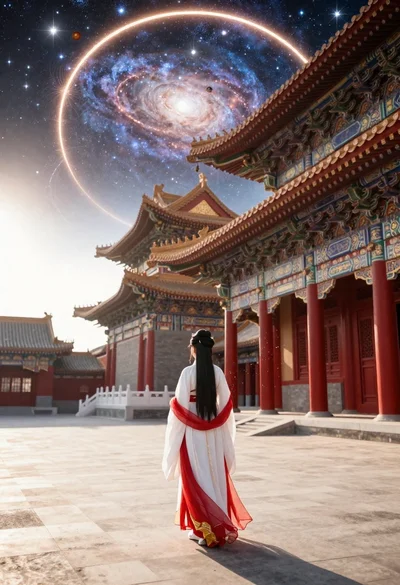
Figure in hanfu dress before cosmic portal in courtyard
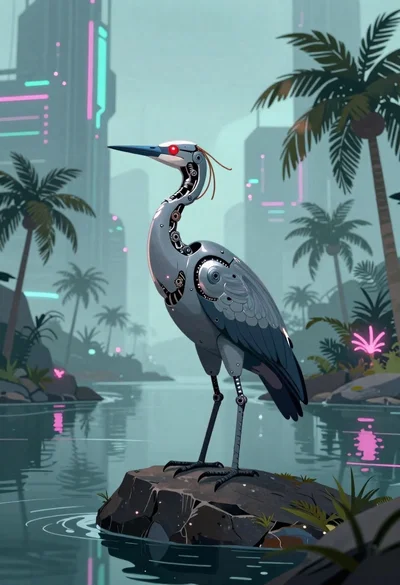
Biomechanical bird on rock near cyberpunk skyscrapers
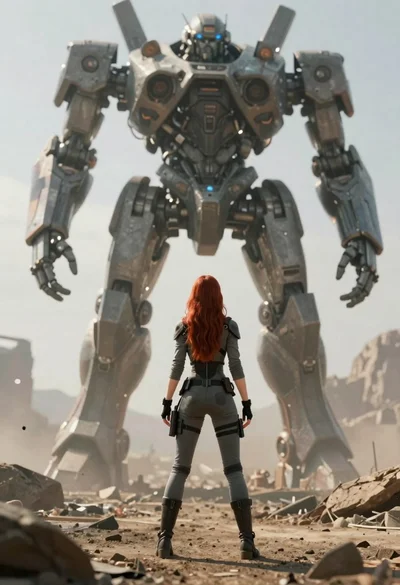
Woman standing before enormous mech walker in alien landscape
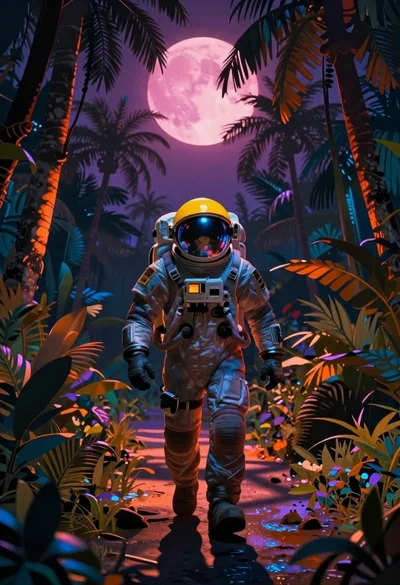
Astronaut walking through a surreal glowing jungle path
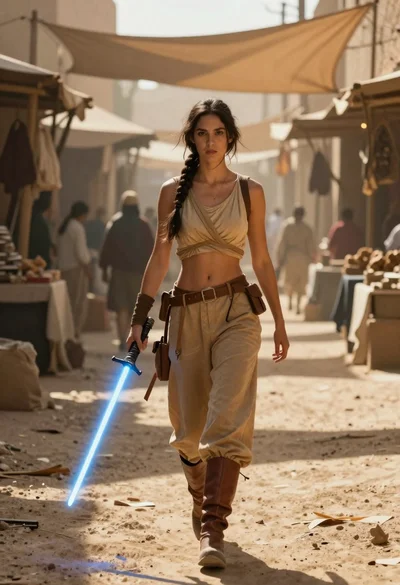
Woman with lightsaber in dusty marketplace alleyway
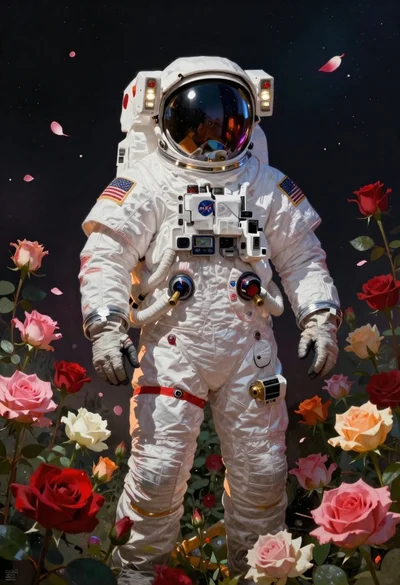
Astronaut surrounded by vibrant red and pink roses

Cybernetic android portrait in red scifi setting

Obsidian humanoid in neon cube holding glowing heart
