
Full body studio portrait of woman with red hair in blue outfit
Prompt
A full-body studio portrait of a woman with long wavy red hair and blue eyes looking directly at the camera.

Subject: A young woman with fair skin, long wavy red hair falling past her shoulders, and striking blue eyes.

Clothing: She wears a dark navy blue textured knit sweater with three-quarter sleeves and a square neckline, paired with a bright royal blue pleated skirt cinched by a thin black leather belt with a gold buckle.

Action: She stands facing forward with a neutral expression and soft gaze, her arms hanging loosely at her sides.

Environment: A plain light gray seamless studio background that fades slightly to white near the top.

Camera: Medium shot framing the subject from head to mid-thigh, captured with a shallow depth of field that keeps the face sharp while softly blurring the background.

Lighting: Soft diffused studio lighting illuminating the front of the subject evenly, creating gentle shadows and highlighting the texture of her clothing without harsh contrasts.

Style Details: Clean high-resolution portrait photography with natural skin tones and minimal post-processing for a polished editorial look.
Description
This prompt is useful for creating character concept sheets, beauty editorials focusing on wardrobe details, and professional headshot mockups requiring consistent backgrounding. The combination of 'soft diffused studio lighting' and the 'plain light gray seamless studio background' ensures that all visual focus remains on the subject's 'dark navy blue textured knit sweater,' preventing distracting environmental elements from competing with the garment's material quality.
Suggestions
- Change 'dark navy blue' to 'emerald green' for a richer color contrast.
- Swap 'medium shot framing the subject from head to mid-thigh' to 'full body portrait' to show more of the skirt.
- Add 'rim lighting on hair' to enhance the texture of her red hair.
Category
Tags
Fair SkinFemaleMedium ShotRealisticRed HairStudio
Date added
June 19, 2026
Added by
PromptDexter Team
Related Prompts
More prompts with similar categories and tags.
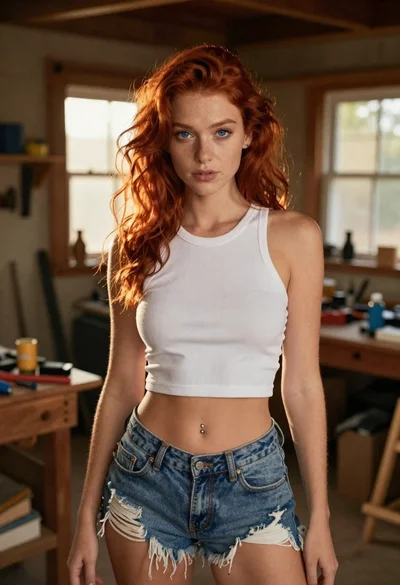
Red haired woman in workshop with tools background
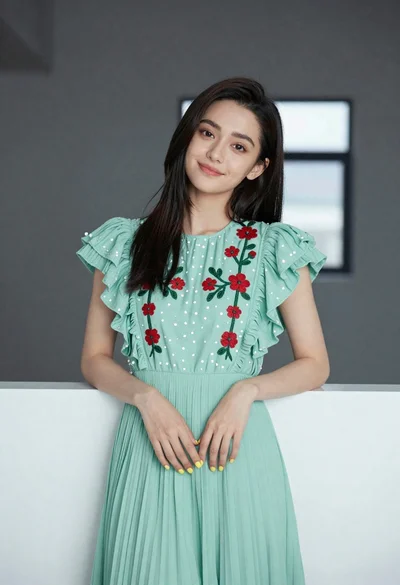
Young woman in light green embroidered dress leaning indoors
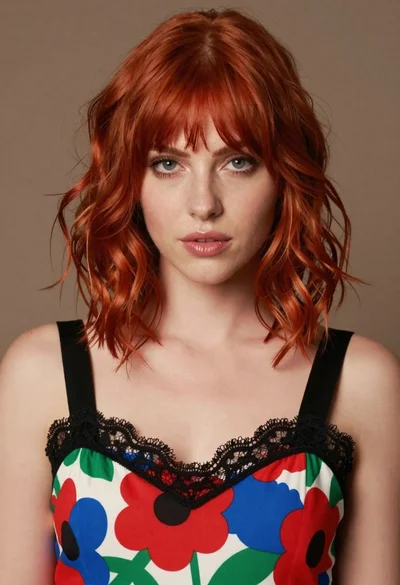
Close up portrait of woman with red hair in floral dress
Young woman pointing playfully at cheek in deep red studio dress
Young woman in navy embroidered traditional dress indoors medium shot
Blonde woman in red hat seated in studio overlooking city skyline
Smiling young woman in maroon velvet and mint saree studio portrait
Young woman in white top and denim jeans against concrete wall
Studio portrait of woman holding red rose
Young woman in striped jersey and sequined denim skirt studio portrait
