
Young woman in striped jersey and sequined denim skirt studio portrait
Prompt
A woman stands facing forward against a solid light blue background.

Subject: A young woman with long, dark brown hair that flows loosely around her shoulders and chest. She has fair skin, defined facial features, and is looking directly at the camera with a neutral expression.

Clothing: She wears a cropped short-sleeved jersey featuring vertical stripes in deep blue and red, displaying a yellow Nike swoosh on the right chest and a crest on the left chest. A large yellow graphic logo is centered on the front of the shirt. She pairs this with a denim skirt that has a sequined overlay and a white drawstring waistband tied at the front.

Action: She stands in a relaxed pose with her arms hanging loosely by her sides, maintaining steady eye contact with the viewer.

Environment: The setting is a studio environment defined by a seamless, solid light blue backdrop that fills the entire background space.

Camera: The shot is a medium close-up framed from the mid-thigh up, utilizing a direct front-facing angle with even lighting to clearly showcase the clothing details.

Lighting: The scene is illuminated by soft, diffused studio lighting that creates gentle shadows and highlights without harsh contrast, ensuring clear visibility of the subject's features and fabric textures.

Style Details: The image exhibits a clean, high-fashion commercial aesthetic with sharp focus and vibrant color saturation typical of professional apparel photography.
Description
This prompt is useful for creating e-commerce product mockups, catalog lookbooks, and lifestyle advertising featuring athletic or casual wear. The combination of 'soft, diffused studio lighting' and the 'solid light blue background' ensures that the vibrant colors of the striped jersey and sequined denim remain the primary focus, preventing distracting environmental elements from competing with the apparel details.
Suggestions
- Change 'deep blue and red' to 'navy and burgundy' for a more muted palette.
- Swap 'yellow Nike swoosh' for 'white athletic logo' to match the overall brightness.
- Adjust 'medium close-up framed from the mid-thigh up' to 'full body shot' to show footwear.
Category
Tags
Brown HairCasual WearFair SkinFemaleMedium ShotRealisticStudio
Date added
June 19, 2026
Added by
PromptDexter Team
Related Prompts
More prompts with similar categories and tags.
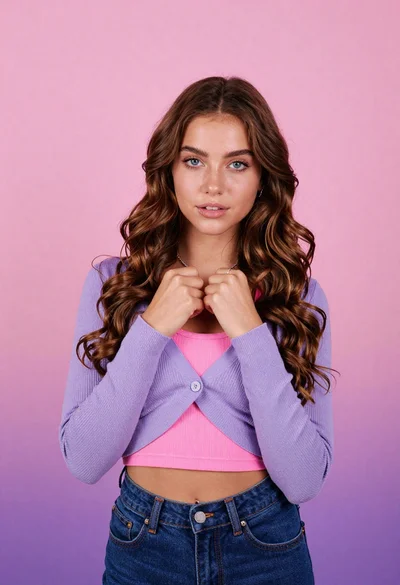
Young woman with brown hair in purple cardigan against pink background
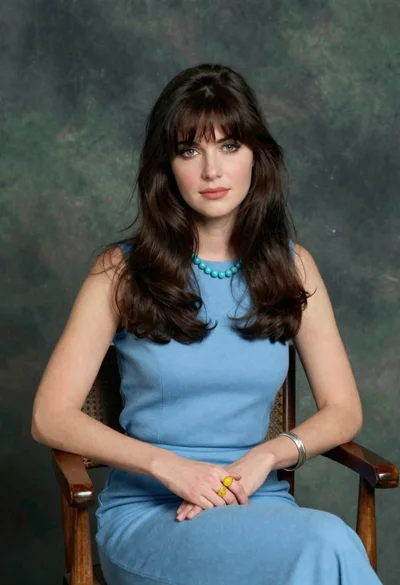
Woman with dark brown hair seated in wooden chair against green backdrop

Close up portrait of young woman making heart shape over chest

Woman with brown hair forming heart shape in white strapless dress
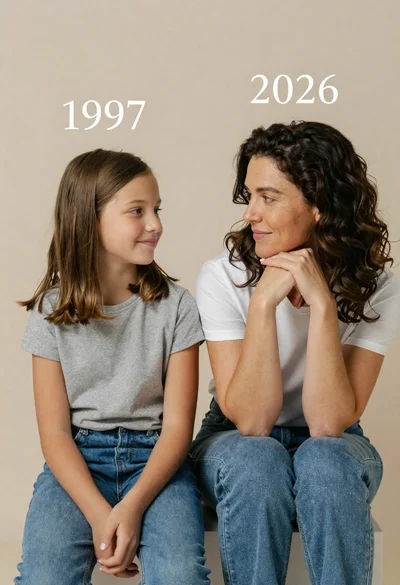
Portrait of mother and daughter sitting together against neutral studio background
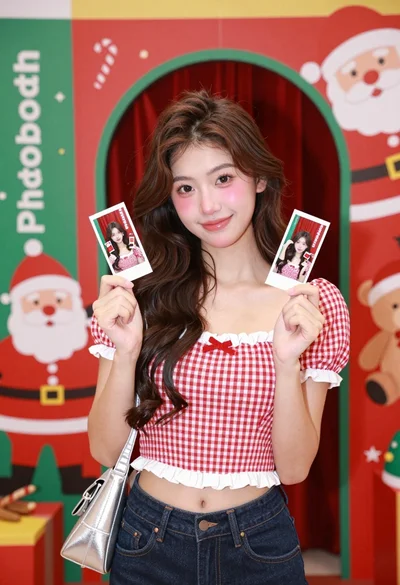
Young woman smiling in front of a festive christmas photobooth backdrop

Photorealistic portrait of woman in red gold armor holding shield studio shot

Smiling young woman in white ruffled dress between green topiary bushes
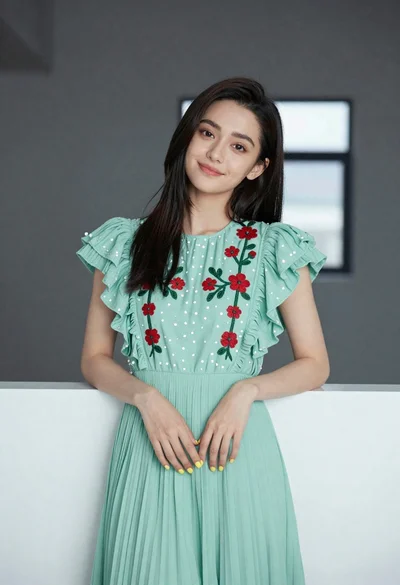
Young woman in light green embroidered dress leaning indoors

Young woman in pink camisole standing in sunlit rolling hills