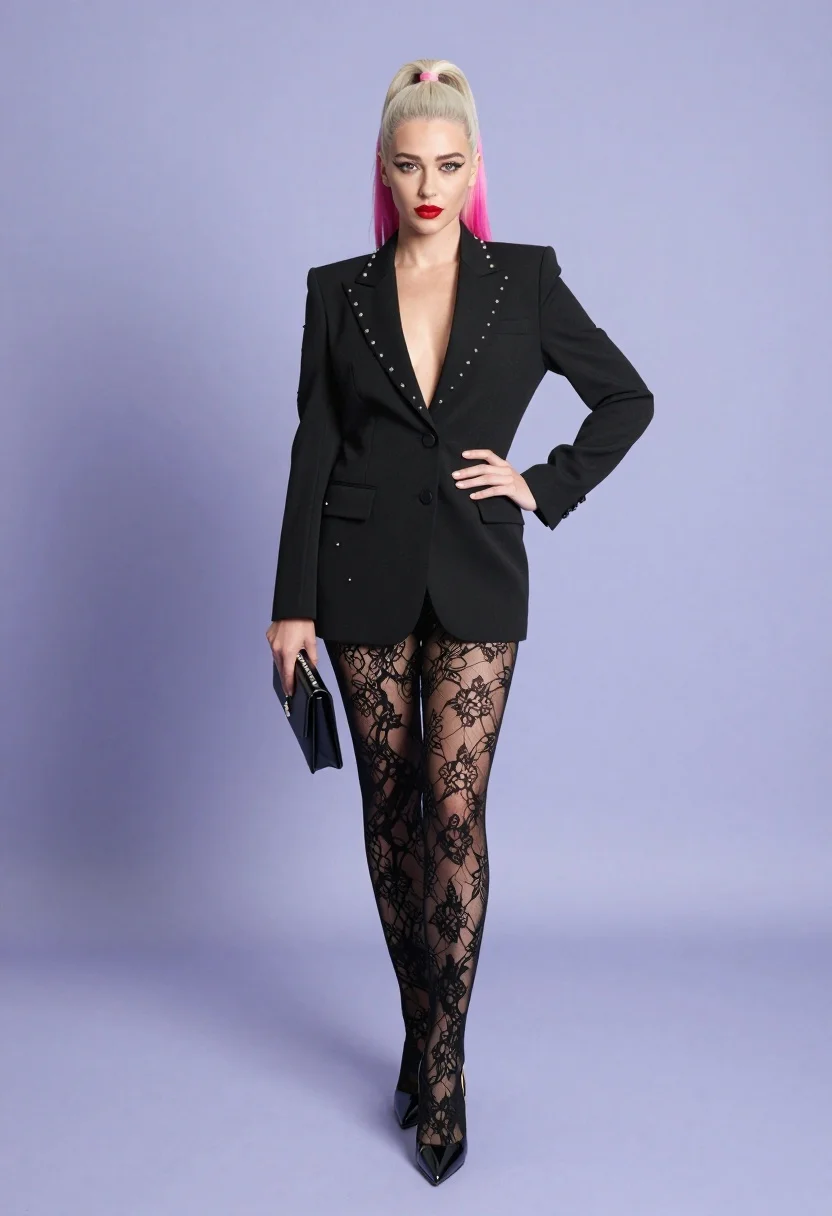
Full body studio shot of woman in black blazer against light purple
Prompt
A confident woman with platinum blonde hair featuring a high ponytail with pink streaks stands in a full-body studio shot against a plain light purple background.

Subject: A stylish woman with platinum blonde hair styled in a high ponytail accented with bright pink streaks, wearing dramatic winged eyeliner and bold red lipstick.

Clothing: She wears a structured black blazer with studded lapels over a deep V-neck top, paired with sheer black lace tights featuring intricate floral patterns and glossy black stiletto heels.

Action: She stands with one hand on her hip and the other holding a small black clutch, looking directly at the camera with a poised expression.

Environment: A minimalist studio setting with a seamless light purple backdrop and floor that reflects soft ambient light.

Camera: Full-length vertical composition capturing the entire figure from head to toe with even lighting and no visible shadows.

Lighting: Soft, diffused studio lighting illuminates the subject evenly from the front, creating a clean and polished look without harsh contrasts.

Style Details: High-fashion editorial aesthetic with sharp focus on textures like lace and studs, vibrant color contrast between black attire and pink hair, and a sleek modern vibe.
Description
This prompt is useful for creating high-fashion magazine editorials, character concept art featuring strong visual contrasts, and stylized e-commerce lookbooks for accessories. The combination of 'structured black blazer' with 'studded lapels' against the 'light purple background' establishes a deliberate, controlled tension that prevents the image from looking flat, while specifying 'even lighting' ensures all intricate details like the lace patterns remain visible without harsh shadows.
Suggestions
- Change 'platinum blonde hair' to 'deep auburn hair' for a warmer contrast.
- Swap 'light purple background' for 'slate grey backdrop' for a more severe mood.
- Add 'shot on Hasselblad X1D II' for increased photographic realism.
Category
Tags
Black HairBlondeFemaleFull BodyPortrait ShotRealisticStudio
Date added
July 3, 2026
Added by
PromptDexter Team
Related Prompts
More prompts with similar categories and tags.
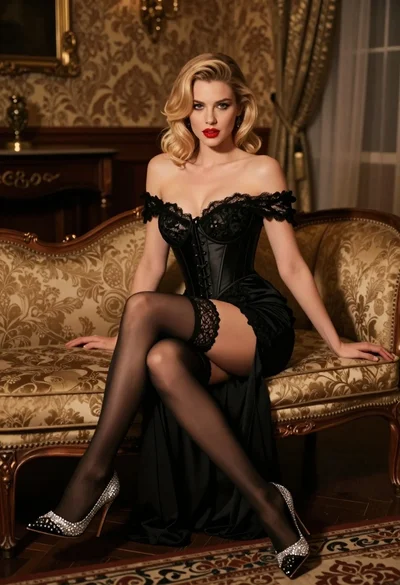
Glamorous blonde woman in black lace gown seated on vintage chaise lounge
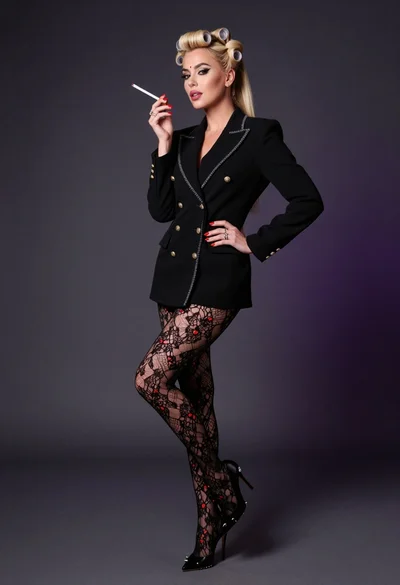
Glamorous woman in black blazer poses against dark gradient studio backdrop
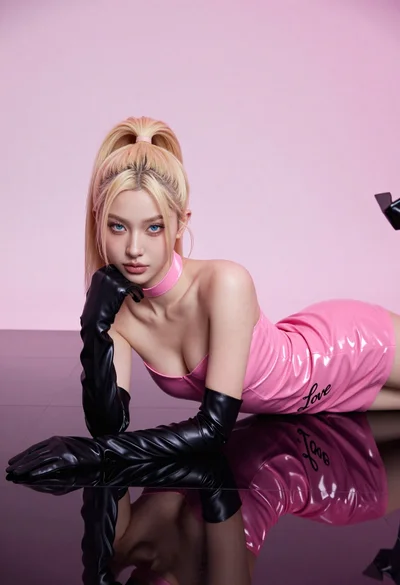
Fair blonde woman in hot pink latex dress on reflective black studio
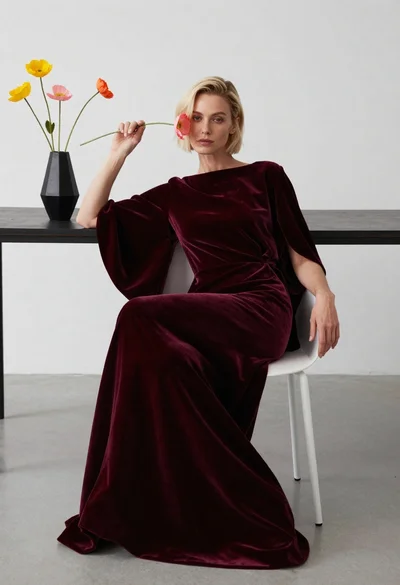
Blonde woman in burgundy velvet gown holding flower in white studio

Blonde woman looking back over shoulder against white wall
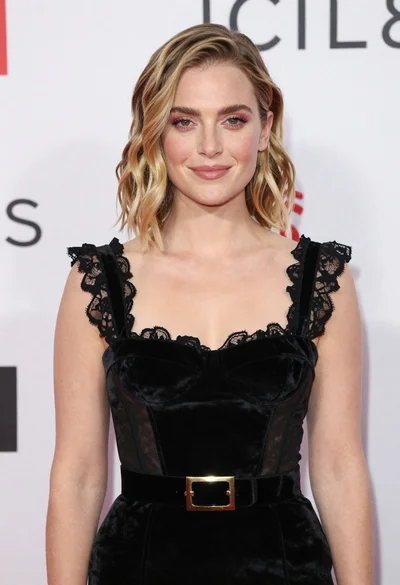
Fair skinned woman in black velvet dress at white step and repeat
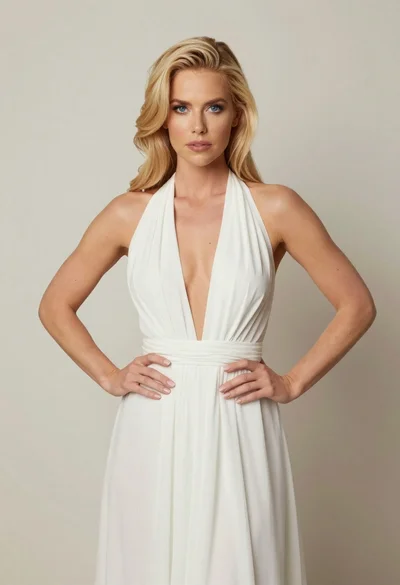
Blonde woman in white halter gown standing against a neutral studio wall
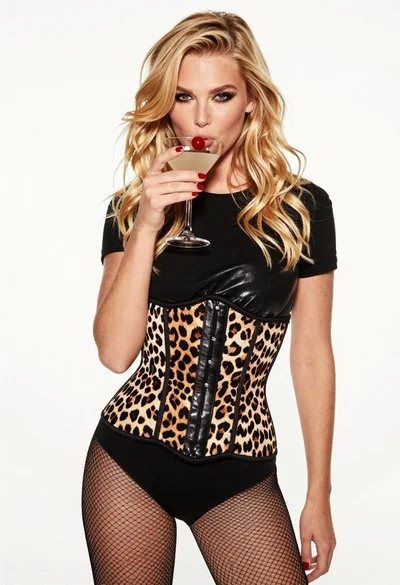
Blonde woman holding cocktail glass against a stark white studio background

Smiling blonde woman in black leather outfit at an indoor evening event
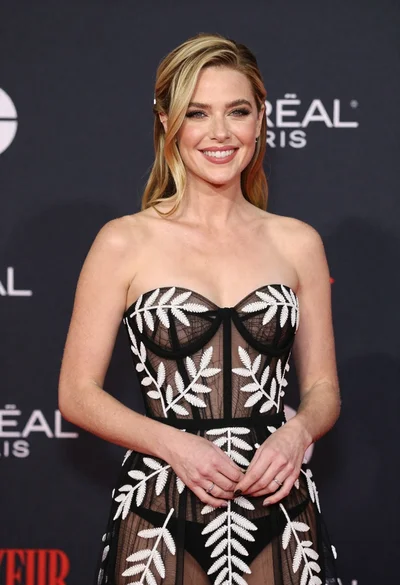
Smiling blonde woman in sheer black gown at a dark event backdrop