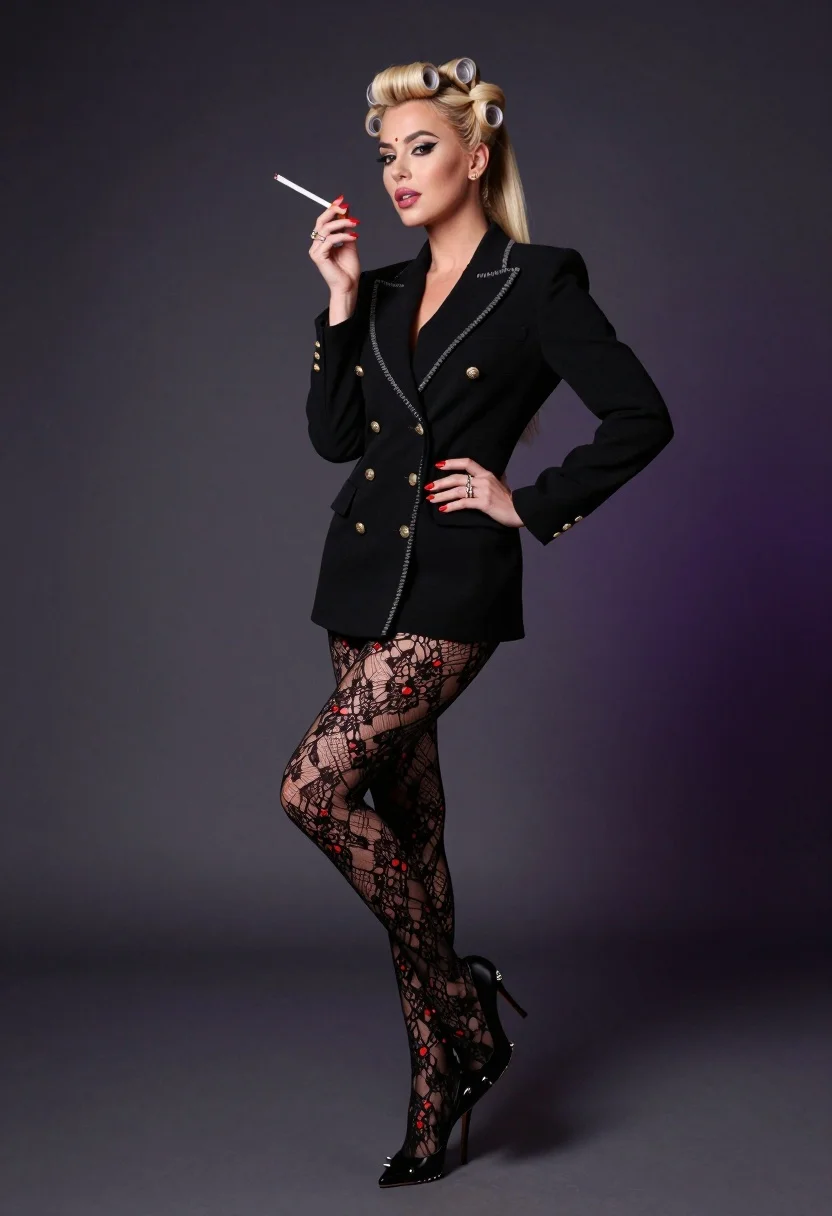
Glamorous woman in black blazer poses against dark gradient studio backdrop
Prompt
A glamorous woman with blonde hair styled in vintage victory rolls and a high ponytail poses confidently against a dark textured backdrop.

Subject: A stylish woman with platinum blonde hair arranged in retro victory rolls at the crown of her head, flowing into a sleek high ponytail down her back, featuring dramatic winged eyeliner, defined eyebrows, glossy pink lipstick, and a small red bindi on her forehead.

Clothing: She wears a sharp black double-breasted blazer with gold buttons and silver chain detailing along the lapels and front closure, paired with sheer black lace tights adorned with floral patterns and scattered red accents, completing the look with black stiletto heels featuring metal spikes along the heel and toe.

Action: She stands in a dynamic pose with one leg crossed over the other, her left hand resting on her hip while her right hand holds a cigarette holder near her lips, displaying bright red manicured nails and multiple rings on both hands.

Environment: The setting is a studio environment with a dark gradient background that transitions from charcoal grey to deep purple hues, providing a moody atmosphere.

Camera: Shot with a full-body perspective using a medium telephoto lens to compress the subject against the background, maintaining sharp focus on her while softly blurring the backdrop for depth.

Lighting: Bright studio lighting illuminates the scene evenly, creating soft shadows that accentuate the contours of her face and outfit without harsh contrast.

Style Details: High-fashion editorial aesthetic with polished makeup, metallic accents, and a blend of retro glamour and modern edge.
Description
This prompt is useful for creating high-end magazine editorials, vintage Hollywood revival campaigns, and dramatic character portraits. The combination of 'dark gradient background' and 'medium telephoto lens to compress the subject' ensures that the metallic accents on the blazer and the defined makeup remain the focal point by minimizing distracting environmental details.
Suggestions
- Change 'platinum blonde hair' to 'raven black hair' for a more dramatic contrast.
- Swap 'glossy pink lipstick' for 'deep oxblood lipstick' to match the moodier tones.
- Adjust 'dark gradient background' to specify 'charcoal grey to midnight blue' for color consistency.
Category
Tags
Black HairBlondeFemaleFull BodyPortrait ShotRealisticStudio
Date added
July 3, 2026
Added by
PromptDexter Team
Related Prompts
More prompts with similar categories and tags.
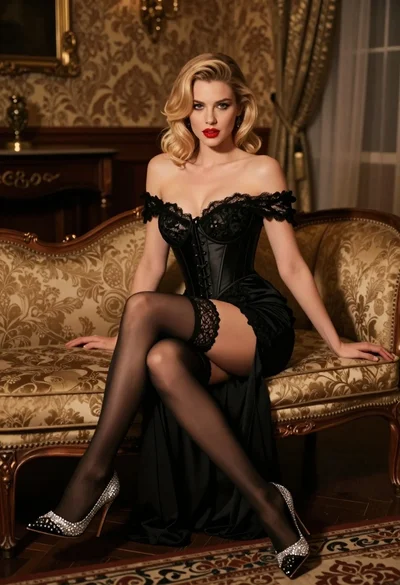
Glamorous blonde woman in black lace gown seated on vintage chaise lounge
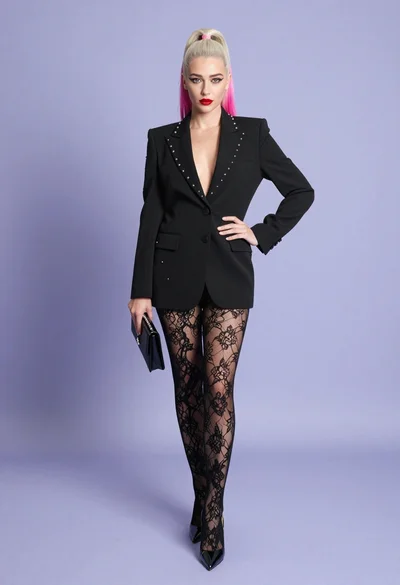
Full body studio shot of woman in black blazer against light purple
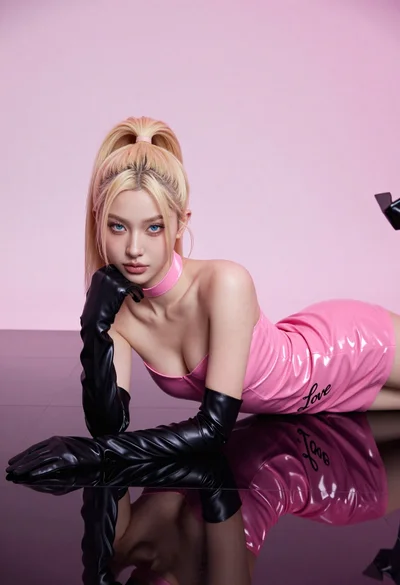
Fair blonde woman in hot pink latex dress on reflective black studio
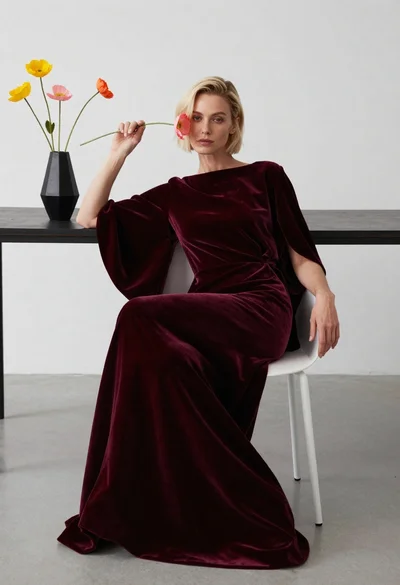
Blonde woman in burgundy velvet gown holding flower in white studio

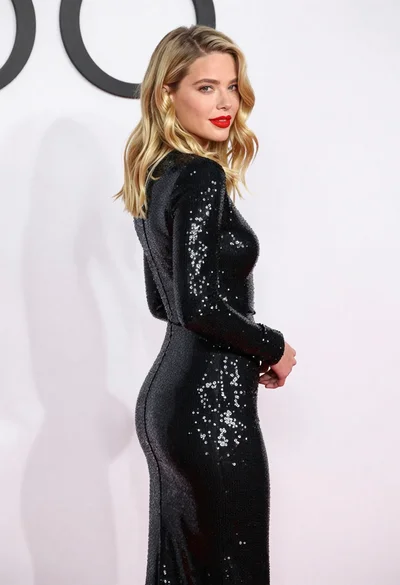
Blonde woman looking back over shoulder against white wall
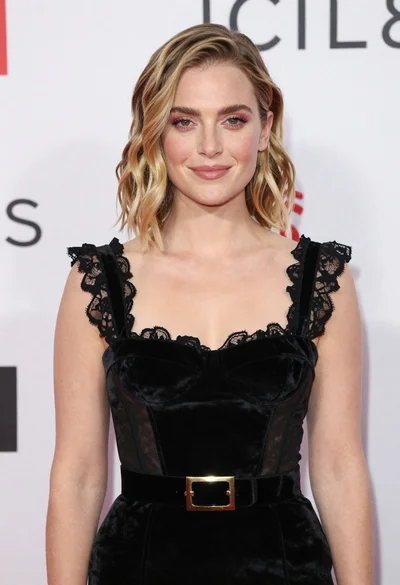
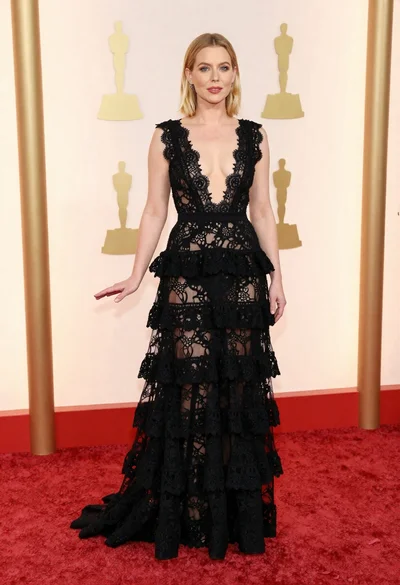
Fair skinned woman in black velvet dress at white step and repeat
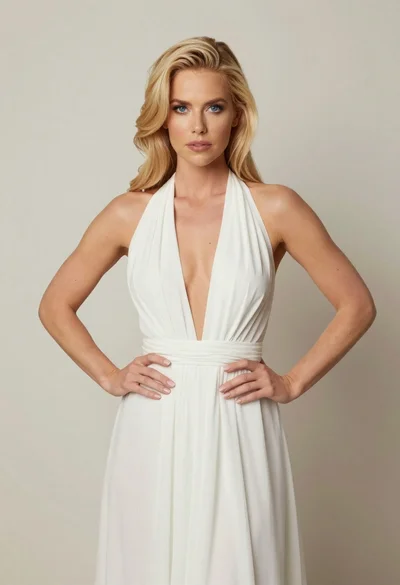
Blonde woman in white halter gown standing against a neutral studio wall
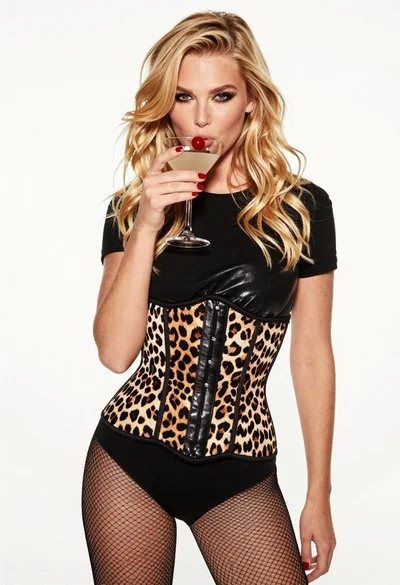
Blonde woman holding cocktail glass against a stark white studio background

Smiling blonde woman in black leather outfit at an indoor evening event
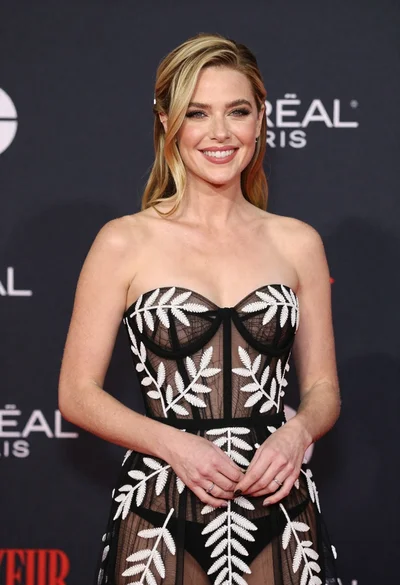
Smiling blonde woman in sheer black gown at a dark event backdrop