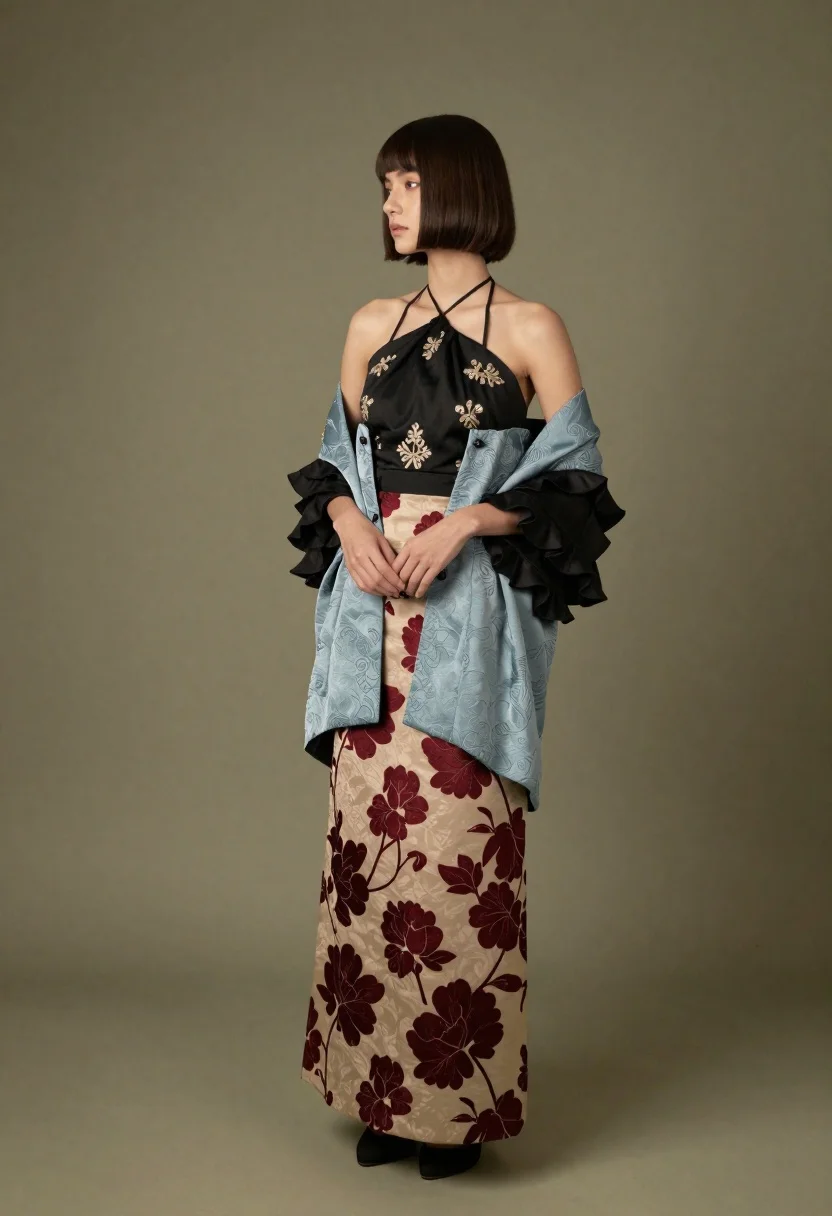
Full length studio portrait of woman in embroidered jacket and skirt
Prompt
A full-length studio portrait of a woman with a chic dark brown bob haircut and bangs, looking away to the side with a neutral expression.

Subject: A young woman with fair skin and short dark brown hair styled in a straight bob with blunt bangs. She has a slender build and is standing in profile facing left.

Clothing: She wears an elaborate multi-textured ensemble consisting of a black halter-neck top with gold embroidery, a light blue brocade bolero jacket with wide black ruffled sleeves, and a long beige skirt featuring a dark red floral pattern.

Action: The model stands with her hands gently clasped in front of her waist, maintaining a poised and elegant posture while gazing off-camera.

Environment: A solid, muted olive green wall serves as the background, providing a clean and minimalist backdrop that isolates the subject.

Lighting: Soft, diffused studio lighting illuminates the scene from the front-left, casting gentle shadows on the right side of her face and body to create depth without harsh contrast.

Style Details: The image exhibits a high-fashion editorial aesthetic with a focus on intricate fabric textures and sophisticated color palettes.
Description
This prompt is useful for creating museum exhibition catalogs, bridal fashion lookbooks, and character concept art requiring detailed costume visualization. The combination of 'soft, diffused studio lighting' and the specified 'muted olive green wall' ensures that the intricate details of the 'gold embroidery' and 'dark red floral pattern' remain visible without harsh shadows obscuring the fabric textures.
Suggestions
- Change 'black halter-neck top' to 'velvet halter-neck top' for a richer material contrast.
- Swap 'muted olive green wall' for 'charcoal gray seamless backdrop' to modernize the palette.
- Adjust 'soft, diffused studio lighting' to 'rim light from the back right' to separate the silhouette more dramatically.
Category
Tags
Brown HairCasual WearFair SkinFemaleFull BodyPortrait ShotRealisticStudio
Date added
June 19, 2026
Added by
PromptDexter Team
Related Prompts
More prompts with similar categories and tags.

Glamorous woman posing in shimmering two piece outfit against green backdrop
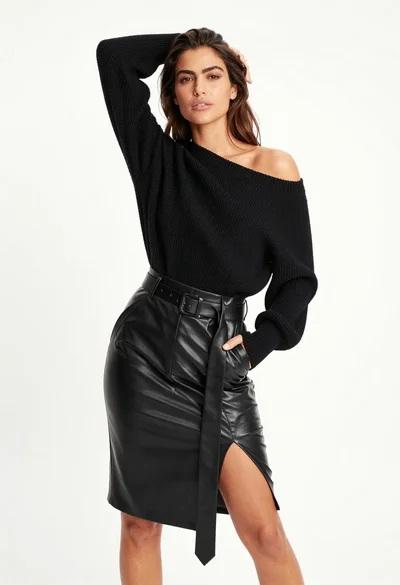
Fair skinned woman in black sweater and leather skirt against white background
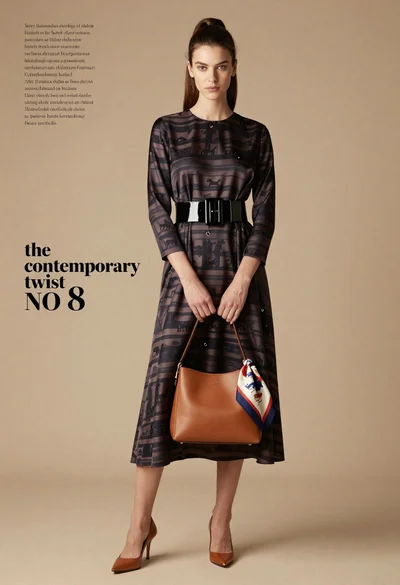
Full length fashion editorial of woman in striped silk dress studio
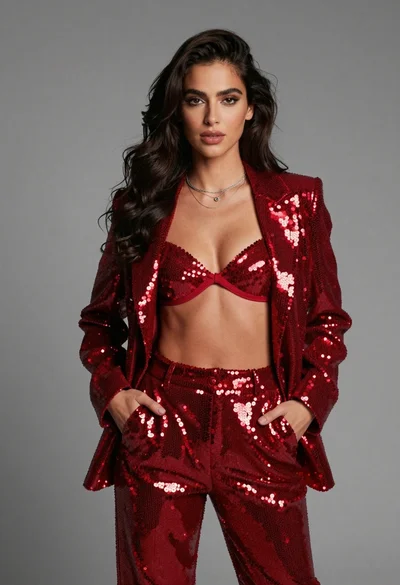
Confident young woman in matching red sequined outfit against solid grey studio
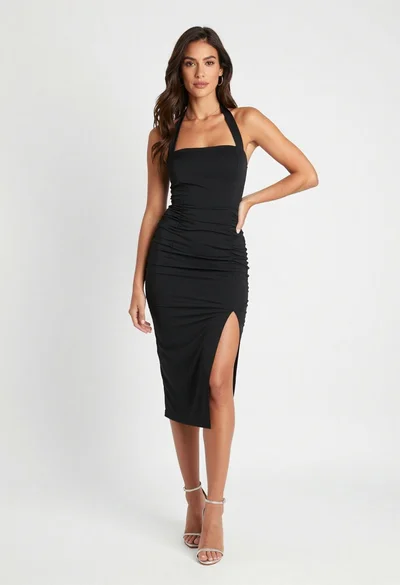
Full body portrait of woman in black dress against white seamless background

Blonde woman posing in black lingerie against pink purple gradient studio backdrop

Blonde woman in black gown seated on white stool in bright room

Young woman in blue denim jacket posing against pale pink seamless background
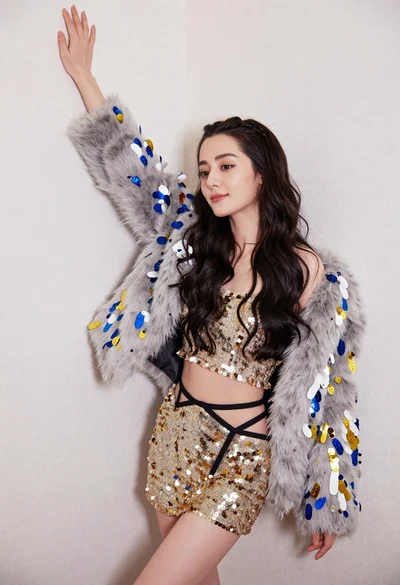
Glamorous woman posing in gold sequins against a white studio wall
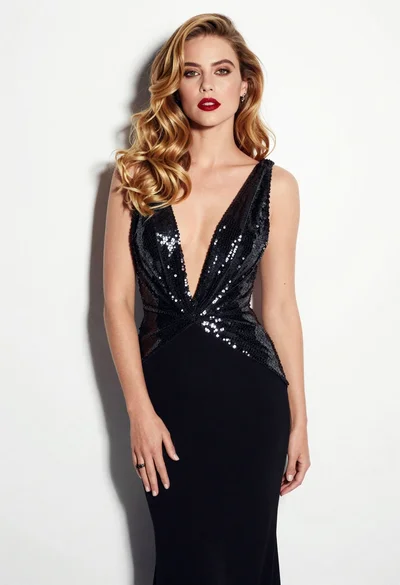
Glamorous woman in black sequined gown against a white studio background
