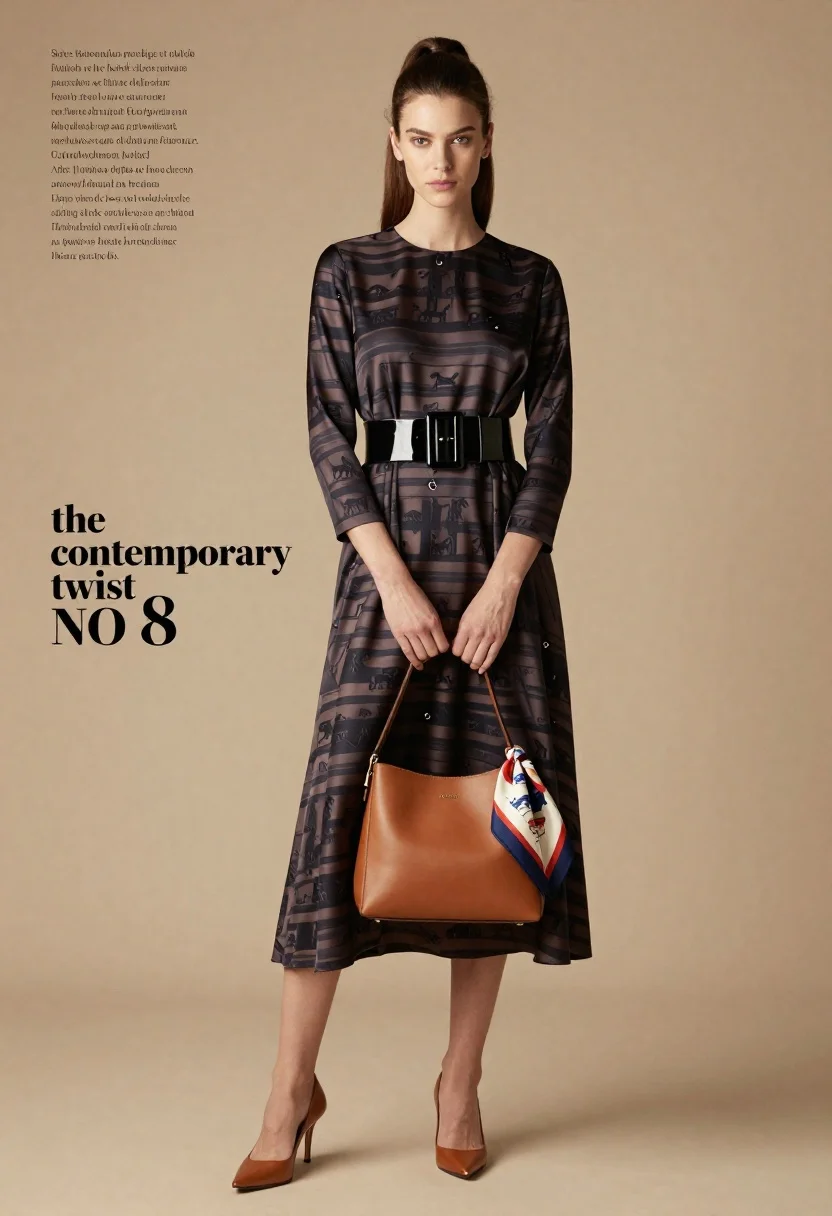
Full length fashion editorial of woman in striped silk dress studio
Prompt
A full-length fashion editorial shot of a woman standing in a studio setting against a solid beige background.

Subject: A woman with long brown hair pulled back into a high ponytail, featuring a fair complexion and a direct, confident gaze toward the camera.

Clothing: She wears a dark, patterned silk dress with horizontal stripes and small equestrian motifs, cinched at the waist by a wide black patent leather belt with a large buckle.

Action: Her hands are clasped together in front of her holding a tan leather handbag, while she looks forward with a neutral expression.

Environment: A plain beige studio backdrop that fills the frame behind the subject.

Camera: Medium-full shot framing the model from head to toe, utilizing soft, even lighting typical of high-end fashion photography.

Lighting: Soft, diffused studio lighting illuminating the front of the subject evenly with minimal harsh shadows.

Objects: A tan leather crossbody bag held by the model and a colorful patterned scarf hanging from the bag strap.

Text/Graphics: Editorial text overlays in the upper left corner listing product details and credits, along with stylized typography reading "the contemporary twist NO 8" on the left side.

Style Details: High-fashion editorial aesthetic with a clean, minimalist composition emphasizing the clothing textures and patterns.
Description
This prompt is useful for creating high-end fashion lookbooks, magazine advertisements focusing on accessories, and e-commerce catalog shots requiring consistent branding. The combination of 'soft, diffused studio lighting' and a 'plain beige studio backdrop' ensures that the focus remains entirely on the 'dark, patterned silk dress,' preventing distracting environmental elements from competing with the garment's texture and motifs.
Suggestions
- Change 'solid beige background' to 'light grey seamless paper' for more contrast.
- Swap 'equestrian motifs' for 'geometric patterns' if you want a modern feel.
- Adjust 'medium-full shot' to 'full body, low angle' to make the model appear more dominant.
Category
Tags
Brown HairCasual WearFair SkinFemaleFull BodyMedium ShotPortrait ShotRealisticStudio
Date added
June 19, 2026
Added by
PromptDexter Team
Related Prompts
More prompts with similar categories and tags.

Blonde woman in black gown seated on white stool in bright room

Young woman in blue denim jacket posing against pale pink seamless background
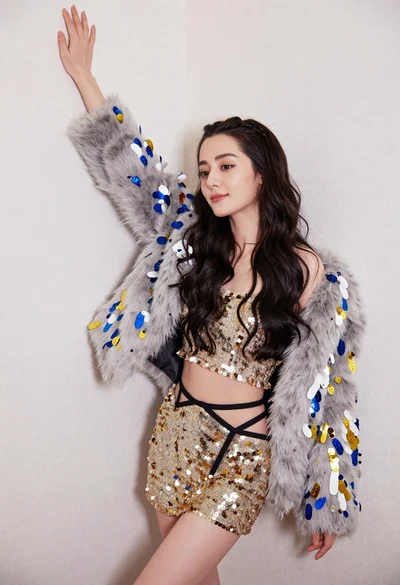
Glamorous woman posing in gold sequins against a white studio wall
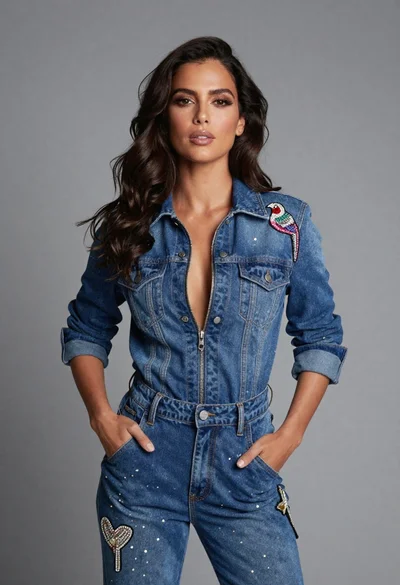
Confident woman in embellished denim jumpsuit against a gray studio backdrop

Young woman in black graphic tshirt against white paneled wall

Portrait of woman in elaborate red feathered gown against vivid blue background

Blonde woman in cream sweater sitting on beige couch
Woman in sheer crystal gown looking over shoulder at event backdrop
High fashion studio portrait of woman in crimson blazer

Young woman with braided hair in misty woodland setting