
Glamorous blonde woman in pale yellow satin dress against dark backdrop
Prompt
A glamorous woman with blonde hair pulled back in a sleek updo stands confidently against a dark background.

Subject: A fair-skinned woman with light blue eyes and glossy pink lips, featuring a classic beauty mark on her left cheek.

Clothing: She wears a shimmering pale yellow satin dress with a one-shoulder design that features a draped fabric knot at the chest, paired with a delicate diamond-studded necklace and small hoop earrings.

Action: Her head is turned slightly to the side while she gazes directly at the camera with a soft, composed expression.

Environment: The background is dark and out of focus, with indistinct shapes suggesting an event setting or red carpet area.

Camera: A medium close-up shot taken from a slightly low angle that emphasizes her face and upper torso.

Lighting: Soft, direct lighting illuminates her skin and the satin fabric, creating gentle highlights on her shoulder and chest while casting subtle shadows in the background.

Style Details: High-quality photography with a shallow depth of field that blurs the background to isolate the subject, capturing a polished and elegant aesthetic.
Description
This prompt is useful for creating high-end portrait editorials, red carpet feature spreads, and luxury beauty advertisements. The combination of 'soft, direct lighting' with a 'shallow depth of field' ensures the subject remains sharply focused while allowing the dark background to recede, which prevents visual competition and keeps all attention on the 'shimmering pale yellow satin dress'.
Suggestions
- Change 'pale yellow satin' to 'emerald green velvet' for a richer color contrast.
- Add 'rim lighting from above' to enhance the blonde hair sheen.
- Adjust 'medium close-up shot' to 'head and shoulders portrait' for more focus on the face.
Category
Tags
BlondeFair SkinFemaleLow AngleRealisticStudio
Date added
June 19, 2026
Added by
PromptDexter Team
Related Prompts
More prompts with similar categories and tags.
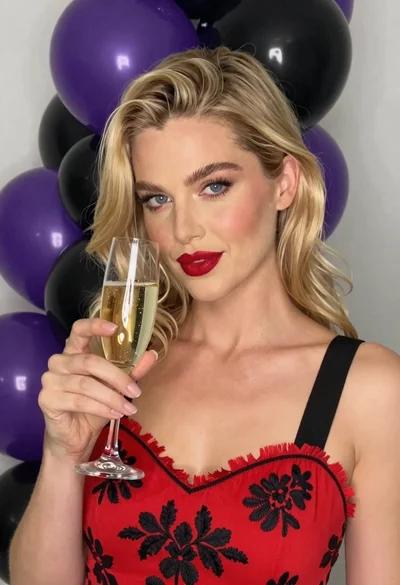
Close up portrait of blonde woman with champagne against purple balloons

Blonde woman at a bar counter in dimly lit pub
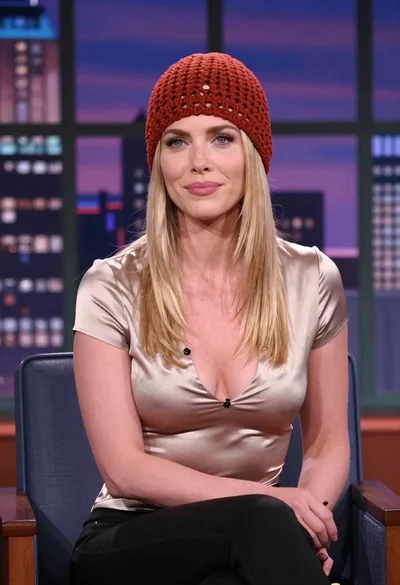
Blonde woman in red hat seated in studio overlooking city skyline
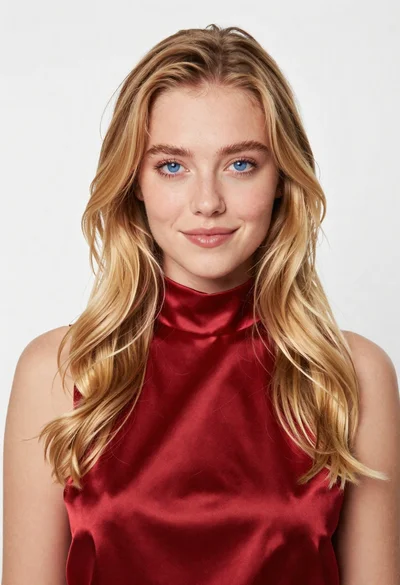
Portrait of young blonde woman in deep red satin top against white
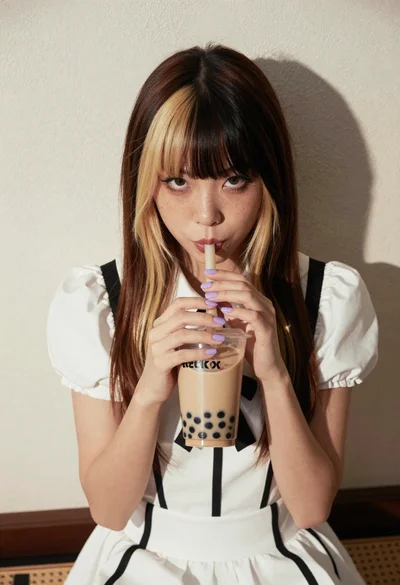
Young woman with twotoned hair drinking bubble tea indoors

Medium full length portrait of woman in brown mesh dress
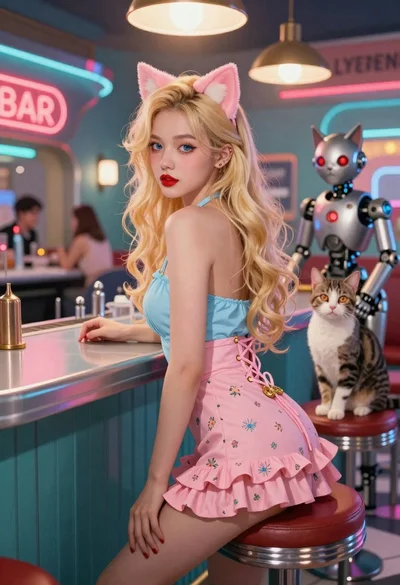
Woman with cat ears at a retro futuristic bar
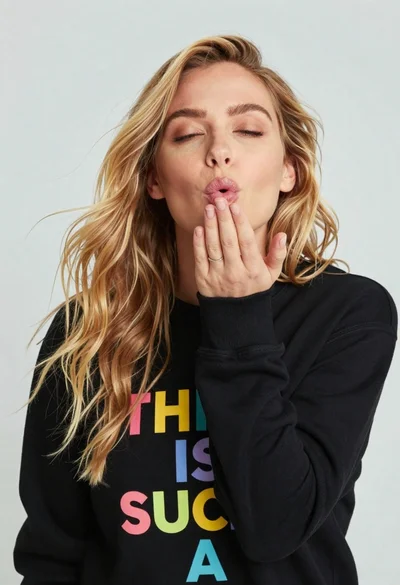
Close up portrait of blonde woman blowing kiss in black sweatshirt
Blonde woman in white top at indoor sports arena railing looking up
Woman looking back over balcony railing at night cityscape view