
Close up portrait of blonde woman with champagne against purple balloons
Prompt
A close-up portrait of a blonde woman holding a glass of champagne against a backdrop of purple balloons.

Subject: A fair-skinned woman with long wavy blonde hair parted in the middle and styled loosely around her shoulders, featuring blue eyes, defined eyebrows, and bright red lipstick.

Clothing: She wears a vibrant red dress with black floral embroidery patterns and a frayed hemline at the neckline, paired with thick black shoulder straps.

Action: The woman holds a tall champagne flute filled with bubbly liquid in her right hand near her face, tilting her head slightly while looking directly at the camera with a confident expression.

Environment: The background consists of a cluster of dark purple and black balloons arranged vertically behind her, with a plain light-colored wall visible to the side.

Camera: A close-up shot taken from a slightly low angle that emphasizes the subject's face and upper torso, utilizing a shallow depth of field to blur the balloon background.

Lighting: Soft, diffused lighting illuminates the scene evenly, creating gentle highlights on her skin and hair while maintaining a warm and celebratory mood.

Objects: A clear champagne flute containing golden bubbly liquid is held in the foreground, catching reflections from the light source.
Description
This prompt is useful for creating editorial portraiture, themed event photography, and luxury advertisement mockups. The combination of 'vibrant red dress' against the dark purple balloons, coupled with the 'shallow depth of field,' ensures the subject remains the sharp focal point while the background provides saturated color contrast suitable for high-impact visual branding.
Suggestions
- Change 'dark purple and black balloons' to 'iridescent silver balloons' for a more modern feel.
- Swap 'bright red lipstick' for 'deep berry lipstick' to complement the dark background.
- Adjust 'soft, diffused lighting' to 'rim lighting' to separate her hair from the backdrop.
Category
Tags
BlondeBrown HairClose UpFair SkinFemaleFull BodyLow AngleRealistic
Date added
June 19, 2026
Added by
PromptDexter Team
Related Prompts
More prompts with similar categories and tags.
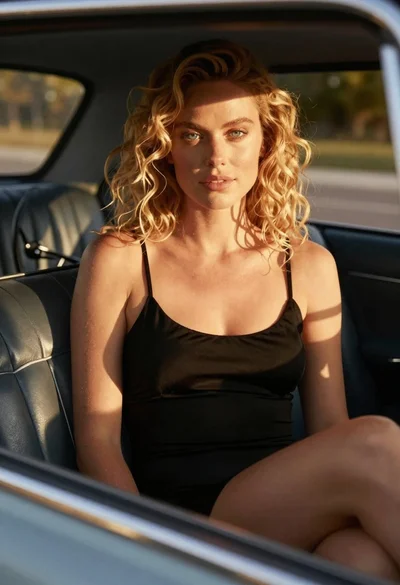
Close up of blonde woman in black dress inside vintage car
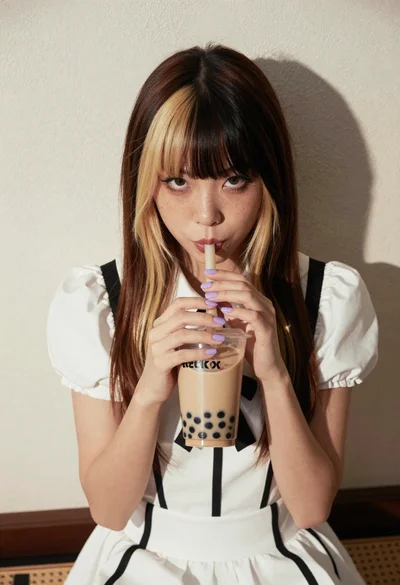
Young woman with twotoned hair drinking bubble tea indoors
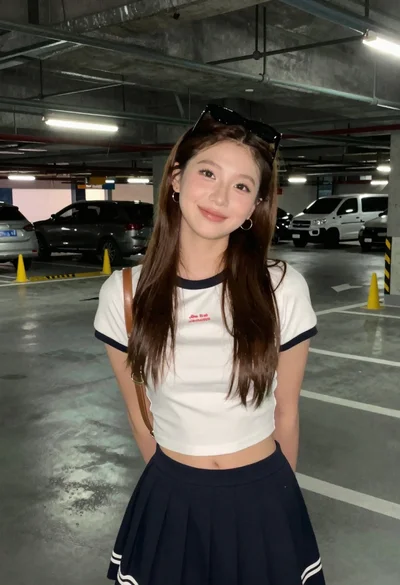
Young woman in white crop top standing in concrete parking garage
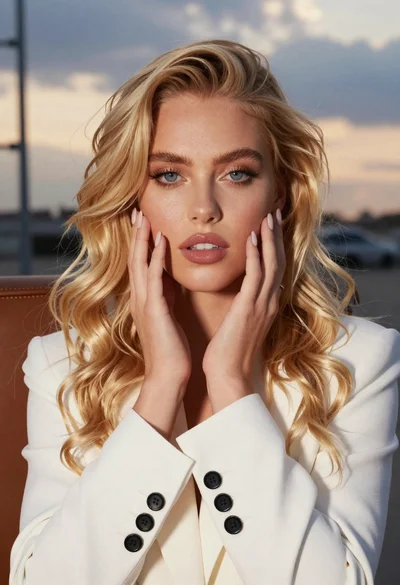
Close up portrait of blonde woman touching face at golden hour
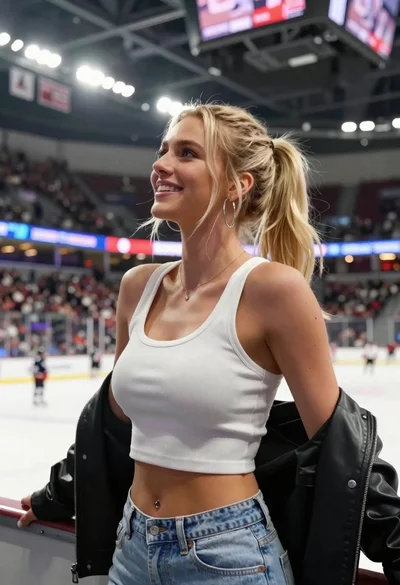
Blonde woman in white top at indoor sports arena railing looking up
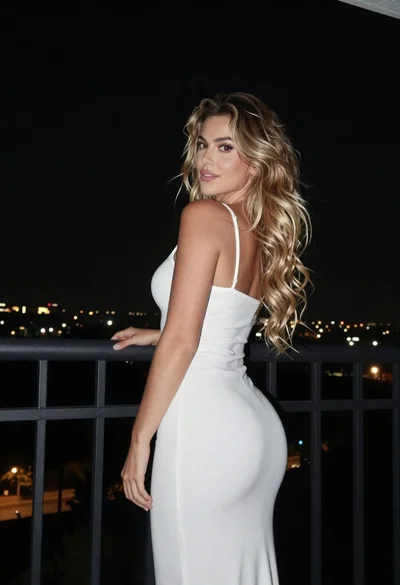
Woman looking back over balcony railing at night cityscape view
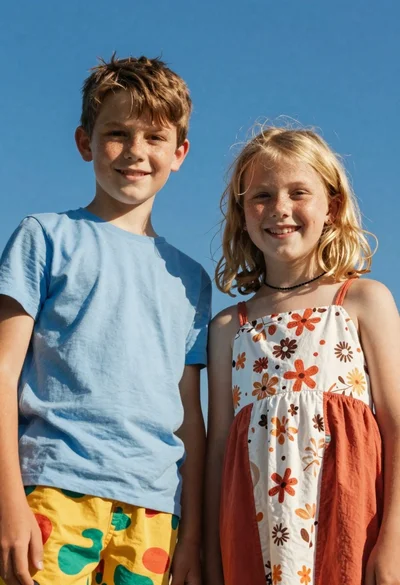
Two smiling children looking up at camera under blue sky
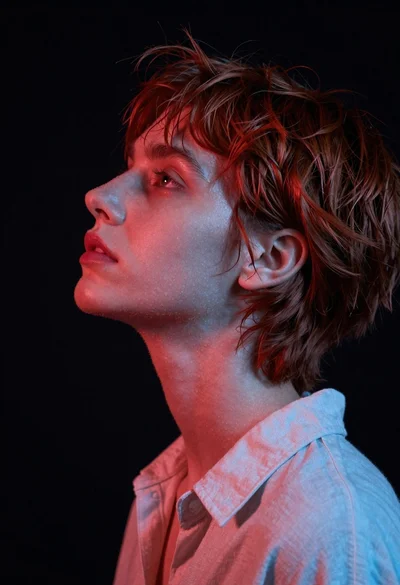
Close up profile portrait of woman with reddish brown hair looking upward
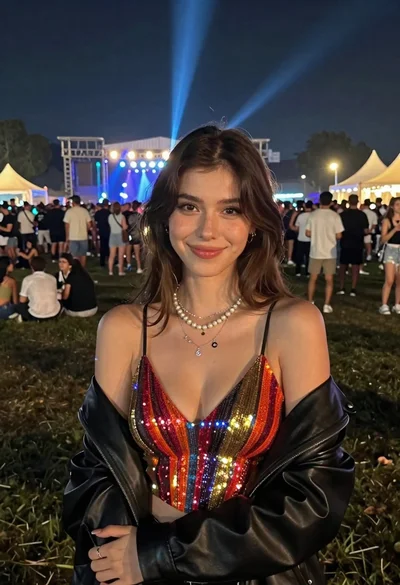
Smiling woman in sparkly top at nighttime outdoor festival crowd
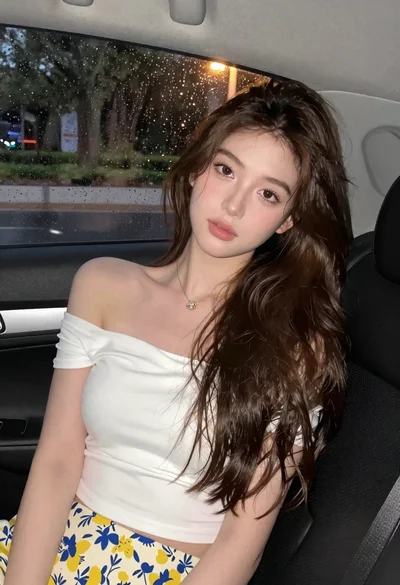
Young woman in white top and floral skirt inside car window