Young woman with twotoned hair drinking bubble tea indoors
Prompt
A young woman with two-toned hair sits against a wall while sipping bubble tea through a straw.

Subject: A young woman with long brown and blonde hair featuring a sharp black fringe and bangs, fair skin with visible freckles, and dark winged eyeliner.

Clothing: She wears a white dress with puffy short sleeves, black vertical stripes on the bodice, and a matching striped skirt; her nails are painted a light purple color.

Action: She holds a plastic cup of bubble tea in her right hand and looks directly at the camera with a neutral expression while drinking from the straw.

Environment: The setting is an indoor room with a plain, textured off-white wall behind her and a glimpse of a patterned floor or surface at the bottom.

Lighting: Strong directional sunlight casts a sharp shadow of her head onto the wall behind her, creating high contrast between the illuminated side of her face and the darker areas.

Camera: The shot is framed as a medium close-up from a slightly low angle looking up at the subject, with a shallow depth of field that keeps the focus on her face.

Style Details: The image has a glossy, high-fashion editorial aesthetic reminiscent of Teen Vogue magazine, characterized by vibrant colors and a polished, modern look.
Description
This prompt is useful for creating contemporary beauty editorials, character concept art for young adult media, and lifestyle portraits mimicking magazine spreads. The combination of 'strong directional sunlight' casting a sharp shadow against the plain wall emphasizes high contrast, which perfectly suits the polished, modern look desired in a glossy editorial aesthetic while the 'medium close-up from a slightly low angle' directs focus upward toward her face.
Suggestions
- Change 'plain, textured off-white wall' to 'exposed brick wall' for more urban grit.
- Swap 'light purple color' for 'chrome silver' on the nails for a futuristic feel.
- Adjust 'strong directional sunlight' to 'soft box lighting' if you want less harsh shadow contrast.
Category
Tags
Black HairBlondeBrown HairCasual WearFair SkinFemaleLow AnglePortrait ShotRealistic
Date added
June 19, 2026
Added by
PromptDexter Team
Related Prompts
More prompts with similar categories and tags.
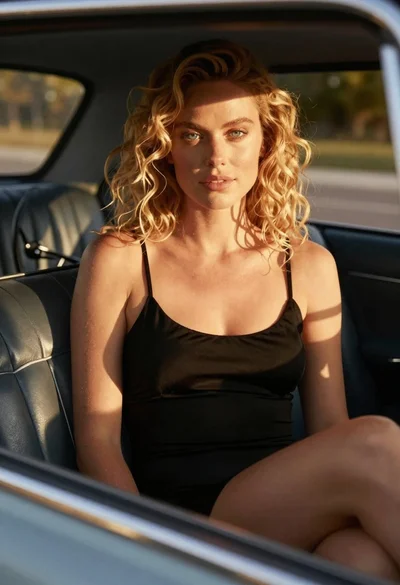
Close up of blonde woman in black dress inside vintage car

Blonde woman at a bar counter in dimly lit pub

Blonde woman smiling with green lollipop in brightly lit candy store

Young woman in black crop top and cream trousers indoors looking over

Smiling young woman in maroon top standing outdoors with blurred background

Woman in black dress seated in dimly lit diner booth

Medium full length portrait of woman in brown mesh dress
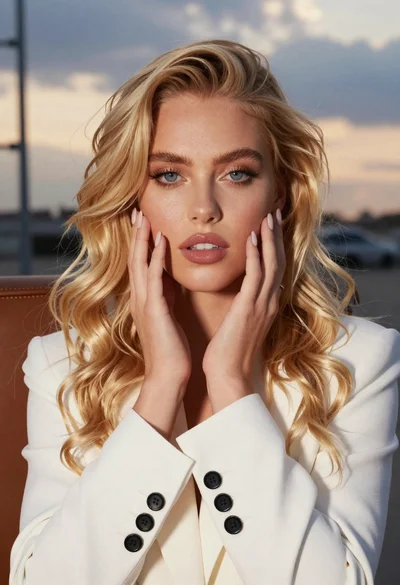
Close up portrait of blonde woman touching face at golden hour
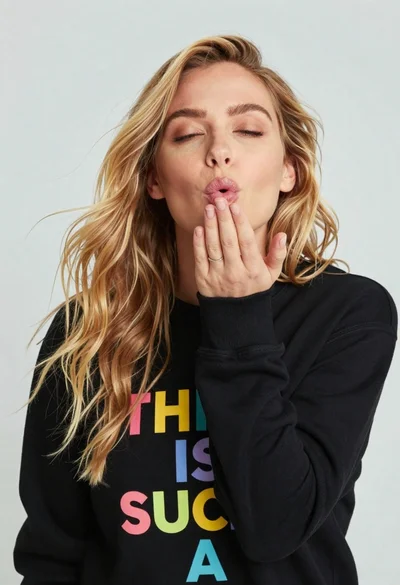
Close up portrait of blonde woman blowing kiss in black sweatshirt
Blonde woman in white top at indoor sports arena railing looking up