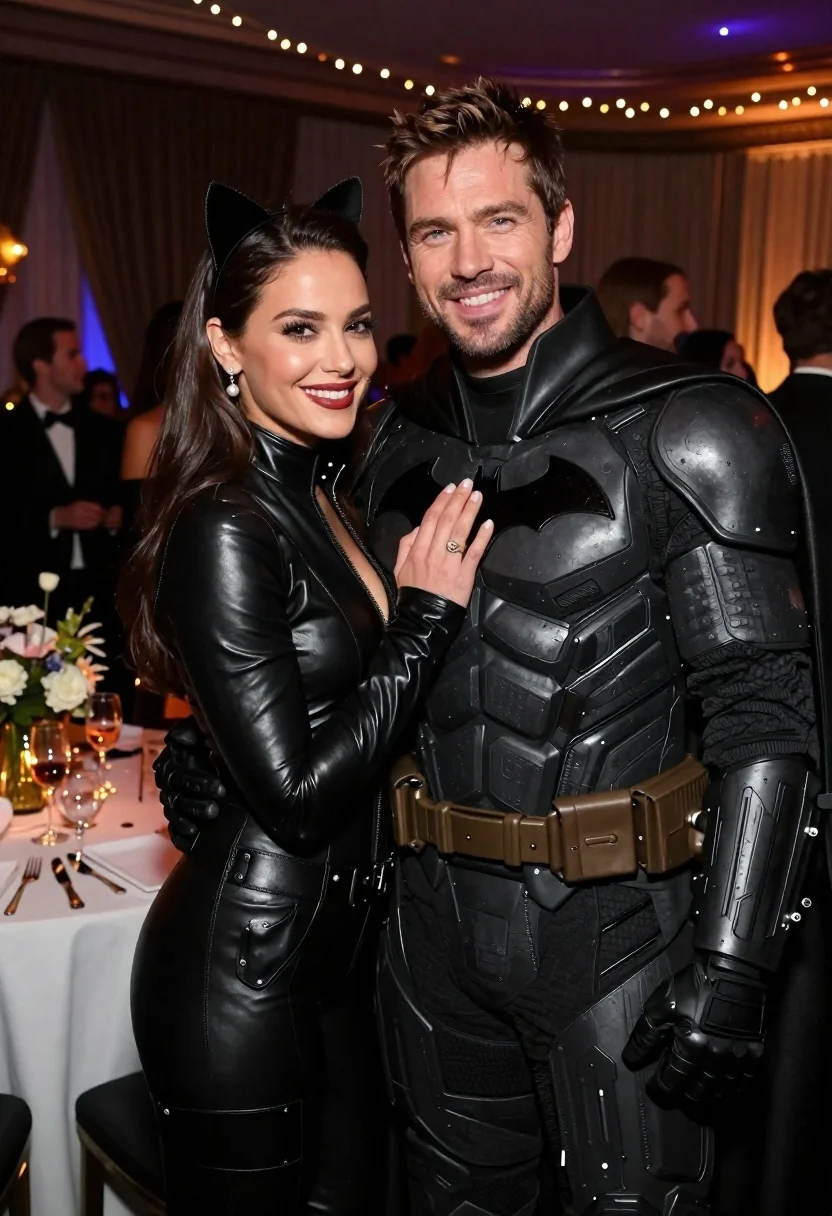
Glamorous couple in catwoman and batman costumes at an indoor party
Prompt
A glamorous couple posing together at an indoor party, with the woman dressed as Catwoman and the man dressed as Batman.

Subject: A smiling woman with long dark hair wearing a black leather bodysuit and cat ears, standing next to a smiling man with short brown hair and stubble wearing a detailed black tactical armored suit with a bat emblem on his chest.

Clothing: The woman wears a form-fitting high-necked black leather catsuit with utility belts around the waist and thighs, accessorized with pearl drop earrings and a ring. The man wears a textured black armored costume featuring segmented plating, a high collar, and a large sculpted bat logo on the chest.

Action: The woman stands close to the man with her left hand resting gently on his chest, while he stands slightly behind her with his arm around her waist; both are looking directly at the camera with warm smiles.

Environment: An elegant indoor event space featuring dark draped curtains in the background, soft string lights hanging from the ceiling, and a blurred party scene with guests and a table holding drinks and flowers to the left.

Camera: A medium close-up shot taken at eye level with a shallow depth of field that keeps the couple in sharp focus while blurring the background crowd and decor.

Lighting: Warm ambient lighting with soft highlights on their faces and costumes, creating a festive and intimate atmosphere with gentle shadows.

Style Details: High-resolution photography with realistic textures, vibrant colors, and a polished cinematic quality typical of celebrity event coverage.
Description
This prompt is useful for creating comic book-inspired portraiture, themed costume gallery shots, and dramatic character concept art. The combination of 'black leather bodysuit' and 'textured black armored costume' against the backdrop of 'dark draped curtains' establishes a high contrast that emphasizes the characters' silhouettes while the 'shallow depth of field' ensures the viewer's focus remains solely on the couple's interaction.
Suggestions
- Change 'pearl drop earrings' to 'diamond stud earrings' for a more intense look.
- Swap 'soft string lights' for 'neon strip lighting' to change the mood.
- Adjust 'medium close-up shot' to 'full body shot' to better show the costumes.
Category
Tags
Black HairBrown HairCasual WearClose UpCosplay CostumeDark SkinFemaleFormal WearIndoorsMaleMedium ShotRealistic
Date added
June 23, 2026
Added by
PromptDexter Team
Related Prompts
More prompts with similar categories and tags.
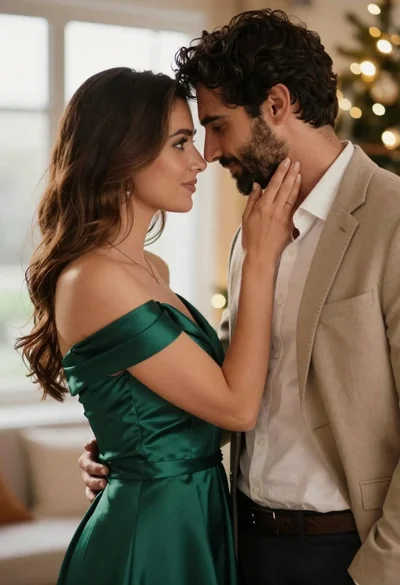
Romantic couple in elegant attire sharing an intimate moment indoors

Young couple sharing popcorn in a dimly lit movie theater
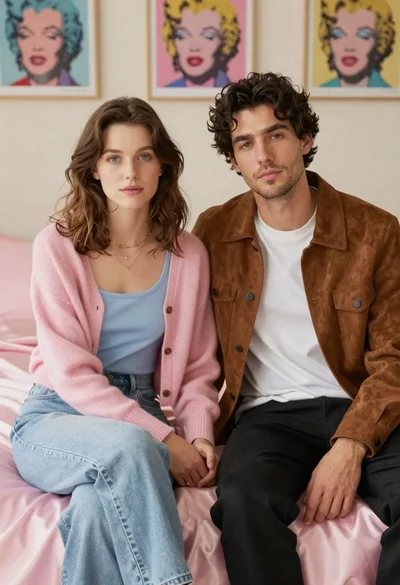
Young couple sitting on bed with pink satin sheets in bedroom

Man and woman in formal attire posing in an ornate ballroom
Man and woman in formal wear standing close together in a nightclub
Romantic couple embracing intimately in a cozy indoor setting with warm lighting
Man and woman in formal wear standing against a stone wall

Black and white portrait of a couple embracing in intimate profile