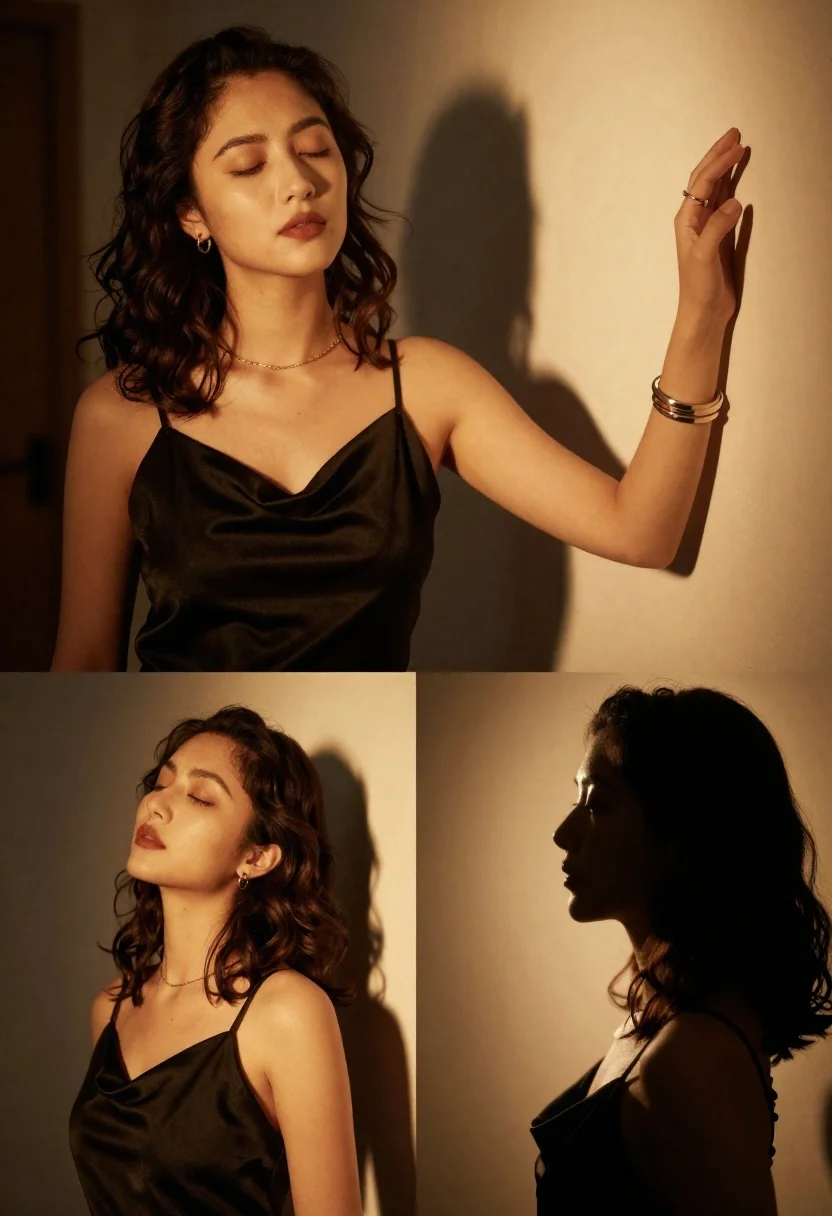
Cinematic portrait collage of woman in black satin dress with golden lighting
Prompt
A warm, cinematic portrait collage featuring a woman with dark wavy hair in soft golden light.

Subject: A woman with dark brown wavy shoulder-length hair and closed eyes, appearing serene and contemplative.

Clothing: She wears a black satin slip dress with thin spaghetti straps and a cowl neckline, accessorized with a delicate gold chain necklace, small hoop earrings, a ring on her finger, and layered bracelets on her wrist.

Action: The woman is posed in various states of stillness, including a frontal view with eyes closed, a profile shot looking upward, and a close-up of her hand raised gracefully against the wall.

Environment: A dimly lit interior space with textured walls that catch the light, creating an intimate and moody atmosphere.

Camera: The composition is presented as a collage of three distinct shots—a medium portrait, a detailed close-up of the hand and arm, and a profile silhouette—utilizing shallow depth of field to blur the background.

Lighting: Strong directional warm lighting creates dramatic chiaroscuro effects, casting deep shadows and highlighting the contours of her face, neck, and hair with golden highlights.

Style Details: The image features high-contrast cinematic photography with rich color grading, soft focus on edges, and a smooth, polished aesthetic typical of fashion editorial portraiture.
Description
This prompt is useful for creating dramatic album art, moody fine art prints, and sophisticated character concept sheets. The combination of 'strong directional warm lighting' producing 'dramatic chiaroscuro effects' ensures that the 'black satin slip dress' catches highlights against deep shadows, which is essential for conveying the rich, polished aesthetic required in high-contrast editorial portraiture.
Suggestions
- Change 'dark brown wavy hair' to 'raven black hair' for deeper contrast.
- Swap 'gold chain necklace' for 'antique silver jewelry' for a cooler tone.
- Adjust 'shallow depth of field' to 'bokeh effect' for more pronounced background separation.
Category
Tags
Black HairBrown HairClose UpDark SkinFemaleFormal WearIndoorsMedium ShotPortrait ShotRealistic
Date added
June 21, 2026
Added by
PromptDexter Team
Related Prompts
More prompts with similar categories and tags.
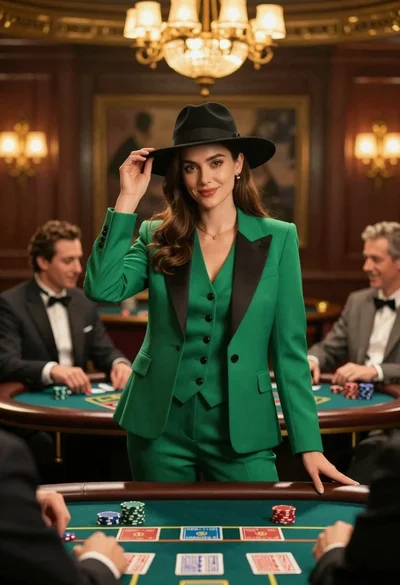
Confident woman in green suit stands at center of high stakes casino
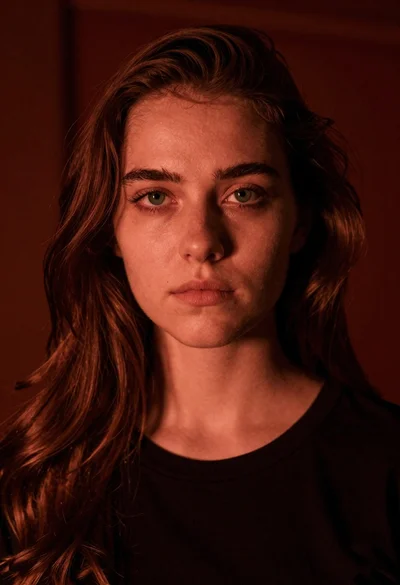
Closeup portrait of young woman with brown hair and green eyes in

East asian woman in black leather jacket on bustling chinese street at
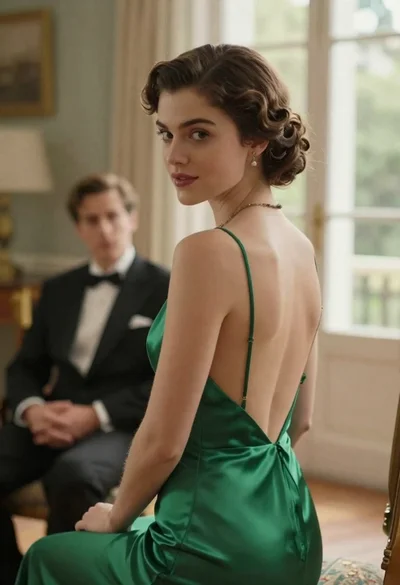
Woman in green dress looking over shoulder in bright ballroom setting

Woman in green satin slip dress standing in sunlit elegant interior room
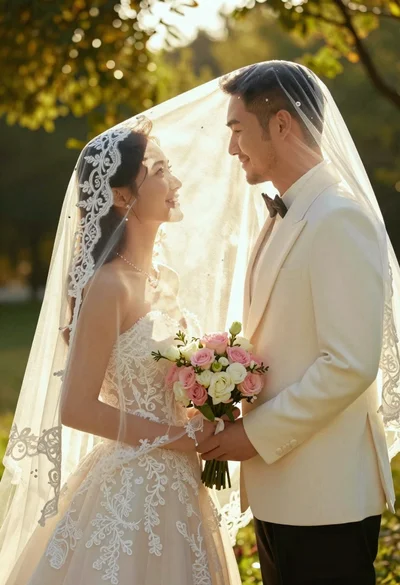
Bride and groom under lace veil in sunlit garden holding roses
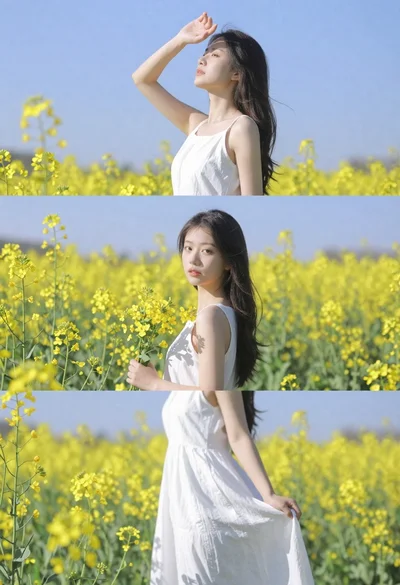
Woman in white dress standing in a field of yellow flowers
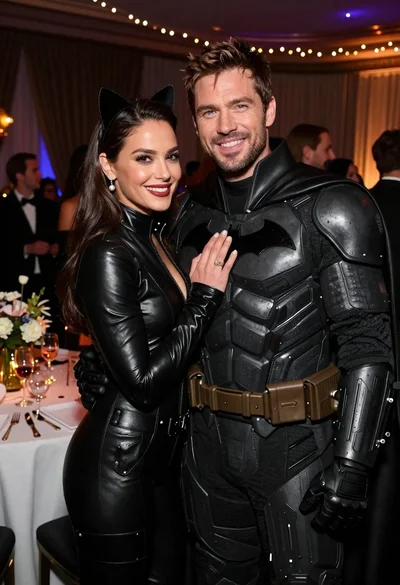
Glamorous couple in catwoman and batman costumes at an indoor party
