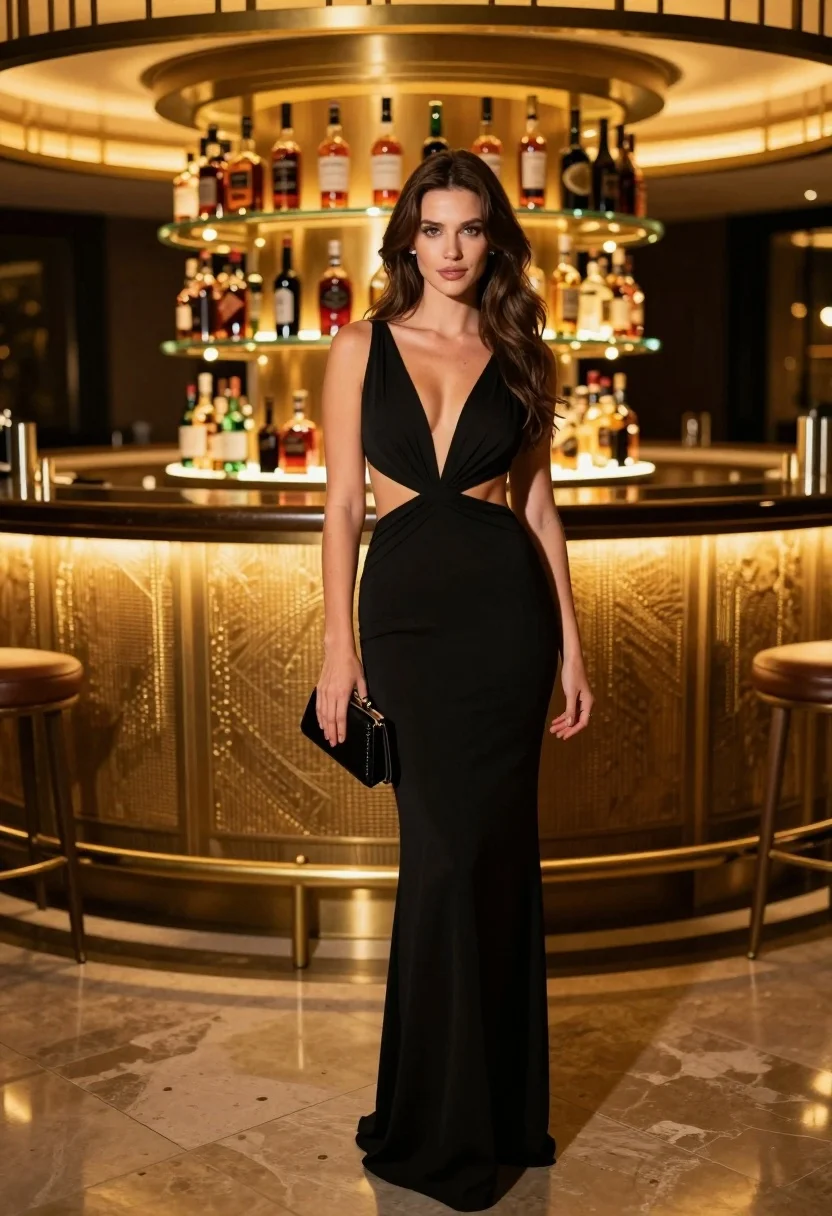
Glamorous woman in black gown standing near illuminated circular bar
Prompt
A glamorous woman stands confidently in a sophisticated indoor setting, wearing an elegant black evening gown with cutout details at the waist and a deep V-neckline. She holds a small black clutch in her right hand while facing forward with a poised expression. Her long brown hair flows loosely over her shoulders, framing her face softly. Behind her is a luxurious circular bar illuminated by warm golden lighting, displaying rows of liquor bottles on glass shelves within a metallic frame. The floor features polished stone tiles that reflect the ambient glow. Soft shadows and rich tones enhance the upscale atmosphere.

Camera: medium shot with slight depth of field focusing on the subject while keeping the background softly blurred.

Lighting: warm ambient light from behind and above creates a glowing effect around the bar and highlights the subject’s silhouette.

Style Details: high-fashion editorial aesthetic with polished realism, subtle grain, and cinematic color grading emphasizing luxury and elegance.
Description
This prompt is useful for creating high-end magazine editorials, character concept art for film noir, and luxurious product placement visuals within a bar setting. The combination of 'elegant black evening gown' against the 'warm golden lighting' from the illuminated circular bar establishes a dramatic contrast that prevents the subject from blending into the background, while the 'soft shadows and rich tones' ensure the overall composition feels expensive rather than merely lit.
Suggestions
- Change 'black evening gown' to 'velvet black gown' for more texture.
- Adjust 'warm golden lighting' to 'deep sapphire accent lighting' for a cooler mood.
- Swap 'polished stone tiles' for 'dark marble floor' to increase reflectivity.
Category
Tags
Brown HairBrunetteFemaleFormal WearIndoorsMedium ShotPortrait ShotRealistic
Date added
July 12, 2026
Added by
PromptDexter Team
Related Prompts
More prompts with similar categories and tags.
Elegant woman in deep red gown sitting in modern lounge chair indoors
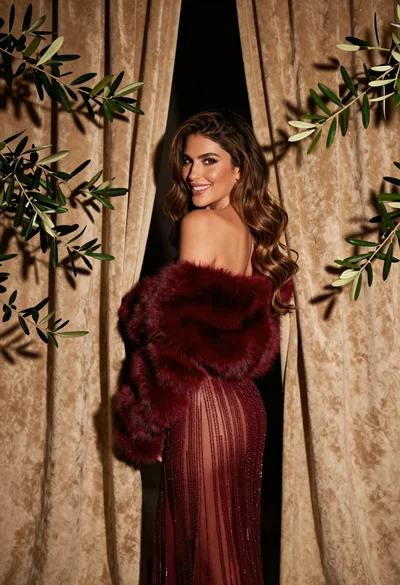
Glamorous woman in red dress framed by beige curtains and olive branches

Woman sitting gracefully indoors wearing yellow skirt and top

Fair skinned woman in black sequined outfit sitting elegantly indoors

Close up portrait of woman in champagne gown with brown hair

Woman in rust gown posing on white step and repeat backdrop
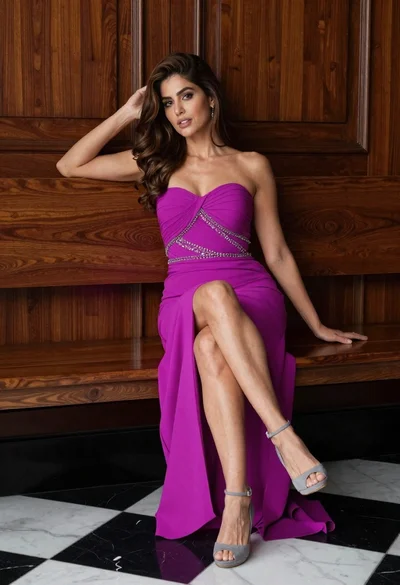
Glamorous woman in magenta gown sitting on wooden bench indoors

Stylish young woman in denim shirt holding tablet indoors
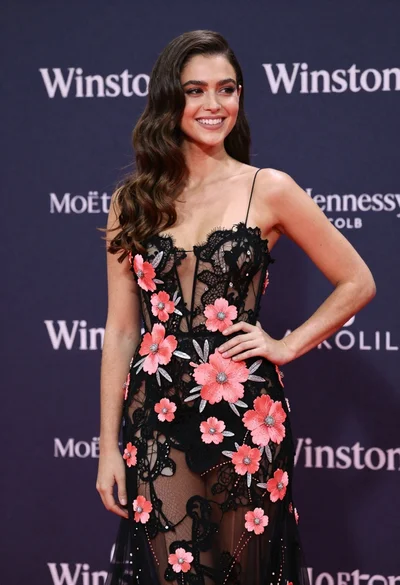
Smiling woman in black lace gown posing at a branded event
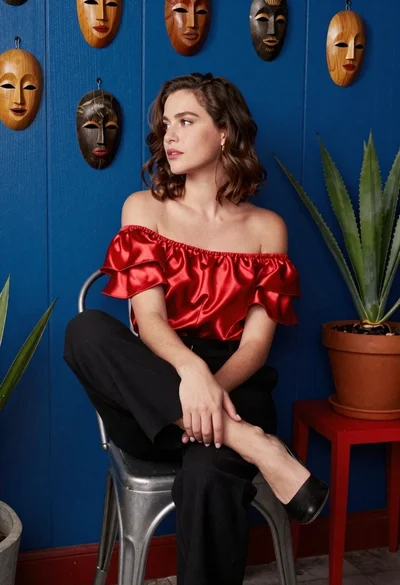
Woman in red satin top seated by blue wall with wooden masks