Glamorous woman in red dress framed by beige curtains and olive branches
Prompt
A glamorous woman stands framed between heavy beige curtains with lush green olive branches flanking the sides.

Subject: A smiling woman with long wavy brown hair looking back over her shoulder, wearing a strapless outfit.

Clothing: She wears a sheer dark red dress adorned with sparkling beaded fringe and a thick, luxurious maroon fur stole draped around her shoulders.

Action: The subject is posing with her body turned away from the camera while turning her head to smile directly at the viewer.

Environment: The setting features heavy beige velvet curtains parted in the center, creating a dark void behind the subject, surrounded by natural foliage and olive branches casting shadows on the fabric.

Lighting: Warm, dramatic lighting highlights the texture of the fur and the sparkle of the dress against the deep shadows of the background.

Camera: A medium shot captures the subject from the waist up with a shallow depth of field that keeps the focus sharp on her face and attire while blurring the background elements.

Style Details: High-fashion editorial photography style with rich color grading, high contrast between light and shadow, and a polished, elegant aesthetic.
Description
This prompt is useful for creating luxury magazine editorials, dramatic portraiture for brand campaigns, and theatrical costume concept art. The combination of 'heavy beige velvet curtains' framing the subject against a 'dark void behind the subject' maximizes contrast, allowing the 'sparkling beaded fringe' and 'maroon fur stole' to catch the light dramatically while the shallow depth of field isolates the glamorous figure.
Suggestions
- Change 'beige velvet curtains' to 'deep emerald velvet curtains' for a richer backdrop.
- Swap 'olive branches' for 'dark ivy garlands' to increase the sense of weight.
- Adjust 'medium shot' to 'close-up portrait' to emphasize the beaded fringe.
Category
Tags
Brown HairBrunetteFemaleIndoorsMedium ShotPortrait ShotRealistic
Date added
June 19, 2026
Added by
PromptDexter Team
Related Prompts
More prompts with similar categories and tags.

Fair skinned woman in black sequined outfit sitting elegantly indoors

Stylish young woman in denim shirt holding tablet indoors
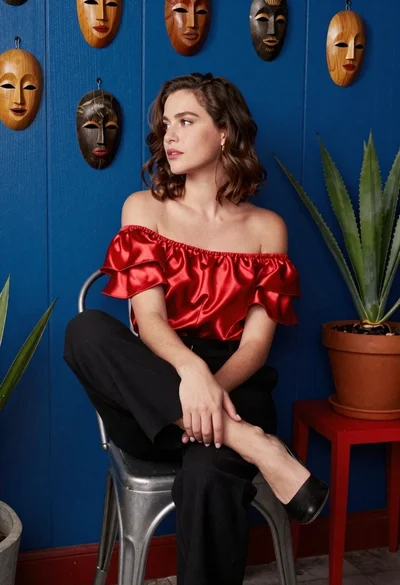
Woman in red satin top seated by blue wall with wooden masks
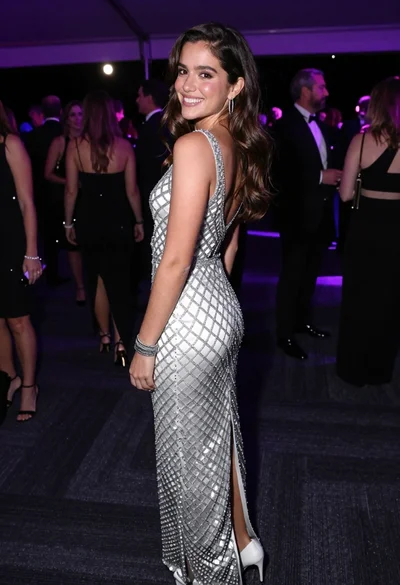
Smiling young woman in crystal gown looking over shoulder at indoor gala
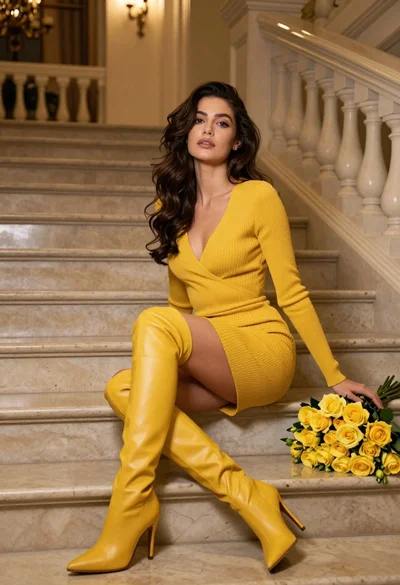
Woman in yellow dress sitting on grand marble staircase with roses
Glamorous woman in black gown standing near illuminated circular bar
Woman in red satin dress seated elegantly in luxurious room interior setting
Elegant woman in deep red gown sitting in modern lounge chair indoors
Woman in white polka dot dress seated on green leather sofa
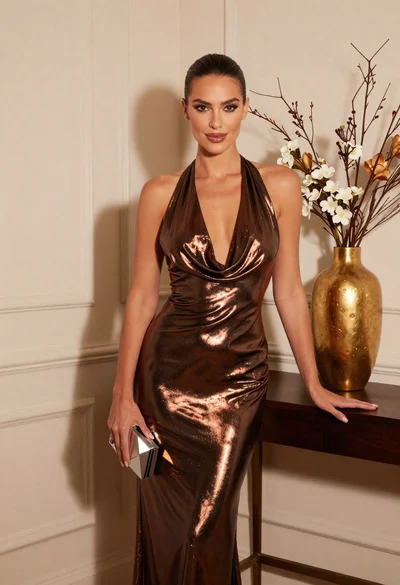
Glamorous woman in metallic bronze gown standing indoors at an elegant setting