
Glamorous woman in burgundy lace gown against pink geometric backdrop
Prompt
A glamorous woman with dark wavy hair and striking green eyes poses in a deep red lace gown.

Subject: A woman with fair skin, voluminous dark wavy hair swept to the side, and piercing green eyes looking directly at the camera.

Clothing: She wears a sheer, burgundy lace dress featuring floral embroidery patterns across the bodice and long sleeves, paired with dangling diamond earrings.

Action: She stands facing forward with a subtle smile and a poised expression.

Environment: A dark background with pink geometric shapes is visible behind her.

Camera: The shot is a medium close-up framed from the chest up, utilizing a shallow depth of field to keep the subject sharp while blurring the background.

Lighting: Soft, professional studio lighting illuminates her face and upper body evenly, highlighting skin texture without harsh shadows.

Style Details: High-resolution photography with a polished, red carpet aesthetic and rich color saturation.
Description
This prompt is useful for creating high-end magazine editorials, formal portraiture for celebrity features, and luxury brand advertising campaigns. The combination of 'soft, professional studio lighting' ensuring even illumination across the 'fair skin' prevents harsh shadows, while the 'burgundy lace dress' against a 'pink geometric shapes' backdrop provides enough color contrast to keep the composition visually rich without distracting from the subject's face.
Suggestions
- Change 'deep red lace gown' to 'velvet gown' for a different texture.
- Swap 'piercing green eyes' for 'smoky blue eyes' to alter the focal point.
- Adjust 'medium close-up framed from the chest up' to 'headshot' for tighter focus.
Category
Tags
Fair SkinFemalePortrait ShotRealisticStudio
Date added
June 19, 2026
Added by
PromptDexter Team
Related Prompts
More prompts with similar categories and tags.

Close up portrait of blonde woman in champagne gown at gala

Young woman in silver sequin top and lace dress against beige wall

Blonde woman looking back over shoulder against white wall
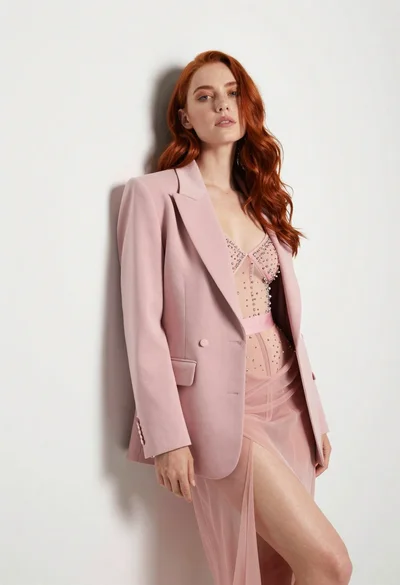
Woman with red hair leaning against white wall in studio setting

Smiling blonde woman in black dress at sports illustrated event backdrop

Fair skinned woman with red hair in brown satin dress against gray
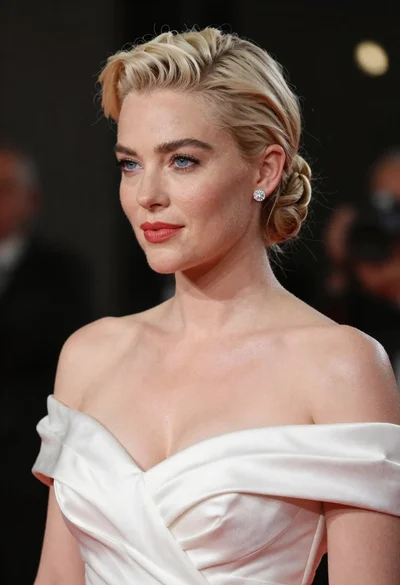
Glamorous woman with platinum blonde hair in white satin gown studio portrait
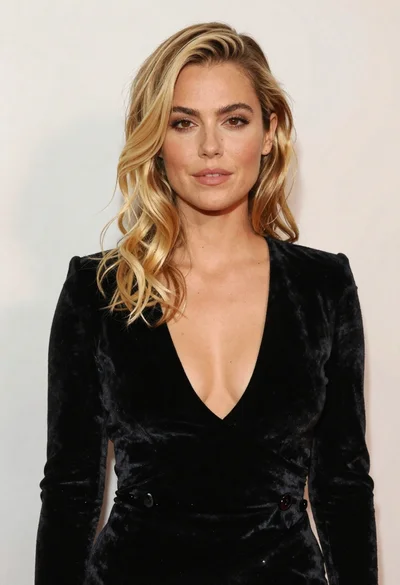
Portrait of blonde woman in black velvet dress against light wall
Woman with wavy red hair in yellow floral dress seated on red

Fair skinned woman in black velvet dress at white step and repeat
