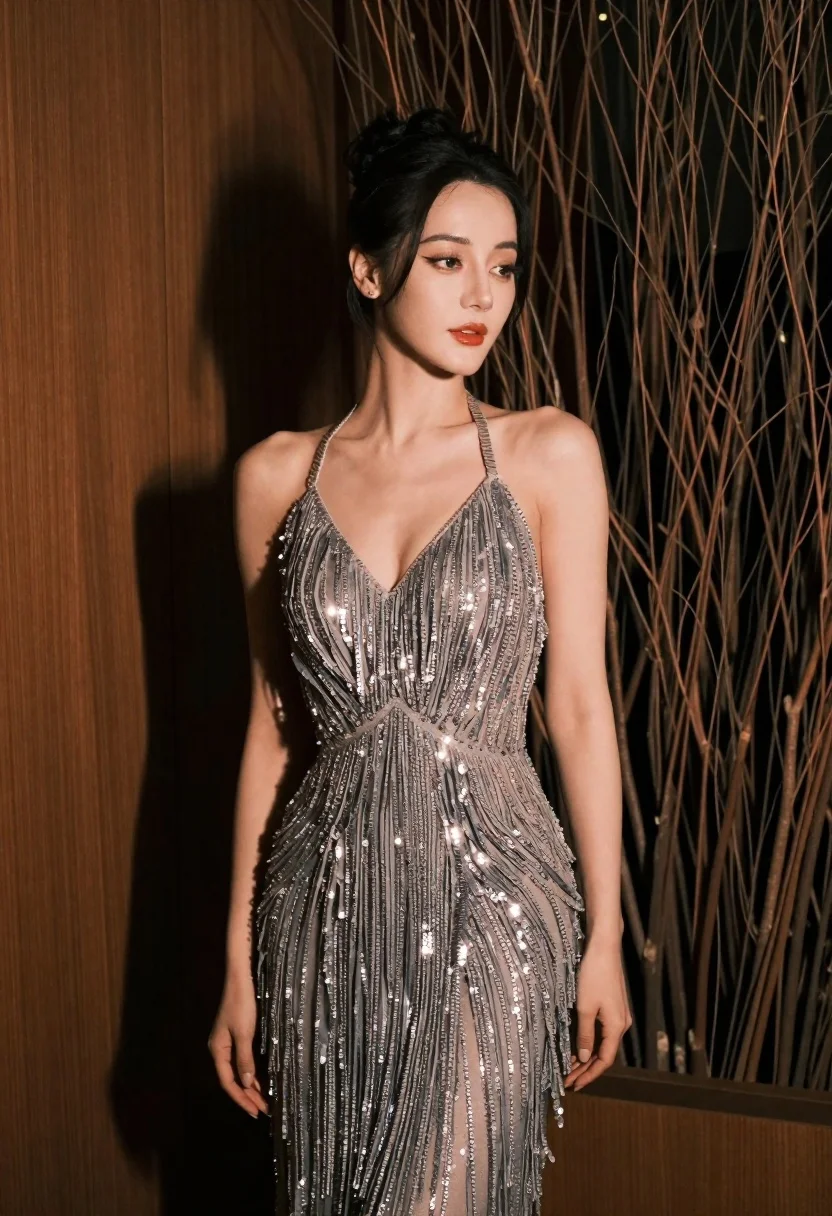
Glamorous woman in silver gown posing indoors with textured organic background
Prompt
A glamorous woman posing in a sophisticated indoor setting.

Subject: A beautiful woman with dark hair styled in an elegant updo, featuring soft glowing skin and defined makeup including winged eyeliner and glossy red lips.

Clothing: She wears a shimmering silver-grey halter-neck gown adorned with vertical fringe details and sparkling sequins that catch the light.

Action: She stands with her arms slightly away from her body, looking off to the side with a calm, confident expression.

Environment: The background features a wall of dark, textured dried branches or vines on the right and a smooth wooden panel on the left, creating a warm, organic atmosphere.

Lighting: Soft, directional lighting illuminates her face and shoulders from the front-left, casting gentle shadows that highlight her features and the texture of her dress.

Style Details: The image has a high-fashion editorial quality with rich color grading, sharp focus on the subject, and a polished, cinematic aesthetic.
Description
This prompt is useful for creating high-end magazine editorials, luxury brand campaign visuals, and dramatic portrait photography showcasing formal wear. The combination of 'shimmering silver-grey halter-neck gown' against the contrasting 'dark, textured dried branches or vines' ensures that the subject remains the focal point while the background provides enough visual grit to prevent the image from looking too sterile, which is crucial for a polished, cinematic aesthetic.
Suggestions
- Change 'shimmering silver-grey' to 'deep emerald velvet' for a richer color palette.
- Add 'chiaroscuro lighting' to increase shadow contrast on her face.
- Modify 'soft, directional lighting' to 'single spotlight' for more dramatic separation.
Category
Tags
BrunetteFemaleFormal WearFull BodyIndoorsPortrait ShotRealistic
Date added
June 19, 2026
Added by
PromptDexter Team
Related Prompts
More prompts with similar categories and tags.
Woman in emerald jacket against deep brown backdrop
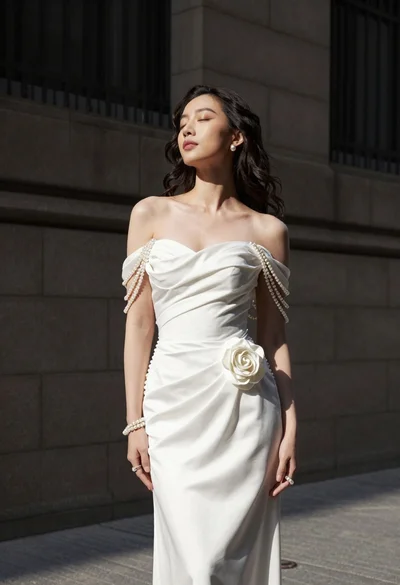
Woman in white gown standing against dark stone architectural wall outdoors
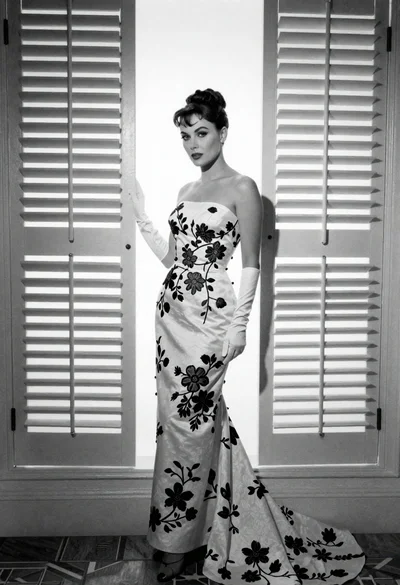
Full length portrait of woman in gown near tall window shutters

Poised woman in black gown posing indoors with dramatic low key lighting

Portrait of woman in elaborate red feathered gown against vivid blue background
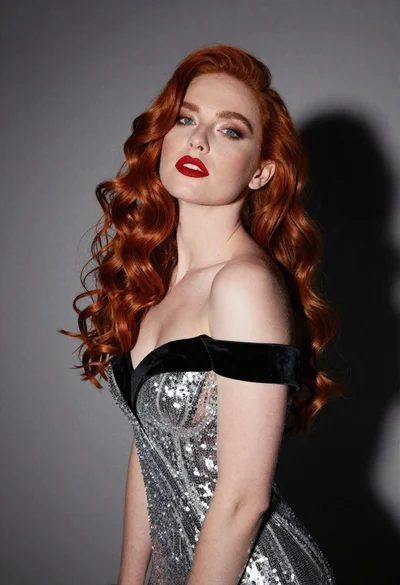
Glamorous portrait of woman with red hair in silver gown
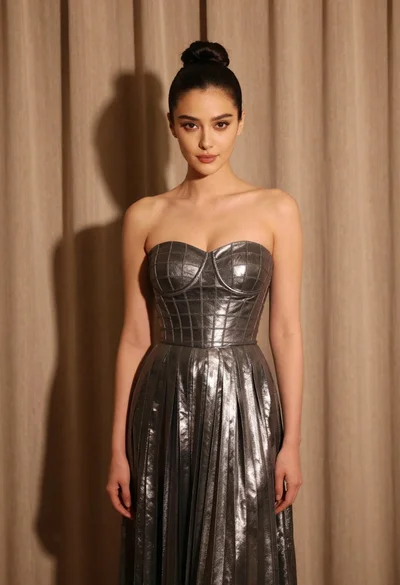
Woman in silver gown against warm draped curtain backdrop medium shot
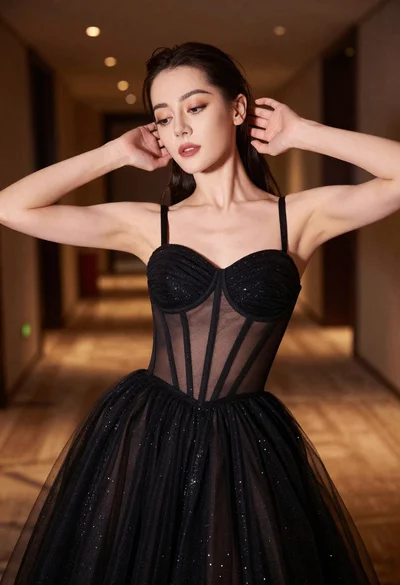
Glamorous woman in black glittering gown posing indoors with soft lighting
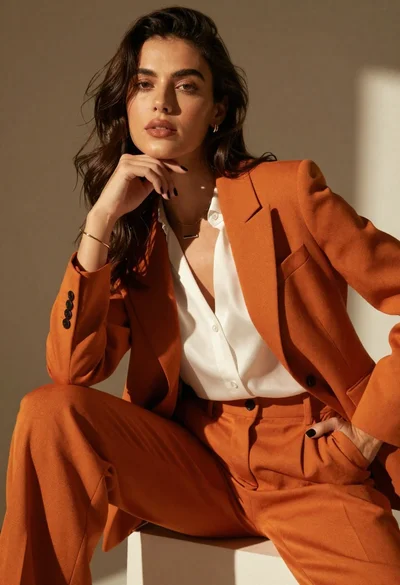
High fashion portrait of woman in orange pantsuit
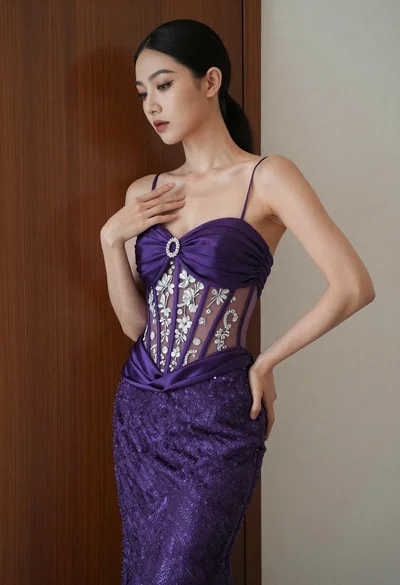
Woman in purple gown posing against dark wood and off white wall