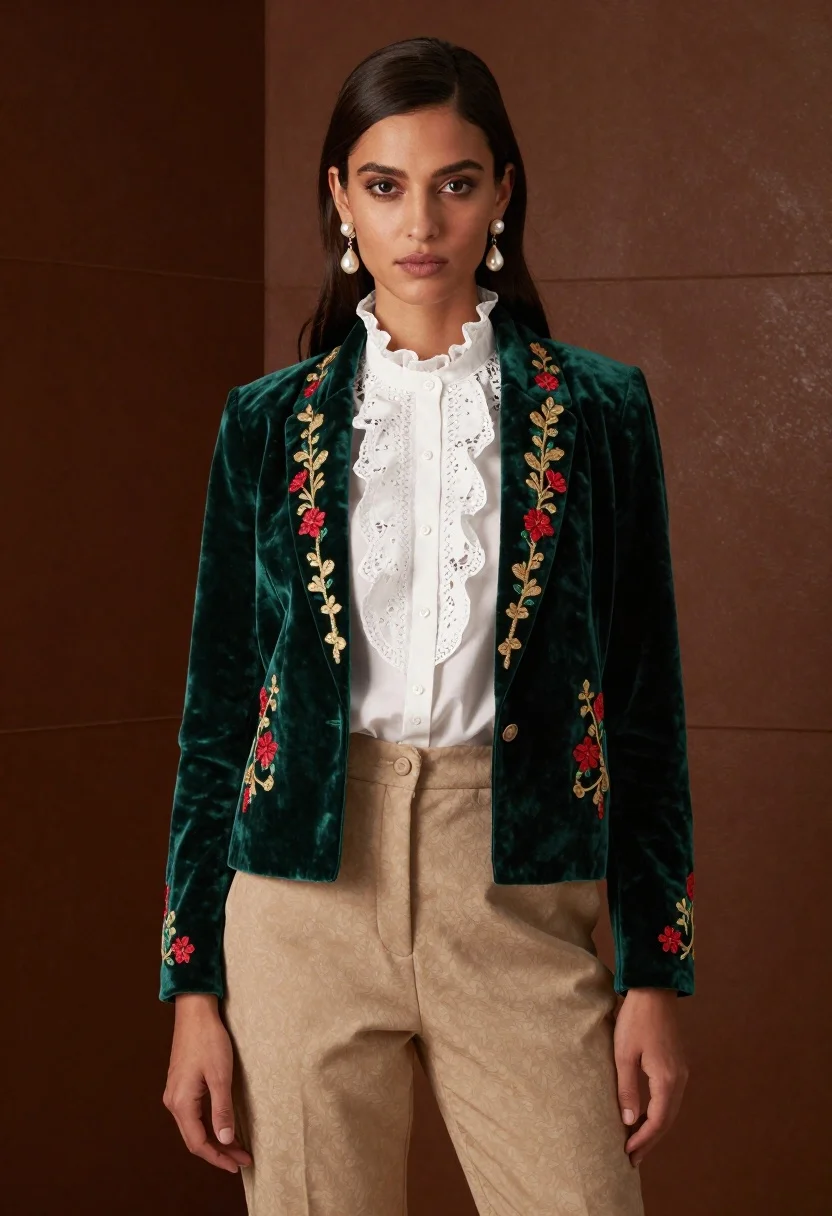
Woman in emerald jacket against deep brown backdrop
Prompt
A full-length portrait of a woman with dark hair and striking eyes looking directly forward in an elegant studio setting

Subject: A confident female model with sleek dark brown hair pulled back slightly from her face, framing soft features and expressive dark eyes gazing straight ahead.

Clothing: She wears a rich emerald green velvet jacket featuring intricate gold and red floral embroidery along the lapels and cuffs, layered over a white lace-trimmed blouse with ruffled details at the collar; paired with high-waisted beige trousers that sit comfortably on her hips. Accessories: Large pearl drop earrings hang from her ears, catching subtle light against her skin tone.

Environment: Set against a deep brown backdrop reminiscent of aged parchment or leather texture, suggesting an intimate indoor space designed for fashion photography.

Lighting: Soft directional lighting highlights the sheen of velvet fabric while casting gentle shadows that accentuate facial contours and clothing folds; warm ambient tones enhance richness without harshness.

Style Details: High-fashion editorial aesthetic blending classic tailoring with luxurious textures velvet, lace, embroidery and timeless elegance captured in a polished commercial portrait style.
Description
This prompt is useful for creating high-end magazine editorials, character concept art for period dramas, and luxury brand advertising campaigns. The combination of 'emerald green velvet' against the 'deep brown backdrop' utilizes rich jewel tones that immediately signal opulence, while the 'soft directional lighting' sculpts the model's features by emphasizing the sheen of the velvet without creating distracting glare.
Suggestions
- Change 'deep brown backdrop' to 'charcoal grey textured wall' for a more modern feel.
- Swap 'emerald green velvet jacket' for 'sapphire blue brocade jacket' to shift the color palette.
- Add 'cinematic depth of field' to enhance separation from the background.
Category
Tags
BrunetteFemaleFormal WearFull BodyIndoorsPortrait ShotRealisticStudio
Date added
June 19, 2026
Added by
PromptDexter Team
Related Prompts
More prompts with similar categories and tags.

Portrait of woman in elaborate red feathered gown against vivid blue background
Glamorous portrait of woman with red hair in silver gown
High fashion portrait of woman in orange pantsuit
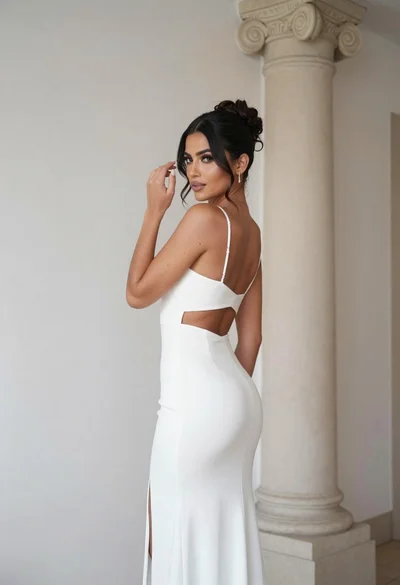
Woman in white gown posing near classical column interior setting
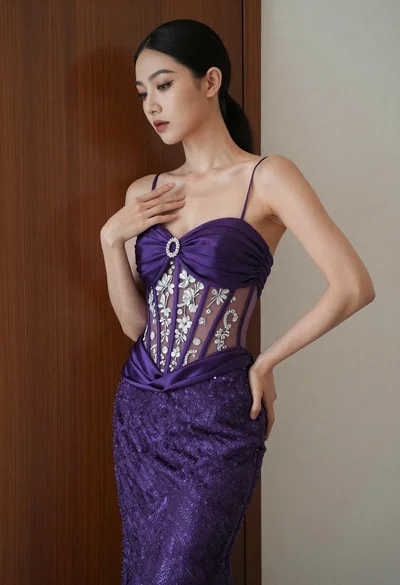
Woman in purple gown posing against dark wood and off white wall
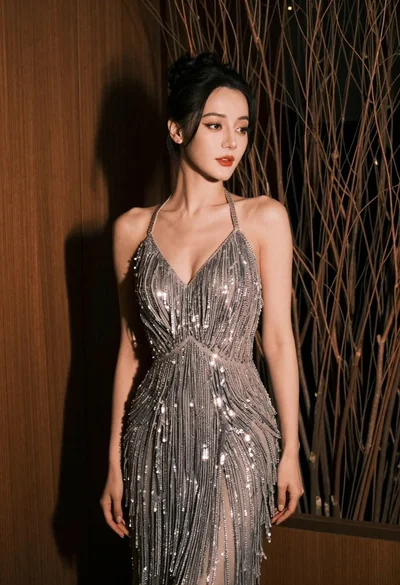
Glamorous woman in silver gown posing indoors with textured organic background
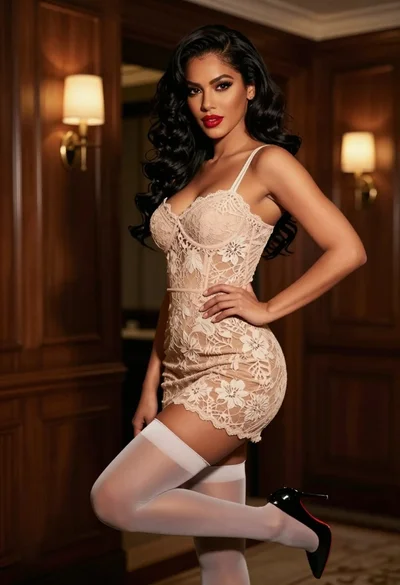
Confident woman in beige lace mini dress posing indoors with dark wavy

Woman seated on mid century chair wearing beige suit
