
Glamorous woman in silver sequined mini dress smiling at night
Prompt
A glamorous woman with long dark hair smiles warmly while wearing a sparkling silver sequined dress with fringe details.

Subject: A beautiful woman with long, straight black hair and a radiant smile.

Clothing: She wears a shimmering silver one-shoulder mini dress covered in dense sequins that catch the light, featuring a high slit and dangling fringe at the hem.

Action: She is captured mid-motion with her eyes closed and head tilted slightly upward, conveying joy and elegance.

Environment: The background is dark and filled with bokeh lights resembling a starry night or a crowded venue, accented by horizontal motion blur streaks of orange and white light.

Camera: The shot uses a shallow depth of field to keep the subject sharp while blurring the background into soft orbs and streaks.

Lighting: Bright stage lighting highlights the texture of her dress and skin, creating a high-contrast look with warm ambient reflections in the dark surroundings.

Style Details: The image features a dynamic motion blur effect that adds energy and movement to the scene.
Description
This prompt is useful for generating nightlife editorial spreads, album cover art for pop music, and high-energy fashion advertisements. The combination of 'bright stage lighting' against a background featuring 'bokeh lights resembling a starry night' ensures that the 'shimmering silver one-shoulder mini dress' remains the focal point by providing intense contrast while the motion blur suggests an immersive, exciting atmosphere.
Suggestions
- Change 'silver sequined dress' to 'gunmetal sequins' for a moodier tone.
- Add 'anamorphic lens flare' to enhance the stage lighting effect.
- Swap 'orange and white light' for 'deep blue and magenta streaks' for a different nightlife vibe.
Category
Tags
Black HairBrunetteFemalePortrait ShotRealisticStudio
Date added
June 19, 2026
Added by
PromptDexter Team
Related Prompts
More prompts with similar categories and tags.
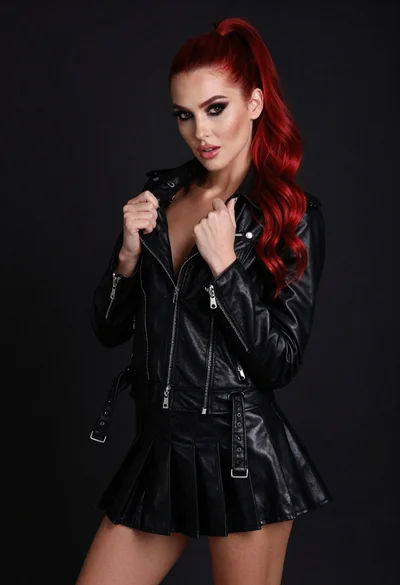
High fashion portrait of woman with red hair in black jacket

Blonde woman posing in black lingerie against pink purple gradient studio backdrop
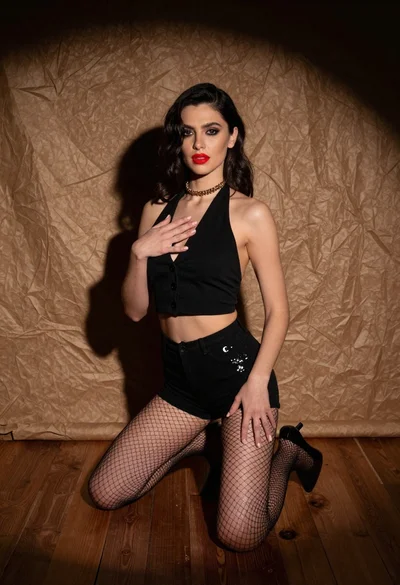
Woman kneeling in black outfit under dramatic spotlight studio lighting
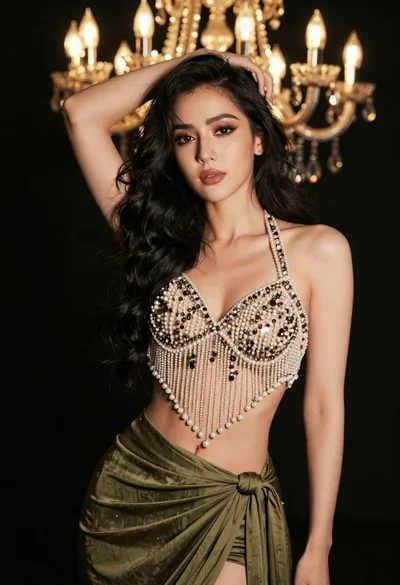
Glamorous woman posing in embellished top against dark chandelier background
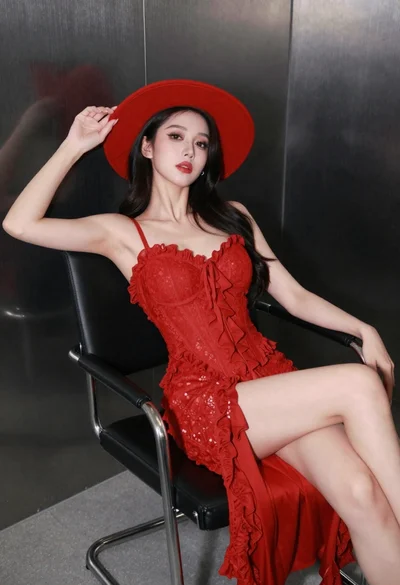
Confident woman in red lace dress seated against dark metallic wall
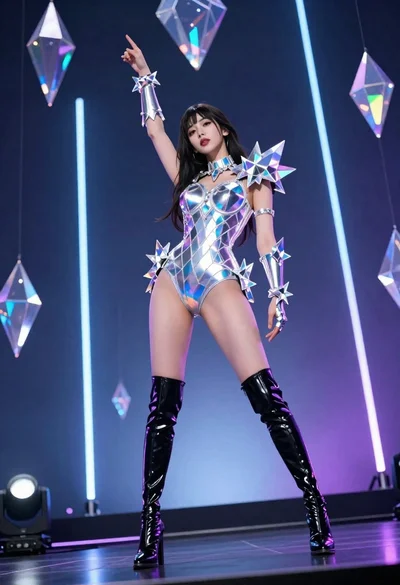
Woman in futuristic crystal bodysuit on glowing stage
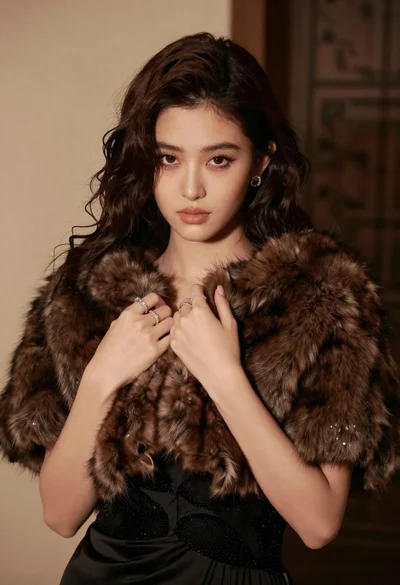
Glamorous portrait of woman in dark fur stole and black gown
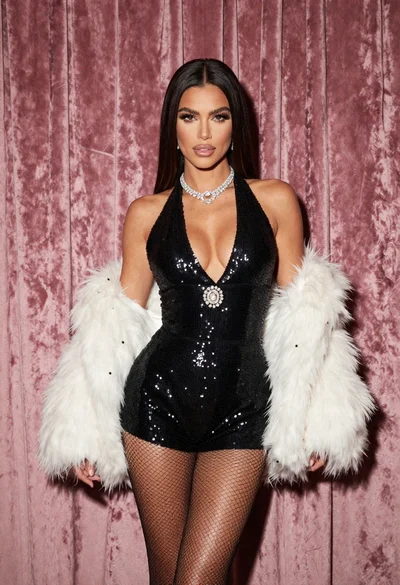
Glamorous woman in black sequined romper standing before dusty rose velvet curtains
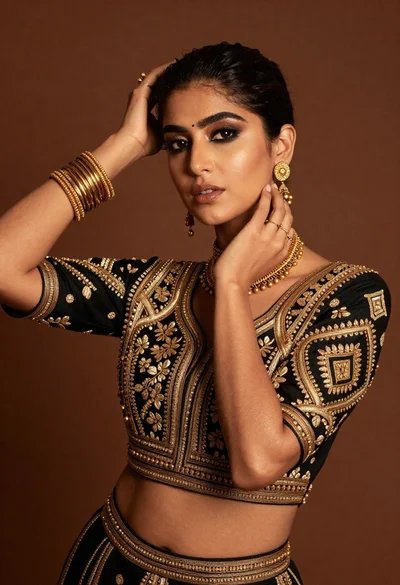
Glamorous woman posing in black embroidered top against warm brown studio backdrop

Glamorous woman in black sequined gown against a white studio background