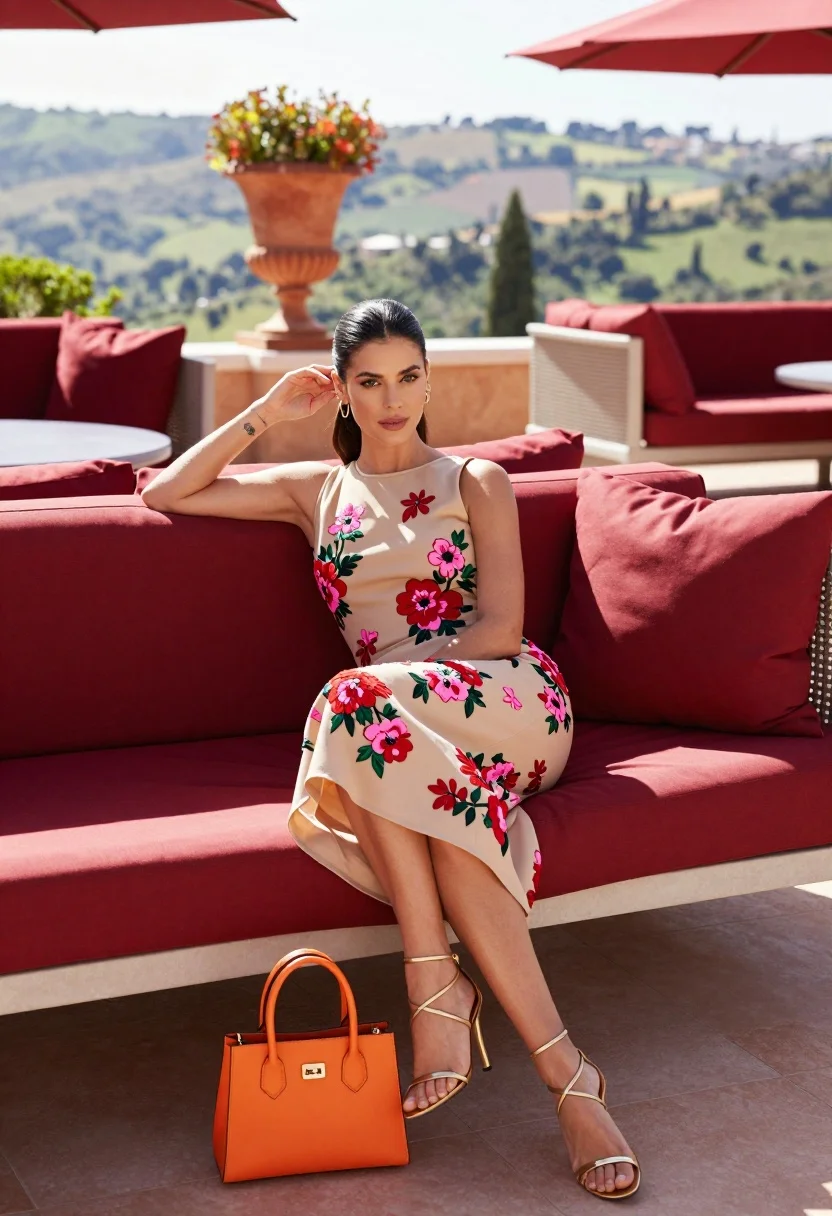
Glamorous woman sitting on red sofa overlooking hazy green hillside terrace
Prompt
A glamorous woman sits elegantly on a deep red outdoor sofa in a sun-drenched terrace setting.

Subject: A poised woman with dark hair pulled back into a sleek low ponytail, featuring a small tattoo on her left forearm and wearing subtle makeup with a confident gaze.

Clothing: She wears a beige sleeveless midi dress adorned with vibrant pink and red floral embroidery, paired with strappy gold sandals and a bright orange structured handbag resting on the floor beside her.

Action: Her right hand gently touches her hair near her ear while she leans back against the sofa cushions in a relaxed yet stylish pose.

Environment: The scene is set on a luxurious terrace overlooking a hazy green hillside, featuring a large terracotta urn with foliage and red cushioned seating areas.

Camera: Shot from a low angle to emphasize the subject's posture, utilizing a wide lens that captures both the foreground details and the expansive background landscape.

Lighting: Bright natural sunlight bathes the scene, creating soft shadows and highlighting the textures of the dress and surroundings with a warm, inviting atmosphere.

Style Details: High-fashion editorial photography style with rich color saturation, sharp focus on the subject, and a polished aesthetic reminiscent of luxury lifestyle magazines.
Description
This prompt is useful for creating high-end magazine editorials, aspirational travel advertising, and fashion lookbooks featuring dramatic outdoor settings. The combination of 'low angle' perspective with a 'wide lens' ensures the subject remains central while simultaneously framing her against the expansive 'hazy green hillside,' which prevents the composition from feeling too claustrophobic despite the detailed foreground elements.
Suggestions
- Change 'deep red outdoor sofa' to 'velvet burgundy chaise lounge' for a richer material feel.
- Swap 'bright orange structured handbag' for 'metallic gold clutch' to better match the sandals.
- Adjust 'sun-drenched terrace setting' to 'late afternoon diffused sunlight' for softer shadows.
Category
Tags
BrunetteFemaleLow AngleNatureOutdoorsRealisticWide Shot
Date added
August 5, 2026
Added by
PromptDexter Team
Related Prompts
More prompts with similar categories and tags.
Joyful woman walking barefoot in sunlit garden holding woven basket
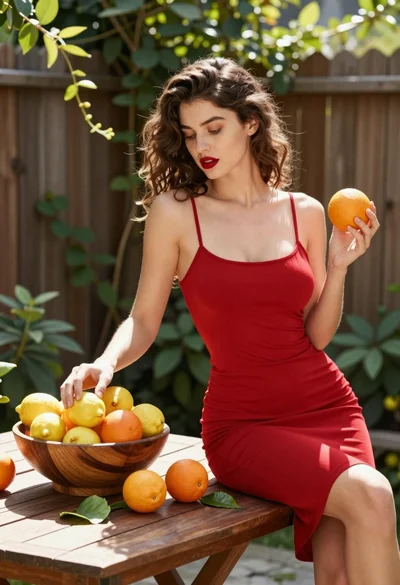
Young woman with brown hair sitting in sunlit garden patio with citrus
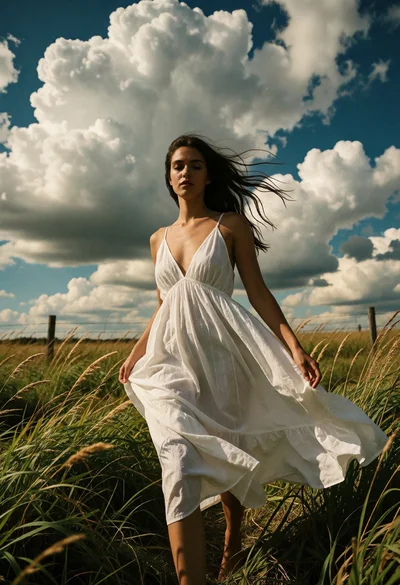
Woman walking through tall grass beneath dramatic cloudy sky at golden hour
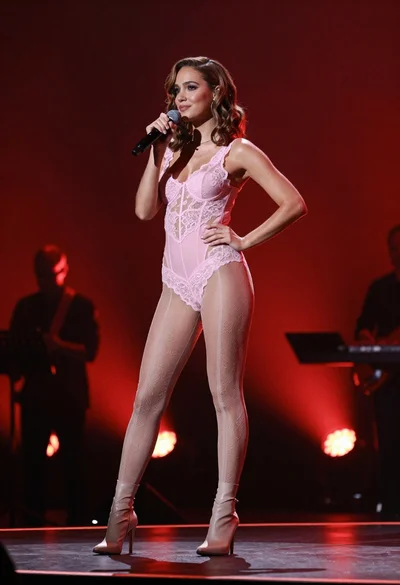
Fit woman in pink bodysuit singing on stage under red lights
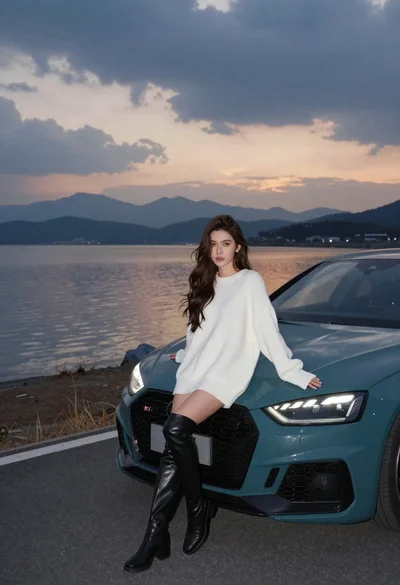
Woman leaning on teal audi by lake at dusk

Young woman in red sweater dress standing in grassy field fashion shoot
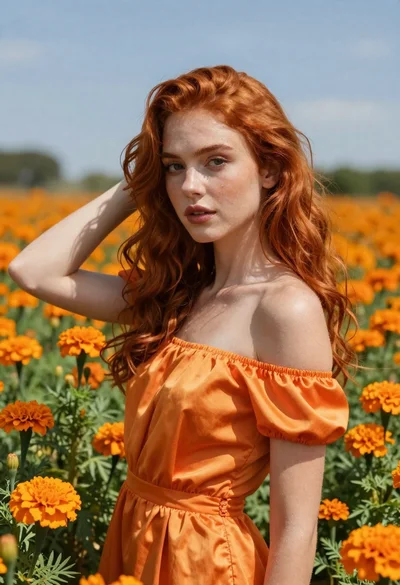
Woman with red hair standing among orange marigolds
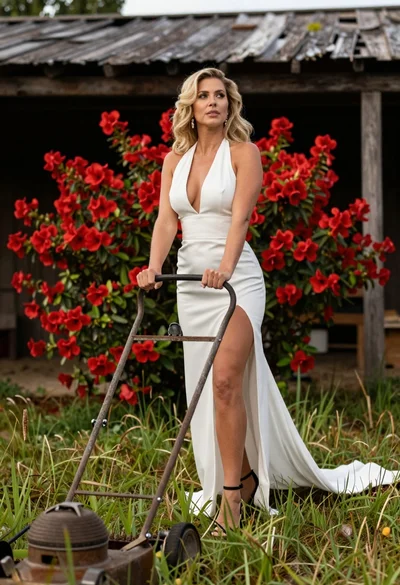
Blonde woman in white dress holding lawn mower in grassy field
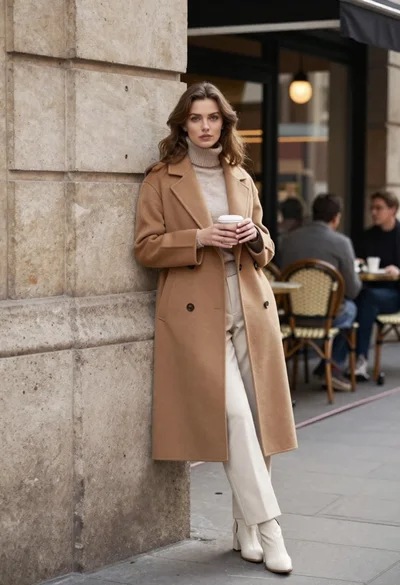
Stylish woman in camel coat leaning on stone building corner street

Woman posing on terrace at golden hour by mediterranean buildings