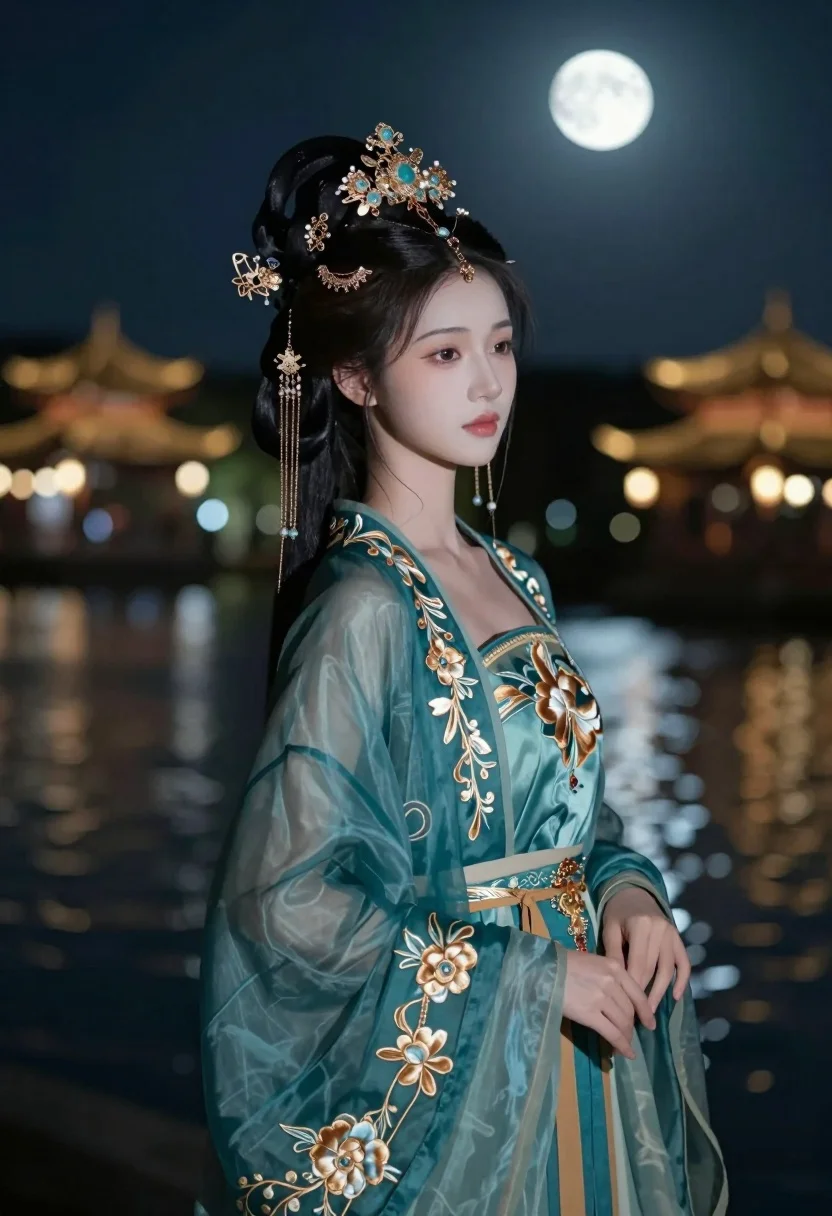
Graceful woman in teal chinese gown by moonlit waterfront architecture at night
Prompt
A graceful woman in traditional Chinese attire stands by a moonlit waterfront at night.

Subject: A young woman with pale skin and dark hair styled in an elaborate updo adorned with intricate gold and gemstone headdress pieces featuring dangling chains and tassels. Her expression is serene and contemplative with soft makeup highlighting her eyes and lips.

Clothing: She wears a flowing teal gown made of sheer fabric with delicate floral embroidery in gold thread, layered over a darker underdress with ornate golden belt and accessories.

Action: She stands in profile facing slightly right with one hand gently resting near her waist, gazing forward with calm composure.

Environment: A tranquil night scene beside a body of water reflecting moonlight, with traditional Chinese architecture including pavilions and lanterns softly lit in the background under a full moon.

Lighting: Soft ambient moonlight illuminates her face and gown, creating gentle highlights and deep shadows that enhance the ethereal mood.

Camera: Medium close-up shot with shallow depth of field blurring the distant background to emphasize the subject’s elegance and detail.

Style Details: Cinematic photo with rich color grading, subtle film grain, and high contrast between light and shadow for a dreamlike aesthetic.
Description
This prompt is useful for creating cinematic costume concept art, historical drama stills, and ethereal fashion editorials. The combination of 'soft ambient moonlight' with 'high contrast between light and shadow' sculpts the subject's silhouette against the reflective water, ensuring the 'flowing teal gown' maintains visible texture rather than becoming a flat color field.
Suggestions
- Change 'teal gown' to 'deep sapphire silk' for richer nighttime saturation.
- Replace 'full moon' with 'new moon haze' for softer ambient light.
- Adjust 'Medium close-up shot' to 'full body shot' to better capture the architecture.
Category
Tags
BrunetteFemaleFull BodyMedium ShotOutdoorsRealisticTraditional Wear
Date added
July 3, 2026
Added by
PromptDexter Team
Related Prompts
More prompts with similar categories and tags.
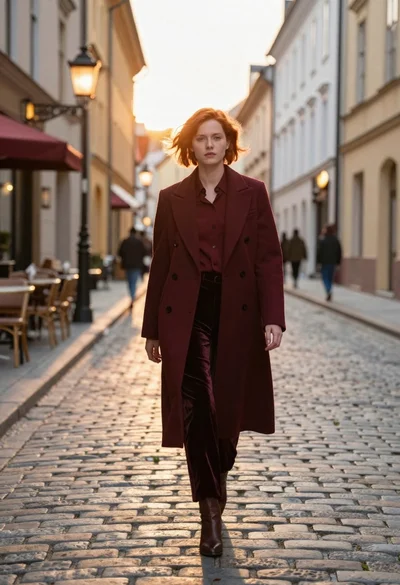
Woman in burgundy coat walking down historic european cobblestone street
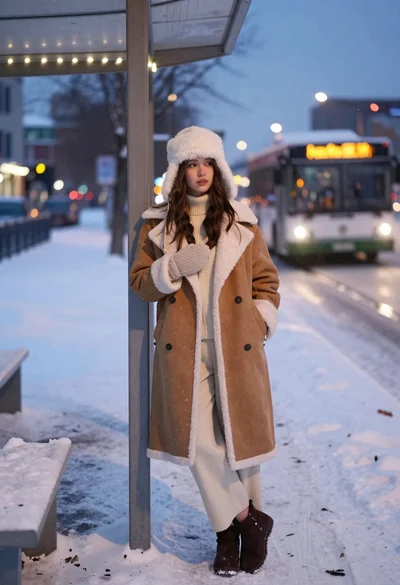
Young woman in shearling coat at snowy bus stop during twilight
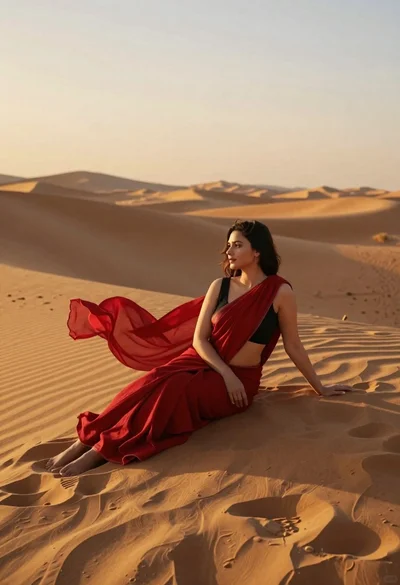
Young woman in red sari sitting on sand dunes at golden hour
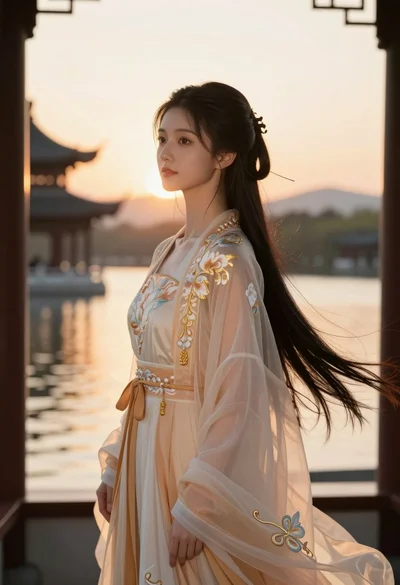
Young woman in traditional chinese gown on balcony at golden hour sunset
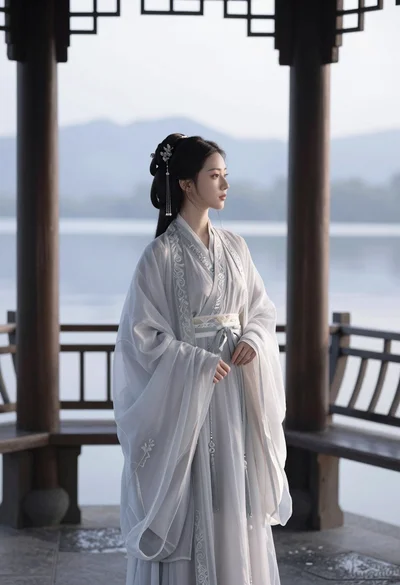
East asian woman in hanfu on wooden balcony overlooking misty lake mountains
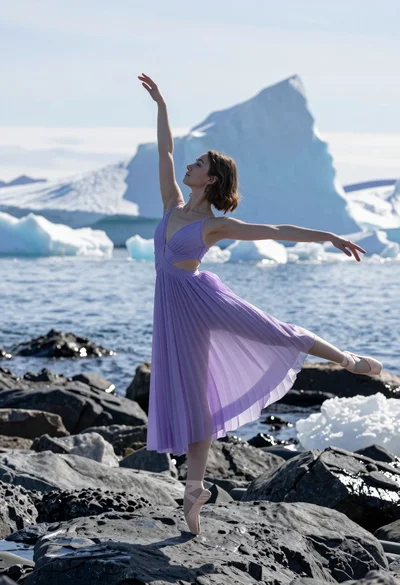
Ballerina en pointe on dark wet rocks near massive icebergs at coast

Woman in brown corduroy sitting in golden dry grass at sunset
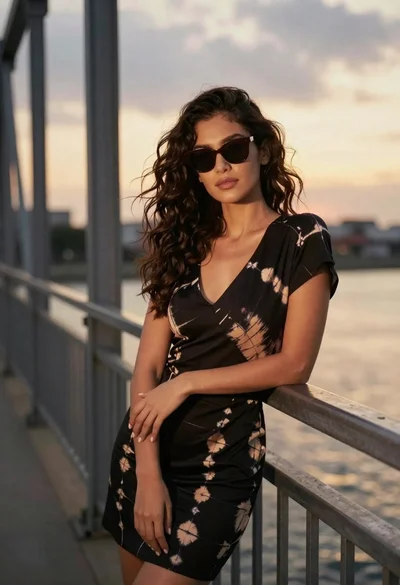
Confident woman in black dress leaning on metal railing at sunset
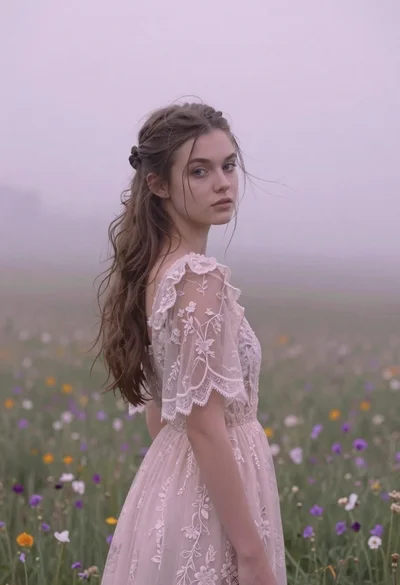
Young woman in pink lace gown standing in misty wildflower field
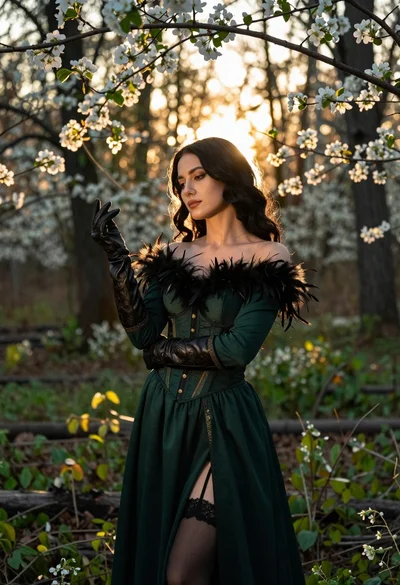
Woman in green gown stands in sunlit forest with blooming trees