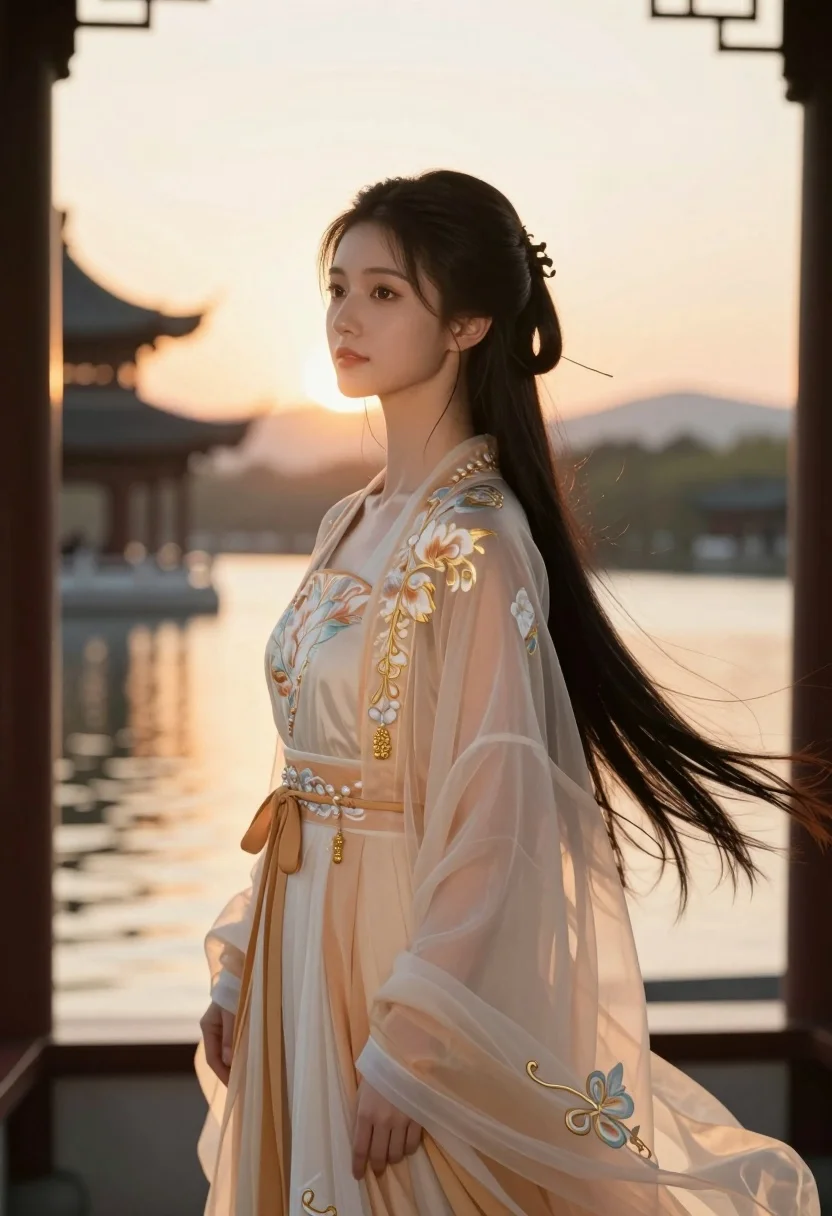
Young woman in traditional chinese gown on balcony at golden hour sunset
Prompt
A young woman with long dark hair stands in profile against a warm sunset backdrop.

Subject: A beautiful young woman with fair skin and long, flowing black hair styled elegantly. She has large, expressive eyes looking slightly away from the camera with a soft, serene expression. Her face is framed by wisps of hair catching the light.

Clothing: She wears an elaborate, traditional Chinese-style gown in pale peach and cream tones made of sheer, translucent fabric. The dress features intricate floral embroidery in gold thread along the bodice and sleeves. A wide, ornate sash with dangling golden beads cinches her waist.

Action: She stands in a relaxed pose, gazing softly into the distance with a calm demeanor. Her posture is graceful and poised.

Environment: She is positioned on a wooden balcony or pavilion overlooking a tranquil body of water. In the background, traditional Asian architecture with curved roofs is visible across the water, bathed in the golden glow of the setting sun.

Lighting: The scene is illuminated by warm, golden hour sunlight coming from behind and to the side, creating a soft rim light on her hair and shoulders and casting a gentle, dreamy atmosphere.

Camera: A medium shot capturing her upper body with a shallow depth of field that blurs the background architecture and water to emphasize the subject.

Style Details: The image has a cinematic, ethereal quality with high-end digital rendering, soft focus effects, and a color palette dominated by warm golds, creams, and soft peaches.
Description
This prompt is useful for creating editorial fashion moodboards, historical costume concept art, and romantic portraiture pieces. The combination of 'sheer, translucent fabric' against the 'warm, golden hour sunlight' ensures that the delicate texture of the gown catches light beautifully without appearing opaque, while the 'shallow depth of field' isolates her serene expression from the detailed background architecture.
Suggestions
- Change 'pale peach and cream tones' to 'deep burgundy and gold' for a richer palette.
- Swap 'wooden balcony or pavilion' for 'carved marble veranda' to change the material feel.
- Adjust 'medium shot' to 'full body' to better showcase the gown's length.
Category
Tags
Black HairFair SkinFemaleFull BodyMedium ShotOutdoorsRealisticTraditional Wear
Date added
July 3, 2026
Added by
PromptDexter Team
Related Prompts
More prompts with similar categories and tags.
Woman in green gown stands in sunlit forest with blooming trees

Blonde woman in teal slip dress leaning on elevator handrail
Young woman in blue tulle gown standing with eyes closed in wind
Young woman at wooden counter in dimly lit japanese izakaya bar setting
Stylish woman in lime green leaning on railing overlooking city skyline at
Glamorous woman in black mini dress near decorated christmas tree staircase
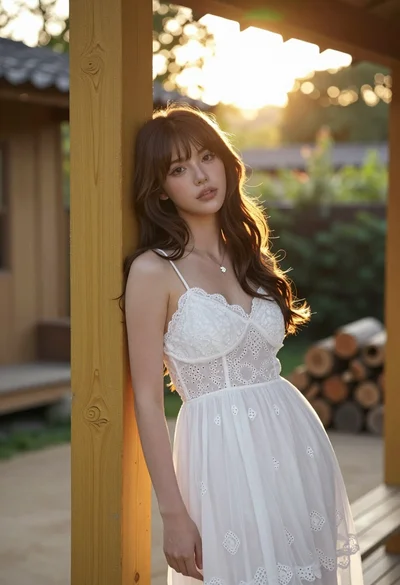
Young woman with brown hair leaning on yellow pillar during golden hour
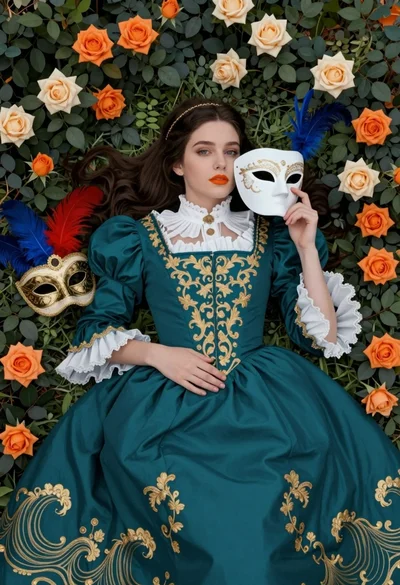
Fair skinned woman in teal victorian gown among roses and green leaves
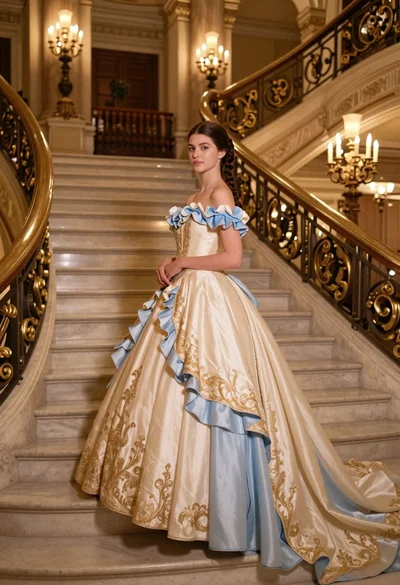
Young woman in elaborate ballgown on grand marble staircase interior
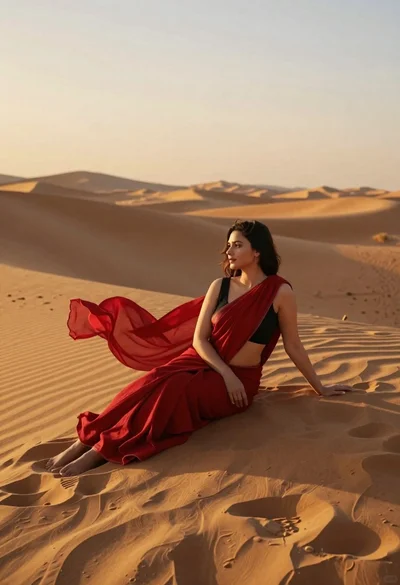
Young woman in red sari sitting on sand dunes at golden hour