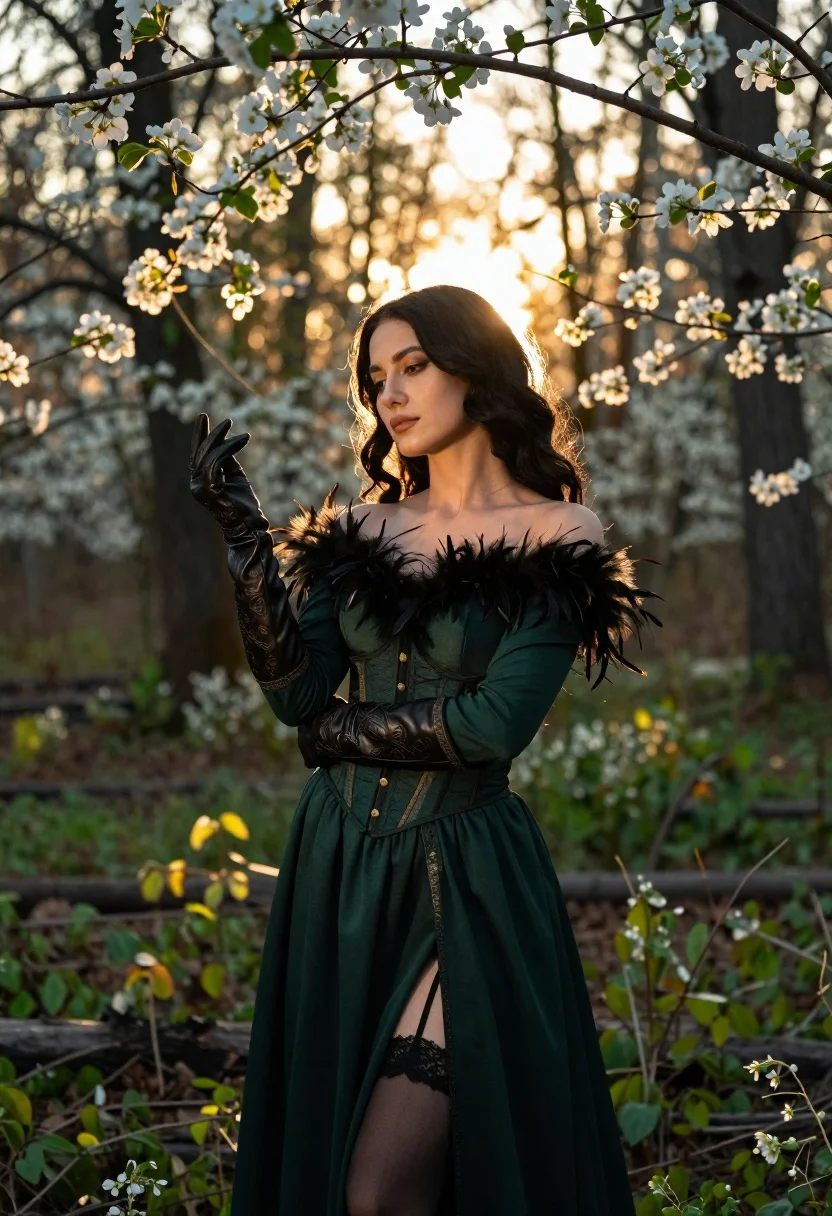
Woman in green gown stands in sunlit forest with blooming trees
Prompt
A woman with long dark hair stands in a sunlit forest filled with blooming trees.

Subject: A woman with long, wavy black hair and fair skin, featuring defined eyebrows, subtle makeup, and a calm, contemplative expression.

Clothing: She wears an elegant dark green off-the-shoulder gown with a fitted corset bodice detailed with gold buttons, long sleeves with embroidered cuffs, and a high slit revealing lace-trimmed stockings. The dress features dramatic black feather accents on the shoulders, and she wears matching long leather gloves with intricate embossed patterns.

Action: She stands facing slightly to the side with her arms crossed gently over her chest, holding one gloved hand near the other in a poised gesture.

Environment: A lush forest setting with tall trees and soft-focus white blossoms on branches framing the upper portion of the scene, set against a backdrop of green undergrowth and dappled sunlight.

Lighting: Warm golden backlighting filters through the trees from behind, creating a glowing halo effect around her hair and shoulders while casting soft shadows on her face.

Camera: Medium shot capturing the subject from the thighs up, with a shallow depth of field that blurs the background foliage to emphasize the figure.

Style Details: Cinematic photography style with high contrast between the dark attire and bright natural light, featuring rich color grading and a dreamy, ethereal atmosphere.
Description
This prompt is useful for creating editorial fashion editorials, fantasy concept art, and cinematic portraiture pieces that require dramatic natural settings. The combination of 'warm golden backlighting' and the 'dark green off-the-shoulder gown' establishes a high contrast necessary to make the subject pop against the bright, 'soft-focus white blossoms,' while the 'shallow depth of field' ensures the viewer's eye remains fixed on the figure rather than getting lost in the forest detail.
Suggestions
- Change 'dark green off-the-shoulder gown' to 'emerald velvet ballgown' for richer saturation.
- Swap 'white blossoms' for 'iridescent blue flowers' to shift the color palette.
- Adjust 'Medium shot capturing the subject from the thighs up' to 'full body shot' to better showcase the high slit.
Category
Tags
Fair SkinFemaleForestFormal WearFull BodyMedium ShotOutdoorsRealistic
Date added
June 23, 2026
Added by
PromptDexter Team
Related Prompts
More prompts with similar categories and tags.
Young woman in traditional chinese gown on balcony at golden hour sunset
Young woman in elaborate ballgown on grand marble staircase interior
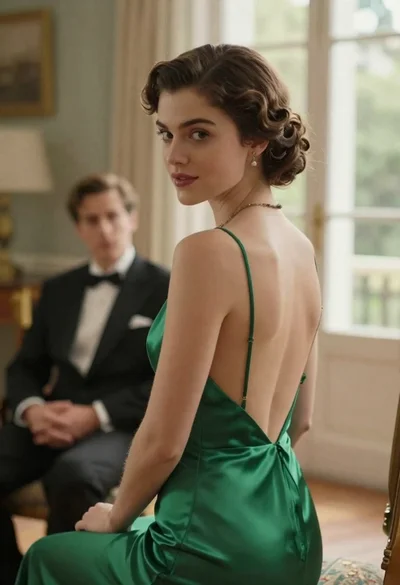
Woman in green dress looking over shoulder in bright ballroom setting
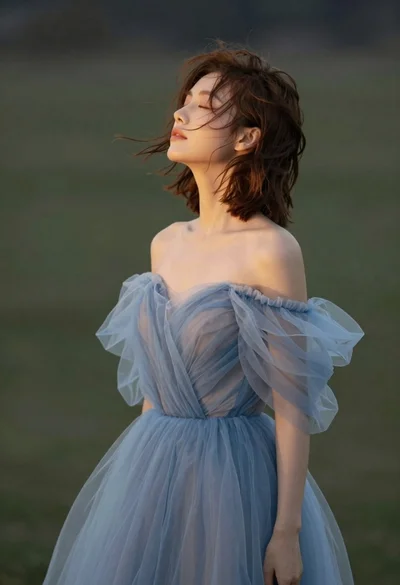
Young woman in blue tulle gown standing with eyes closed in wind
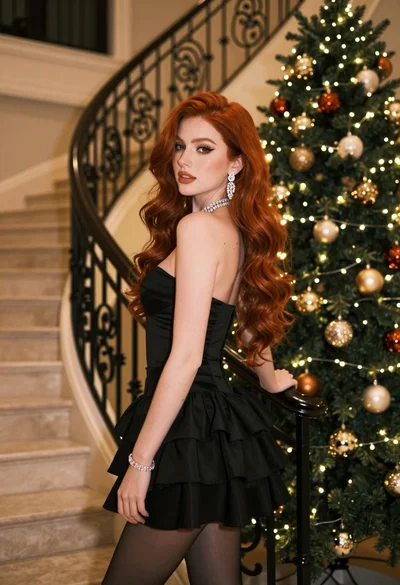
Glamorous woman in black mini dress near decorated christmas tree staircase
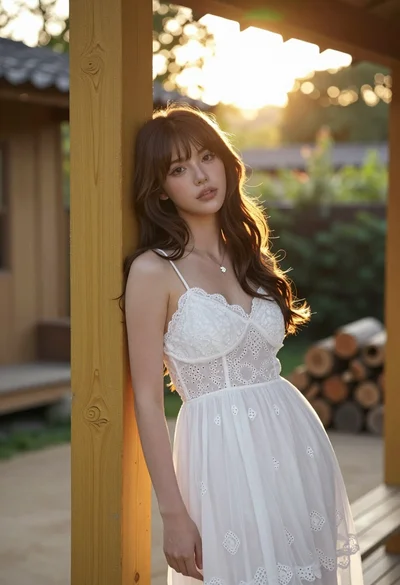
Young woman with brown hair leaning on yellow pillar during golden hour
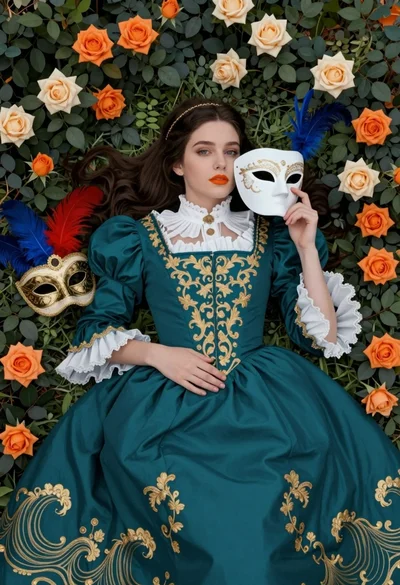
Fair skinned woman in teal victorian gown among roses and green leaves

Woman standing barefoot in dry autumn field at golden hour
