
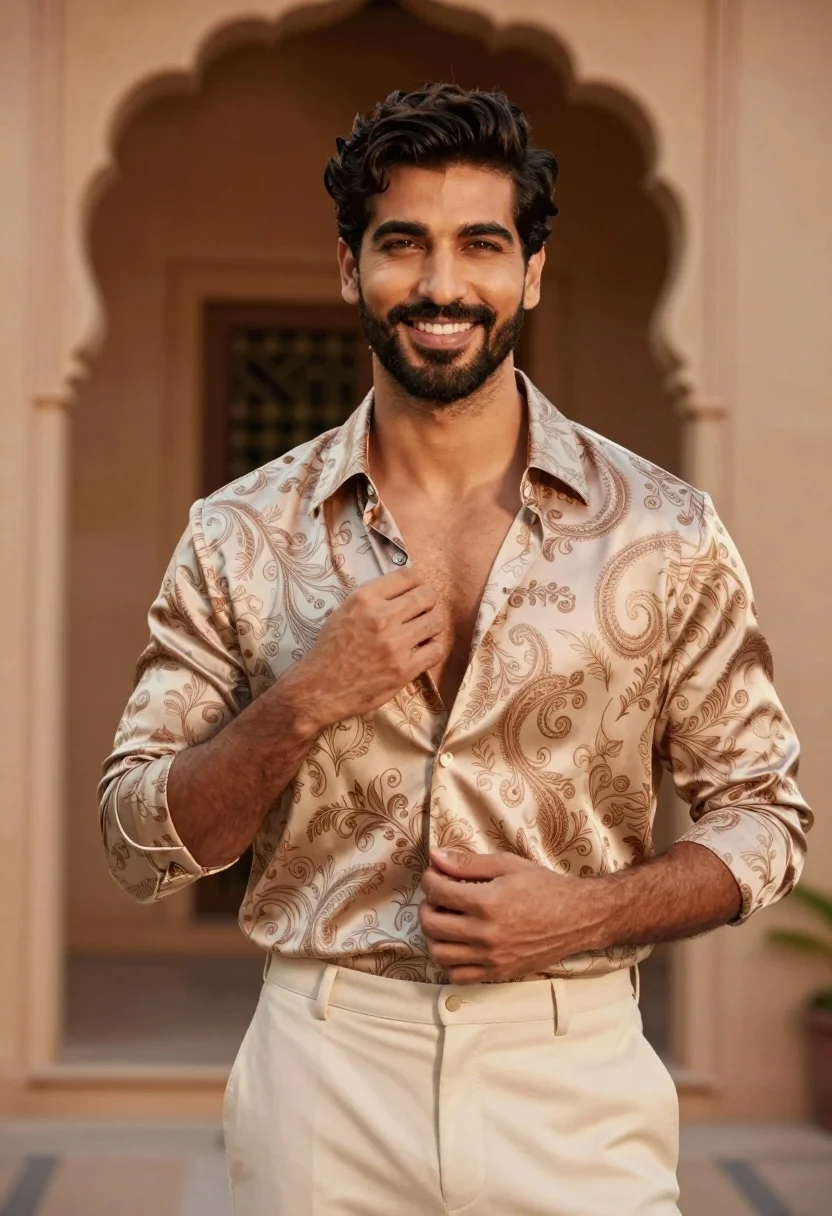
Handsome man adjusting shirt collar in warm architectural setting
Prompt
A confident man with dark hair and a beard smiles warmly at the camera while adjusting his open shirt collar.

Subject: A handsome man with short dark wavy hair, a well-groomed beard, and a warm smile looking directly forward.

Clothing: He wears an unbuttoned beige paisley patterned silk shirt revealing his chest, paired with cream-colored trousers.

Action: His right hand is raised to adjust the collar of his shirt while his left hand rests near his waist.

Environment: A warm-toned architectural setting featuring blurred arched doorways in the background suggesting a palace or historic building.

Lighting: Soft natural light illuminates the scene from behind and above creating a golden glow and gentle shadows on his face.

Camera: Medium shot with a shallow depth of field keeping the subject sharp while blurring the background architecture.

Style Details: High-end fashion photography style with rich warm color grading and a polished, luxurious aesthetic.
Description
This prompt is useful for creating editorial menswear campaigns, luxury lifestyle advertising, and sophisticated portrait galleries. The combination of 'soft natural light' from behind and above generates the desired 'golden glow,' which sculpts the subject's features while the 'shallow depth of field' ensures that the focus remains tightly on the man despite the detailed background elements like the blurred arched doorways.
Suggestions
- Change 'beige paisley patterned silk shirt' to 'navy striped linen shirt' for a different pattern.
- Swap 'warm-toned architectural setting' for 'terracotta courtyard' to specify the color palette.
- Adjust 'Medium shot' to 'close up portrait' to emphasize the facial expression.
Category
Tags
Casual WearMaleMedium ShotOutdoorsPortrait ShotRealistic
Date added
July 3, 2026
Added by
PromptDexter Team
Related Prompts
More prompts with similar categories and tags.
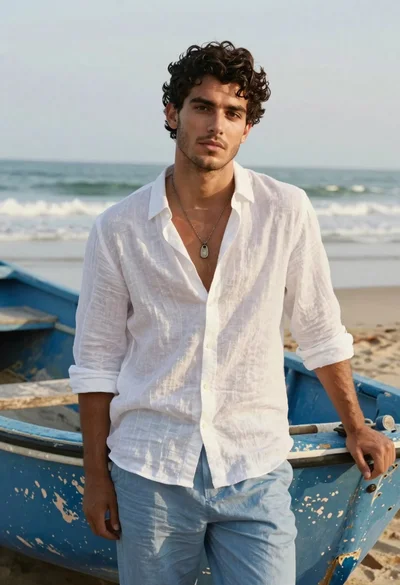
Handsome young man in white linen shirt standing by boat on beach
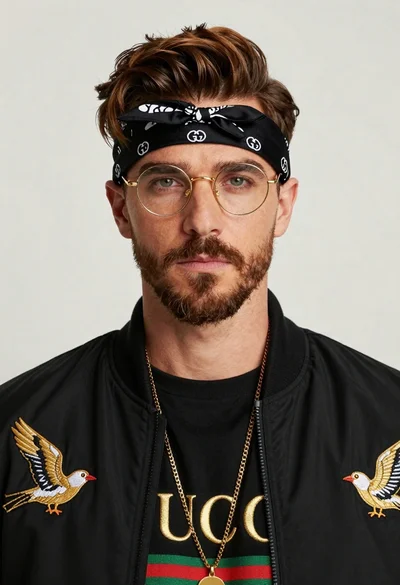
Closeup portrait of man with brown hair gold glasses and bomber jacket
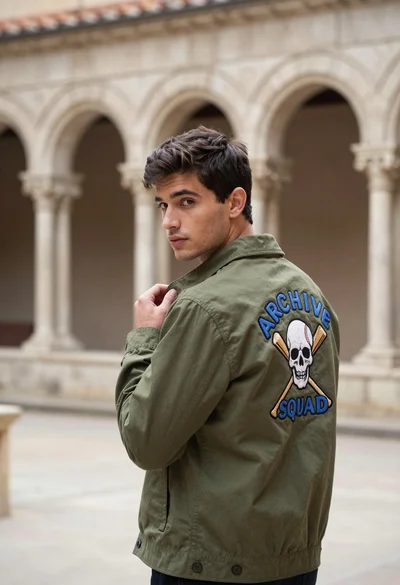
Young man in olive jacket looking back over shoulder in stone cloister
Woman in dark brown slip dress outdoors against bright white sky
Woman in red halter dress sitting on stones against textured rock wall
Fair blonde woman in champagne mini dress by dried pampas grass
Woman in black outfit standing in lush garden by brick archway
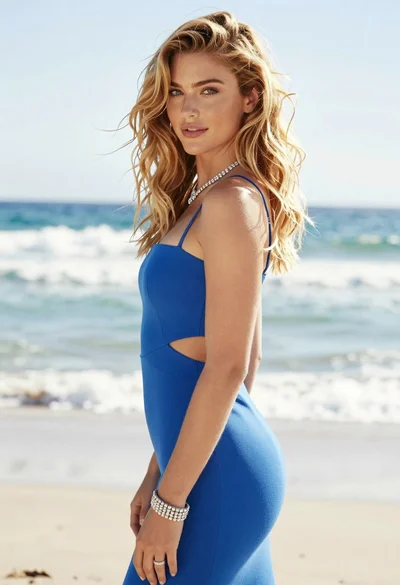
Blonde woman in blue dress on sun drenched beach looking back
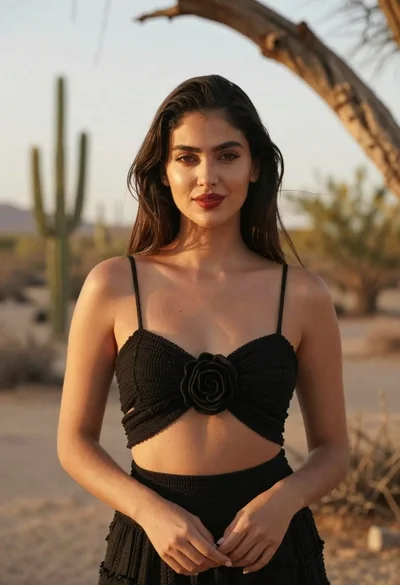
Young woman with dark hair in black top standing in sunlit desert
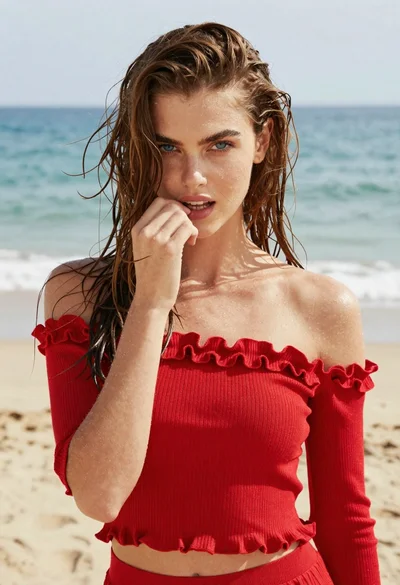
Young woman in red knit top on beach with wet brown hair
