
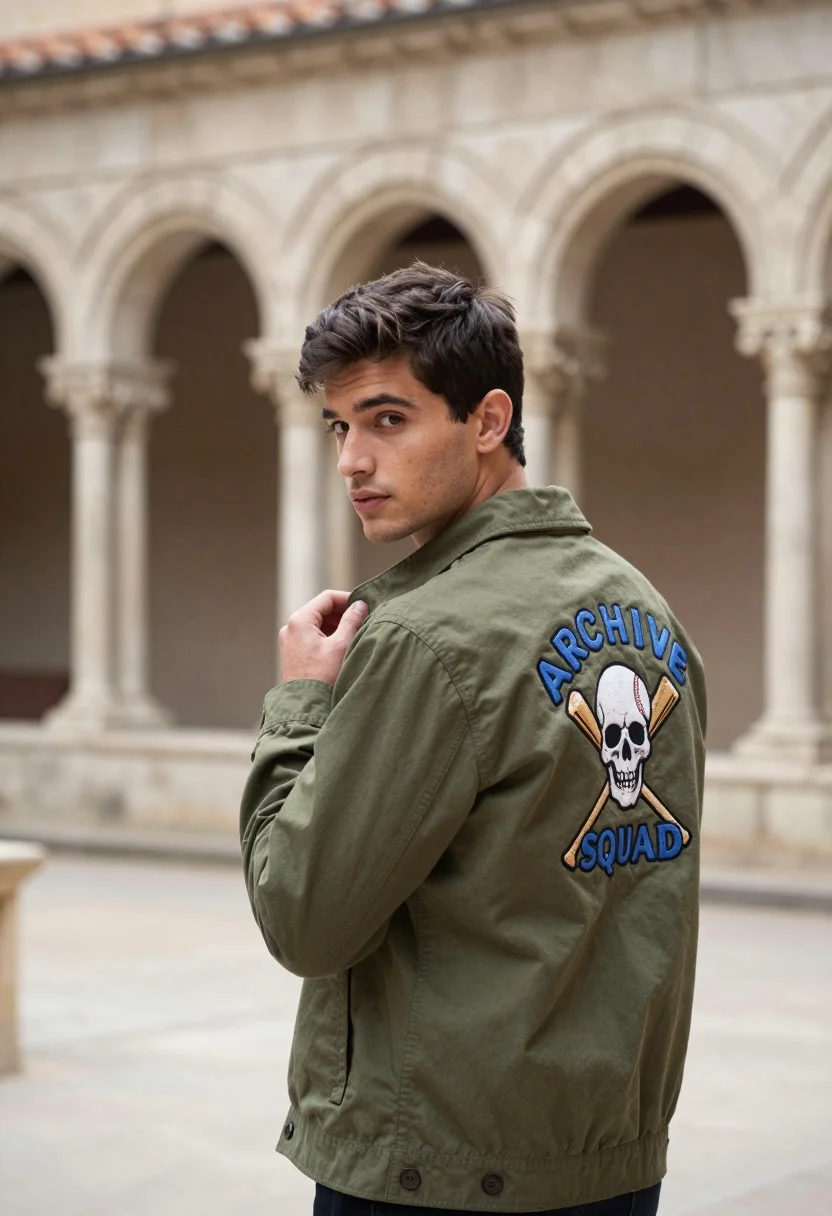
Young man in olive jacket looking back over shoulder in stone cloister
Prompt
A young man with dark hair stands in a stone cloister, looking back over his shoulder at the camera.

Subject: A handsome young man with short dark brown hair and a clean-shaven face.

Clothing: He wears an olive green button-up jacket featuring a large embroidered patch on the back displaying a skull and crossed baseball bats with the text "ARCHIVE SQUAD" in blue letters.

Action: He stands in profile facing left but turns his head to look directly at the viewer, with one hand adjusting the collar of his jacket near his neck.

Environment: An ancient stone cloister or arcade with tall arches and columns forming a blurred architectural background.

Camera: Medium shot capturing the subject from the waist up with a shallow depth of field that keeps him sharp while softening the background.

Lighting: Soft natural daylight illuminating the scene evenly without harsh shadows, creating a calm atmosphere.

Style Details: High-quality fashion photography with a cinematic color palette and realistic texture rendering.
Description
This prompt is useful for creating editorial menswear lookbooks, concept art for indie films, and mood boards depicting urban mystery. The combination of the 'olive green button-up jacket' against an 'ancient stone cloister' background grounds the portrait in a specific, textured setting, while the 'shallow depth of field' ensures that the viewer’s focus remains sharply on the subject despite the detailed architectural elements.
Suggestions
- Change 'olive green' to 'deep burgundy' for a richer autumnal tone.
- Add 'rim lighting from the right' to accentuate the jacket's texture.
- Swap 'skull and crossed baseball bats' for 'vintage crest' for a more formal feel.
Category
Tags
Casual WearMaleMedium ShotOutdoorsPortrait ShotRealistic
Date added
August 5, 2026
Added by
PromptDexter Team
Related Prompts
More prompts with similar categories and tags.
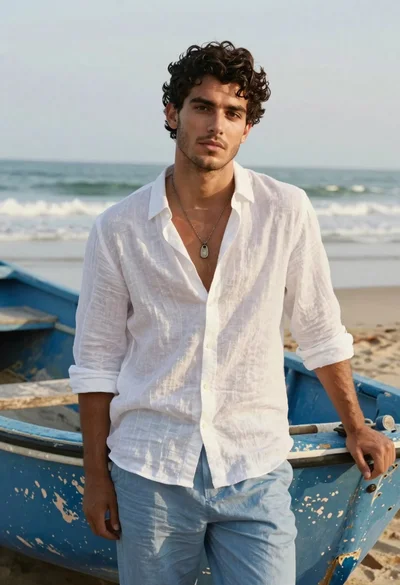
Handsome young man in white linen shirt standing by boat on beach
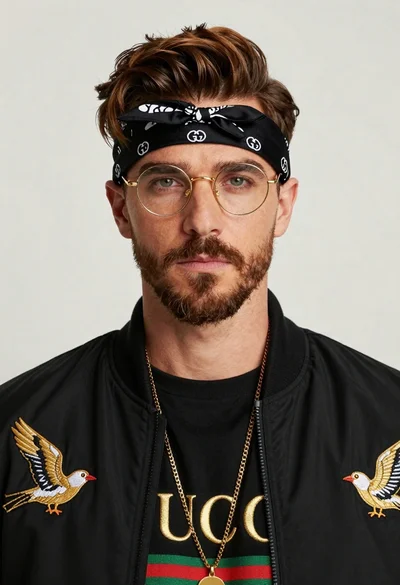
Closeup portrait of man with brown hair gold glasses and bomber jacket
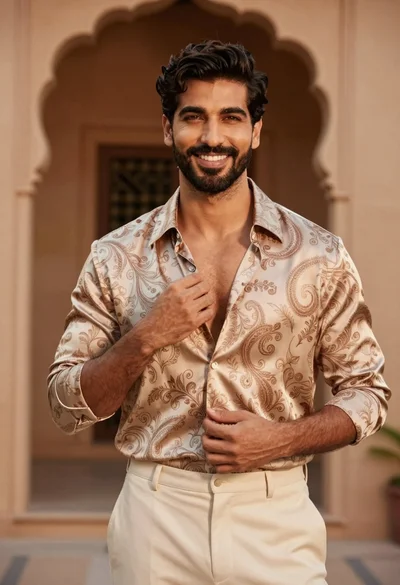
Handsome man adjusting shirt collar in warm architectural setting
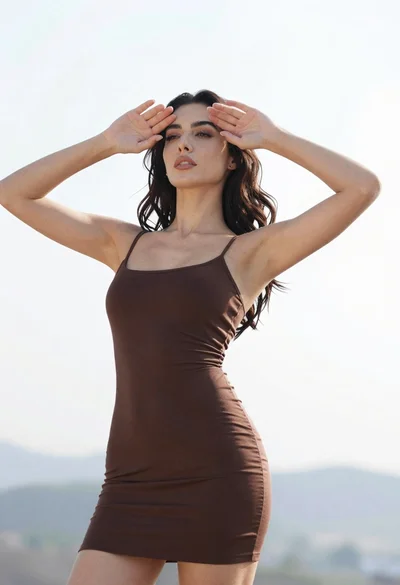
Woman in dark brown slip dress outdoors against bright white sky
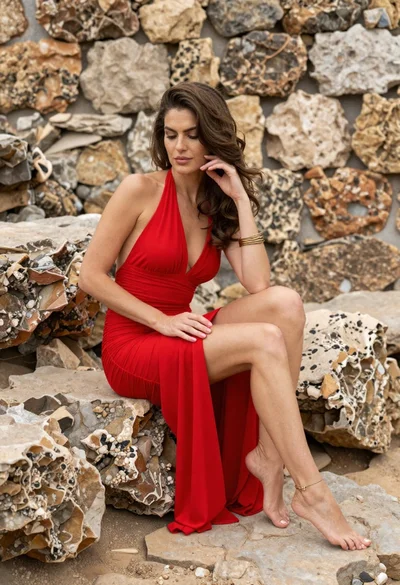
Woman in red halter dress sitting on stones against textured rock wall
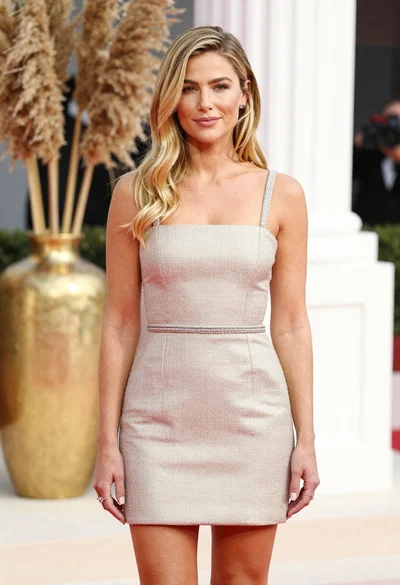
Fair blonde woman in champagne mini dress by dried pampas grass
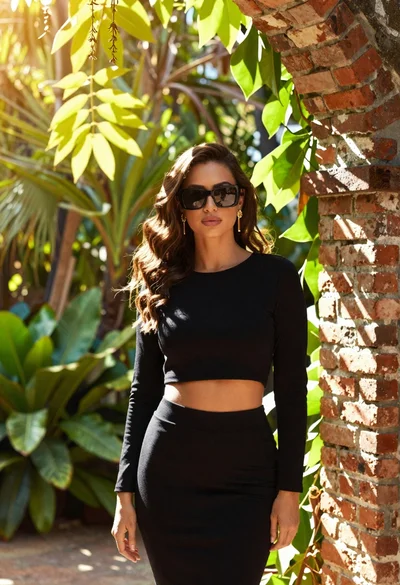
Woman in black outfit standing in lush garden by brick archway

Blonde woman in blue dress on sun drenched beach looking back
Young woman with dark hair in black top standing in sunlit desert
Young woman in red knit top on beach with wet brown hair
