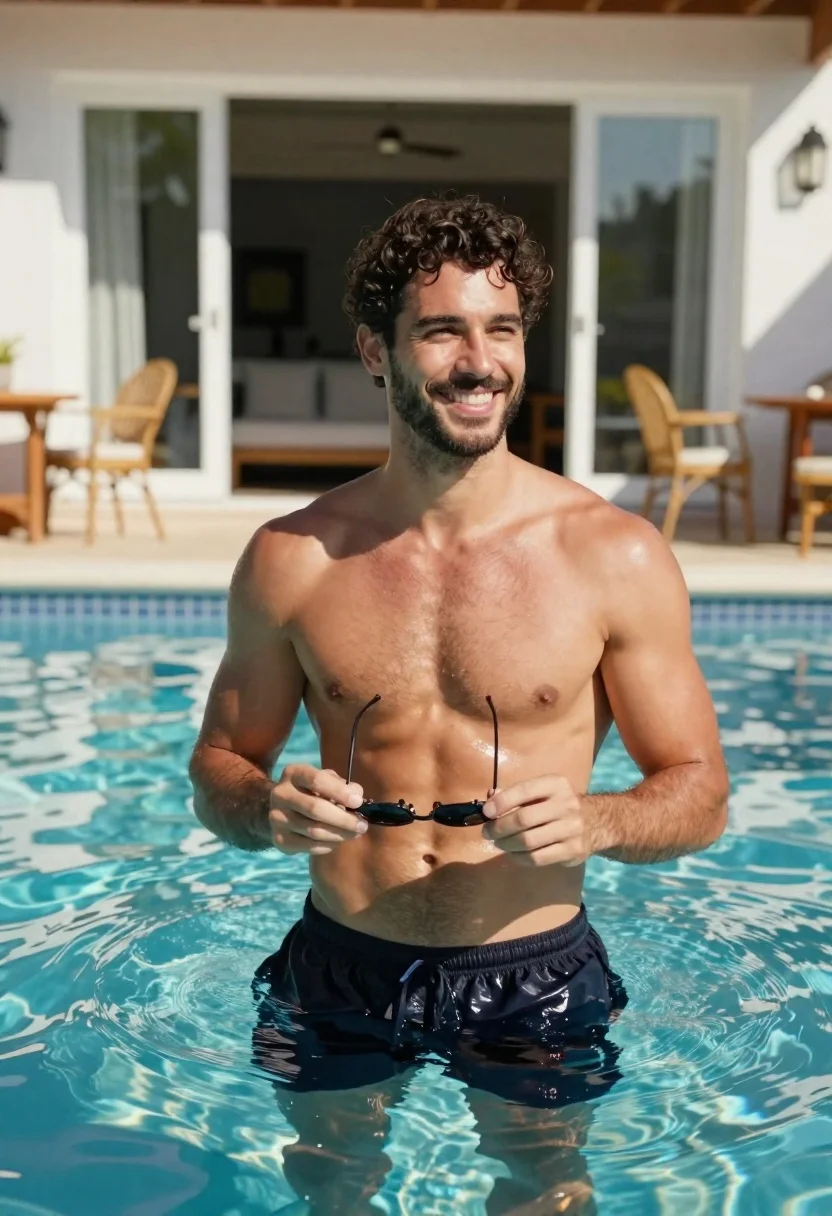
Handsome man in blue pool water on sunny day
Prompt
Medium and Scene: A photorealistic medium shot of a handsome man standing in clear blue water at the edge of an outdoor pool on a bright sunny day.

Subject: The subject is a fit, muscular young adult male with dark curly hair, a short groomed beard, and a warm tan complexion; he has defined abdominal muscles visible above the waterline.

Action: He smiles broadly while looking off-camera to his right, holding sunglasses by their arms against his bare chest in front of him with both hands.

Clothing: Shirtless upper body wearing dark swim trunks partially submerged at the waist and lower torso only; no other clothing is visible on skin or limbs.

Environment: An outdoor pool setting with calm turquoise water reflecting sunlight; behind him are white-framed glass doors leading into a house, flanked by wicker patio furniture including chairs and a wooden table under daylight illumination.

Camera: Shot from eye level as if taken through the camera lens itself (POV), framed to capture his upper torso in medium close-up with natural depth of field blurring background elements slightly for focus on foreground subject.

Lighting: Bright direct sunlight creates sharp highlights across shoulders and face, casting soft shadows beneath arms and around swim trunks; overall lighting is warm, vibrant, and high-contrast typical of midday sun near water surfaces.
Description
This prompt is useful for creating fitness lifestyle advertisements, resort brochure imagery, and masculine portraiture featuring athletic subjects. The combination of 'bright direct sunlight' casting sharp highlights across shoulders and the 'clear blue water' ensures a high-contrast, vibrant aesthetic that emphasizes musculature and the luxurious setting required for advertising swimwear or resorts.
Suggestions
- Change 'dark curly hair' to 'slicked back wet hair' for a more dramatic look.
- Swap 'wicker patio furniture' for 'modern concrete lounge chairs' to update the environment.
- Adjust 'medium close-up' to 'full body shot' to better showcase the swim trunks.
Category
Tags
BeachBrown HairDark SkinFull BodyMaleMedium ShotOutdoorsRealisticSwimwear
Date added
June 19, 2026
Added by
PromptDexter Team
Related Prompts
More prompts with similar categories and tags.
Fit woman running mid stride on paved park path under bright daylight
Fit man jogging outdoors in black jacket against blurred natural landscape
Woman with dark hair holding bow at outdoor archery range setting
Muscular man posing indoors with soft window light
Muscular man in white tank top posing inside a fitness gym
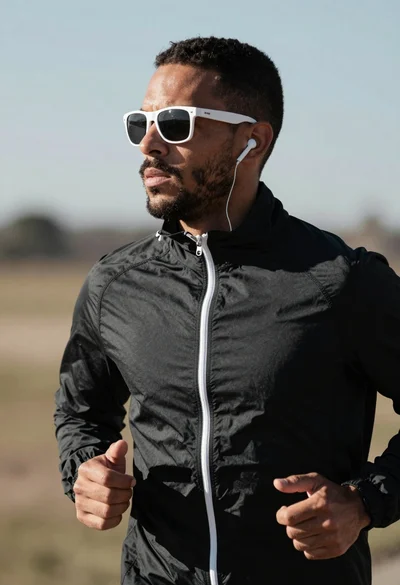
Close up profile of determined man jogging outdoors with athletic jacket
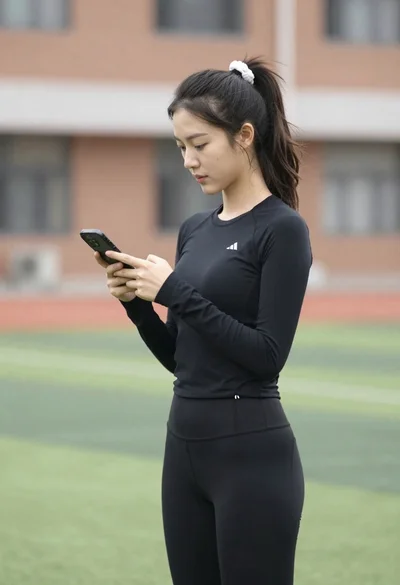
Young woman looking at phone outdoors wearing athletic compression wear

Woman on beach daybed under beige umbrella