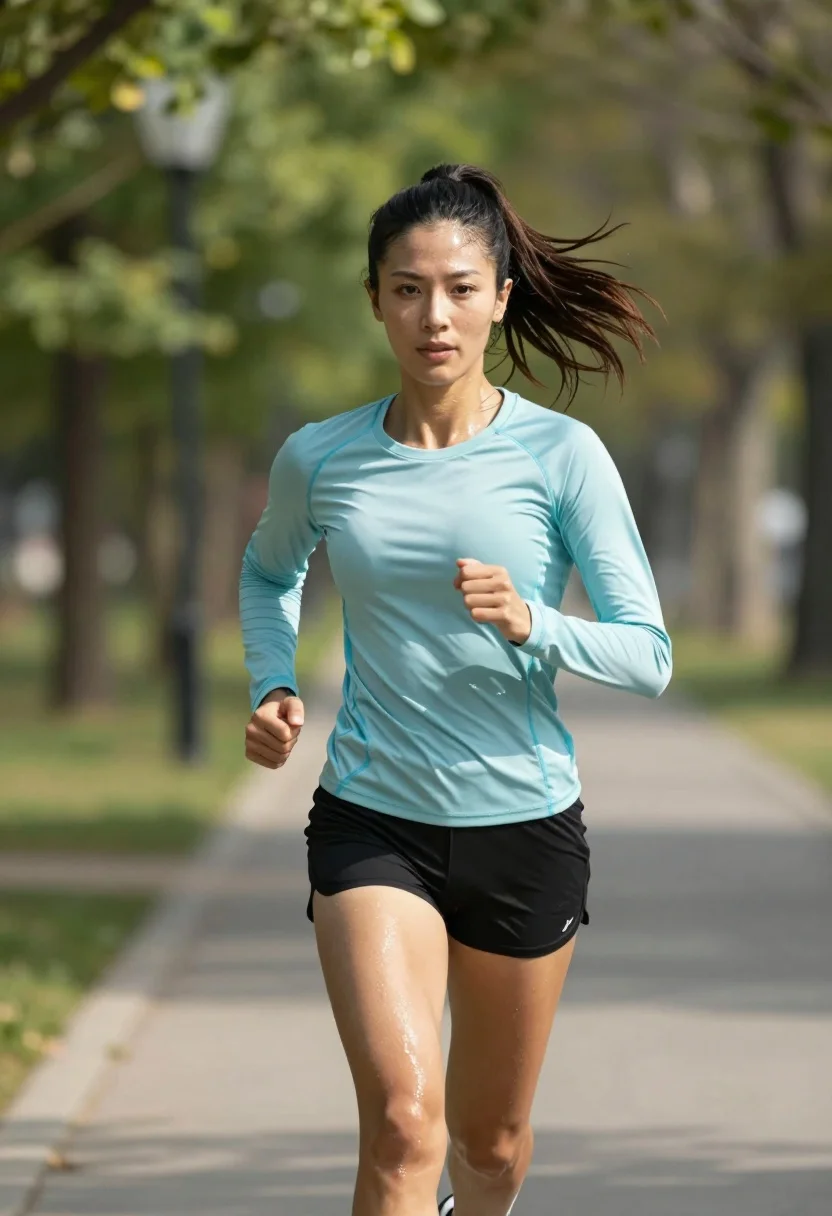
Fit woman running mid stride on paved park path under bright daylight
Prompt
A fit woman with dark hair tied in a high ponytail is running forward on a paved path through a park.

Subject: A fit woman with dark skin and dark brown hair pulled back into a high, flowing ponytail. She has a focused expression with direct eye contact and visible sweat glistening on her face and legs.

Clothing: She wears a light blue long-sleeved athletic compression shirt with teal trim at the cuffs and black running shorts.

Action: She is captured mid-stride in a dynamic running pose, leaning slightly forward with arms bent and hands clenched in fists.

Environment: A paved pathway lined with lush green trees and foliage under bright daylight.

Camera: Medium shot capturing the subject from the waist up, framed with a shallow depth of field that blurs the background to emphasize the runner.

Lighting: Bright natural sunlight creating soft highlights on her skin and clothing with dappled shadows from the trees.

Style Details: High-resolution photorealistic style with sharp focus on the subject and smooth bokeh in the background.
Description
This prompt is useful for creating fitness magazine covers, athletic brand advertisements, and dynamic lifestyle photography showcasing movement. The combination of 'bright natural sunlight' casting 'dappled shadows' alongside a 'shallow depth of field' ensures that while the subject remains sharply focused on her 'focused expression', the background foliage provides visual interest without distracting from the action.
Suggestions
- Change 'light blue long-sleeved athletic compression shirt' to 'neon yellow breathable tank top' for higher contrast.
- Adjust 'dappled shadows' to 'harsh midday sun' for more dramatic highlights.
- Modify 'Medium shot capturing the subject from the waist up' to 'full body shot' to emphasize the stride.
Category
Tags
Brown HairDark SkinFemaleFull BodyMedium ShotOutdoorsRealistic
Date added
July 3, 2026
Added by
PromptDexter Team
Related Prompts
More prompts with similar categories and tags.
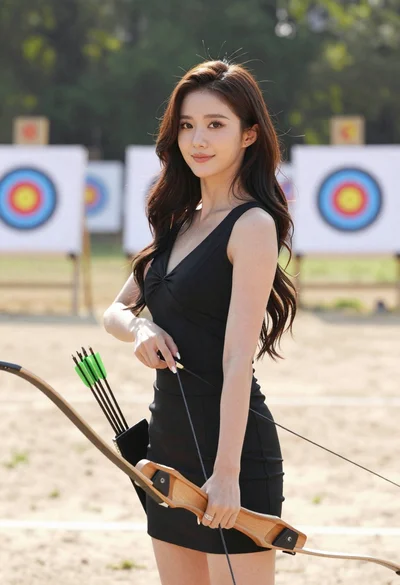
Woman with dark hair holding bow at outdoor archery range setting
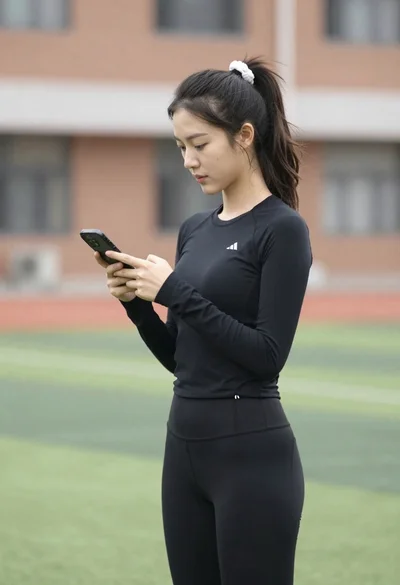
Young woman looking at phone outdoors wearing athletic compression wear
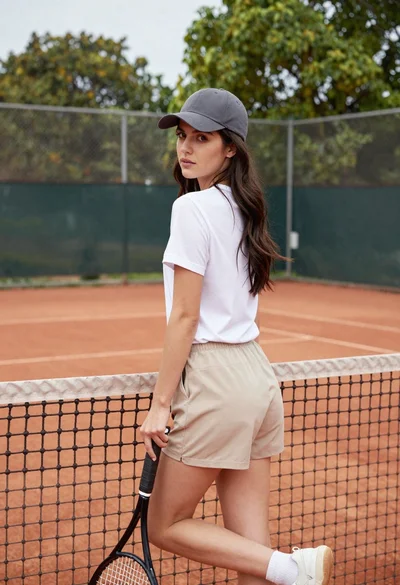
Young woman in white tshirt and cap leaning on tennis net
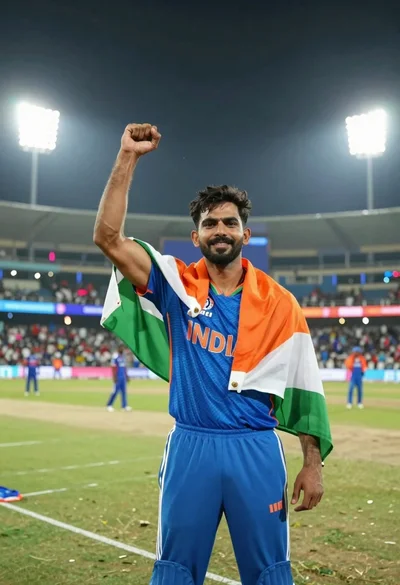
Male cricket athlete in blue jersey celebrating victory in stadium at night
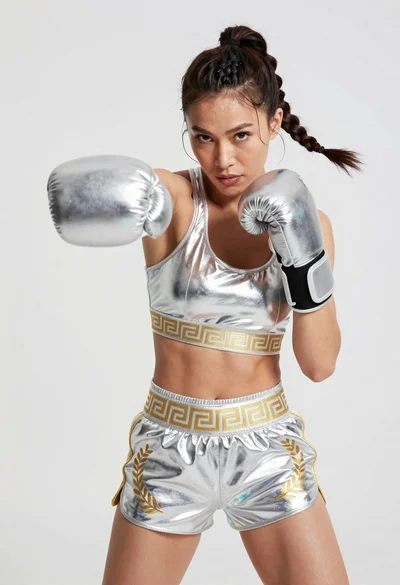
Fit woman in silver metallic boxing outfit punching mid motion
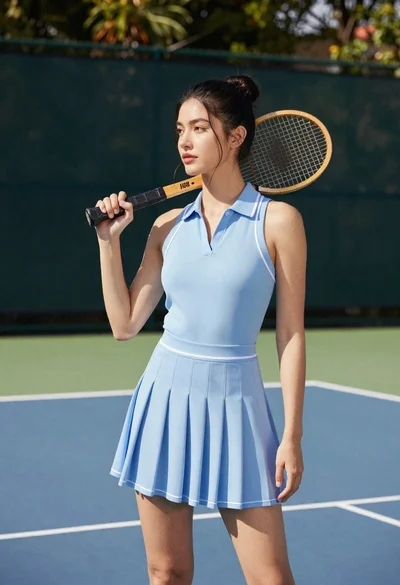
Young woman in blue dress holding wooden tennis racket on outdoor court
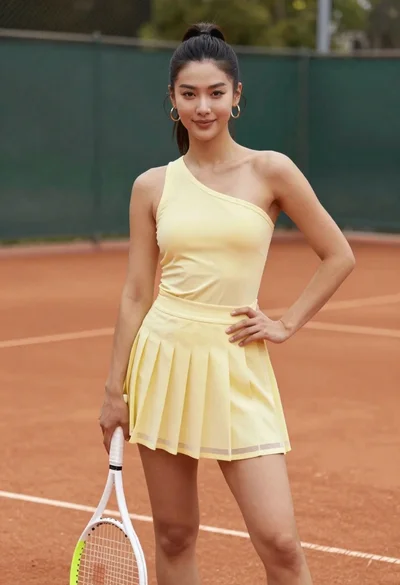
Confident woman in pale yellow athletic dress holding tennis racket on clay
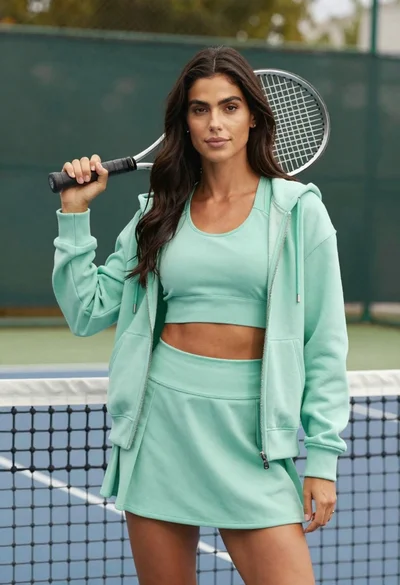
Confident woman in mint green athletic wear holding tennis racket on court