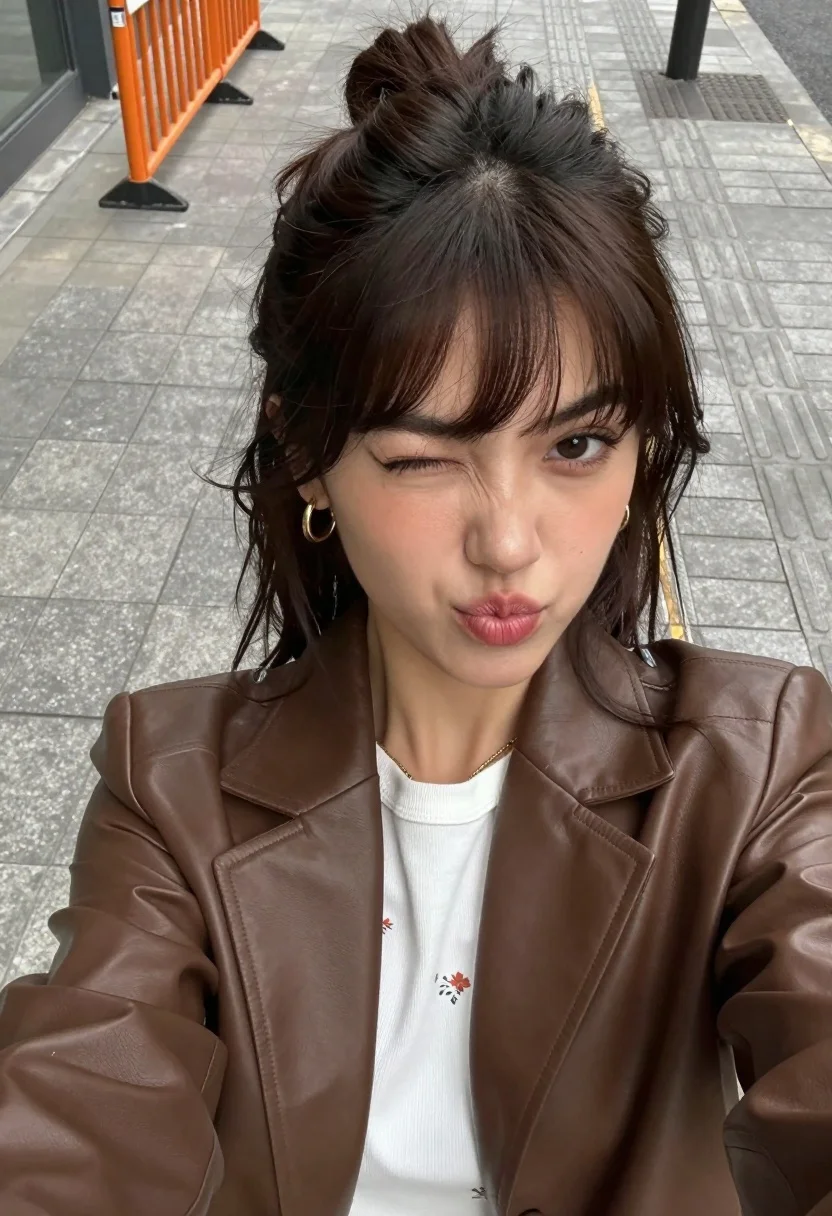
High angle close up selfie of young woman in blazer on urban
Prompt
A high-angle selfie of a young woman with dark brown hair styled in a half-up bun and loose strands framing her face.

Subject: A young woman with fair skin, defined eyebrows, and long dark brown hair pulled back into a messy top knot with loose bangs and side pieces. She has a playful expression with pursed lips and one eye winking at the camera.

Clothing: She wears a white ribbed t-shirt with a faint floral pattern underneath an unbuttoned brown faux leather blazer. A thin gold chain necklace is visible around her neck, and she wears small gold hoop earrings.

Action: The subject is taking a selfie from a high angle, looking directly into the camera lens with a playful pout and a wink.

Environment: An urban sidewalk paved with light grey rectangular tiles and textured tactile paving strips for accessibility. An orange metal crowd control barrier stands in the background on the left side.

Camera: High-angle close-up shot taken with a smartphone, featuring a shallow depth of field that blurs the background pavement while keeping the subject's face sharp.

Lighting: Natural daylight providing soft, even illumination on the face with minimal harsh shadows.

Style Details: Casual, candid photography aesthetic with a focus on street style fashion and natural skin texture.
Description
This prompt is useful for creating social media influencer content, casual street style editorials, and personal brand mood boards that mimic spontaneous moments. The combination of 'high-angle close-up shot taken with a smartphone' and the 'shallow depth of field' ensures the focus remains intensely on the subject's face while the 'urban sidewalk' context grounds the image in reality, preventing it from looking like a studio portrait.
Suggestions
- Change 'brown faux leather blazer' to 'black structured blazer' for a more dramatic contrast.
- Add 'golden hour sunlight catching loose strands' to enhance the hair detail.
- Swap 'playful pout and a wink' for 'smirk with direct eye contact' for a more serious mood.
Category
Tags
3/4 AngleBrunetteCasual WearClose UpFair SkinFemaleHigh AnglePortrait ShotRealisticSelfieStreetUrban
Date added
August 5, 2026
Added by
PromptDexter Team
Related Prompts
More prompts with similar categories and tags.
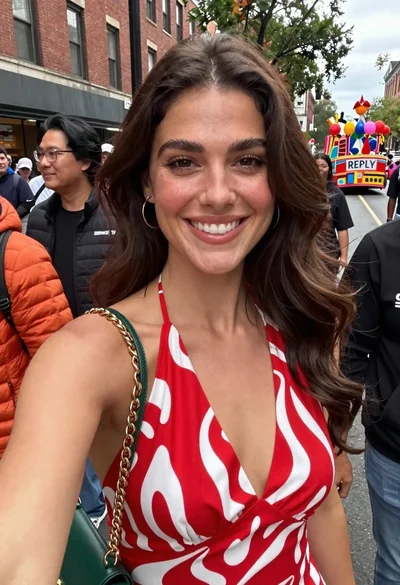
Smiling woman in red patterned dress at busy urban street scene
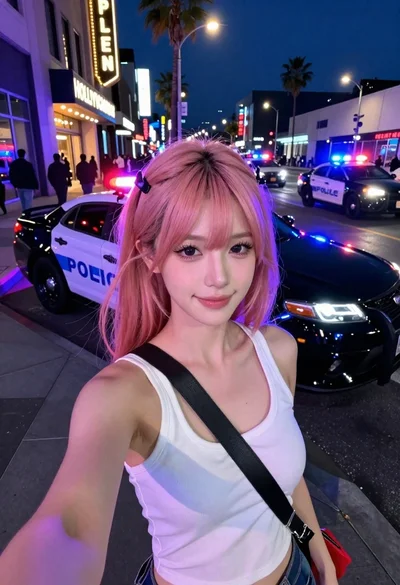
Selfie portrait on busy hollywood boulevard at night
Selfie portrait of woman on busy city street at night
Young woman taking mirror selfie with braided hair indoors
Young hispanic woman and caucasian man posing together on a street with
Young blonde woman in grey jacket taking a high angle city sidewalk
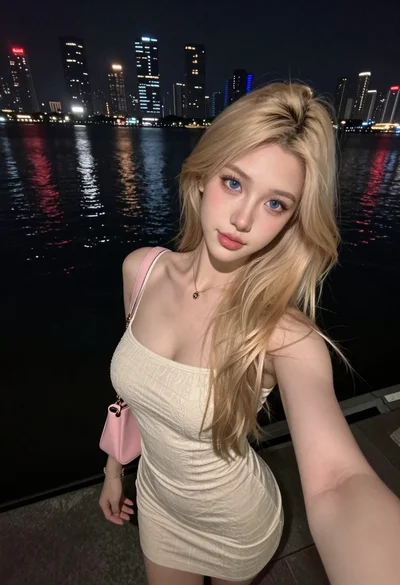
Young blonde woman taking a selfie by city skyline reflections at night
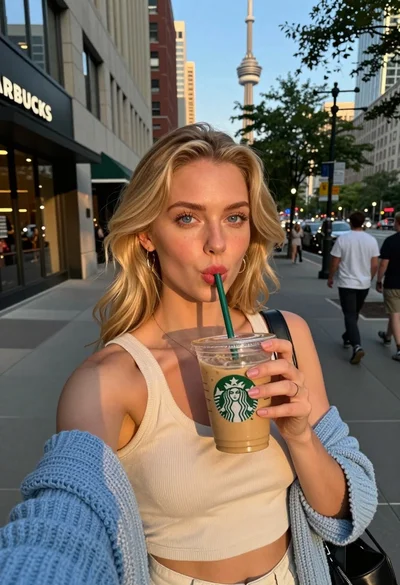
Blonde woman taking selfie with coffee on city street at sunset
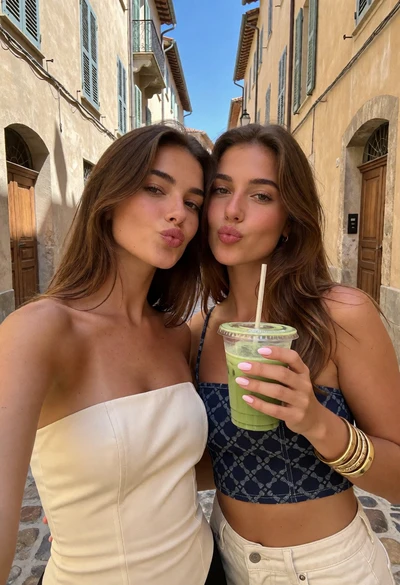
Two young women posing playfully in a sunlit european cobblestone alleyway
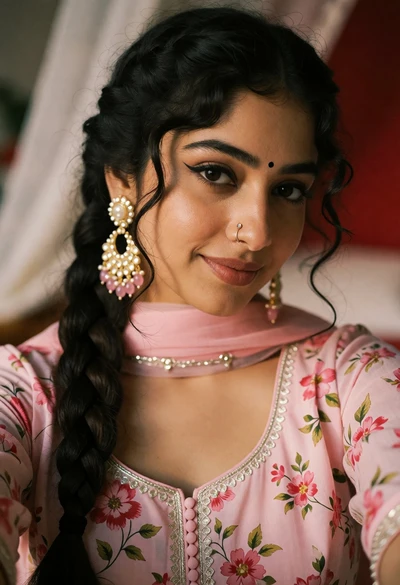
Close up portrait of young woman in pink traditional top with ornate
