
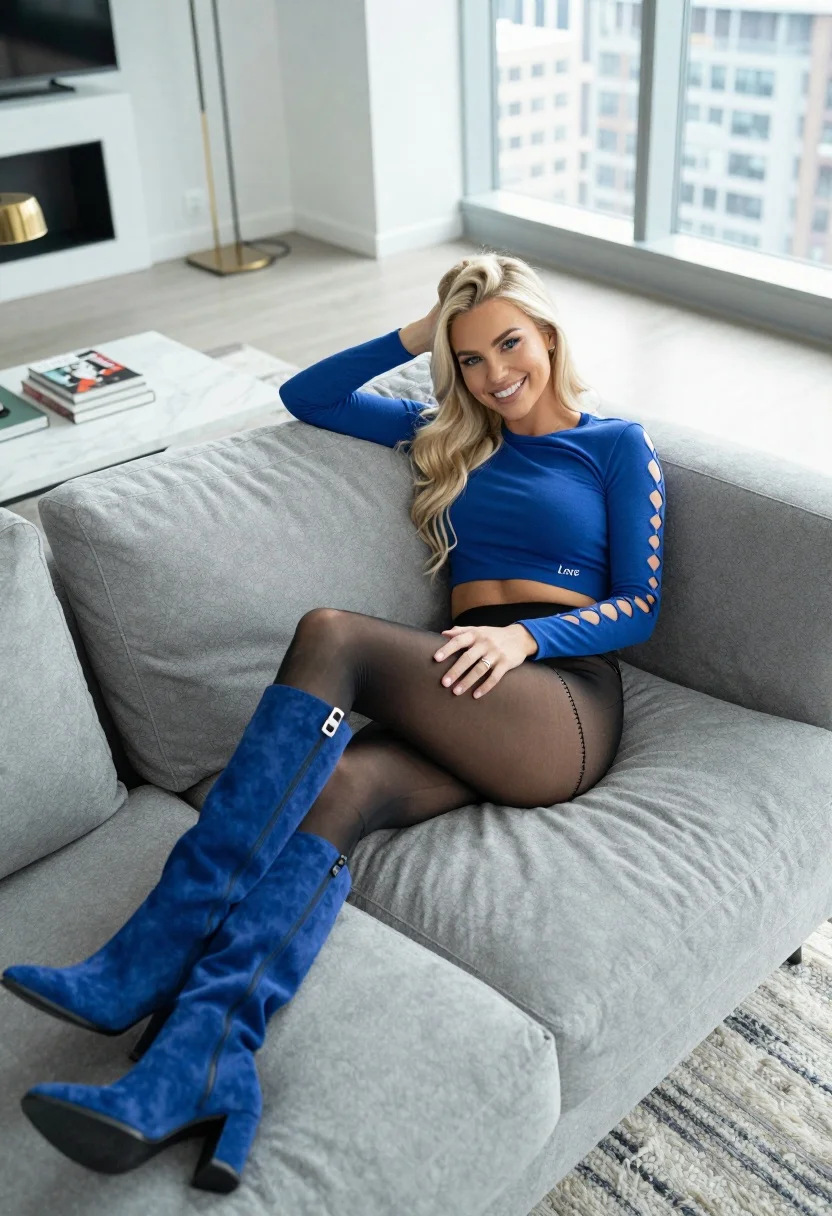
High angle view of blonde woman lounging on grey sofa in modern
Prompt
A high-angle shot of a smiling blonde woman lounging on a plush grey sofa in a modern apartment.

Subject: A young woman with long, wavy platinum blonde hair and blue eyes, smiling warmly at the camera while leaning back against the sofa cushions.

Clothing: She wears a royal blue long-sleeved crop top featuring cut-out details along the sleeves and the word "Love" embroidered in white script on the side, paired with sheer black tights that have decorative stitching near the ankles and tall royal blue suede boots resting on her lap.

Action: She is reclining comfortably with one hand behind her head and the other resting on her thigh, looking directly at the viewer with a relaxed expression.

Environment: A spacious, high-rise living room featuring floor-to-ceiling windows that reveal a city skyline, a white marble coffee table holding books and a gold lamp, and soft natural light filling the space.

Camera: High-angle perspective looking down from above, utilizing a wide field of view to capture the full length of the sofa and the surrounding interior design.

Lighting: Bright, diffused natural daylight streaming in from the large windows, creating a soft, airy atmosphere with gentle shadows.

Style Details: Clean, high-resolution photography with a focus on fashion and lifestyle aesthetics, utilizing a neutral color palette accented by the vibrant blue of the outfit.
Description
This prompt is useful for creating editorial fashion moodboards, modern interior design showcases, and lifestyle catalog imagery featuring bold pops of color. The combination of 'high-angle perspective' with 'bright, diffused natural daylight' ensures that the entire composition remains visible while the soft light prevents harsh shadows from obscuring the details of the 'royal blue long-sleeved crop top' or the texture of the sofa.
Suggestions
- Change 'plush grey sofa' to 'velvet emerald sofa' for a richer color contrast.
- Swap 'city skyline' for 'tropical foliage view' to shift the mood outdoors.
- Adjust 'wide field of view' to 'full body shot' to better frame the boots.
Category
Tags
BlondeCasual WearFemaleHigh AngleIndoorsPortrait ShotRealisticWide Shot
Date added
July 12, 2026
Added by
PromptDexter Team
Related Prompts
More prompts with similar categories and tags.
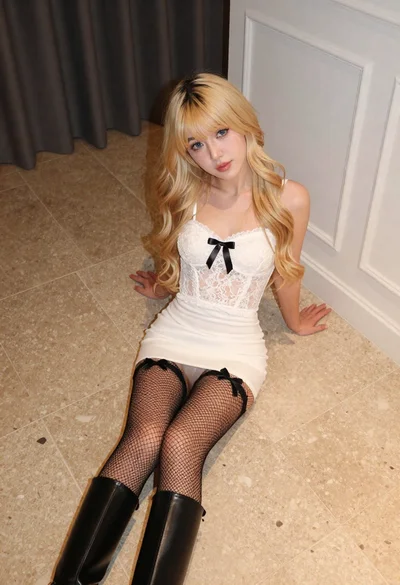
Fair blonde woman in white lace camisole sitting on tiled floor
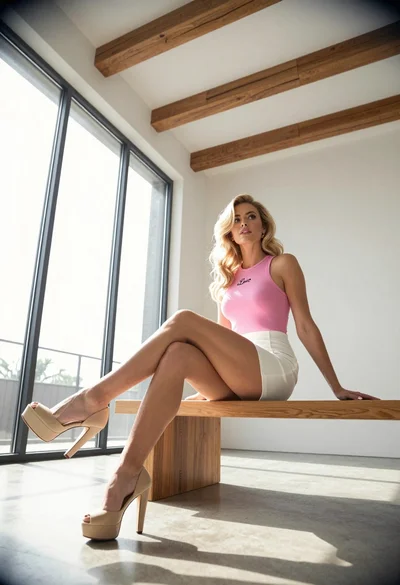
Blonde woman sitting on wooden bench in bright modern minimalist interior space
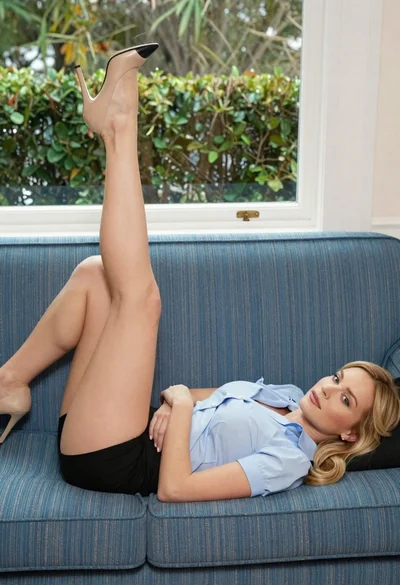
Blonde woman reclining on blue sofa indoors by large window
Fit woman in houndstooth strapless dress sitting on a draped ledge

Young blonde woman in white crop top against bright sheer curtains

Blonde woman in white sweater sitting on pink armchair indoors

Blonde woman taking a mirror selfie in black dress indoors

Blonde woman in striped swimsuit seated on sofa indoors studio shot

Blonde woman in maroon fringed dress standing in white arched hallway

Young woman looking back over shoulder in champagne knit top indoors
