
High contrast black and white profile portrait of woman in studio
Prompt
A high-fashion black and white profile portrait of a woman with long dark hair pulled back into a sleek ponytail.

Subject: A woman shown in sharp profile view facing right, featuring a strong jawline, defined cheekbones, and a focused expression.

Clothing: She wears a dark cropped track jacket with three prominent white stripes running down the sleeves and a white zipper line, paired with dark bottoms that expose her midriff.

Action: The model is seated on a flat surface, leaning forward slightly with one hand resting gently on the floor for support.

Environment: A minimalist studio setting featuring a plain light-colored wall background and a solid floor plane.

Lighting: High-contrast black and white lighting creates deep shadows that sculpt the subject's profile and highlight the texture of her hair and clothing.

Camera: The shot is framed as a medium close-up with a shallow depth of field, emphasizing the subject against the neutral backdrop.

Style Details: Monochrome photography with a clean, editorial aesthetic and smooth tonal gradations.
Description
This prompt is useful for creating high-end beauty editorials, avant-garde fashion lookbooks, and dramatic portrait studies requiring strong graphic contrast. The combination of 'high-contrast black and white lighting' generating deep shadows that sculpt the profile, paired with a 'minimalist studio setting,' ensures the subject remains the sole focus by eliminating distracting background elements.
Suggestions
- Change 'dark cropped track jacket' to 'structured blazer' for a more formal feel.
- Add 'Rembrandt lighting' to intensify the shadow play on the face.
- Swap 'plain light-colored wall background' for 'textured concrete wall' for added grit.
Category
Tags
B&wBlack HairBrunetteFemaleRealisticStudio
Date added
June 19, 2026
Added by
PromptDexter Team
Related Prompts
More prompts with similar categories and tags.

Young woman in black lingerie with grey cardigan on stool
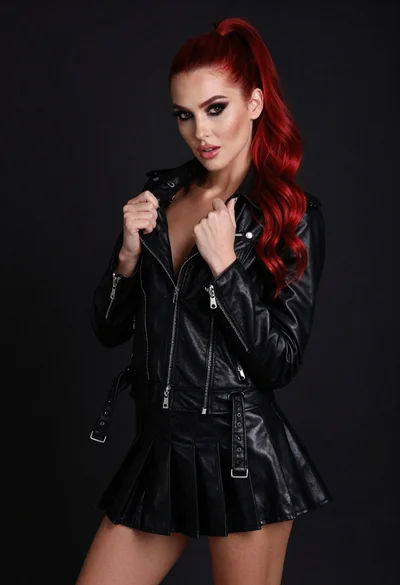
High fashion portrait of woman with red hair in black jacket

Blonde woman posing in black lingerie against pink purple gradient studio backdrop
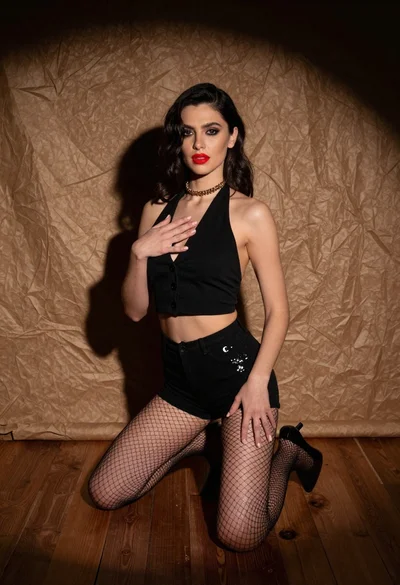
Woman kneeling in black outfit under dramatic spotlight studio lighting
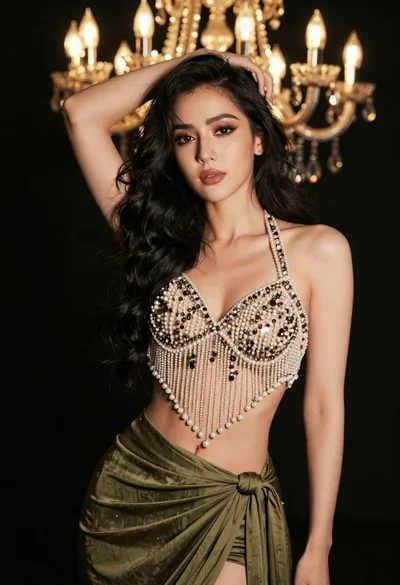
Glamorous woman posing in embellished top against dark chandelier background
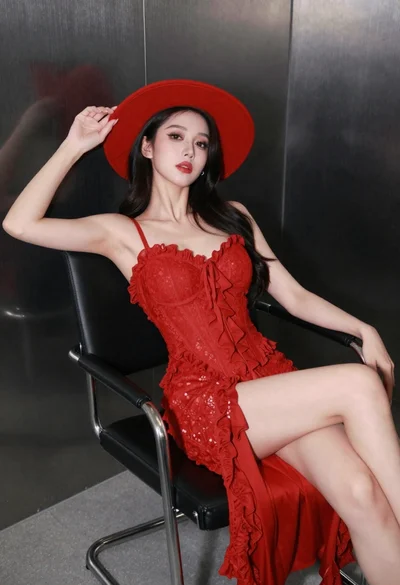
Confident woman in red lace dress seated against dark metallic wall
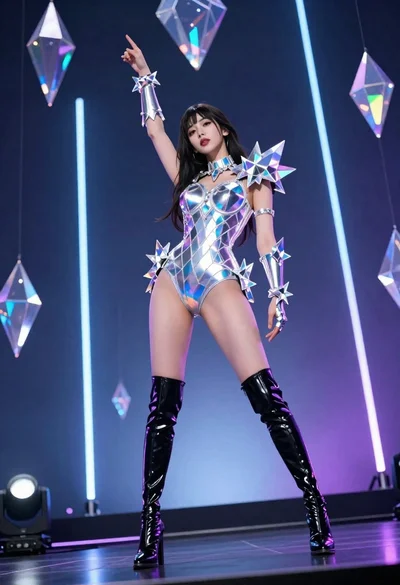
Woman in futuristic crystal bodysuit on glowing stage
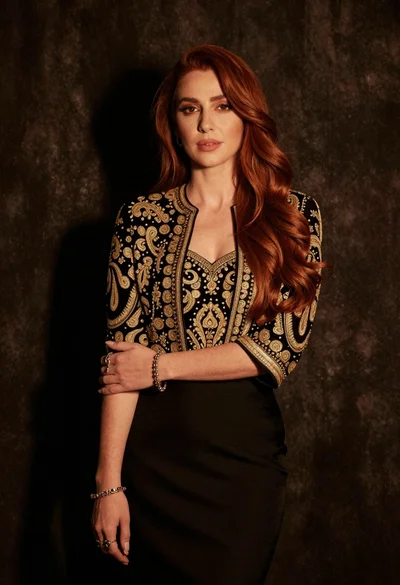
Medium close up portrait of woman in black embroidered jacket studio

Fair blonde woman in black corset and denim shorts studio portrait
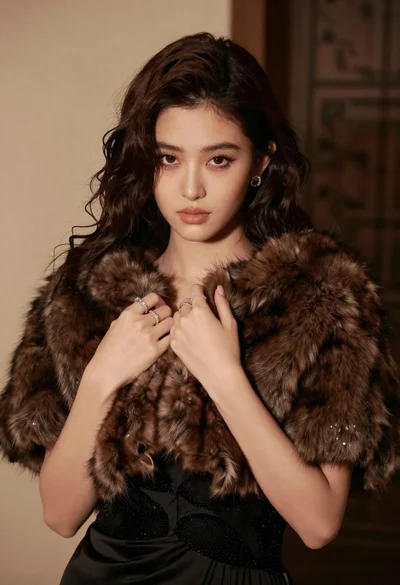
Glamorous portrait of woman in dark fur stole and black gown