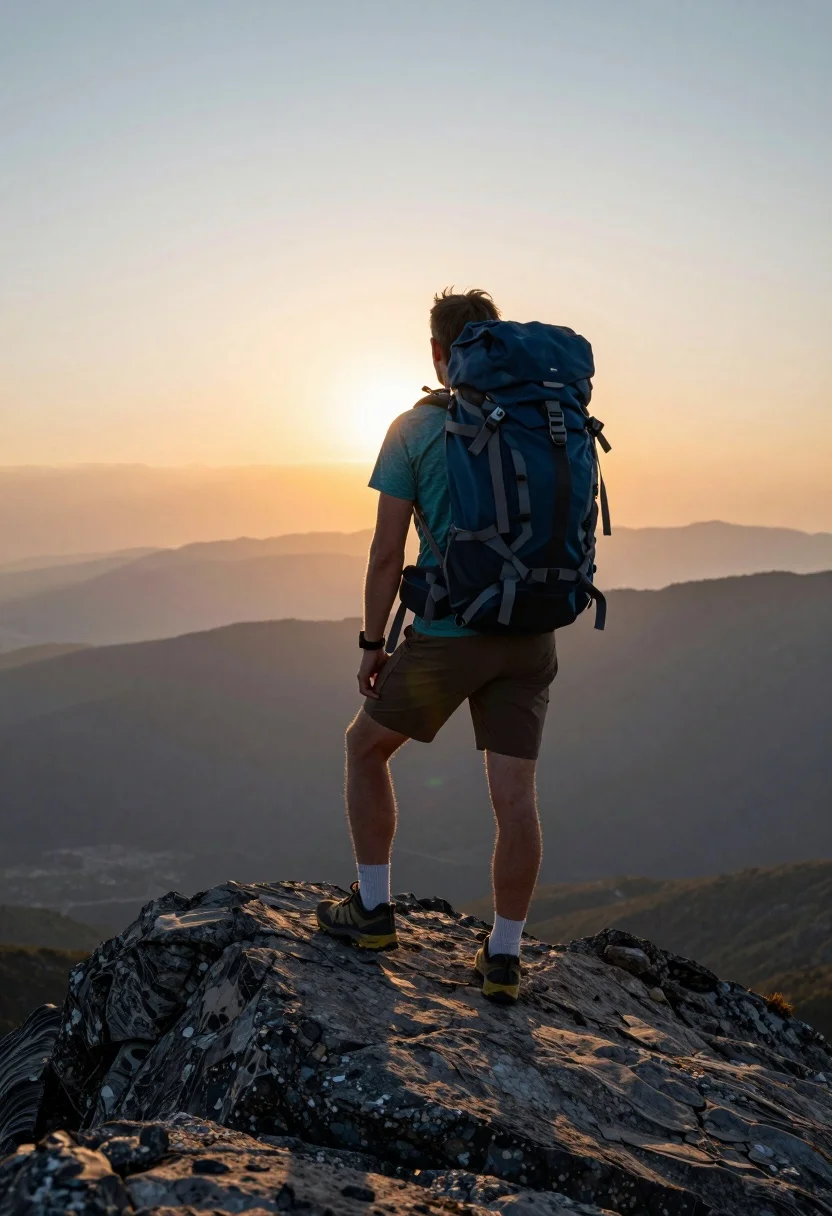
Male hiker standing on rocky mountain peak overlooking misty valley at sunset
Prompt
A lone hiker stands on a rocky peak at sunset, viewed from behind with a large blue backpack strapped to their back.

Subject: A male hiker seen from the back wearing a teal t-shirt, brown shorts, white socks, and hiking shoes with yellow soles, carrying a large blue hiking backpack with visible straps and buckles.

Action: The hiker is standing still on a rocky outcrop, gazing out at the distant landscape.

Environment: A rugged mountain summit with dark grey textured rocks in the foreground, overlooking a vast valley filled with layers of misty mountains fading into the distance under a warm sky.

Camera: Shot from a low angle looking up at the hiker to emphasize their height against the horizon, with a shallow depth of field that keeps the subject sharp while softening the distant background.

Lighting: Warm golden hour sunlight illuminating the scene from behind and above, casting a soft glow on the hiker’s legs and creating a gradient sky transitioning from orange near the horizon to pale blue at the top.

Style Details: High-resolution photography with natural color grading, slight lens flare effects, and realistic textures that enhance the sense of adventure and tranquility.
Description
This prompt is useful for creating dramatic travel posters, outdoor brand campaigns, and personal adventure journaling visuals. The combination of 'low angle looking up' and 'warm golden hour sunlight illuminating the scene from behind' maximizes the perceived height of the hiker against the vastness, while specifying 'dark grey textured rocks' grounds the composition and prevents the foreground from becoming an undifferentiated mass.
Suggestions
- Change 'teal t-shirt' to 'burnt orange t-shirt' for better sunset color harmony.
- Add 'cinematic volumetric light rays' to enhance the atmosphere.
- Swap 'shallow depth of field' for 'deep focus' if you want more detail in the valley.
Category
Tags
Full BodyLow AngleMaleMountainsNatureOutdoorsRealisticRooftop
Date added
August 5, 2026
Added by
PromptDexter Team
Related Prompts
More prompts with similar categories and tags.
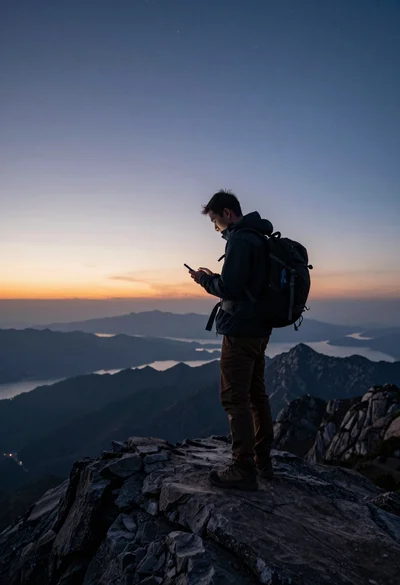
Hiker on mountain peak looking at smartphone during twilight hours
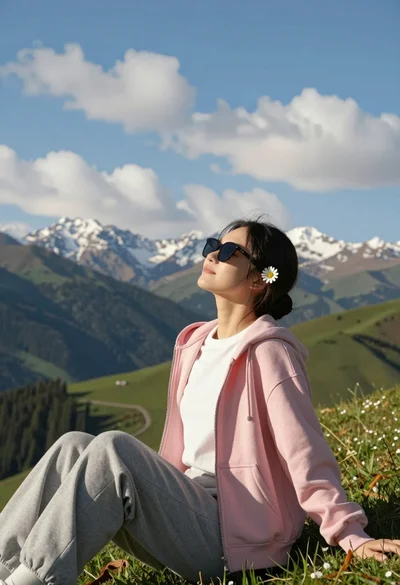
Young woman relaxing on grassy hillside with mountains under blue sky

Lone skier ascending snowy mountain ridge under bright blue sky

Muscular man standing before massive waterfall in lush jungle setting
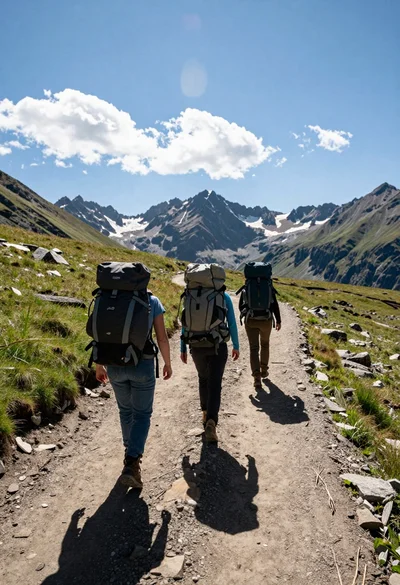
Three hikers walking away along a dirt trail toward jagged mountains

Man standing in green field with outstretched arms facing snow capped mountain

Couple in white rowboat gazing at each other during vibrant sunset over
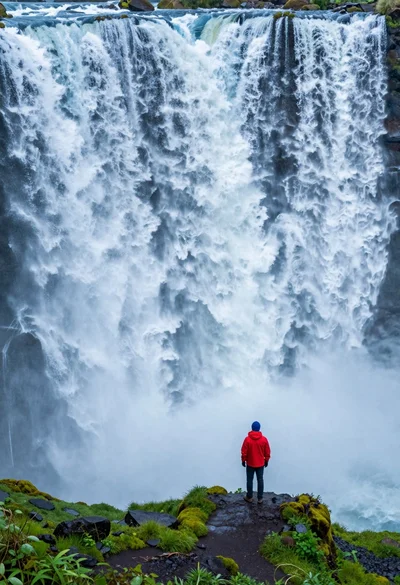
Hiker standing on ledge overlooking massive thundering waterfall at natural edge
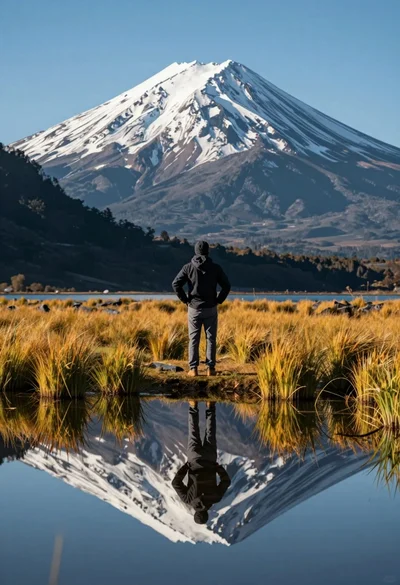
Hiker viewing massive snow capped mountain reflected in calm lake at low

Man leaning on railing overlooking vast mountainous landscape at sunset