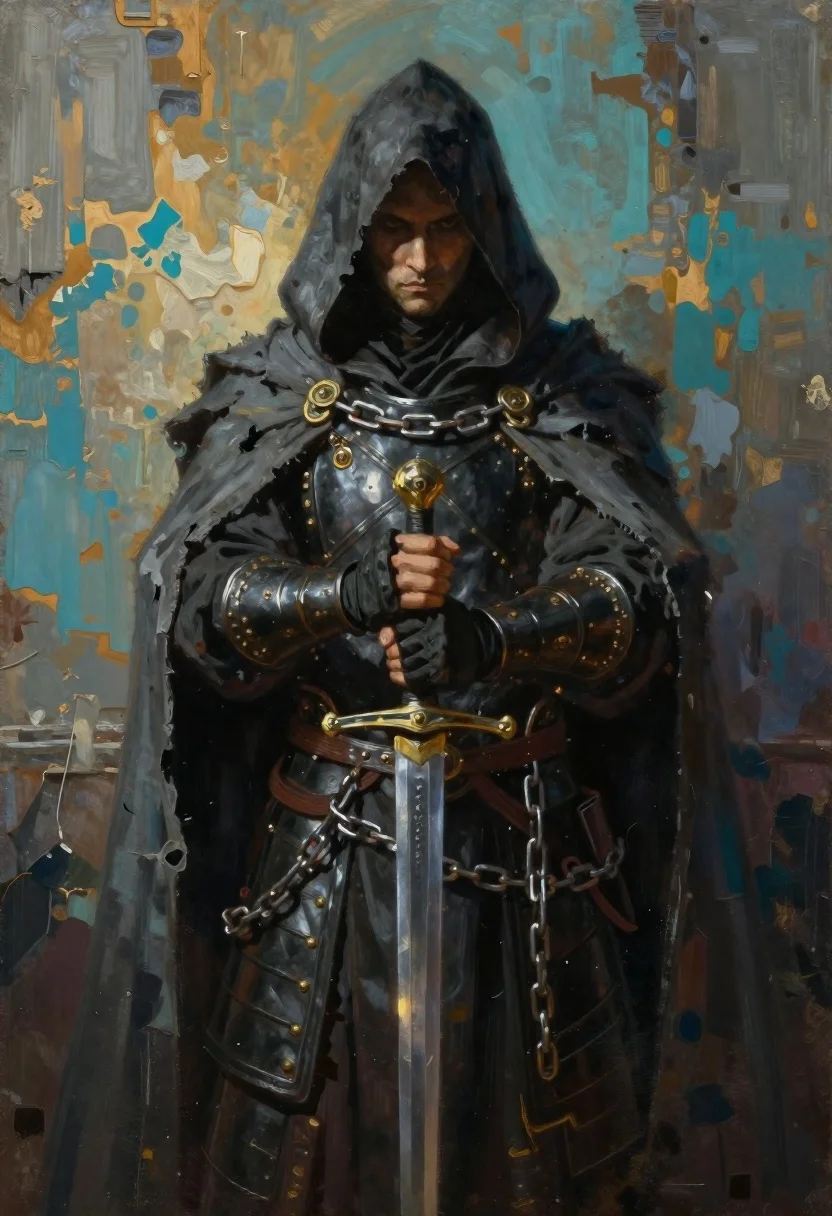
Hooded figure standing before weathered stone wall
Prompt
Digital oil painting of a hooded figure in dark robes standing solemnly against a textured wall

Subject: robed warrior with obscured face and heavy shadow covering the upper head, pale skin visible on cheeks under the hood, hands clasped around hilt

Clothing: tattered grey cloak layered over black leather armor, ornate metal bracers at wrists, iron chains draped across torso and arms

Action: standing upright in stillness, gripping sword vertically with both gloved hands, gaze directed forward beneath shadowed cowl

Environment: weathered stone or plaster wall background with peeling paint revealing warm ochre underlayers of teal-blue surface

Lighting: dramatic chiaroscuro from above and left casting deep shadows on right side of face and body, cool ambient light contrasting against golden highlights in metalwork

Style Details: expressive brushstrokes blending realism with painterly abstraction, rich color contrast between dark tones and metallic accents.
Description
This prompt is useful for creating dark fantasy concept art, character portraits for grim narratives, and album cover artwork evoking mystery. The combination of 'dramatic chiaroscuro from above and left' with the 'weathered stone or plaster wall background' establishes a high-contrast, moody atmosphere that prevents flat illumination, while the 'tattered grey cloak layered over black leather armor' grounds the figure in tangible, decaying materiality.
Suggestions
- Change 'dark robes' to 'deep crimson robes' for a more dramatic color pop.
- Add 'fog rolling across the ground' to enhance the mystery.
- Swap 'ornate metal bracers' for 'rusted iron bracers' to increase decay.
Category
Tags
ArmorBlack HairDark SkinDigital ArtFull BodyMaleRealistic
Date added
June 19, 2026
Added by
PromptDexter Team
Related Prompts
More prompts with similar categories and tags.

Warrior woman riding wolf through snowy mountains
Fiery rider on horseback against apocalyptic sky
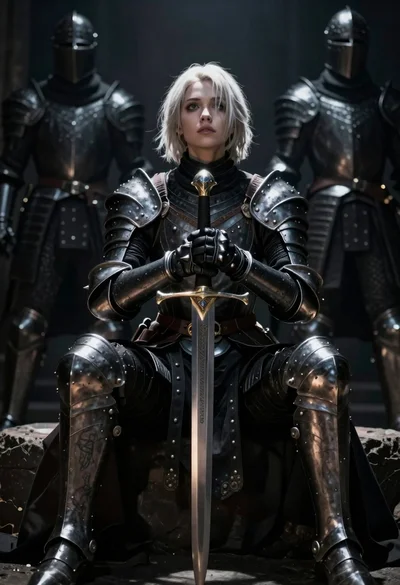
Warrior woman in dark armor seated with ornate sword
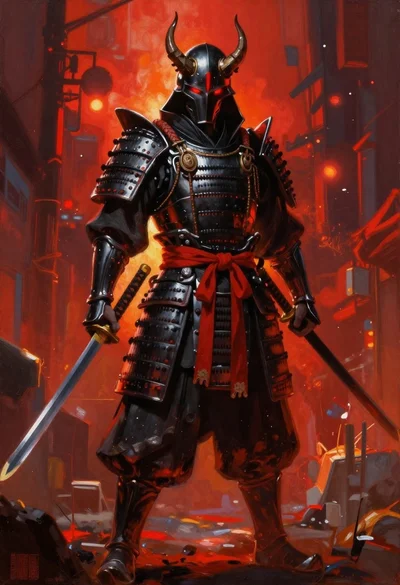
Futuristic samurai warrior in black armor on an urban street
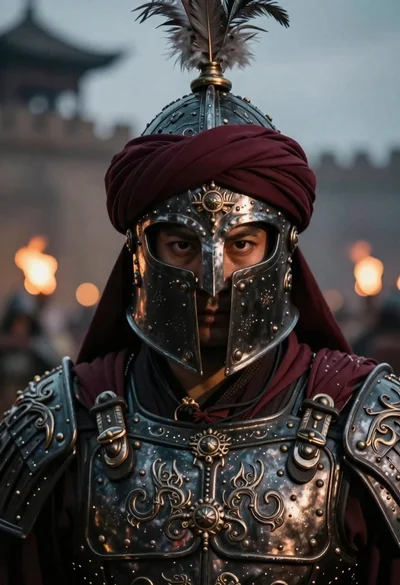
Warrior portrait with ornate metallic armor and plume
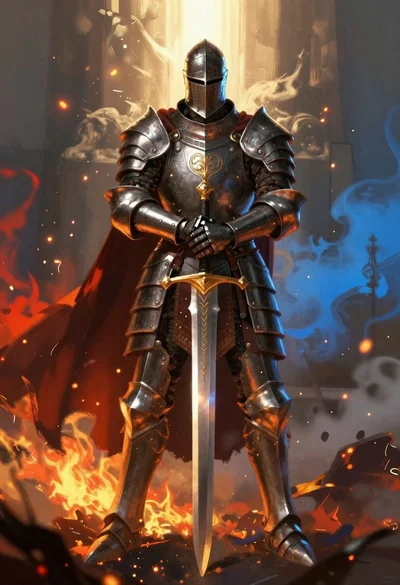
Armored knight standing amidst fire and blue mist
Superhero leaping through a futuristic cityscape under cloudy sky

Obsidian humanoid in neon cube holding glowing heart