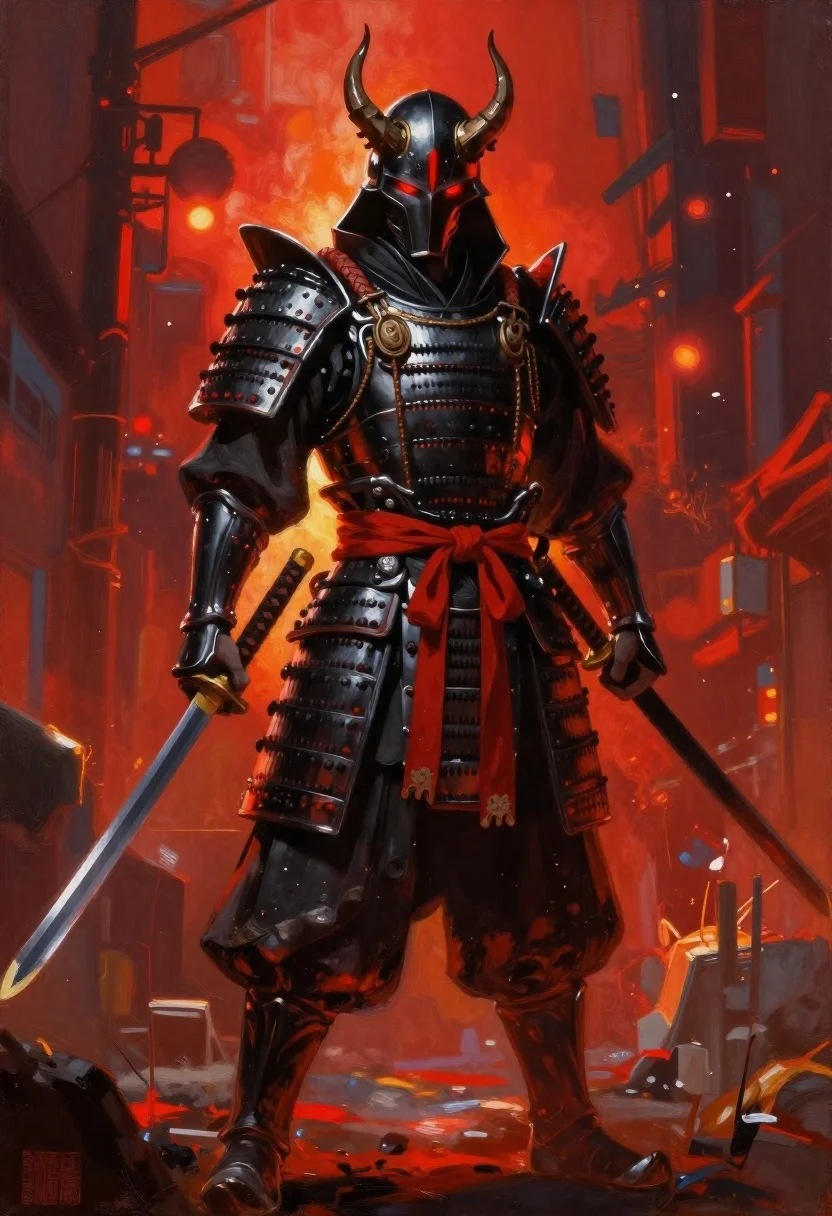
Futuristic samurai warrior in black armor on an urban street
Prompt
Oil painting of a menacing futuristic samurai in dark armor with glowing red eyes and horns

Subject: imposing armored warrior wearing polished black metal plate armor with sharp angular shoulders and protective gauntlets, topped by a helmet featuring curved demonic horns and a vertical red slit for the face

Clothing: heavy black fabric cloak draped over shoulder guards secured by thick braided cords, wide sash of bright crimson tied in a knot at the waist, dark pants tucked into armored boots

Action: standing tall facing forward with fists clenched holding hilts of dual katana swords resting at hips, head held high with glowing eyes staring straight ahead

Environment: urban street scene blurred in background bathed in deep red and orange light suggesting fire or sunset glow rising from ground level around figure's feet

Lighting: dramatic backlight casting warm fiery glow on edges while dark shadows define facial features and armor plates creating intense contrast between cool steel tones and hot ambient reds.
Description
This prompt is useful for creating concept art for cyberpunk video games, album covers with a dystopian aesthetic, and dramatic movie poster key art. The combination of 'dramatic backlight casting warm fiery glow on edges' against the 'polished black metal plate armor' ensures that the warrior appears imposing while using deep shadows to define facial features, preventing the entire figure from looking flat despite the intense ambient reds.
Suggestions
- Change 'glowing red eyes' to 'bioluminescent cyan eyes' for a different color contrast.
- Replace 'urban street scene blurred in background' with 'rain-slicked neon alleyway' for more detail.
- Adjust 'thick braided cords' to 'electrified energy conduits' to enhance the futuristic feel.
Category
Tags
ArmorDark SkinDigital ArtFull BodyMaleRobotRooftopStreetUrbanWide Shot
Date added
June 19, 2026
Added by
PromptDexter Team
Related Prompts
More prompts with similar categories and tags.
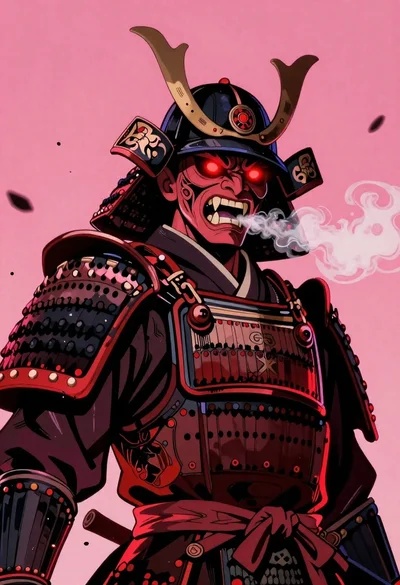
Samurai warrior roaring in dark armor against pink background

Warrior woman riding wolf through snowy mountains
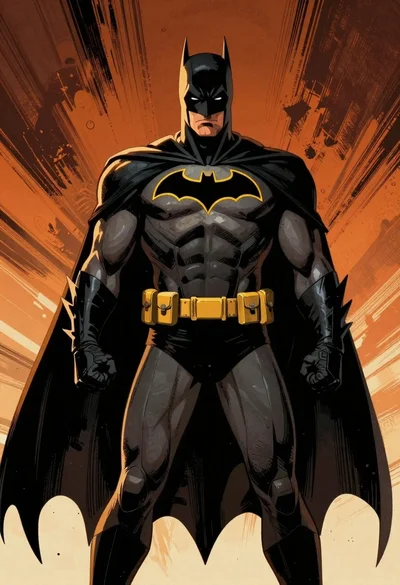
Batman in black armored suit against abstract orange background
Futuristic warrior in cybernetic armor on city street
Mysterious armored warrior standing amidst swirling magical energy and embers
Female figure in tactical gear with assault rifle
Hooded figure standing before weathered stone wall

Futuristic soldier in heavy snowfall on an urban street
