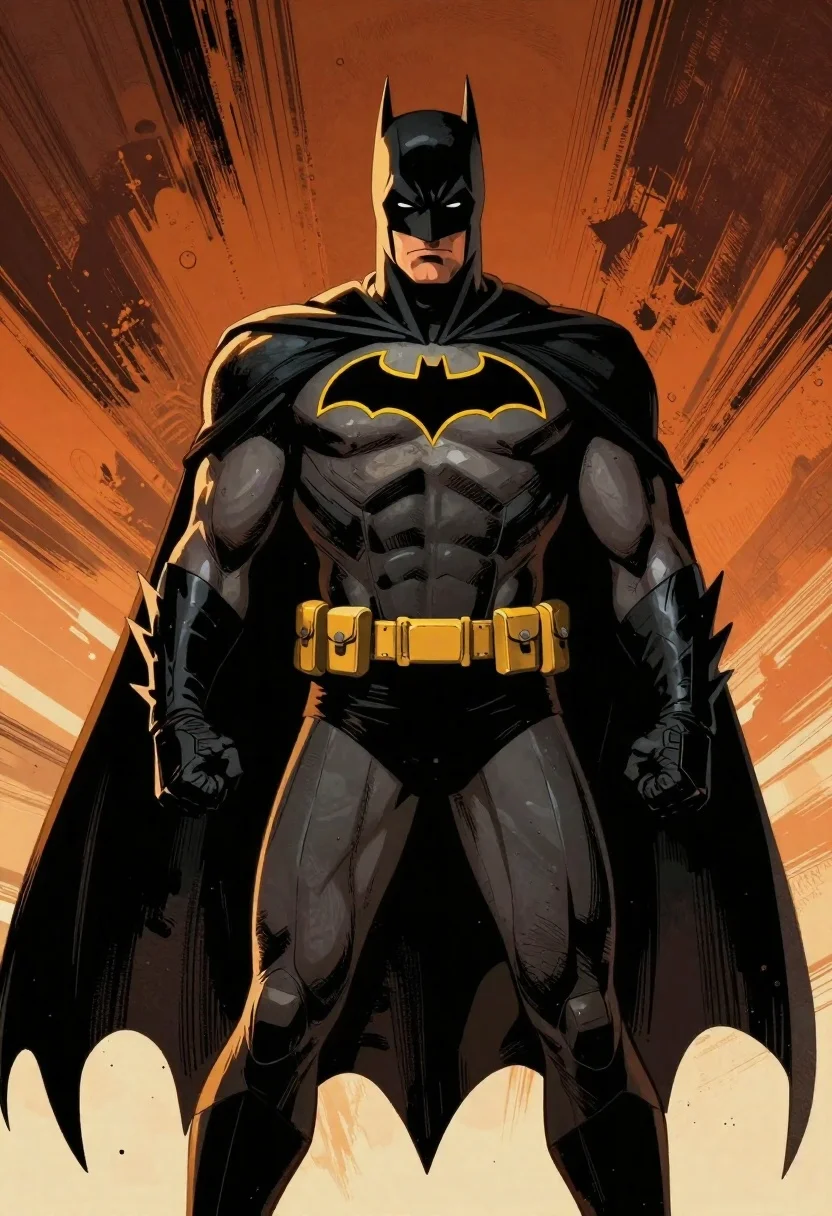
Batman in black armored suit against abstract orange background
Prompt
A heroic medium shot of Batman standing powerfully against a dramatic background.

Subject: A muscular male figure wearing the classic black armored Batsuit with a large yellow bat emblem on his chest and a flowing dark cape. His cowl features tall pointed ears, glowing white eyes, and a stern facial expression visible beneath the mask.

Clothing: The suit is detailed with segmented armor plating across the torso, forearms, and thighs; he wears a utility belt equipped with gadgets around his waist. A wide yellow collar encircles his neck just below the cowl.

Action: He stands in an upright heroic pose facing forward with clenched fists at his sides and shoulders slightly squared to display strength. His gaze is fixed directly ahead conveying determination.

Environment: The background features bold abstract brushstrokes of warm orange, amber, and deep black radiating outward as if he has just burst through a wall or energy field creating a dynamic sense of motion behind him.

Lighting: Dramatic side lighting highlights the contours of his muscular physique while casting strong shadows along his chest and arms; golden light accents strike from above emphasizing texture on shoulders and belt.

Style Details: Stylized comic book art style with heavy ink outlines, high contrast shading reminiscent of graphic novels or anime cel-shading techniques giving depth without realistic textures.
Description
This prompt is useful for creating dynamic character concept art, dramatic movie poster key visuals, and stylized action sequence illustrations. The combination of 'dramatic side lighting' with 'heavy ink outlines' ensures that the musculature and segmented armor plating read as powerful silhouettes against the radiating abstract orange background, preventing the high contrast from becoming muddy or losing definition.
Suggestions
- Change 'yellow bat emblem' to 'metallic silver bat emblem' for a more tactical look.
- Swap 'warm orange, amber' for 'electric cyan, deep purple' for an alternate energy feel.
- Adjust 'golden light accents strike from above' to 'harsh overhead spotlight' to increase shadow contrast.
Category
Tags
ArmorDark SkinDigital ArtFull BodyMaleMedium ShotRobot
Date added
June 19, 2026
Added by
PromptDexter Team
Related Prompts
More prompts with similar categories and tags.
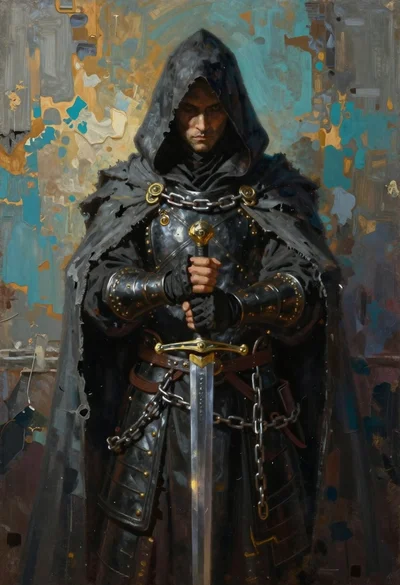
Hooded figure standing before weathered stone wall
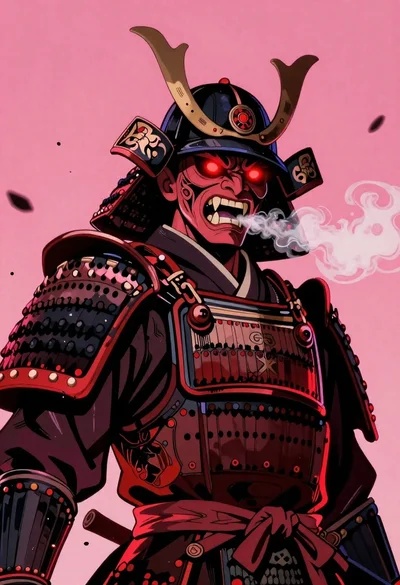
Samurai warrior roaring in dark armor against pink background

Warrior woman riding wolf through snowy mountains
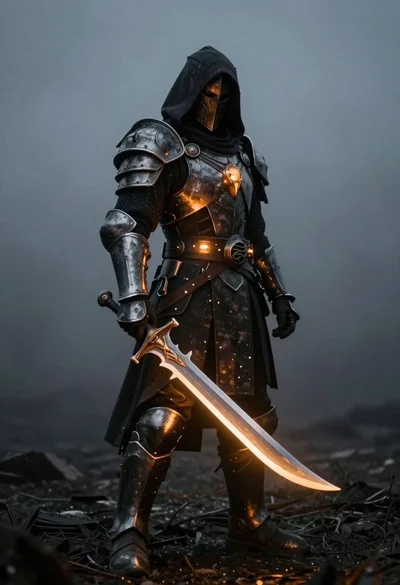
Warrior in dark metal armor with glowing sword
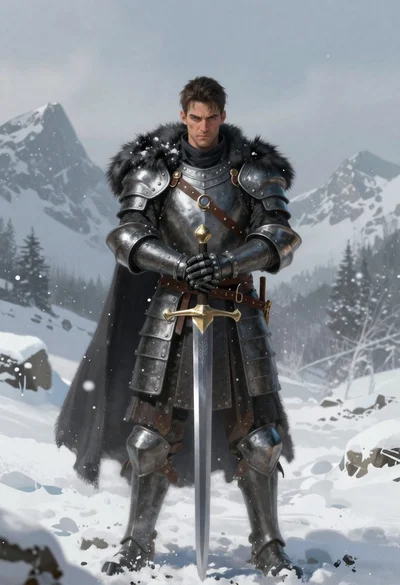
Knight in black cloak standing in deep snow
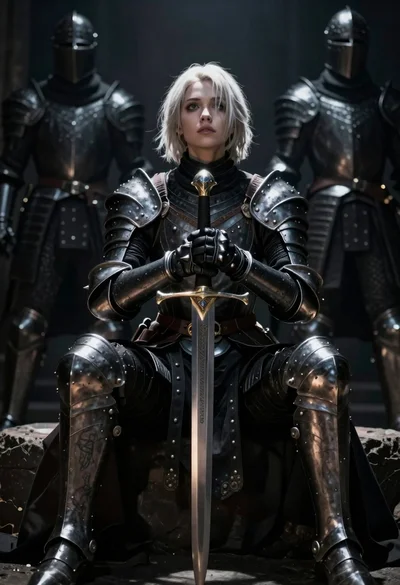
Warrior woman in dark armor seated with ornate sword
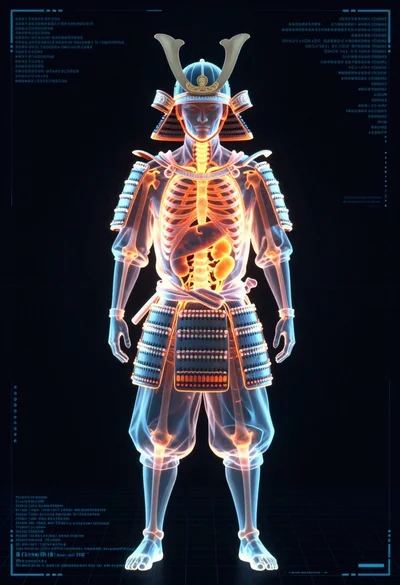
Full body digital xray scan of a samurai warrior against dark background
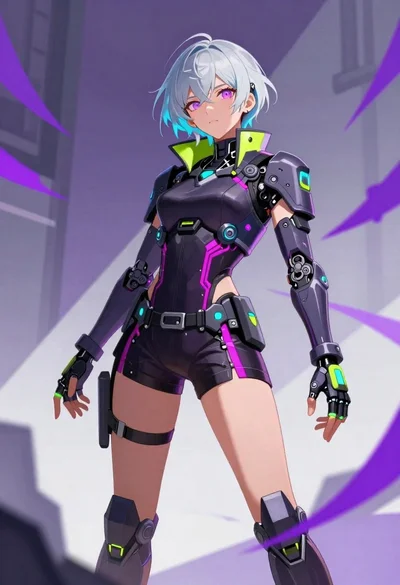
Cybernetic woman in abstract urban space illustration
