
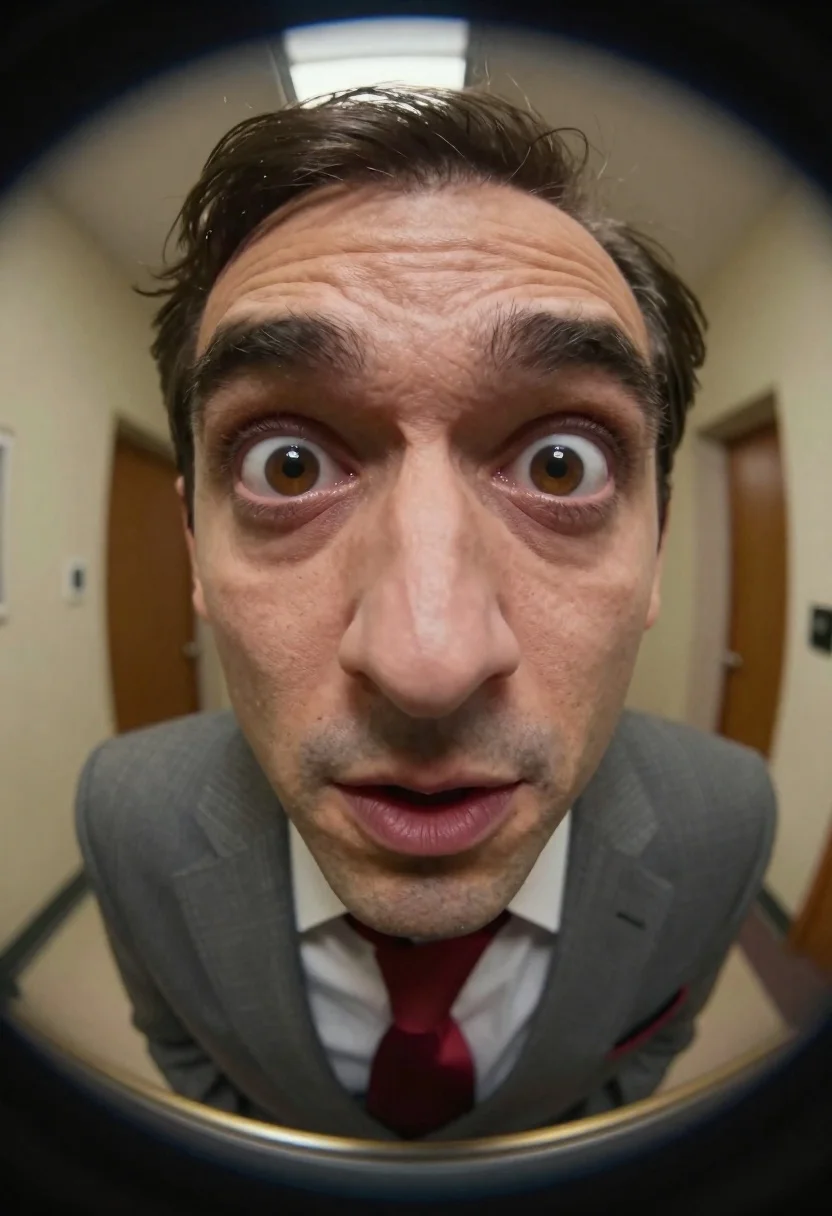
Hyper realistic close up view through a circular peephole lens
Prompt
A hyper-realistic close-up of a man with exaggerated facial features viewed through a circular peephole lens.

Subject: A man with dark hair, prominent deep forehead wrinkles, large wide brown eyes, and an oversized bulbous nose that dominates the center of the frame.

Clothing: He wears a textured grey suit jacket over a white collared shirt and a red tie.

Action: The subject stares directly forward with a comical, exaggerated expression featuring a wide open mouth and raised eyebrows.

Environment: The background is a blurred indoor hallway with warm lighting visible through the circular frame.

Camera: Extreme close-up shot taken through a fisheye peephole lens creating a distinct circular vignette and heavy barrel distortion.

Lighting: Soft ambient indoor light reflecting off the glass surface of the peephole, highlighting the texture of the skin.

Style Details: Hyper-realistic digital art style with high detail on facial textures and a cinematic depth of field.
Description
This prompt is useful for creating unsettling character studies, theatrical portraiture, or highly stylized horror concept art. The combination of 'fisheye peephole lens' and 'heavy barrel distortion' forces the viewer into an invasive perspective, while specifying 'soft ambient indoor light reflecting off the glass surface' ensures that the skin texture remains visible despite the extreme framing.
Suggestions
- Change 'exaggerated facial features' to 'subtly unsettling features' for a more grounded look.
- Swap 'red tie' for 'muted burgundy tie' to harmonize with the warm lighting.
- Add 'anamorphic lens flare' to enhance the cinematic quality of the peephole view.
Category
Tags
Brown SkinClose UpExtreme Close UpMaleRealistic
Date added
June 19, 2026
Added by
PromptDexter Team
Related Prompts
More prompts with similar categories and tags.

Closeup portrait of man with beard wearing blazer against blurred city background
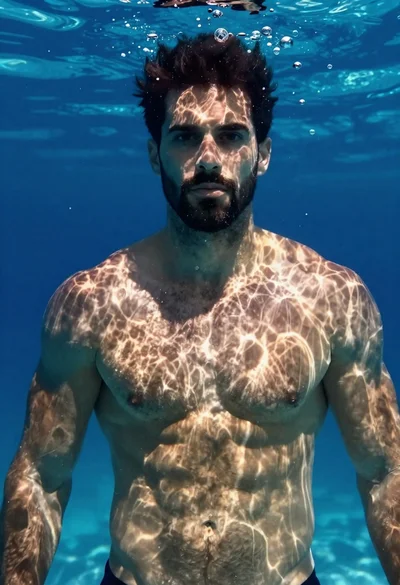
Underwater portrait of muscular man with dark beard
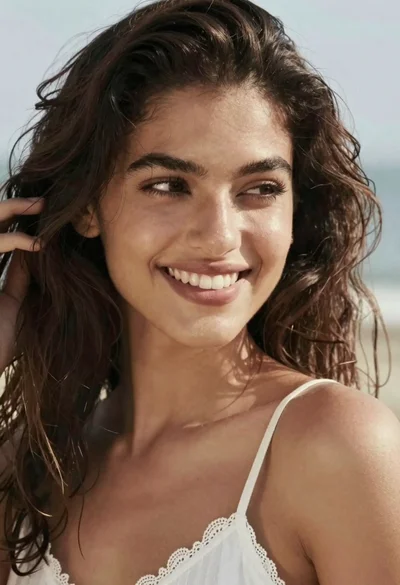
Close up portrait of smiling woman with dark wavy hair outdoors

Close up selfie of young woman with dark hair in modern room

Studio portrait of young man with sunglasses against yellow
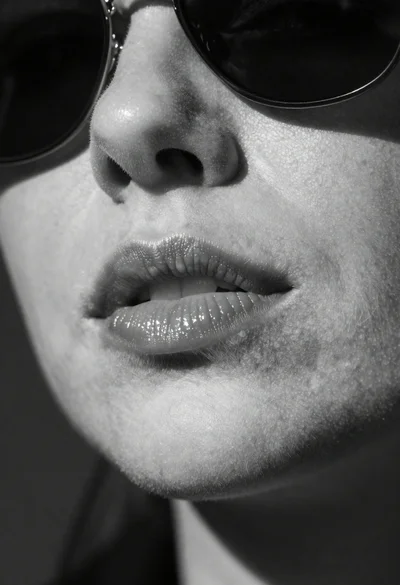
High contrast black and white close up of womans face

Smiling blonde woman embracing man in black shirts outdoors

Close up portrait of young woman with dark hair resting chin on

Romantic portrait of smiling couple embracing outdoors in soft golden light
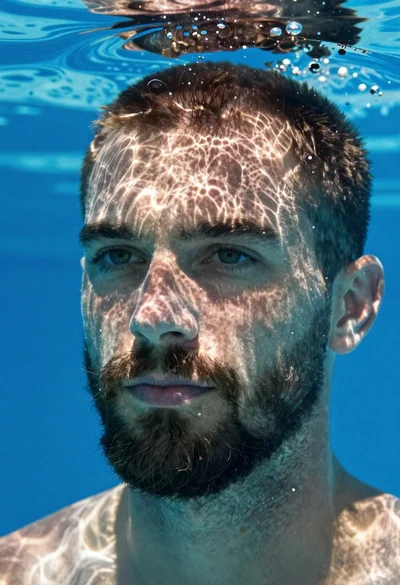
Underwater portrait of man submerged in blue water